
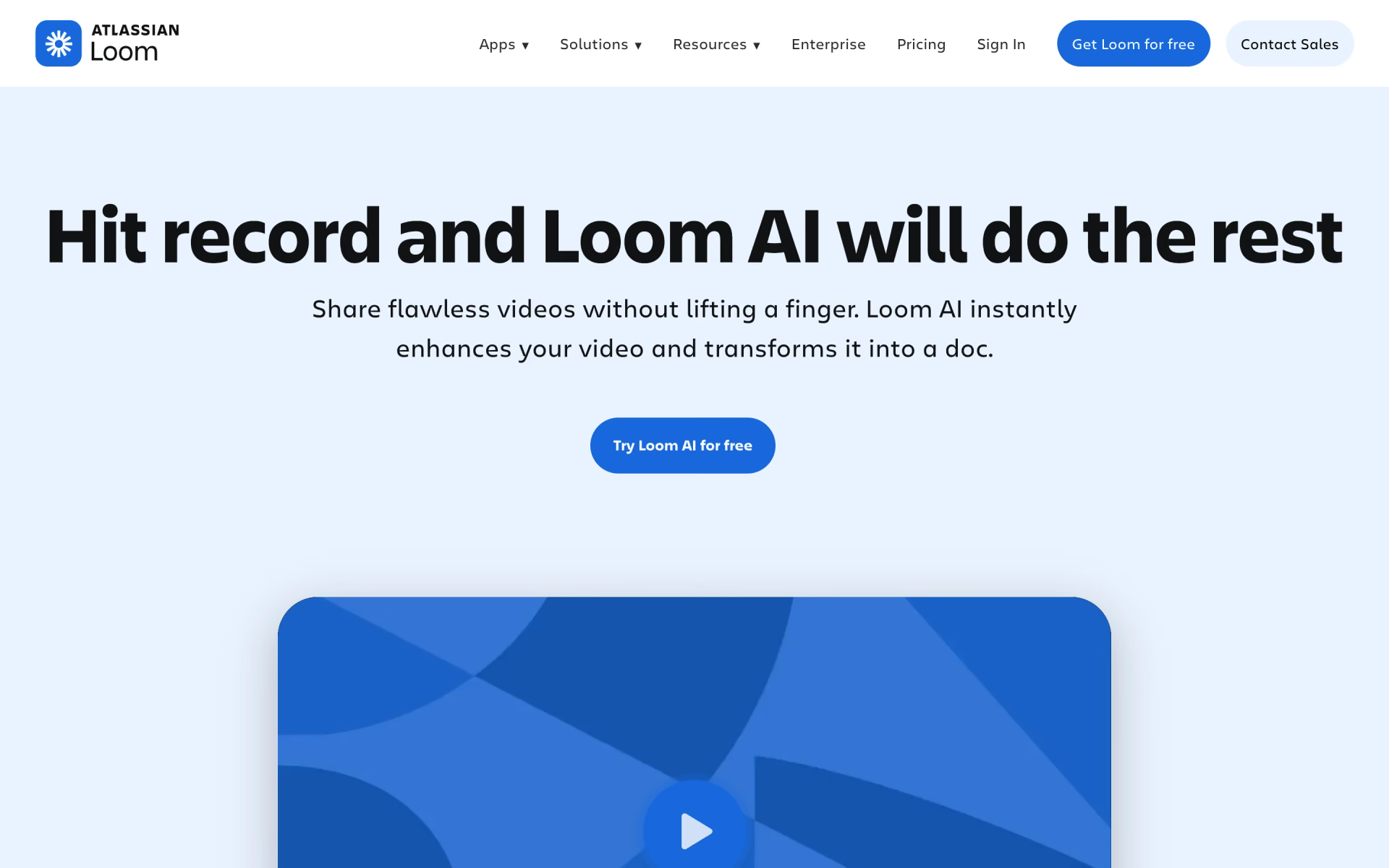
What is Loom AI Workflow?
Turns a Loom recording into SOPs, issue reports and tasks.
Who is Loom AI Workflow best for?
Loom AI Workflow is best for product and engineering teams who want their Loom videos turned into docs and tickets.
Engineers and QA filing bugs
Record the bug once and Loom fills a Jira or Linear issue with the context from the video, so nobody retypes the steps.
Teams writing SOPs and how-tos
It follows the steps you show on screen and drafts a process doc, SOP or pull request description from them.
Async updates
It writes the message or email that goes with your video link, so people get the point before they press play.
Teams already paying for Loom
It sits in the Business + AI tier, $6 per user a month above Business, so there is no separate tool to buy or connect.
How much does Loom AI Workflow cost?
Loom AI Workflow comes with Loom's Business + AI plan at $24 per user per month, or $20 billed yearly, after a 14-day free trial; Loom's free Starter plan does not include it.
- 25 videos per person, screen recordings up to 5 minutes
- Auto titles only, no AI workflows
- Up to 50 members, video up to 720p
- Unlimited videos and recording time
- No AI workflows, summaries or chapters
- No Loom branding, video up to 4K
- AI workflows: turn a video into a doc, a Jira or Linear issue, or a message
- Auto summaries, chapters, tasks, filler word and silence removal
- AI meeting notes and recap emails
Billed yearly, Business is $180 and Business + AI $240 per user a year ($15 and $20 a month). Business + AI has a 14-day free trial. Enterprise, priced through sales, also includes AI workflows and adds SSO, SCIM and a Salesforce integration. Students and teachers can get a discounted plan through Atlassian's education program. Full pricing on loom.com. We checked these prices on .
How do readers rate Loom AI Workflow?
No one has rated Loom AI Workflow yet. Be the first.
Sign in to rate. One rating per account.
What are the best Loom AI Workflow alternatives?
Three tools on Recaply do Loom AI Workflow's job.



Questions about Loom AI Workflow
What is Loom AI Workflow?
Turns a Loom recording into SOPs, issue reports and tasks.
Who is Loom AI Workflow for?
Loom AI Workflow is best for product and engineering teams who want their Loom videos turned into docs and tickets.
Is Loom AI Workflow free?
No. AI workflows come with Loom's Business + AI plan at $24 per user per month, and you can try that plan free for 14 days. Loom's free Starter plan records up to 25 videos of 5 minutes each but leaves AI workflows out.
How much does Loom AI Workflow cost?
Loom AI Workflow's paid plans are Business at $18 per user per month and Business + AI at $24 per user per month.
What are the best Loom AI Workflow alternatives?
The closest alternatives on Recaply are Glitter, Scribe and Tango.
Where can I try Loom AI Workflow?
On its official website, loom.com.
What languages does Loom AI Workflow support?
Loom AI workflows write documents in English only. Loom's other AI features, such as automatic titles and summaries, work in more than 50 languages and follow the language you record in.
 Genspark Skills
 Make

 Screenful

 Flowsage

 n8n
 Jace AI