

What is Leon?
Runs on your own machine or server, remembers context, and can operate your browser and desktop apps.
Who is Leon best for?
Leon is best for tinkerers and developers who want a self-hosted assistant that remembers context and uses their apps.
Private assistant at home
Leon can run local models through llama.cpp and picks one that fits your machine's memory, so prompts need not leave your computer.
Hands-on tasks in apps
It works a browser through Browser Use and controls desktop apps through Cua computer use, checking the screen to confirm each step.
Building your own skills
Native skills follow fixed actions and tools, while agent skills run SKILL.md workflows, so you can add your own of either kind.
Early adopters
Version 2.0 is a developer preview on the develop branch with its new docs not ready, so it suits people comfortable reading code.
How much does Leon cost?
Leon is free and open source under the MIT licence, with no paid plan or hosted service; you pay only for any cloud AI provider you connect.
- MIT licence, no paid tier
- Local models or your own provider keys
- Linux, macOS or Windows with Node.js 24+
Leon has no hosted service or subscription. Remote AI providers you connect bill you through your own keys or accounts. Full pricing on github.com. We checked these prices on .
How do readers rate Leon?
No one has rated Leon yet. Be the first.
Sign in to rate. One rating per account.
Is Leon open source?
Yes. Leon's code is public under the MIT licence, so you can run it on your own server.
On GitHub
17,669stars
+94 (+0.5%) in the last 30 days
- Last commit
- 12 Nov
- Repository age
- 7 years
- Licence
- MIT
- Self-hosted
- Yes
- Repository
- leon-ai/leon
What are the best Leon alternatives?
Leon is an open source alternative to Personal Computer and Kimi Work. Hermes Desktop, AionUi and DeepSeek Harness do the same job and are open source too.
 Personal ComputerPaid
Perplexity's desktop agent for local files and apps that can run 24/7 on a Mac mini.
 Kimi WorkFree
Moonshot AI's desktop agent for knowledge workers that handles local files, browser tasks and scheduled jobs.
 Hermes DesktopOpen Source
Nous Research's desktop agent with persistent memory and skills.
 AionUiOpen Source
Open-source desktop app to run Claude Code, Codex and 20+ AI agents together on your files.
 DeepSeek HarnessOpen Source
DeepSeek's open-source desktop and web agent for coding, documents, research and tasks.
Questions about Leon
What is Leon?
Runs on your own machine or server, remembers context, and can operate your browser and desktop apps.
Who is Leon for?
Leon is best for tinkerers and developers who want a self-hosted assistant that remembers context and uses their apps.
Is Leon free?
Yes. Leon has a free Self-hosted plan: MIT licence, no paid tier.
Is Leon open source?
Yes. Leon's code is public under the MIT licence, so you can run it on your own server.
What are the best Leon alternatives?
The closest alternatives on Recaply are Personal Computer, Kimi Work, Hermes Desktop, AionUi and DeepSeek Harness.
Where can I try Leon?
On its official website, getleon.ai.
Is Leon ready for everyday use?
Leon 2.0 is a developer preview: its new docs are not ready and the code changes often. The README points people who want the older, more stable assistant to the master branch, which predates the agent and computer-use features.

 goose
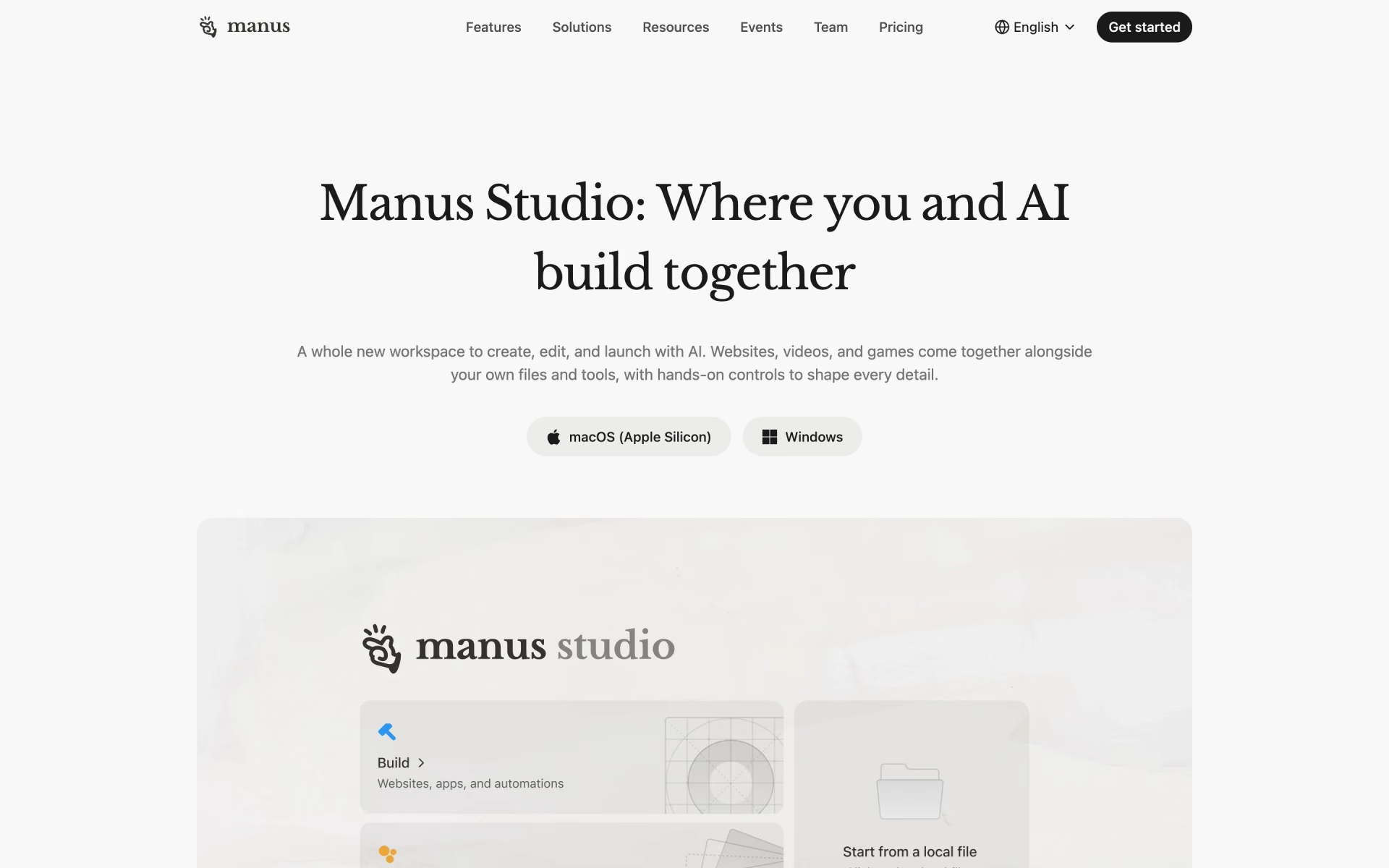
 Manus 2.0

 Berd
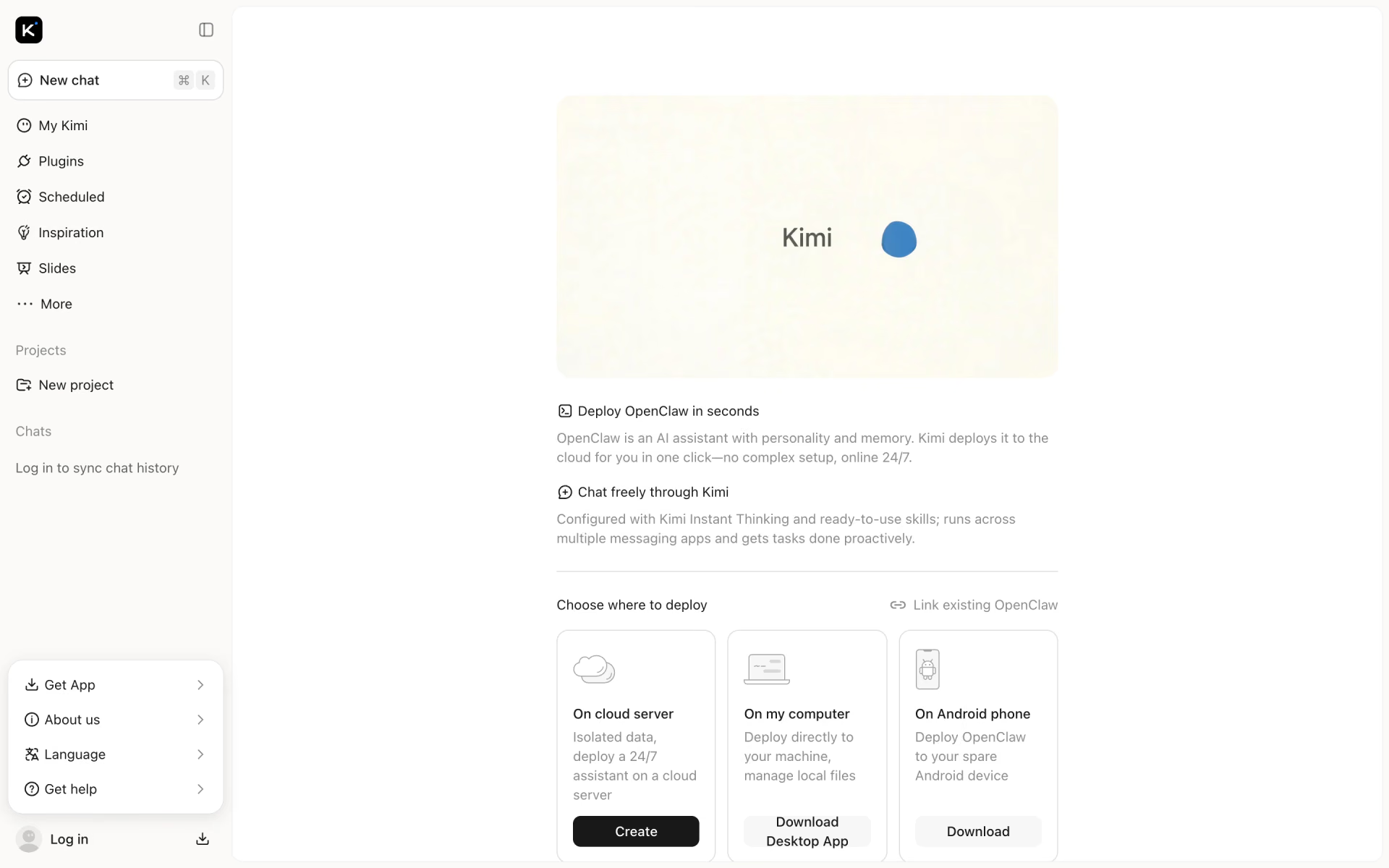
 Kimi Claw

 OpenClaw 2.0
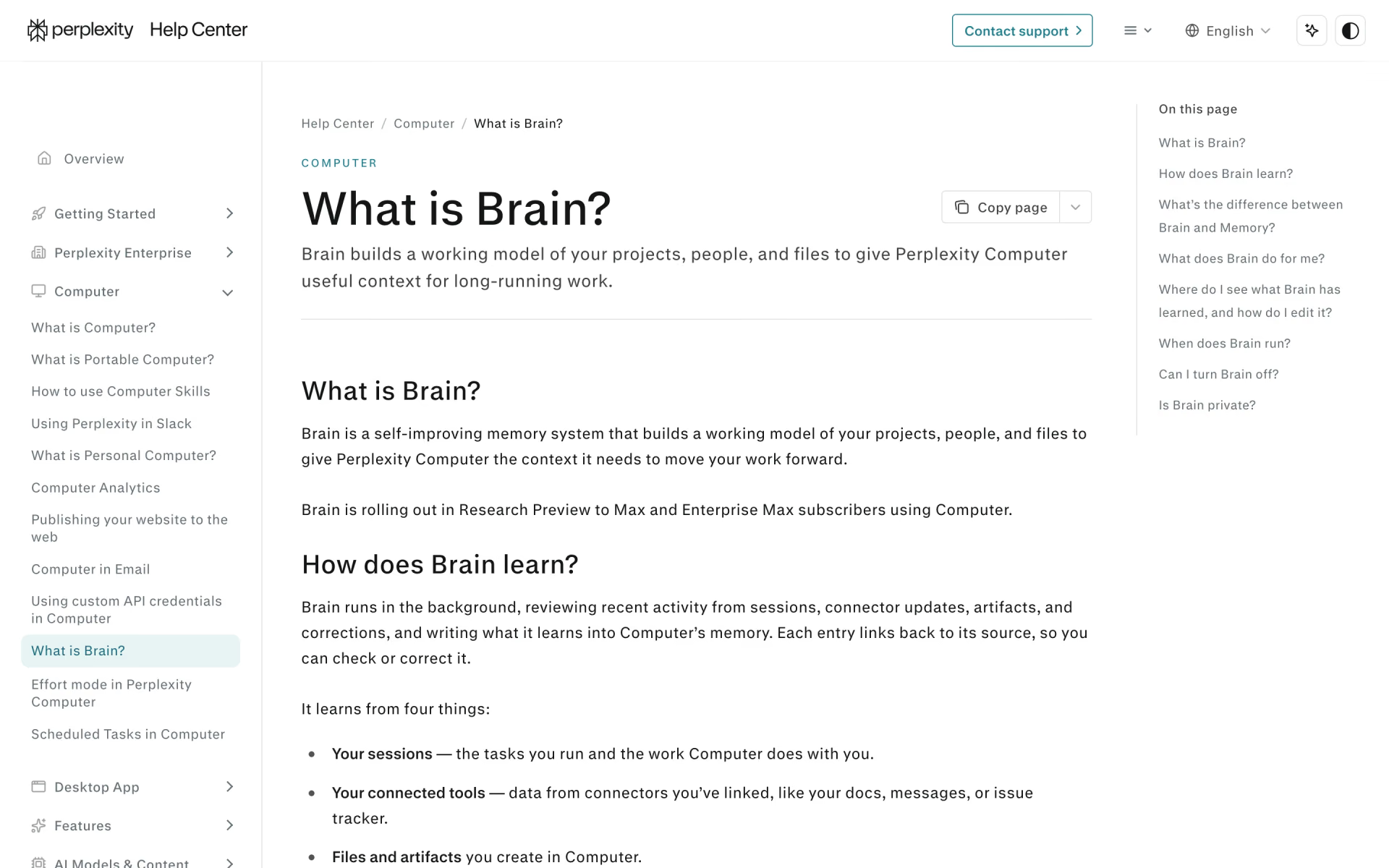
 Brain