

What is Manus 2.0?
Manus 2.0 is a rebuild of the Manus agent rather than a feature update. A new harness, Cascade, starts each project small and adds video or game tools only when the work needs them. The desktop app becomes Manus Studio, which works in the local folders you authorize and gives you direct controls: a timeline for the videos Manus cuts and an edit panel for the games it builds.
The first Manus handed back finished files, so every small fix meant a new prompt. In 2.0 you change one piece yourself and ask the agent to carry on from your edits. Scheduled tasks are now Automations, which can also start from an email, a pull request or a store refund.
Who is Manus 2.0 best for?
Manus 2.0 is best for people who want an agent to make the first cut of a short video, game or site and then finish it by hand, and for teams that want work to start on its own from email, GitHub or Shopify events.
Short product ads and social videos
Video Editor drafts 30 to 60 second ads, UGC-style clips and tutorials, then hands you the timeline to swap the music or drop in your own footage.
Browser games to share
Game Dev starts from a playable template, publishes the game to a link, and can add a multiplayer server on a Cloud Computer.
Work that should start on its own
Triggered tasks react to new email, GitHub pull requests, Shopify refunds, calendar events or webhooks without you opening Manus.
Projects that live in your own folders
Manus Studio works with the local files and tools you authorize, asks before running commands, and takes voice instructions from your phone.
What's included with Manus 2.0?
Cascade, the Manus Studio desktop app, Video Editor, Game Dev, event-triggered Automations, Remote Control and a Cloud Computer you can buy.
- Cascade
- A new agent harness that loads specialized tools only when a project needs them, which Manus says cut running cost by 32% in one test.
- Manus Studio
- The desktop app for Apple silicon Macs and Windows, rebuilt as a workspace for documents, slides, sites, code, video and games.
- Video Editor
- Manus's first cut arrives as separate clips, images, text, motion graphics and audio on a timeline, with an Alchemy mode that takes more creative direction.
- Game Dev
- Playable templates, an edit panel for code, art, movement and scenes, and publishing to a link anyone can play in a browser.
- Automations
- Schedules, event triggers from connected apps, and advanced automations in beta that Manus sets up from a plain description.
- Remote Control and Computer Use
- Give a voice command on your phone and watch Manus work in its own visible workspace on your computer, limited to the files and apps you approved.
- Cloud Computer
- A persistent Ubuntu machine, bought separately, that keeps game servers, bots and automations running when your laptop is closed.
How does Manus 2.0 work?
Start a project
Describe what you want on the web or in Manus Studio, or point it at a folder of your own files.
Get a first version
Manus builds the draft, bringing in the video, game or site tools only if the project needs them.
Shape it yourself
Change details on the timeline or in the edit panel, or ask Manus to take another pass from your edits.
Publish or automate
Export the video, share the game or site by link, or turn the job into an Automation that runs on a schedule or event.
How much does Manus 2.0 cost?
Manus 2.0 keeps Manus's plans: a free plan with 300 credits a day, Pro at $20, $40 or $200 a month for 4,000, 8,000 or 40,000 credits, and Team from $20 per seat.
- 300 credits a day, up to 1,500 a month
- Chat Mode and Manus 2.0 Lite in Agent Mode
- 1 task at a time, 2 scheduled automations
- 4,000 credits a month plus 300 a day
- Manus 2.0 Max, 2.0 and 2.0 Lite
- 20 tasks at a time, 20 scheduled automations
- 8,000 credits a month plus 300 a day
- Larger credit options on the same plan
- 7-day free trial
- 40,000 credits a month plus 300 a day
- Larger credit options on the same plan
- 20 tasks at a time, 20 scheduled automations
Billed yearly, the three Pro tiers cost $17, $34 and $167 a month. Team starts at $20 per seat a month and adds SSO and an opt-out from data training. A Cloud Computer is bought separately, and its price is not on the pricing page. Daily free credits only work with Manus 2.0 Lite, and monthly credits reset each billing cycle. Full pricing on manus.im. We checked these prices on .
How do readers rate Manus 2.0?
No one has rated Manus 2.0 yet. Be the first.
Sign in to rate. One rating per account.
Manus 2.0 pros and cons
You can now edit the agent's videos and games by hand instead of re-prompting, but the new tools need the desktop app, credit use is hard to predict, and some users lost their mobile agent to Cue.
Pros
- You can fix one detail of a video or game by hand instead of prompting Manus to regenerate the whole thing.
- Automations can now start from events in Gmail, GitHub, Shopify, calendars or webhooks, and existing scheduled tasks carry over.
- Plans and prices did not change with 2.0, and the free plan still gives 300 credits a day.
- Local access is limited to folders you authorize, and commands on your computer need your approval.
Cons
- The video timeline, local files and Computer Use need the desktop app, which is only for Apple silicon Macs and Windows.
- Credits per task depend on its length and complexity, and Manus's 32% saving comes from one test setup that it says is not an average.
- A Cloud Computer, needed for multiplayer games and always-on jobs, costs extra and has no published price on the pricing page.
- Manus users on Reddit say 2.0 moved their mobile agent into the invite-only Cue app, and some say saved agent chats stopped working.
What are the best Manus 2.0 alternatives?
Claude Cowork for document work, ChatGPT Work for a start inside ChatGPT, and Descript for editing your own recordings.
 Claude CoworkPaid
Choose it when your work is reports, spreadsheets and document reviews from local files rather than video or games; it comes with Claude's Pro plan from $20 a month.
 ChatGPT WorkFree
Choose it when you already use ChatGPT; it runs multi-step decks, spreadsheets and updates on every ChatGPT plan, including the free one.
 DescriptFree
Choose it when the job is editing your own recordings rather than generating videos; you cut by editing the transcript, and its free plan includes 60 media minutes a month.
Questions about Manus 2.0
What is Manus 2.0?
Manus 2.0 is the rebuilt version of Manus's general AI agent, adding a desktop studio where you edit its videos, games and sites by hand, plus automations that start on their own.
Who is Manus 2.0 for?
Manus 2.0 is best for people who want an agent to make the first cut of a short video, game or site and then finish it by hand, and for teams that want work to start on its own from email, GitHub or Shopify events.
Is Manus 2.0 free?
Yes. Manus 2.0 has a free plan: 300 credits a day, up to 1,500 a month.
How much does Manus 2.0 cost?
Manus 2.0's paid plans are Pro (4,000 credits) at $20 per month, Pro (8,000 credits) at $40 per month and Pro (40,000 credits) at $200 per month.
What are the best Manus 2.0 alternatives?
The closest alternatives on Recaply are Claude Cowork, ChatGPT Work and Descript.
Where can I try Manus 2.0?
On its official website, manus.im.
Is Manus 2.0 a separate app from Manus?
No. Manus 2.0 is the current version of Manus itself, on the same web, desktop and mobile apps and the same plans. The desktop app is now called Manus Studio, and the one new separate app is Cue, for personal agents.
Does Manus 2.0 use fewer credits than before?
Possibly. Manus says its new Cascade harness used 23.2% fewer tokens and cost 32% less to run in one tested configuration, but it stresses that this is not an average. Plan prices did not change, so check your own tasks' credit use.
Can Manus 2.0 use my computer while I am away?
Yes, through Remote Control. With the desktop app connected and authorized, you give a voice command on your phone and watch your desktop live while Manus works in its own workspace, using only the folders and apps you approved.
What happened to scheduled tasks in Manus 2.0?
They keep running and now sit in Automations, next to triggered tasks that start from events in connected apps and advanced automations in beta. Some triggers arrive instantly, while others are checked at intervals and can start a little later.
Our verdict
Manus 2.0 is worth trying if you want an agent's first draft of a video, game or site that you can finish yourself.
The timeline and edit panel remove the need to re-prompt for every small change, and event triggers make it more useful for recurring work, while plans and prices stay as they were.
- Skip it for
- Anyone on Linux or an Intel Mac who wants the desktop tools, and anyone who needs a predictable monthly cost for heavy agent work.
- Check first
- Run your usual tasks on the free plan or the 7-day trial of the $40 tier to see how many credits they use.
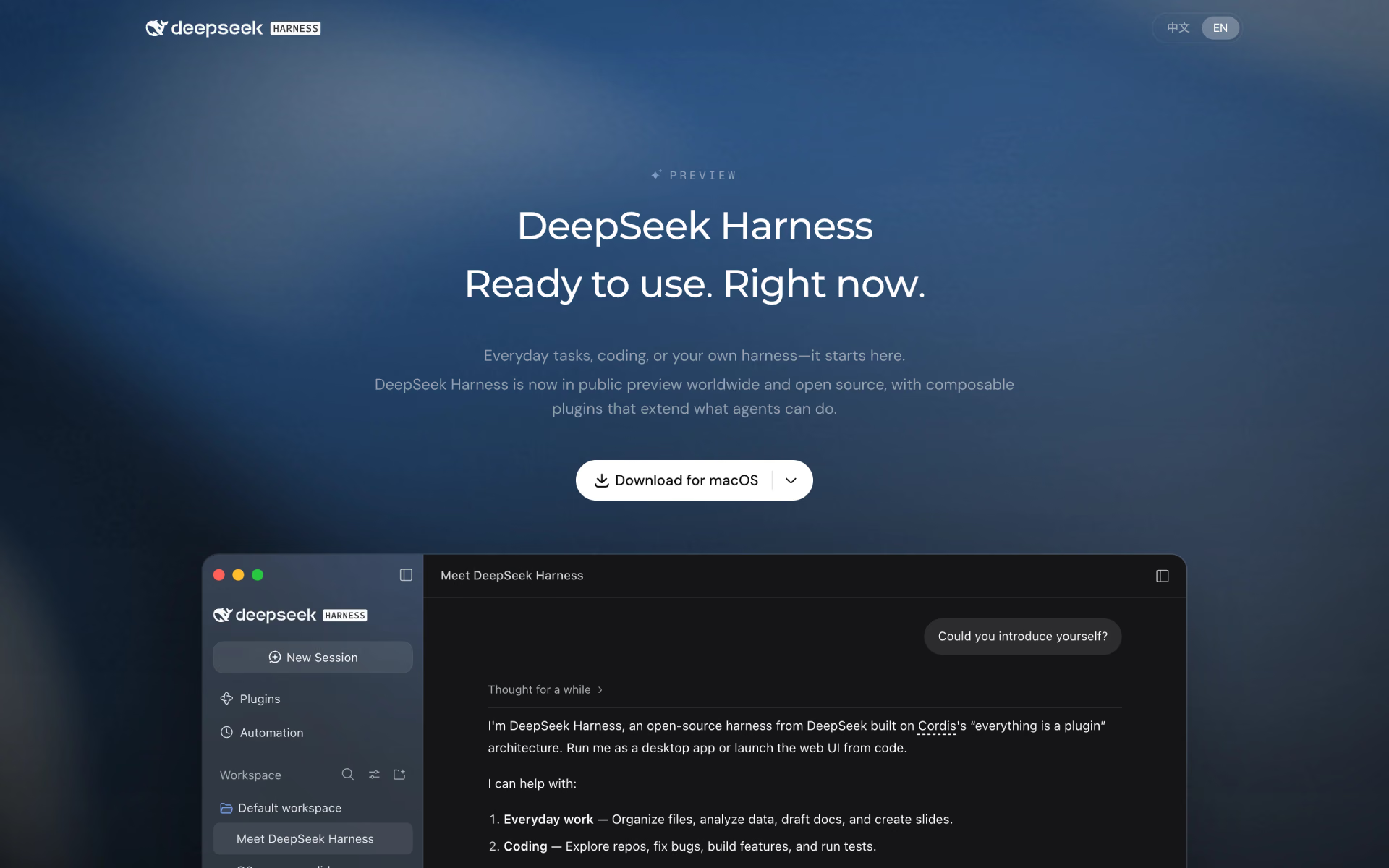
 DeepSeek Harness

 goose

 Berd
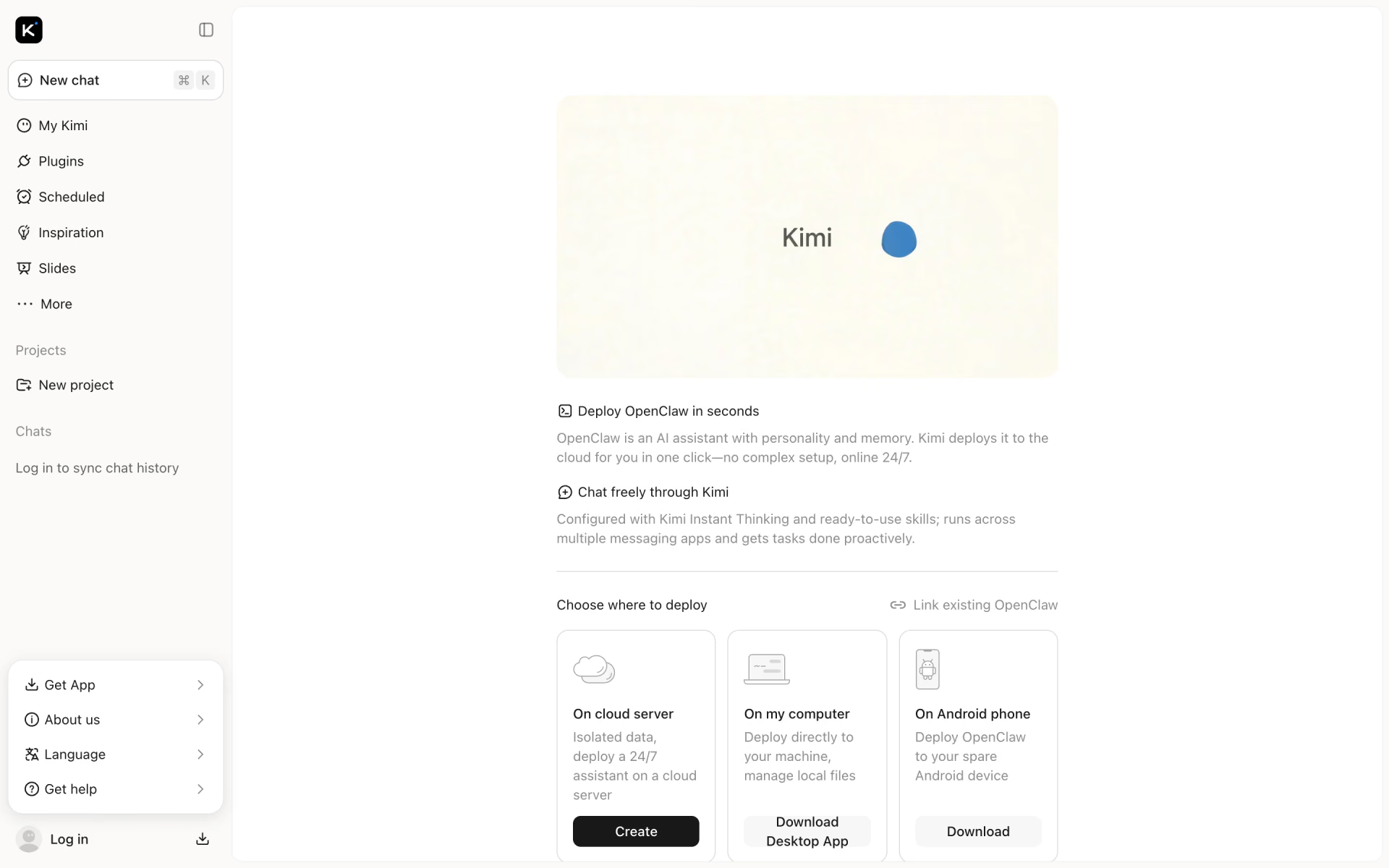
 Kimi Claw

 Leon

 Cherry Studio