

What is Berd?
Block's open-source desktop workspace for running AI agents.
Who is Berd best for?
Berd is best for engineers and designers who want one desktop app for AI agents across projects, with any model.
People who switch between models
You connect the AI provider you want and can change models per task, so small jobs do not have to run on the most expensive model.
Building a crew of agents
It ships with ready-made agents such as a blunt critic and a writing helper that learns your style, and you can make your own with skills and a personality.
Work tied to local projects
Projects link to the folders and repos you already use, so agents see the right files and past sessions are easy to pick up again.
Companies that want their own build
The Apache-2.0 source lets an organization package an internal edition with managed provider settings and private resources.
How much does Berd cost?
Berd is free and open source under the Apache-2.0 license, so the only cost is the AI provider whose models you connect to it.
- Desktop app for macOS on Apple silicon, Windows and Linux
- Connect your own AI provider and switch models any time
- Agents, skills, projects and automations included
Berd has no paid tiers or subscriptions. Model use is billed by whichever AI provider you connect, so the running cost depends on the models you pick. Installers are on the project's GitHub releases page, and companies can build their own internal edition from the source code. Full pricing on github.com. We checked these prices on .
How do readers rate Berd?
No one has rated Berd yet. Be the first.
Sign in to rate. One rating per account.
Is Berd open source?
Yes. Berd's code is public under the Apache 2.0 licence, so you can read it, change it and run it yourself.
On GitHub
1,050stars
- Last commit
- 12 Nov
- Repository age
- 3 months
- Latest release
- 4 Nov
- Licence
- Apache 2.0
- Self-hosted
- No
- Repository
- block/berd
What are the best Berd alternatives?
Berd is an open source alternative to LM Studio Bionic and Claude Cowork. goose, AionUi, DeepSeek Harness and Hermes Desktop do the same job and are open source too.
 LM Studio BionicFree
Desktop agent for code, documents and files, with local or cloud models.
 Claude CoworkPaid
Claude working across files, apps and browsers on scheduled tasks and deliverables.
 gooseOpen Source
AI agent on your own computer that writes code, runs commands and automates tasks with any model.
 AionUiOpen Source
Open-source desktop app to run Claude Code, Codex and 20+ AI agents together on your files.
 DeepSeek HarnessOpen Source
DeepSeek's open-source desktop and web agent for coding, documents, research and tasks.
 Hermes DesktopOpen Source
Nous Research's desktop agent with persistent memory and skills.
Questions about Berd
What is Berd?
Block's open-source desktop workspace for running AI agents.
Who is Berd for?
Berd is best for engineers and designers who want one desktop app for AI agents across projects, with any model.
Is Berd free?
Yes. Berd has a free Open source plan: desktop app for macOS on Apple silicon, Windows and Linux.
Is Berd open source?
Yes. Berd's code is public under the Apache 2.0 licence, so you can read it, change it and run it yourself.
What are the best Berd alternatives?
The closest alternatives on Recaply are LM Studio Bionic, Claude Cowork, goose, AionUi, DeepSeek Harness and Hermes Desktop.
Where can I try Berd?
On its official website, github.com.
Is Berd related to Goose?
Yes. Berd is Block's desktop app built on top of Goose, Block's open-source agent backend, which it bundles and runs locally in the background. Berd adds the workspace around it: chats, projects, agents, skills, extensions and automations.
Does Berd collect my data?
Telemetry is off by default in official Berd builds. If you turn it on, Block collects a random install ID and a short list of usage events, never your prompts, messages, files, code or credentials, and you can switch it off again in settings.
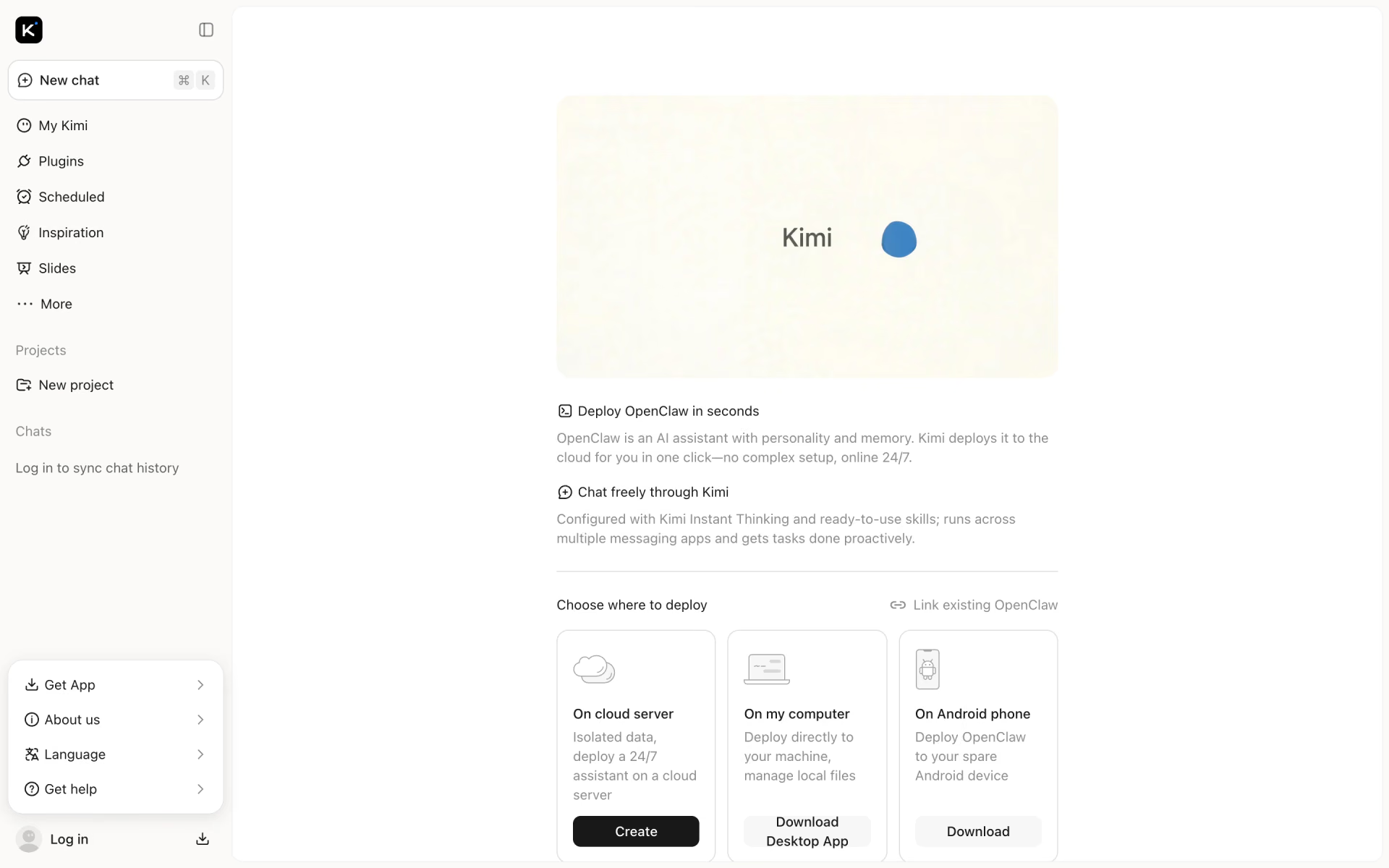
 Kimi Claw
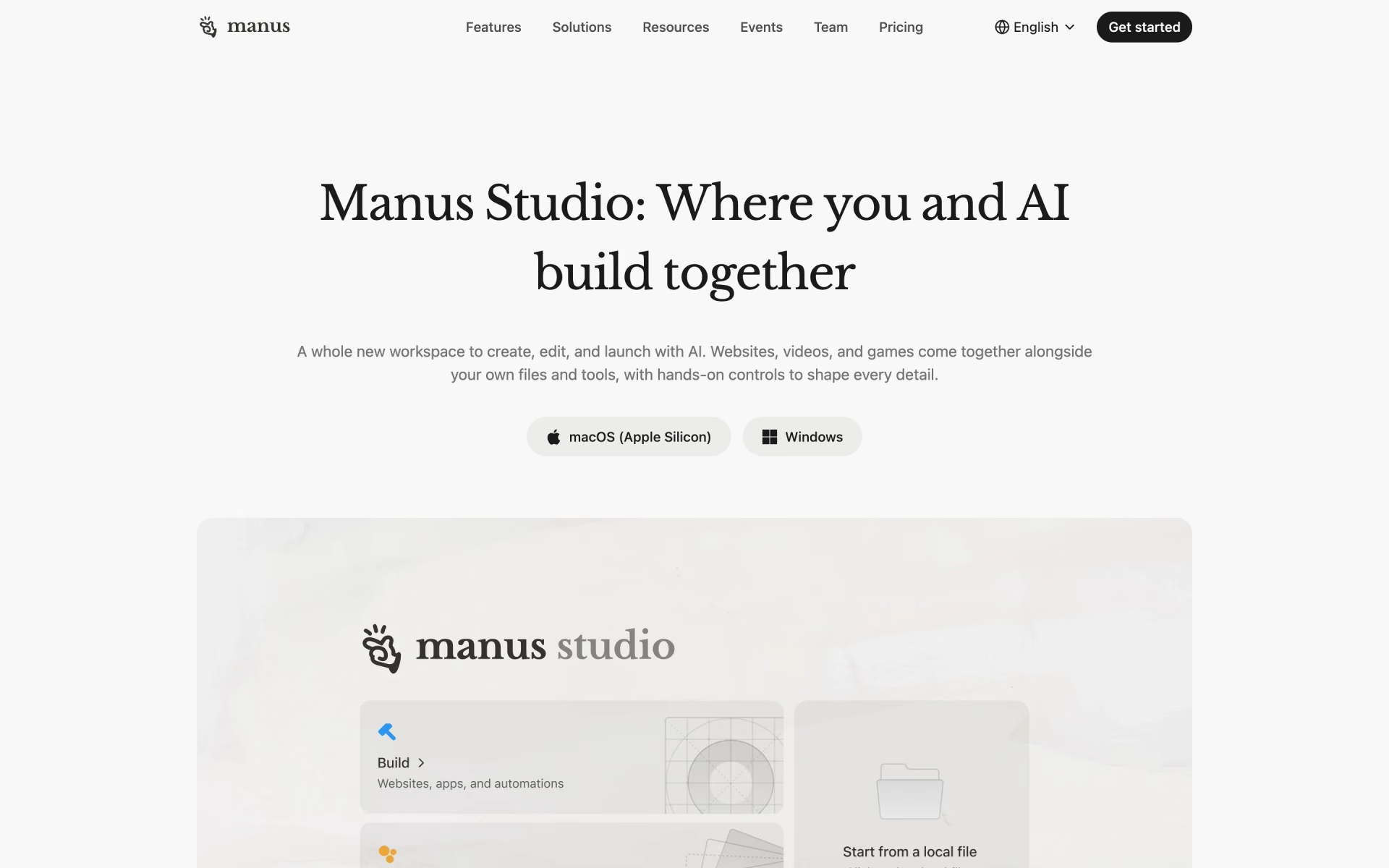
 Manus 2.0

 OpenClaw 2.0
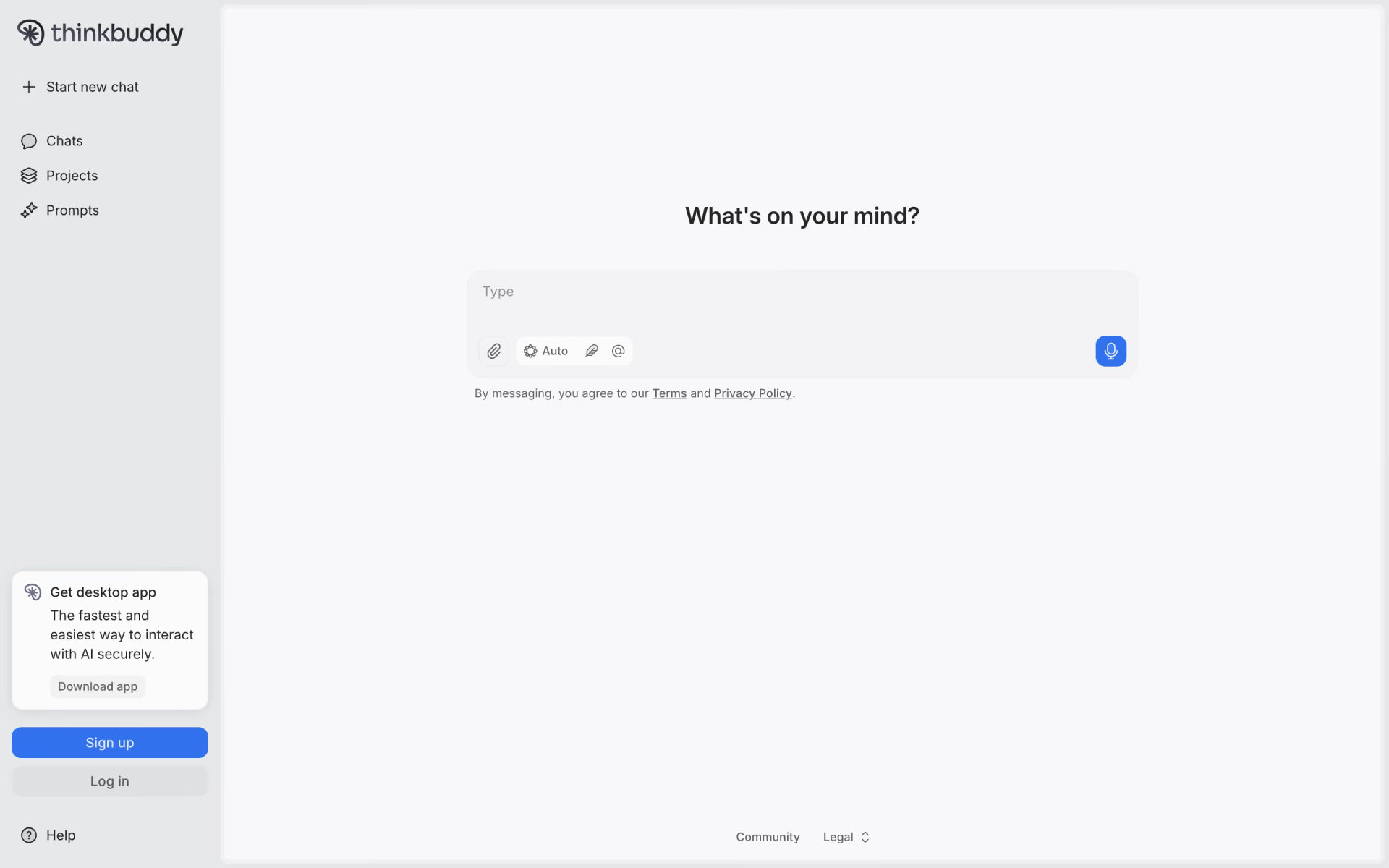
 Thinkbuddy
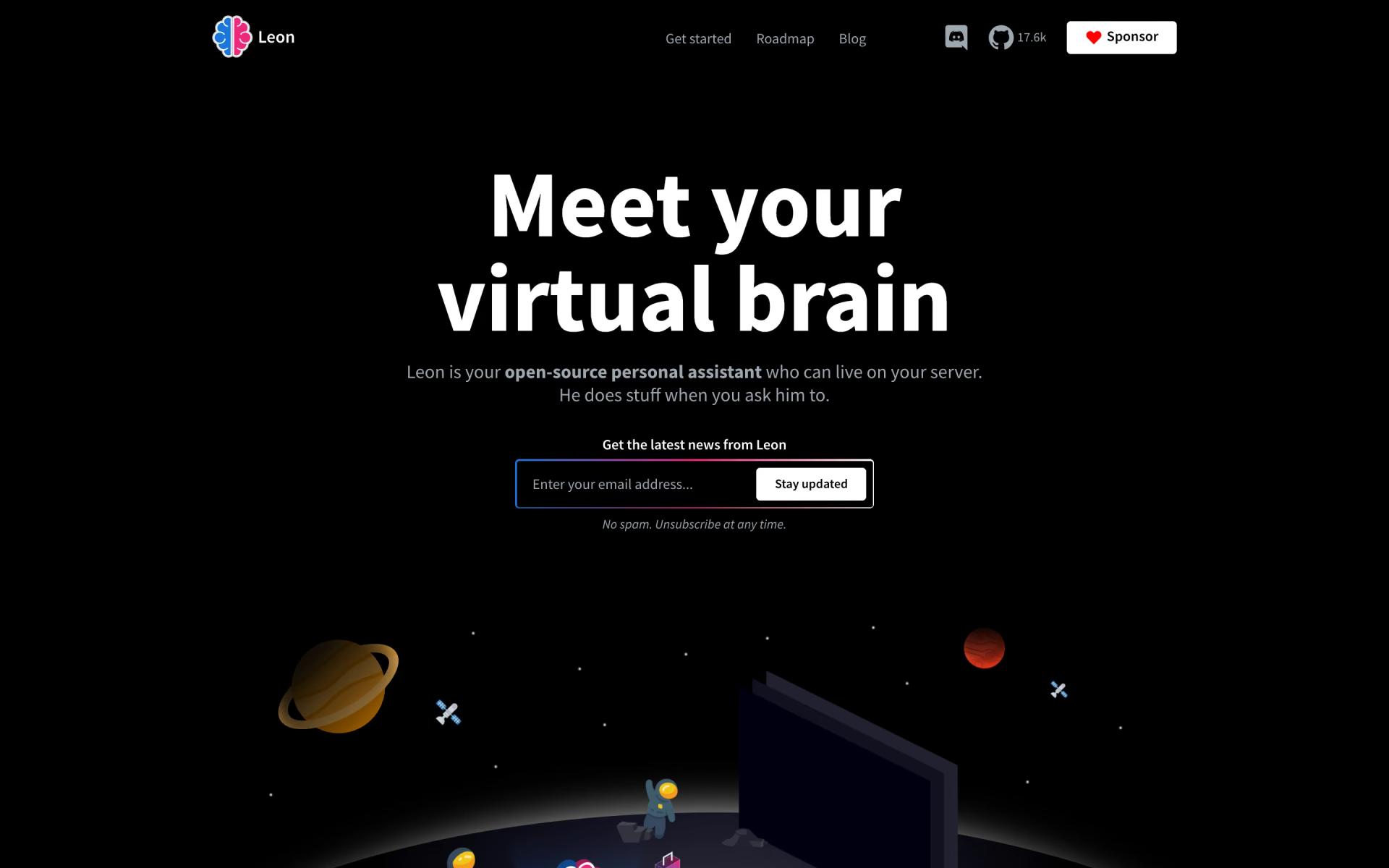
 Leon
 Brain