
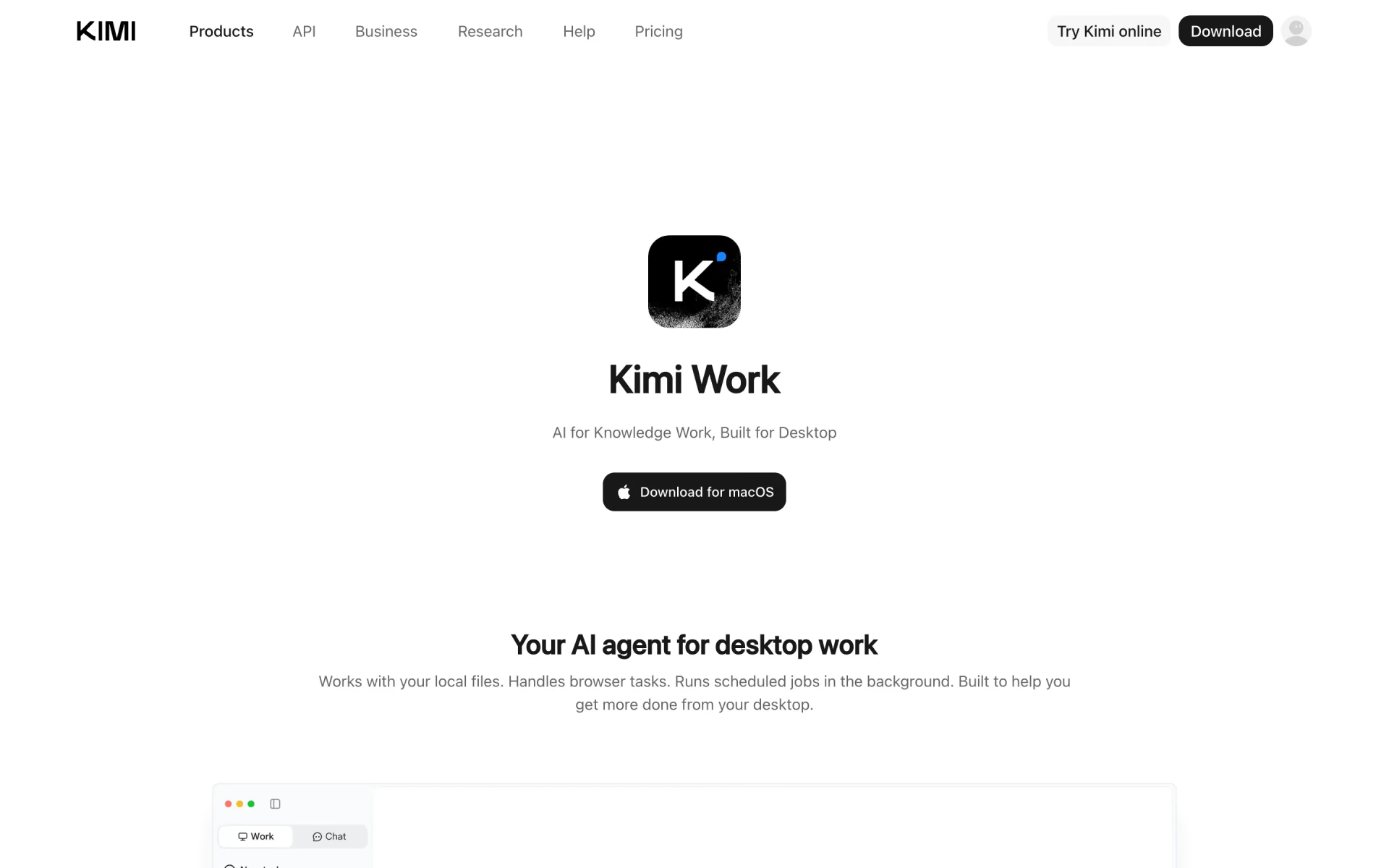
What is Kimi Work?
Moonshot AI's desktop agent for knowledge workers that handles local files, browser tasks and scheduled jobs.
Who is Kimi Work best for?
Kimi Work is best for knowledge workers who want an agent on their own computer to sort files and research online.
Working with local files
It reads and organizes the folders you allow, for example summarizing every quarterly report PDF in a folder, and asks before changing files or running code.
Browser research and data collection
Through its browser extension it opens pages, switches tabs, clicks and extracts data, then can save the results to a local Excel file.
Recurring jobs
Scheduled tasks run agent prompts, Python or shell scripts hourly, daily or on a condition, such as a morning briefing.
Large reports and decks
Agent Swarm splits a big task across many sub-agents working in parallel and exports the result as PowerPoint, Excel, PDF or Word.
How much does Kimi Work cost?
Kimi Work is a free download for Mac and Windows that runs on Kimi membership credits: the free Adagio plan has small limits, and paid plans start at $19 a month for Plus.
- 1 agent task at a time
- 2 scheduled tasks and 2 widget tasks
- 2 projects, 500MB of storage
- More agent credits, 2 tasks at once
- 10 scheduled tasks and 10 widget tasks
- Agent Swarm with 2 subtasks at once
- 2x the agent credits
- 15 scheduled tasks, Agent Swarm with 4 subtasks
- Goal mode and one-click Kimi Claw
- 5x the agent credits
- 20 scheduled tasks, Agent Swarm with 8 subtasks
- Up to 1M tokens of context
Ultra costs $199 a month for 10x the agent credits and 4 tasks at once. Paying yearly brings Plus, Pro, Max and Ultra to $15, $31, $79 and $159 a month. Kimi Work shares one monthly credit pool with Kimi's other membership features, and extra usage packs are sold when credits run out. Full pricing on kimi.com. We checked these prices on .
How do readers rate Kimi Work?
No one has rated Kimi Work yet. Be the first.
Sign in to rate. One rating per account.
What are the best Kimi Work alternatives?
Three tools on Recaply do Kimi Work's job. All three are open source, so you can run them on your own server.
 AionUiOpen Source
Choose it when you want a desktop agent workspace that is not tied to one model maker and runs 20+ agents side by side.
 DeepSeek HarnessOpen Source
Choose it when you want a desktop and web agent whose source you can inspect, change and run yourself.
 LeonOpen Source
Choose it when you want a computer-using assistant whose code you can read and change, running on local models if you prefer
Questions about Kimi Work
What is Kimi Work?
Moonshot AI's desktop agent for knowledge workers that handles local files, browser tasks and scheduled jobs.
Who is Kimi Work for?
Kimi Work is best for knowledge workers who want an agent on their own computer to sort files and research online.
Is Kimi Work free?
Yes. Kimi Work has a free Adagio plan: 1 agent task at a time.
How much does Kimi Work cost?
Kimi Work's paid plans are Plus at $19 per month, Pro at $39 per month and Max at $99 per month.
Is there an open source alternative to Kimi Work?
Yes. AionUi, DeepSeek Harness and Leon are open source tools that do the same job, so you can run your own.
What are the best Kimi Work alternatives?
The closest alternatives on Recaply are AionUi, DeepSeek Harness and Leon.
Where can I try Kimi Work?
On its official website, kimi.com.
How is Kimi Work different from Kimi on the web?
The web version suits quick chats and everyday tasks. Kimi Work runs in the Kimi desktop app with access to the local folders you allow, so it can handle files, run Python code, drive the browser and keep scheduled jobs running in the background.
What computer do I need for Kimi Work?
A Mac with Apple silicon on macOS 12 or later, or a PC with Windows 10 or later. Kimi Work is the Work mode of the Kimi desktop app, which you download from Kimi's site.
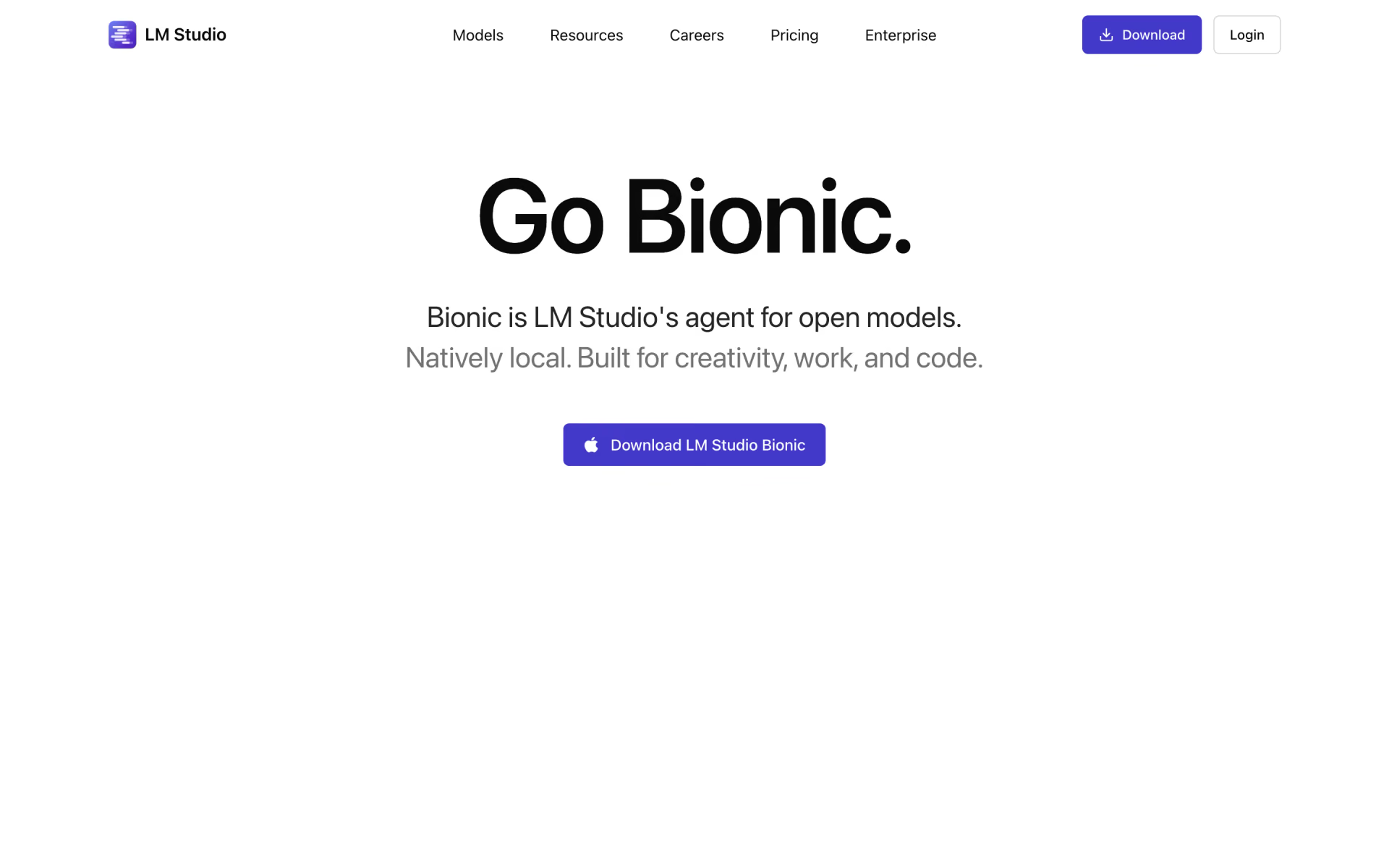
 LM Studio Bionic
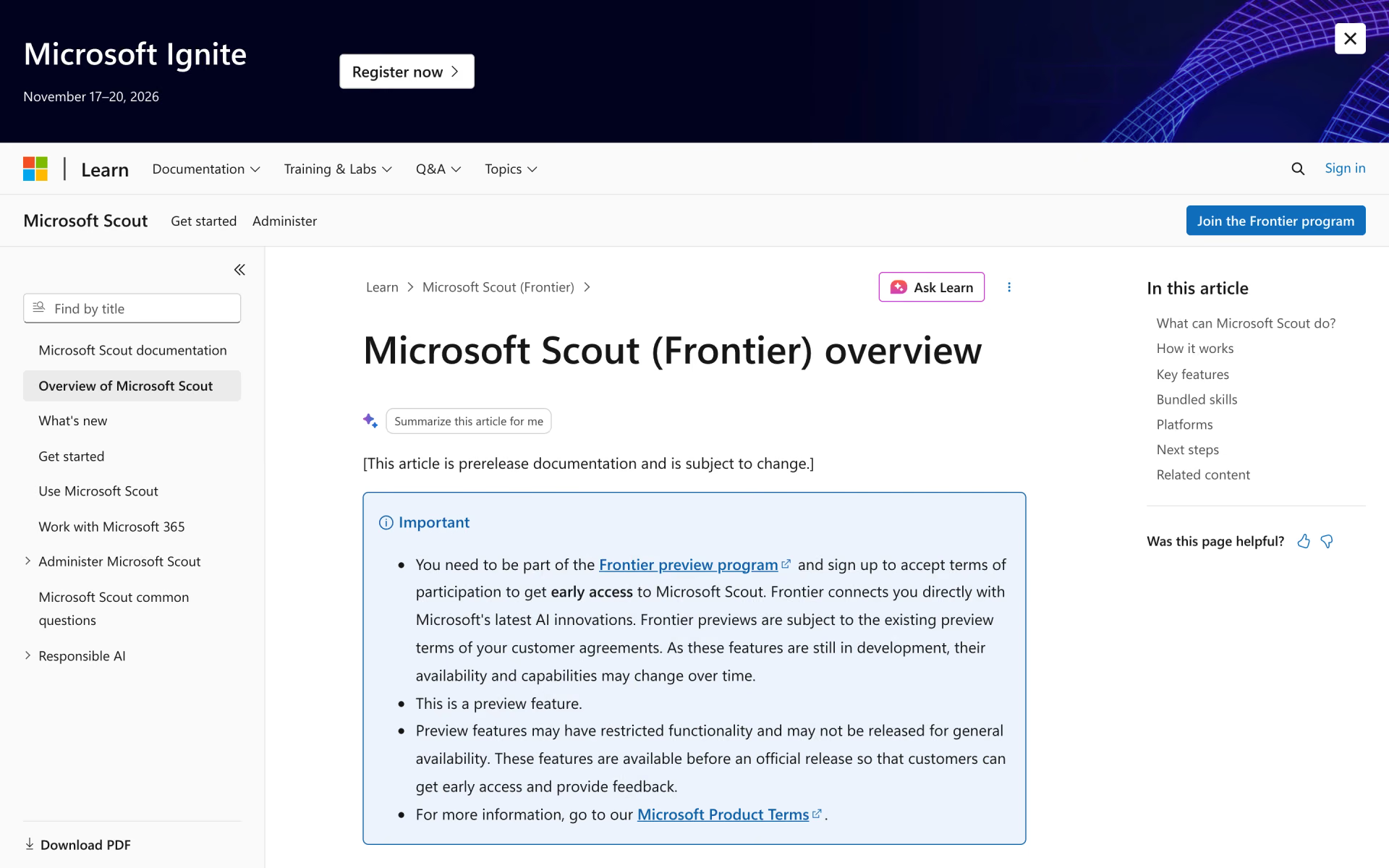
 Microsoft Scout

 Hermes Desktop
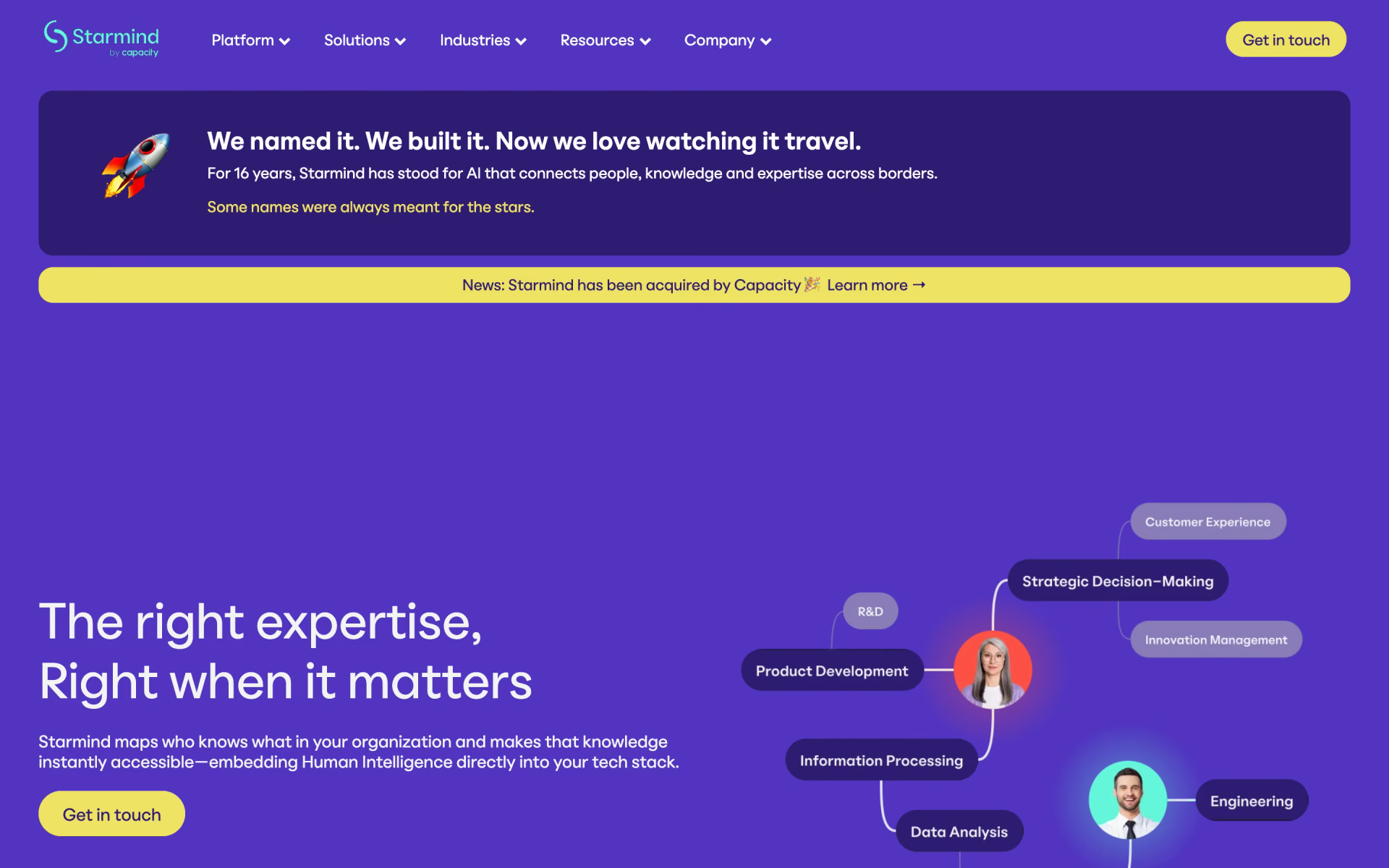
 Starmind
 Viktor

 MiniMax Agent