

What is Kit?
Kit is an email platform for people who sell their own work. You collect subscribers with forms and landing pages, sort them with tags and segments, and send one-off broadcasts; paid plans add visual automations and email sequences that react to what people click, buy or sign up for. The same account sells digital products and paid newsletters, and its Recommendations network trades sign-ups with other Kit creators.
Compared with beehiiv, Kit puts more weight on automations and selling than on newsletter websites and ad deals. Prices rise with your subscriber count, and Kit moves you to the next tier on its own.
Who is Kit best for?
Kit is best for creators and solo businesses who grow an email list and sell digital products through automated email funnels.
New newsletters
The Free plan holds up to 10,000 subscribers with unlimited broadcasts, forms and landing pages.
Creators selling digital products
Courses, ebooks, paid newsletters and memberships sell from Kit pages for 3.5% + 30¢ a sale, card fees included.
Launches and funnels
Visual automations and sequences on Creator and Pro send different emails based on tags, clicks and purchases.
Teams behind a large list
Pro adds unlimited users, deliverability reports, engagement scoring and a referral program.
What's included with Kit?
Broadcasts, visual automations and sequences, forms and landing pages, digital product sales, creator recommendations and, on Pro, deliverability and engagement reports.
- Broadcasts
- Send or schedule one-off emails, resend to people who did not open, and A/B test subject lines.
- Visual automations and sequences
- Build funnels that tag subscribers and branch on their actions; Creator and Pro only.
- Forms and landing pages
- Unlimited forms and landing pages on every plan, plus a newsletter site on a custom domain.
- Commerce
- Sell digital products, paid newsletters, recurring subscriptions and tips from Kit-hosted pages.
- Recommendations
- Other Kit creators suggest your newsletter when people sign up to theirs, and on paid plans you can earn from recommending others.
- Subscriber Signals
- On Pro, shows the income, demographics and social reach of the people on your list.
How much does Kit cost?
Kit is free up to 10,000 subscribers; Creator costs $39 a month and Pro $79 a month at 1,000 subscribers billed monthly, rising with list size.
- 1 user
- Unlimited broadcasts, forms and landing pages
- No automations or sequences
- 2 users, Kit branding removed
- Unlimited automations and sequences
- Free migration from another platform
- Unlimited users
- Deliverability reports and engagement scoring
- Custom tracking domain and referral program
Paid plans rise with your subscriber count, and Kit moves you up a tier when you pass a limit. Paying yearly gives two months free: Creator is $390 a year and Pro works out to $66 a month at 1,000 subscribers. Both paid plans have a 14-day free trial with no card, and Kit refunds within 30 days of signing up. Product sales cost 3.5% + 30¢ each with card fees included, and Kit keeps 23.5% of Paid Recommendations earnings. Full pricing on kit.com. We checked these prices on .
How do readers rate Kit?
No one has rated Kit yet. Be the first.
Sign in to rate. One rating per account.
Kit pros and cons
It has a large free plan, easy automations and built-in selling, but the price climbs with your list and key deliverability tools sit on Pro.
Pros
- The Free plan's 10,000-subscriber limit is far above most rivals, and users on Hacker News point to it again and again.
- Users find it easy to set up, and its automations and sequences get steady praise on Trustpilot and Reddit.
- Selling products and paid newsletters from the same account saves running a separate store.
- Free migration on paid plans and a 30-day refund make switching low risk.
Cons
- Cost climbs with the list: reviewers report bills that tripled as they grew, and a jump to a higher tier right after importing contacts.
- Some senders report falling open rates, and the custom tracking domain that helps deliverability is only on Pro.
- The Free plan has no automations or sequences, so even a simple welcome series means paying.
- The email editor is plain and some users have found it slow, with fewer design options than Mailchimp.
How do I connect Kit to my AI agent?
Kit MCP is Kit's official MCP server. Add it to your agent once, then ask it to run Kit email broadcasts, automations and subscriber tags from chat.
Connects your agent to Kit, the email platform once called ConvertKit, so you can write broadcasts, start automations and handle subscribers without code.
Kit gives each account its own server address. Open the setup guide, copy your address, then add it to Claude Code like any other server.
Use the address from Kit's setup guide.
Kit's setup guide covers the sign-in.
Then ask your agent
- Runs
- On the web
- Sign-in
- See guide
- Maker
- Kit
- Guide
- kit.com
What are the best Kit alternatives?
Three tools on Recaply do Kit's job. Ghost is open source, so you can run it on your own server.
 beehiivFree
Choose it when the newsletter itself is the business and you want its ad network and referral program; paid plans take 0% of subscription revenue.
 GhostOpen Source
Choose it when you want an open-source publishing site with memberships that you can host yourself, with no Ghost fee on paid subscriptions from the Publisher plan up.
 ActiveCampaignFreemium
Choose it when a business needs sales automation and a CRM pipeline next to its email marketing, rather than creator storefront tools.
Questions about Kit
What is Kit?
Kit, formerly ConvertKit, is an email marketing platform for creators such as writers, podcasters and coaches, combining newsletters, automated email sequences, sign-up pages and digital product sales in one account.
Who is Kit for?
Kit is best for creators and solo businesses who grow an email list and sell digital products through automated email funnels.
Is Kit free?
Yes. Kit's Free plan costs nothing for up to 10,000 subscribers and includes unlimited broadcasts, forms, landing pages and product sales. Automations, sequences and RSS emails need a paid plan, and past 10,000 subscribers you must upgrade to keep sending.
How much does Kit cost?
Kit's paid plans are Creator at $39 per month for 1,000 subscribers and Pro at $79 per month for 1,000 subscribers.
Does Kit have an MCP server?
Yes. Kit MCP is Kit's official MCP server, so agents such as Claude Code, Cursor, Codex and GitHub Copilot can run Kit email broadcasts, automations and subscriber tags from chat. Kit runs it on the web.
Is there an open source alternative to Kit?
Yes. Ghost is an open source tool that does the same job, so you can run your own.
What are the best Kit alternatives?
The closest alternatives on Recaply are beehiiv, Ghost and ActiveCampaign.
Where can I try Kit?
On its official website, kit.com.
Is Kit the same as ConvertKit?
Yes. Kit is the new name of ConvertKit, the email marketing platform for creators, and it now runs at kit.com. It is the same company and product, so ConvertKit accounts, forms and automations carry on under the Kit name.
What happens when I go over my Kit subscriber limit?
Kit moves you up to the next subscriber tier automatically and keeps sending, so the bill rises without a pause. If you clean your list and drop below a tier, you have to email Kit support to be moved back down.
Kit vs beehiiv: which should I choose?
Choose Kit if automations, funnels and product sales drive your business; it is free up to 10,000 subscribers. Choose beehiiv if the newsletter itself is the product and you want its ad network; its free plan stops at 2,500 subscribers.
Our verdict
Kit is a sound pick for creators who sell through email and want to start free.
The Free plan covers 10,000 subscribers, Creator adds automations for $39 a month, and products and paid newsletters sell from the same account.
- Skip it for
- Large newsletters that live on ad revenue, or anyone who wants rich email design; beehiiv or a business email tool may fit better.
- Check first
- The price at the list size you expect next year, since Kit moves your plan up tiers on its own.

 MailerLite
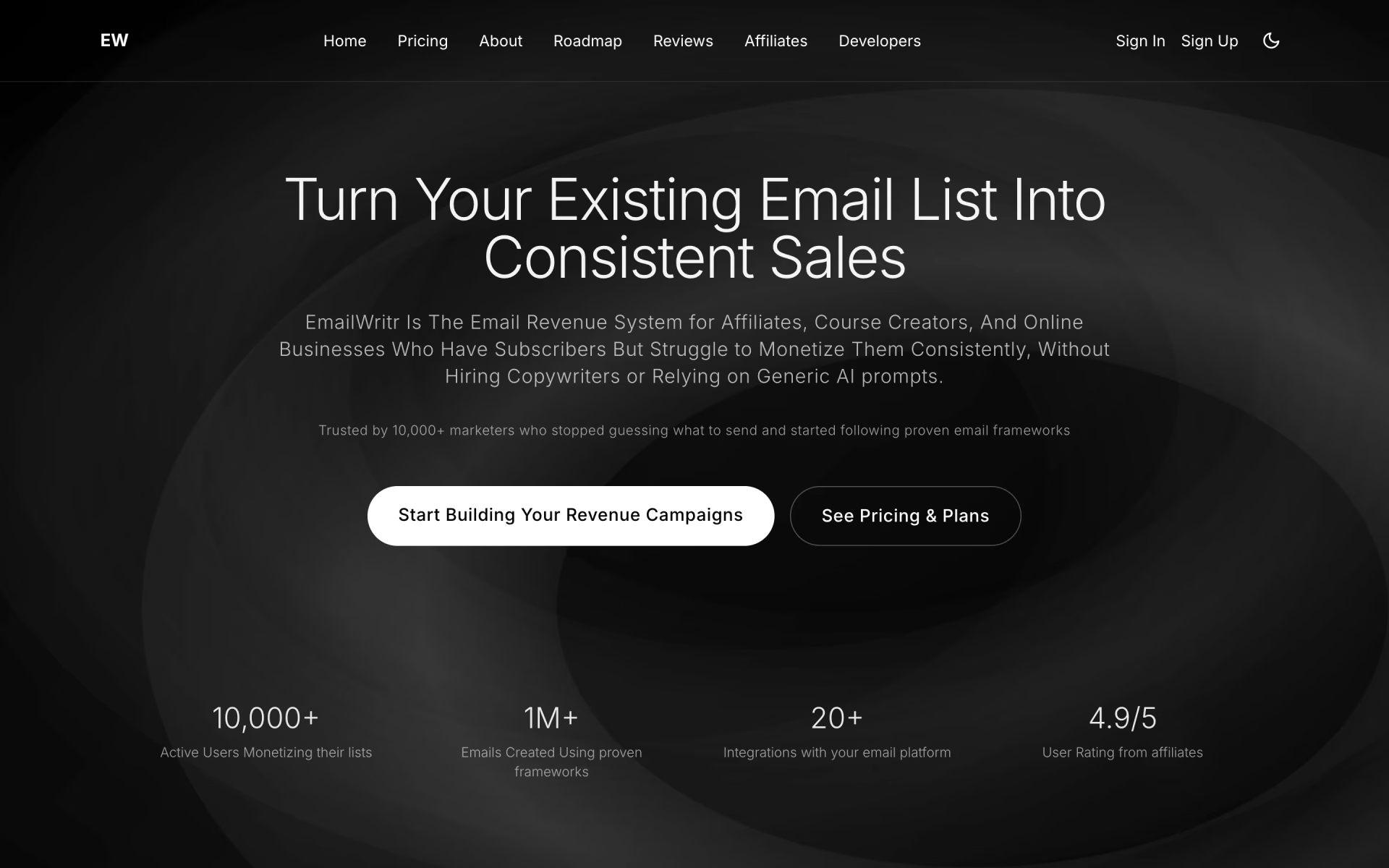
 EmailWritr
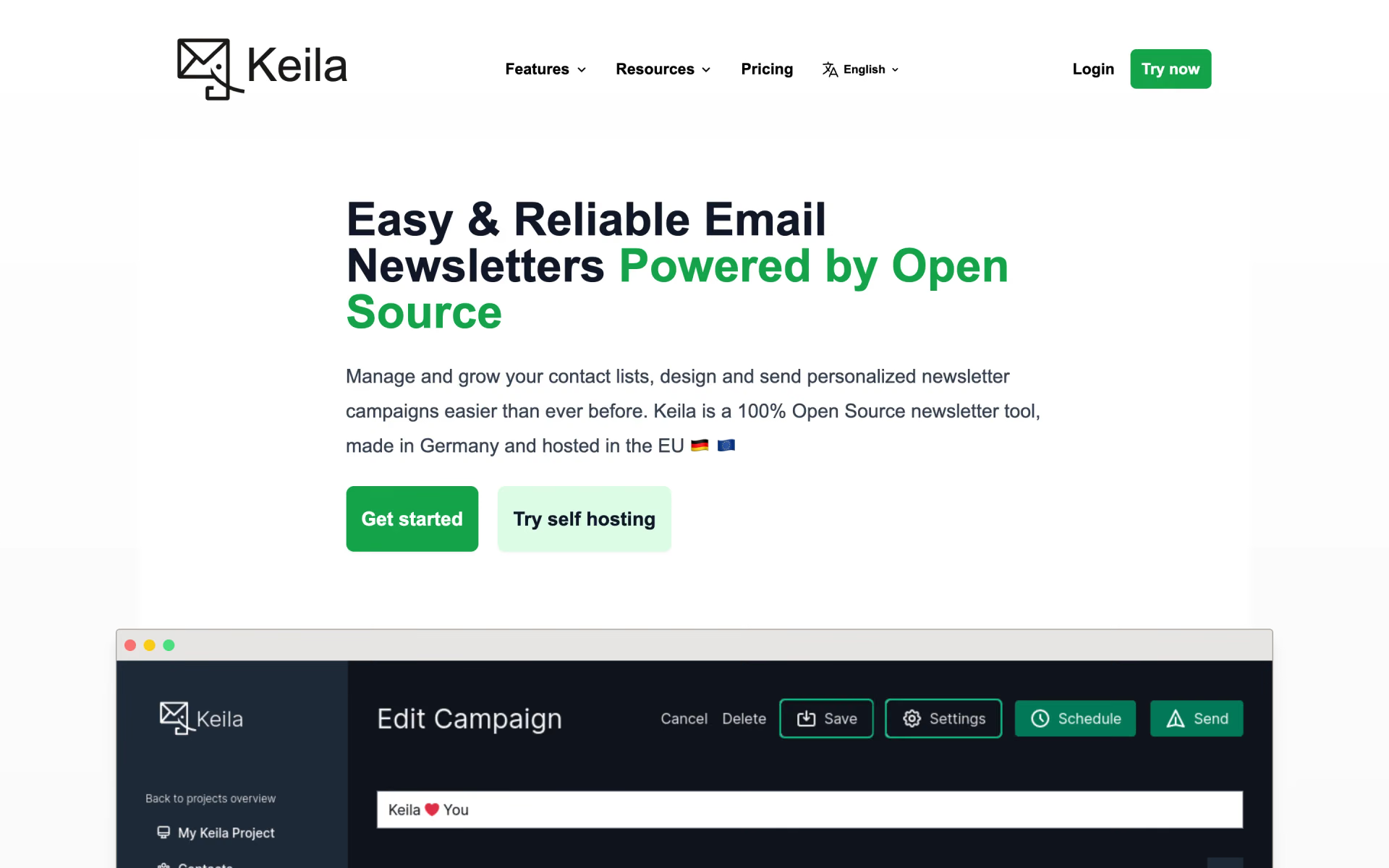
 Keila

 Loops
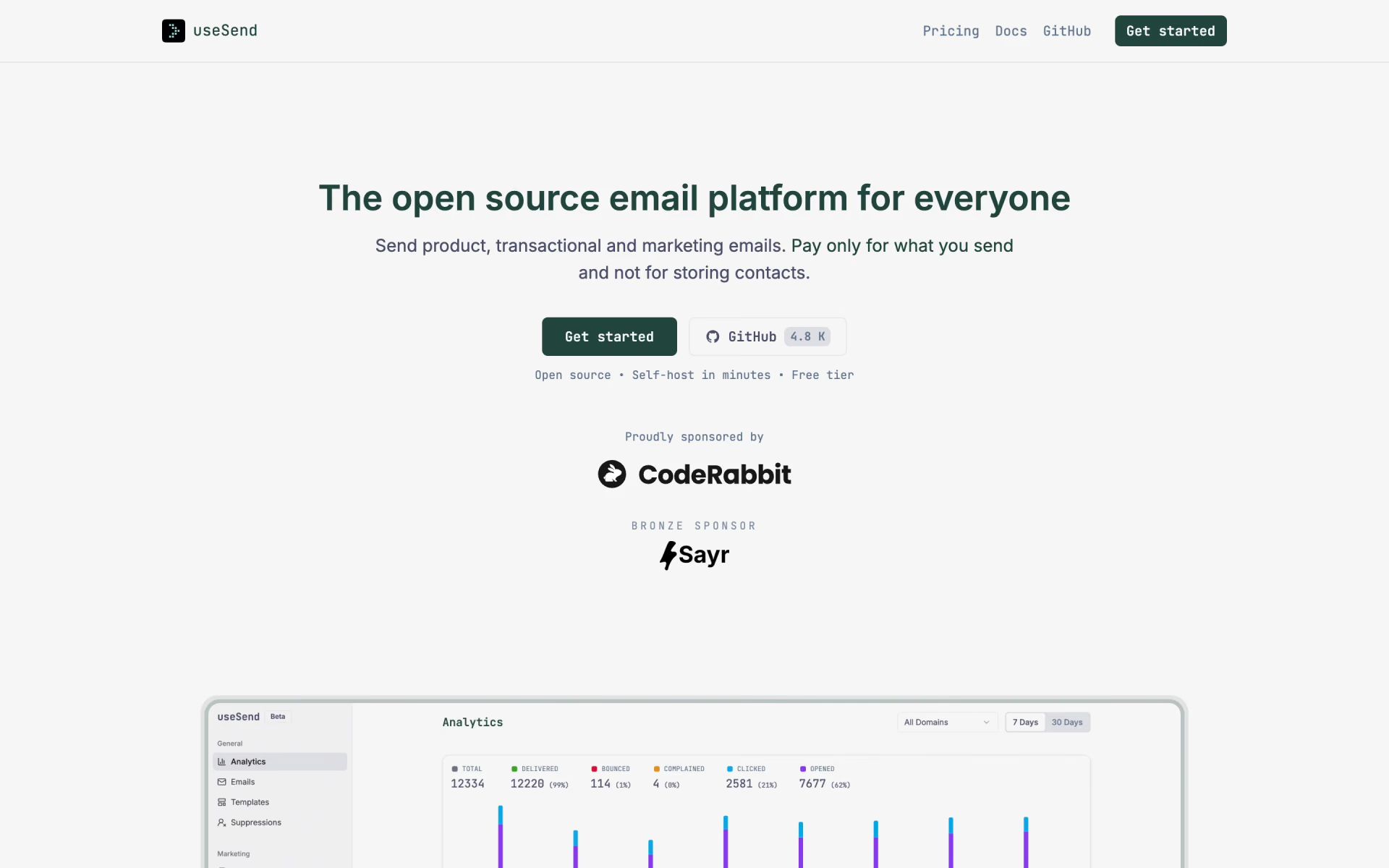
 useSend

 Plunk