
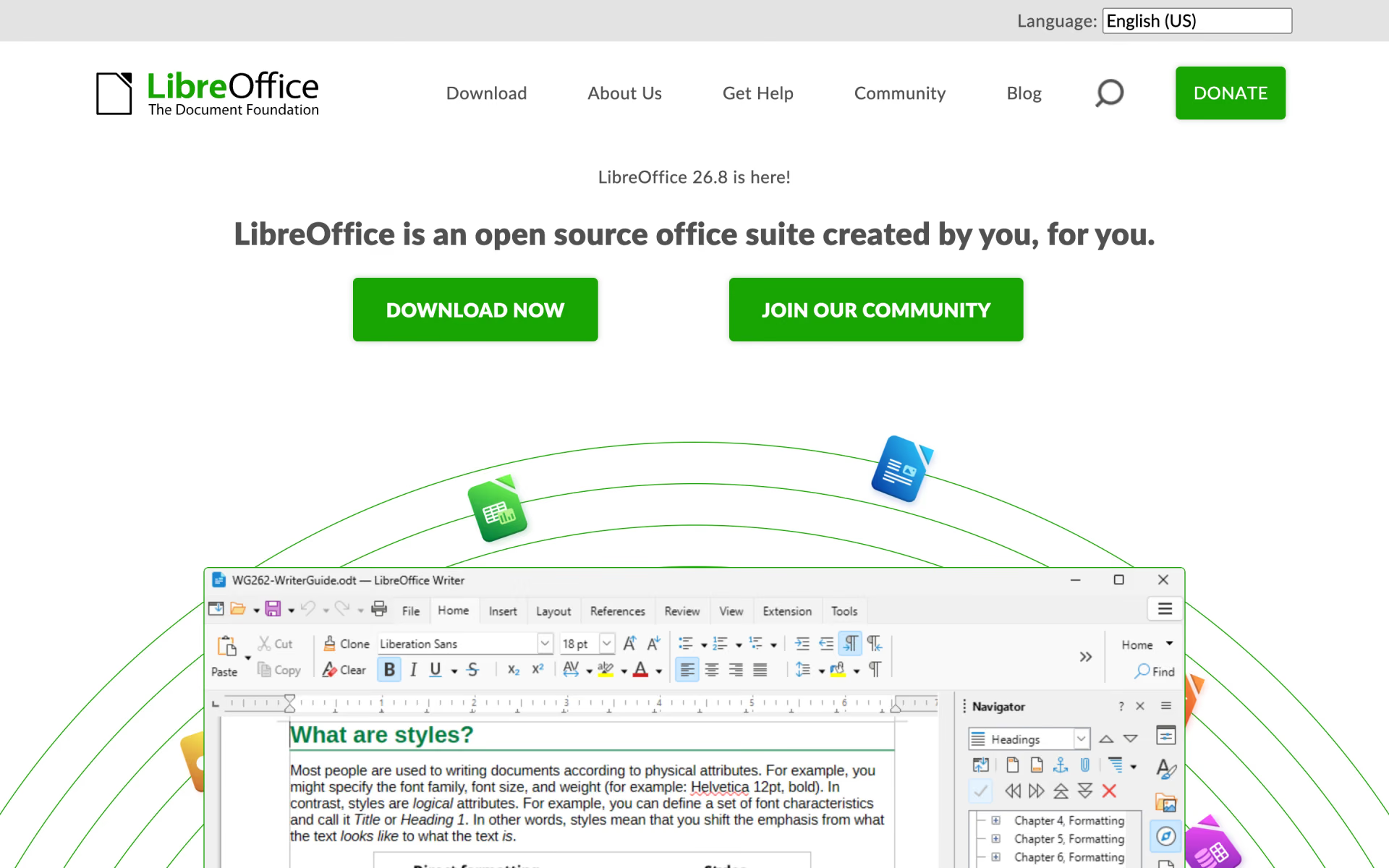
What is LibreOffice?
Desktop office suite with a word processor, spreadsheets, slides, drawing, databases and math.
Who is LibreOffice best for?
LibreOffice is best for home users, schools and offices that want a free desktop suite for documents and spreadsheets.
Replacing a paid office suite
Writer, Calc and Impress cover documents, spreadsheets and slides on Windows, macOS and Linux at no cost.
Older computers
It needs 256 MB of RAM on Windows and Linux, with 512 MB recommended, and up to 1.5 GB of disk.
Markdown files
LibreOffice imports and exports documents in Markdown, and Writer handles anything from quick notes to full-length books.
Forms and small databases
Base builds tables, forms, queries and reports, and Math writes formulas in a visual editor or as plain text.
How much does LibreOffice cost?
LibreOffice is free to download and use on Windows, macOS and Linux, with no paid tier; organisations that need support buy LibreOffice Enterprise versions from The Document Foundation's ecosystem partners.
- Writer, Calc, Impress, Draw, Base and Math
- Windows, macOS and Linux builds
- Community help, no official support
LibreOffice has no paid tier. The Document Foundation does not sell support; for schools and large organisations it recommends LibreOffice Enterprise versions from its ecosystem partners, which add service level agreements, technical support and custom features. Full pricing on libreoffice.org. We checked these prices on .
How do readers rate LibreOffice?
No one has rated LibreOffice yet. Be the first.
Sign in to rate. One rating per account.
Is LibreOffice open source?
Yes. LibreOffice's code is public under the MPL 2.0 licence, so you can run it on your own server.
On GitHub
4,632stars
+129 (+2.9%) in the last 30 days
- Last commit
- 12 Nov
- Repository age
- 13 years
- Licence
- MPL 2.0
- Self-hosted
- Yes
- Repository
- LibreOffice/core
What are the best LibreOffice alternatives?
LibreOffice is an open source alternative to WPS Office. CryptPad does the same job and is open source too.


Questions about LibreOffice
What is LibreOffice?
Desktop office suite with a word processor, spreadsheets, slides, drawing, databases and math.
Who is LibreOffice for?
LibreOffice is best for home users, schools and offices that want a free desktop suite for documents and spreadsheets.
Is LibreOffice free for commercial use?
Yes. LibreOffice is free software under the Mozilla Public License 2.0, so companies can install and use it at no cost. The Document Foundation offers no paid support itself and points businesses to certified partners for that.
Is LibreOffice open source?
Yes. LibreOffice's code is public under the MPL 2.0 licence, so you can run it on your own server.
What are the best LibreOffice alternatives?
The closest alternatives on Recaply are WPS Office and CryptPad.
Where can I try LibreOffice?
On its official website, libreoffice.org.
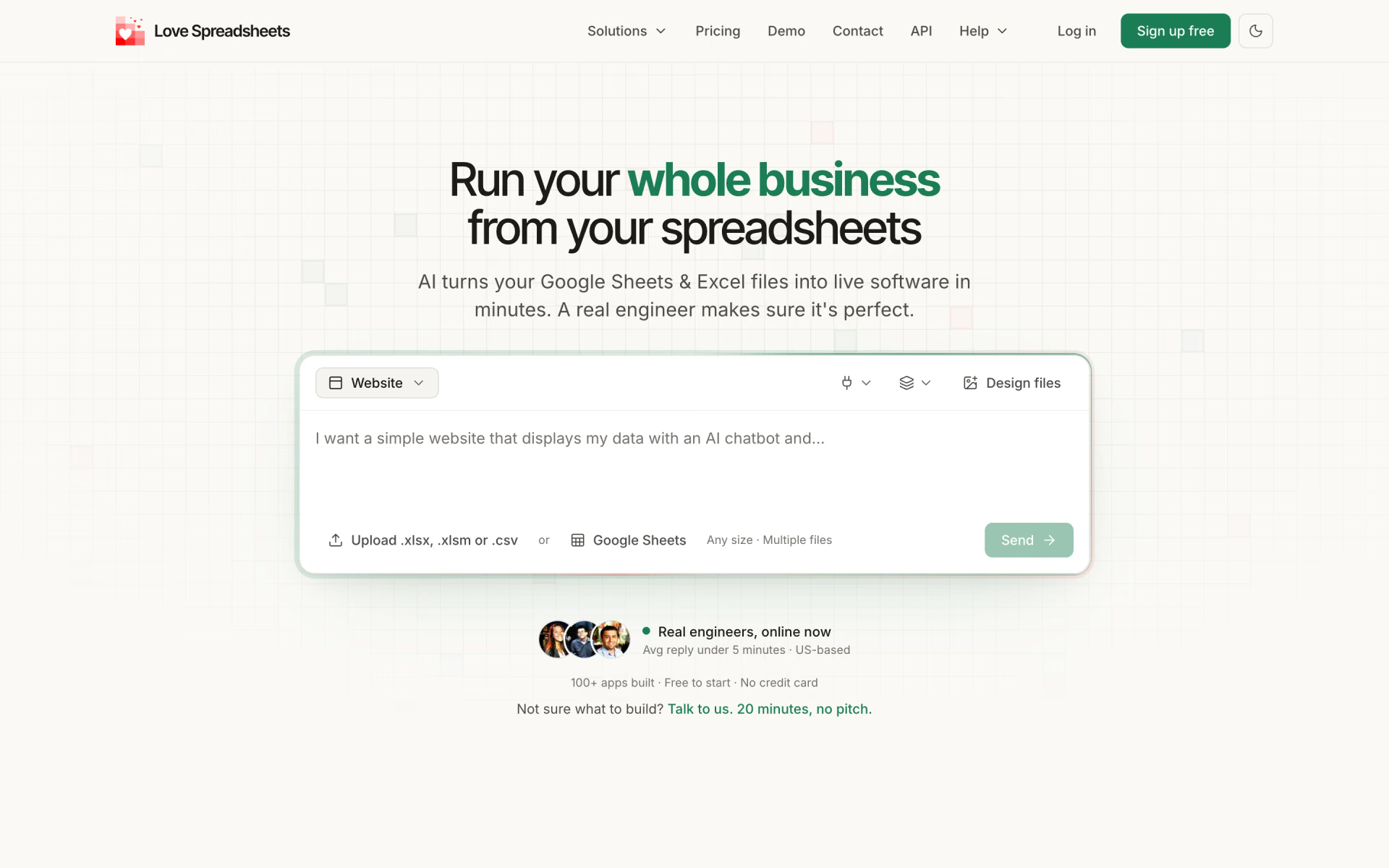
 Love Spreadsheets
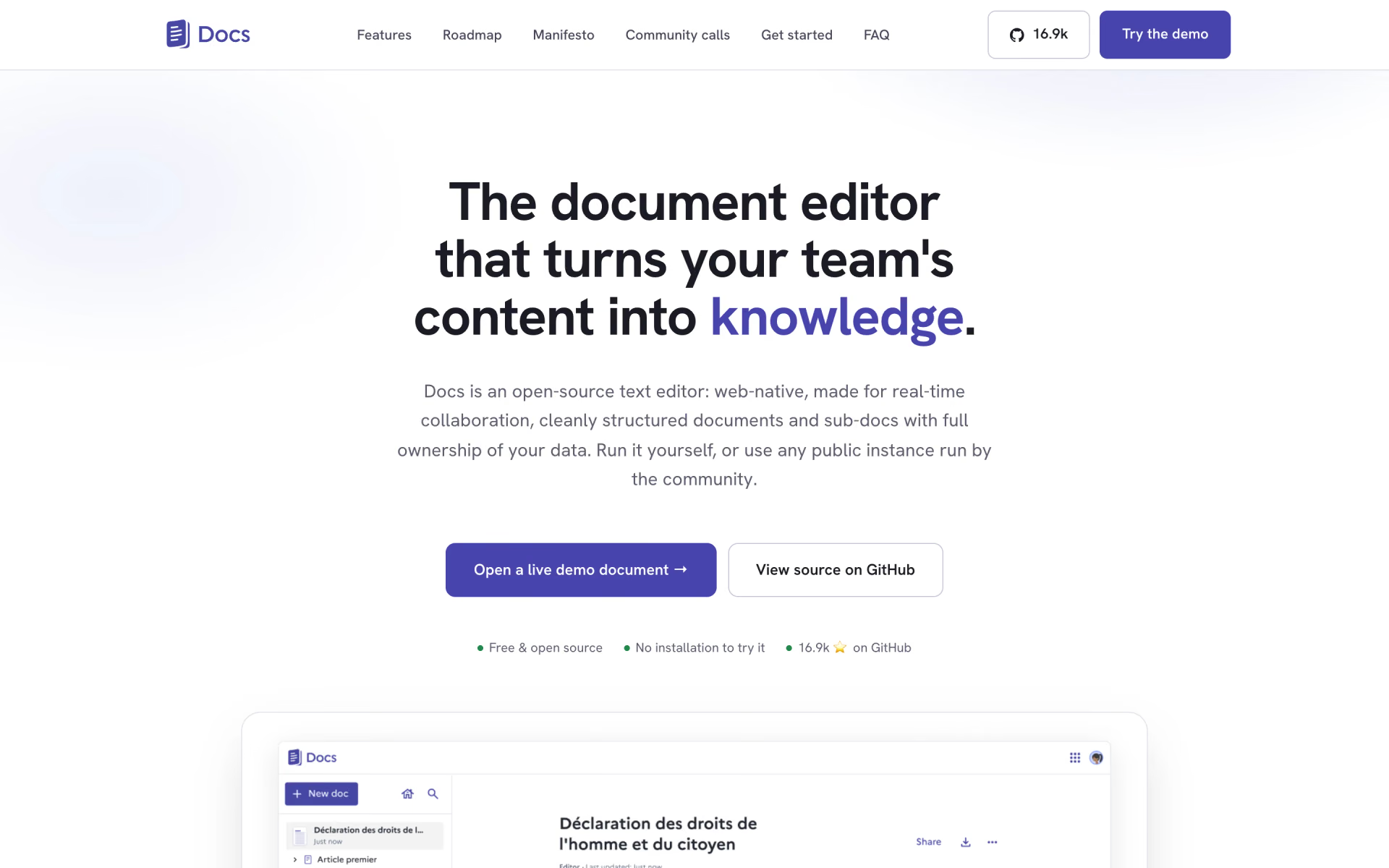
 La Suite Docs
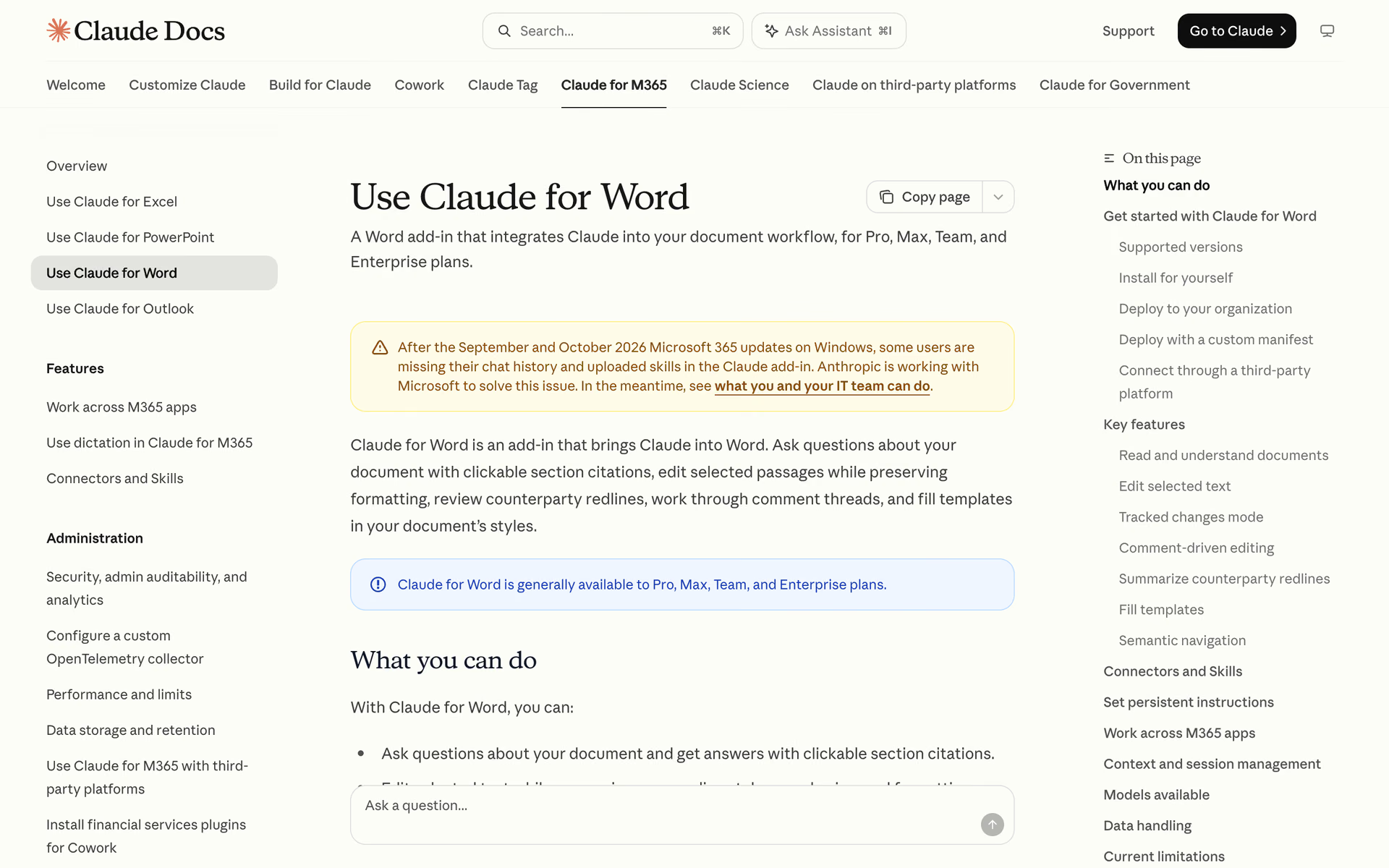
 Claude for Word

 ownCloud
 SheetSavvy AI

 Templafy