What is Darkwrite?
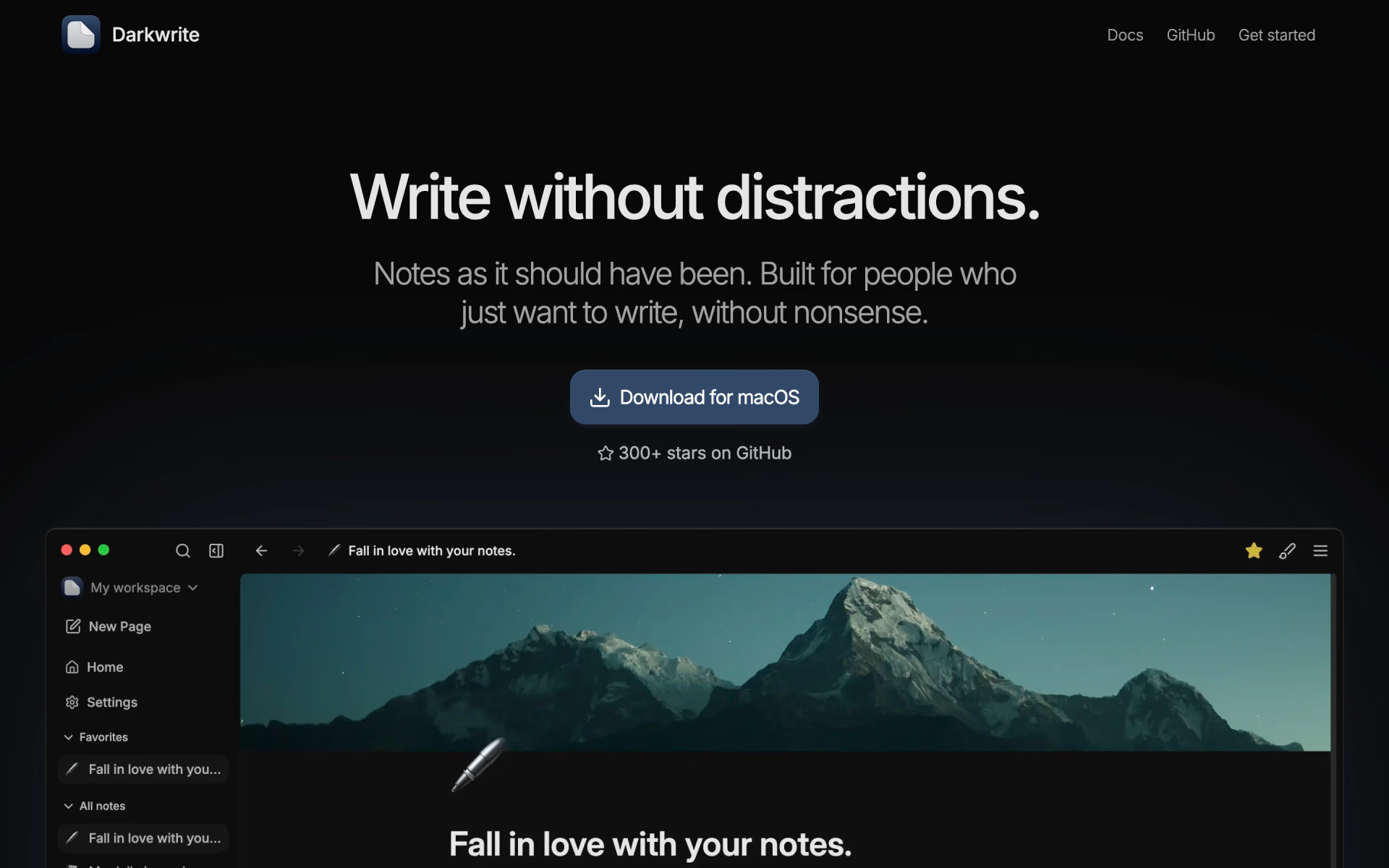
Offline notes app for Windows, macOS and Linux with themes, custom fonts and PDF export.
Who is Darkwrite best for?
Darkwrite is best for writers who want a distraction-free notes app on their own computer, with no account, AI or sync.
Offline writing
Notes live on your computer and the app needs no internet connection, account or sign-in to work.
A look of your own
Built-in or custom themes, per-note fonts, icons and cover images let you style each note and the whole interface.
Moving notes in and out
It imports HTML or Markdown from other apps, exports notes as HTML or PDF with your fonts, and packs a full backup into one archive.
How much does Darkwrite cost?
Darkwrite is free and open source under the AGPL-3.0, with no paid plan and no feature behind a paywall.
- Every feature, nothing paywalled
- Windows, macOS and Linux
- No account or internet needed
Darkwrite has no paid tier and no cloud service. There is no sync between devices yet; the maker lists self-hosted sync on the roadmap. Full pricing on darkwrite.app. We checked these prices on .
How do readers rate Darkwrite?
No one has rated Darkwrite yet. Be the first.
Sign in to rate. One rating per account.
Is Darkwrite open source?
Yes. Darkwrite's code is public under the AGPL 3.0 licence, so you can run it on your own server.
On GitHub
322stars
+7 (+2.2%) in the last 30 days
- Last commit
- 15 Oct
- Repository age
- 4 years
- Latest release
- 1 Oct
- Licence
- AGPL 3.0
- Self-hosted
- Yes
- Repository
- astudentinearth/darkwrite
What are the best Darkwrite alternatives?
Darkwrite is an open source alternative to Bear Notes, Craft and Obsidian. AppFlowy, Notesnook and Beaver Notes do the same job and are open source too.
 Bear NotesFree
Minimal Markdown notes for Mac and iOS.
 CraftFree
AI Assistant writes, edits, summarizes, translates, and understands your docs.
 ObsidianFree
Local-first Markdown notes with a plugin ecosystem.
 AppFlowyOpen Source
Open-source workspace for docs, wikis and databases you can self-host.
 NotesnookOpen Source
End-to-end encrypted notes.
 Beaver NotesOpen Source
Private Markdown notes app that keeps everything on your device, with tags, links and drawing.
Questions about Darkwrite
What is Darkwrite?
Offline notes app for Windows, macOS and Linux with themes, custom fonts and PDF export.
Who is Darkwrite for?
Darkwrite is best for writers who want a distraction-free notes app on their own computer, with no account, AI or sync.
Is Darkwrite free?
Yes. Darkwrite has a free Free download plan: every feature, nothing paywalled.
Is Darkwrite open source?
Yes. Darkwrite's code is public under the AGPL 3.0 licence, so you can run it on your own server.
What are the best Darkwrite alternatives?
The closest alternatives on Recaply are Bear Notes, Craft, Obsidian, AppFlowy, Notesnook and Beaver Notes.
Where can I try Darkwrite?
On its official website, darkwrite.app.
Does Darkwrite sync notes between devices?
Not yet. Darkwrite keeps notes on one device, and the maker suggests exporting a note and importing it on the other machine. The FAQ warns that syncing its database through Google Drive or a similar service can corrupt it; self-hosted sync is planned.

 Octarine

 Reflect Notes

 Standard Notes

 Memos

 Logseq

 Blinko