
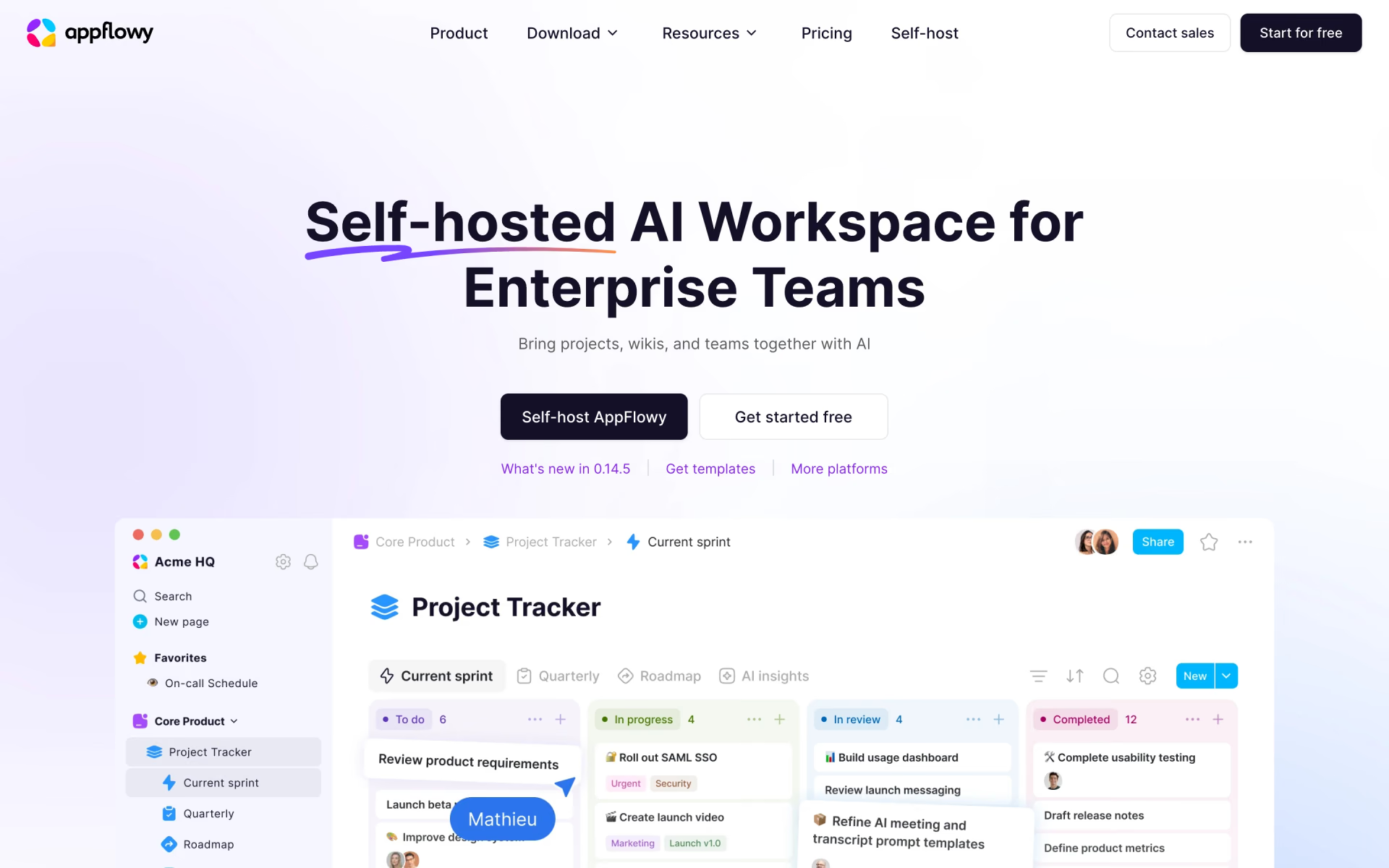
What is AppFlowy?
Open-source workspace for docs, wikis and databases you can self-host.
Who is AppFlowy best for?
AppFlowy is best for teams that want a Notion-style workspace with their data and AI on their own servers.
Teams that must keep data in-house
It runs on your own servers, in your cloud or fully air-gapped, and its AI can use self-hosted models instead of an outside service.
Teams leaving Notion or Confluence
Docs, wikis, databases and projects sit in one workspace, and the AppFlowy team helps move content across from Notion, Confluence and similar tools.
Small groups that want to pay nothing
The free cloud plan gives up to 2 members a shared workspace with unlimited pages, 5 GB storage and real-time editing.
People who work across devices
Apps for macOS, Windows, Linux, iOS, Android and the web keep the same workspace in sync.
How much does AppFlowy cost?
AppFlowy is free forever for one workspace of up to 2 members, and its cloud Pro plan costs $12.50 per user a month, or $10 per user a month billed yearly.
- 1 shared workspace for up to 2 members
- Unlimited pages, 5 GB storage
- 10 AI responses and 2 AI images
- Up to 50 members and 100 free guest editors
- Unlimited storage, file uploads and AI responses
- 50 AI images a month
Billed yearly, Pro is $10 per user a month ($120 a year). Each workspace is billed on its own, per member. Two add-ons: AppFlowy AI MAX at $8 per user a month for more advanced AI models, and Vault Workspace at $6 per user a month, billed yearly, which runs AI locally on your own hardware. Self-hosting has separate plans, billed yearly only: Free ($0, 1 seat), One ($6 a month, 1 seat), Team ($10 per seat a month, up to 1,000 seats) and Enterprise (contact sales). Full pricing on appflowy.com. We checked these prices on .
How do readers rate AppFlowy?
No one has rated AppFlowy yet. Be the first.
Sign in to rate. One rating per account.
Is AppFlowy open source?
Yes. AppFlowy's code is public under the AGPL 3.0 licence, so you can run it on your own server.
On GitHub
78,814stars
+1,529 (+2.0%) in the last 30 days
- Last commit
- 2 Nov
- Repository age
- 5 years
- Latest release
- 2 Nov
- Licence
- AGPL 3.0
- Self-hosted
- Yes
- Repository
- AppFlowy-IO/AppFlowy



What are the best AppFlowy alternatives?
AppFlowy is an open source alternative to Coda, Craft, Evernote and 3 more.
 CodaFree
Docs that work like apps, now part of Superhuman.
 CraftFree
AI Assistant writes, edits, summarizes, translates, and understands your docs.
 EvernoteFree
Notes, tasks and calendar with AI search.
 FlowUsFree
Projects, documents and wikis in one workspace.
 SagaFree
AI workspace connecting notes, docs and tasks in one place.
 AFFiNE AIFree
Local-first docs and whiteboards with an assistant that writes and maps ideas.
Questions about AppFlowy
What is AppFlowy?
Open-source workspace for docs, wikis and databases you can self-host.
Who is AppFlowy for?
AppFlowy is best for teams that want a Notion-style workspace with their data and AI on their own servers.
Is AppFlowy free?
Yes. AppFlowy's Free plan never expires and covers one shared workspace for up to 2 members, with unlimited pages, 5 GB storage and 10 AI responses. Bigger teams need Pro at $12.50 per user a month, or $10 billed yearly.
How much does AppFlowy cost?
AppFlowy's paid plans are Pro at $12.50 per user per month.
Is AppFlowy open source?
Yes. AppFlowy's code is public under the AGPL 3.0 licence, so you can run it on your own server.
What are the best AppFlowy alternatives?
The closest alternatives on Recaply are Coda, Craft, Evernote, FlowUs, Saga and AFFiNE AI.
Where can I try AppFlowy?
On its official website, appflowy.com.
Can I self-host AppFlowy for free?
Yes, but only for one person. AppFlowy's self-hosted Free plan has 1 seat and up to 3 guest editors. More seats need the Team plan at $10 per seat a month, billed yearly only, and instances above 1,000 users need Enterprise.
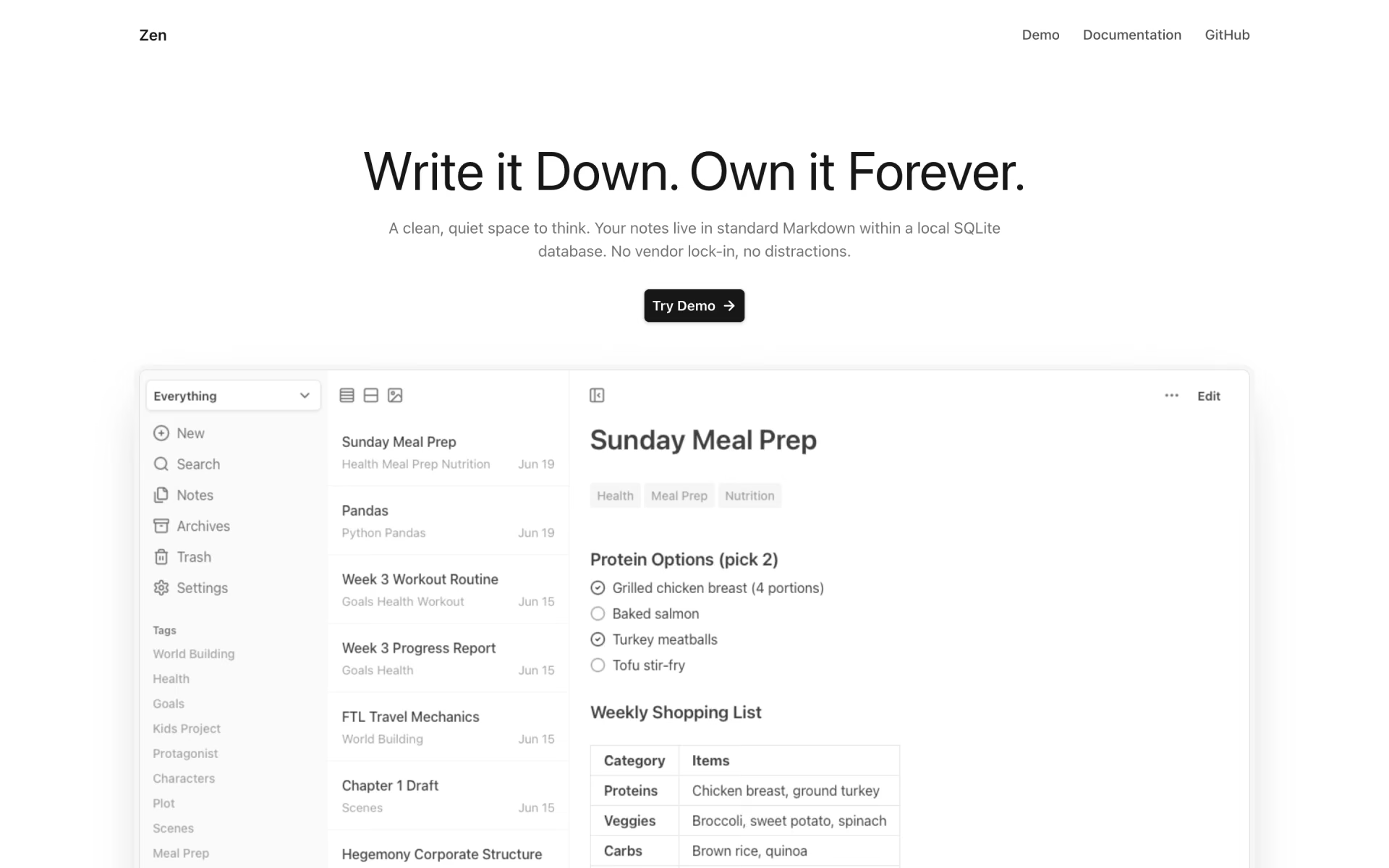
 Zen
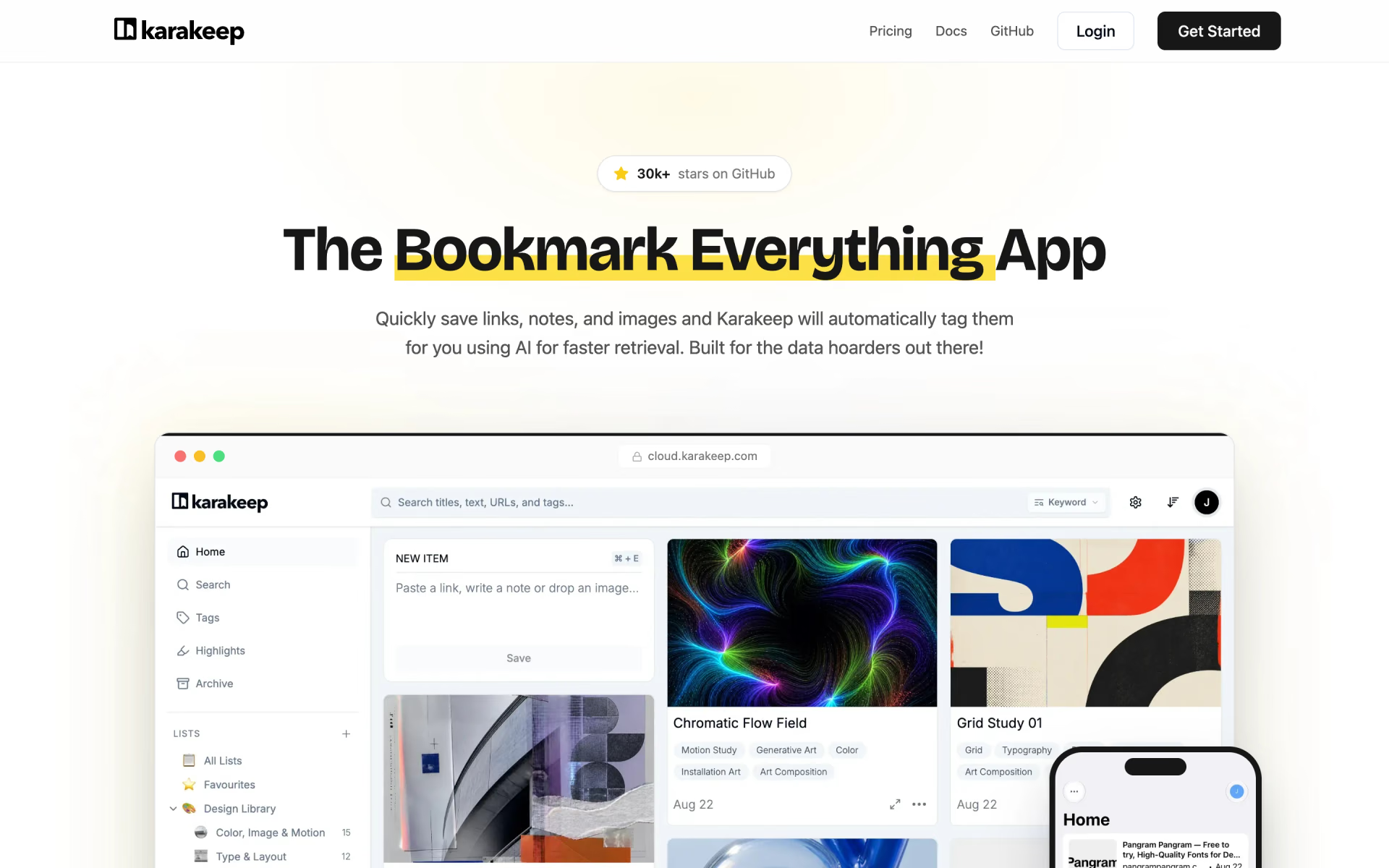
 Karakeep
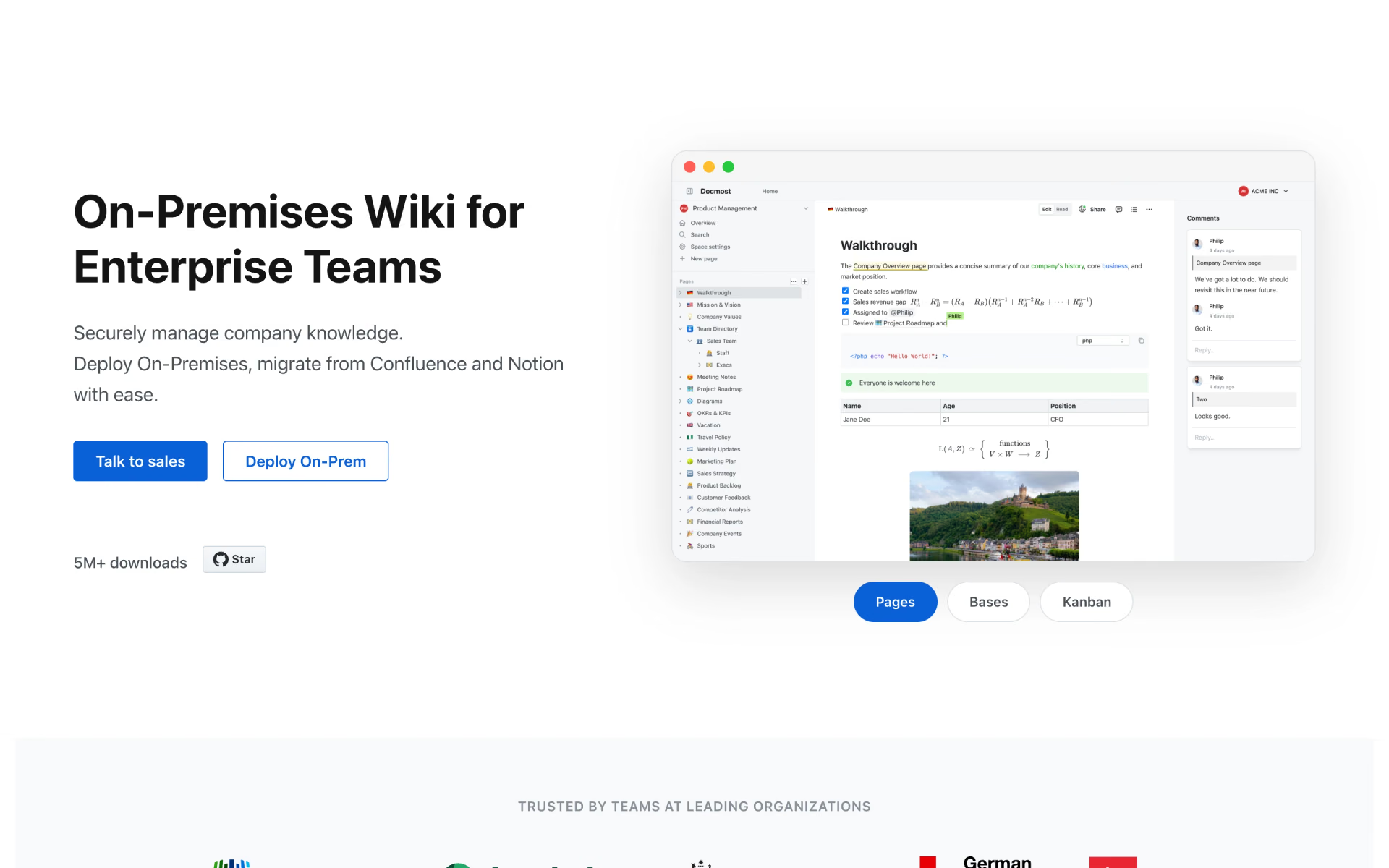
 Docmost

 Memos

 SiYuan
 XWiki