

What is Notesnook?
End-to-end encrypted notes.
Who is Notesnook best for?
Notesnook is best for people who want journals and private notes synced and encrypted on all their devices.
Private notes
Notes are encrypted on your device before they sync, so health records, passwords and journals are unreadable to anyone but you.
Switching between phone and computer
Apps for Windows, macOS, Linux, Android, iOS and the web sync the same notes, and every plan, free included, works on unlimited devices.
People who want to check the code
The apps and the sync server are open source under GPLv3, and you can run your own sync server instead of Notesnook's.
Shared phones and handovers
An app lock with fingerprint, PIN or password keeps notes closed when someone else is holding your phone.
How much does Notesnook cost?
Notesnook is free for unlimited encrypted notes, and its paid plans cost $1.99 a month for Essential, $6.99 for Pro or $8.99 for Believer, mostly for more attachment storage and bigger files.
- Unlimited notes on unlimited devices
- 50MB of uploads a month, files up to 10MB
- Up to 50 notebooks and 50 tags
- 1GB of uploads a month, files up to 100MB
- Up to 500 notebooks and 500 tags
- 14-day free trial
- 10GB of uploads a month, files up to 1GB
- Unlimited notebooks, tags and reminders
- 14-day free trial
- 25GB of uploads a month, files up to 5GB
- Unlimited notebooks, tags and reminders
- 14-day free trial
Billed yearly, Essential is $19.99, Pro $69.99 and Believer $89.99 a year. Pro and Believer are also sold as prepaid 5-year plans for $299.99 and $399.99, with no trial. Prices include tax; these are US prices, and the page shows local currency in other countries. The 14-day trial needs a payment method, refunds are available for 14 days after buying, and students and educators can apply for a Pro discount. Full pricing on notesnook.com. We checked these prices on .
How do readers rate Notesnook?
No one has rated Notesnook yet. Be the first.
Sign in to rate. One rating per account.
Is Notesnook open source?
Yes. Notesnook's code is public under the GPL 3.0 licence, so you can run it on your own server.
On GitHub
14,921stars
+165 (+1.1%) in the last 30 days
- Last commit
- 12 Nov
- Repository age
- 5 years
- Latest release
- 10 Nov
- Licence
- GPL 3.0
- Self-hosted
- Yes
- Repository
- streetwriters/notesnook
What are the best Notesnook alternatives?
Notesnook is an open source alternative to Obsidian, Craft and Evernote. AppFlowy, Tolaria and SiYuan do the same job and are open source too.
 ObsidianFree
Local-first Markdown notes with a plugin ecosystem.
 CraftFree
AI Assistant writes, edits, summarizes, translates, and understands your docs.
 EvernoteFree
Notes, tasks and calendar with AI search.
 AppFlowyOpen Source
Open-source workspace for docs, wikis and databases you can self-host.
 TolariaOpen Source
Open-source desktop app that stores notes as plain Markdown files, with built-in Git and AI.
 SiYuanOpen Source
Personal knowledge base of linked blocks, with Markdown editing, flashcards and local storage.
Questions about Notesnook
What is Notesnook?
End-to-end encrypted notes.
Who is Notesnook for?
Notesnook is best for people who want journals and private notes synced and encrypted on all their devices.
Is Notesnook free?
Yes. Notesnook has a free plan: unlimited notes on unlimited devices.
How much does Notesnook cost?
Notesnook's paid plans are Essential at $1.99 per month, Pro at $6.99 per month and Believer at $8.99 per month.
Is Notesnook open source?
Yes. Notesnook's code is public under the GPL 3.0 licence, so you can run it on your own server.
What are the best Notesnook alternatives?
The closest alternatives on Recaply are Obsidian, Craft, Evernote, AppFlowy, Tolaria and SiYuan.
Where can I try Notesnook?
On its official website, notesnook.com.
What happens to my Notesnook notes if I stop paying?
Nothing is deleted. Your Notesnook account moves back to the free plan, which still gives unlimited encrypted notes on unlimited devices, and you can keep reading, editing and exporting everything. Only the extra storage and higher limits of the paid plan go away.
Can I self-host Notesnook?
Yes. Notesnook's apps and its sync server are both open source under GPLv3, so you can run your own sync server instead of using Notesnook's. Export works on every plan, including the free one.
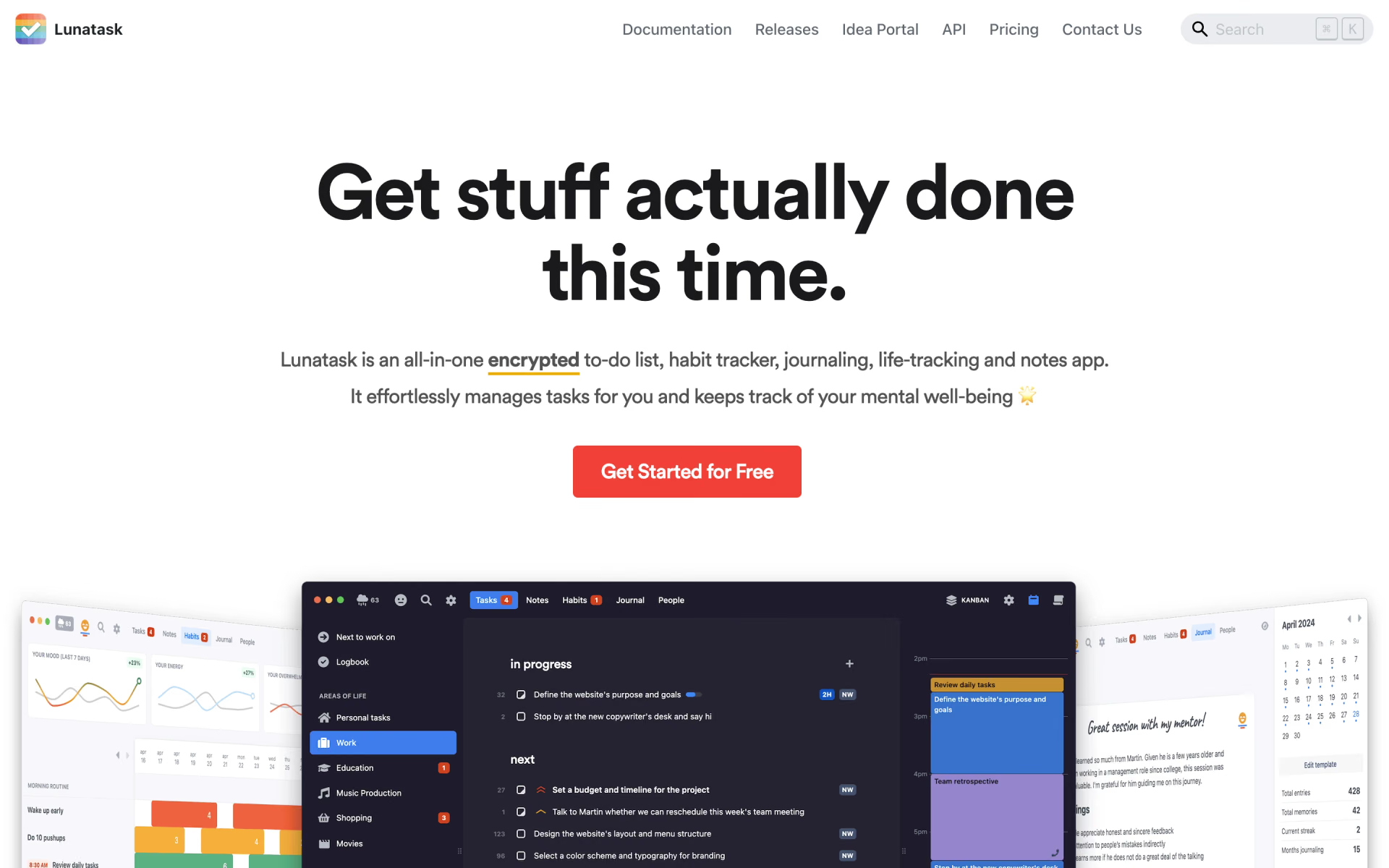
 Lunatask

 Bear Notes

 Reflect Notes

 Beaver Notes

 Standard Notes

 Memos