

What is Octarine?
Note app for Mac, Windows and Linux that keeps plain files on your disk, with tasks and optional AI.
Who is Octarine best for?
Octarine is best for writers and Obsidian users who want a polished Markdown editor with notes kept on their own disk.
Writers who want their own files
Notes are plain Markdown in a folder you pick, and the app works fully offline.
Obsidian users
A vault opens as an Octarine workspace with no export or conversion, though plugin syntax may need fixing.
Daily planning inside notes
Daily and weekly notes carry unfinished tasks forward, and a Tasks & Projects dashboard gathers them.
Private AI help
Ask Octarine and the writing assistant run on your own API key or a local model instead of an AI subscription.
How much does Octarine cost?
Octarine's core app is free forever; a Personal license is a one-time $79 for up to three devices, and Team seats are $129 each, also paid once.
- Editor, unlimited workspaces and daily notes
- Graph view and full-text search
- Notes stay as local Markdown files
- Every Pro feature, AI tools included
- All future updates
- Priority email support
- Seats owned by the company and reassignable
- Admin dashboard for members and devices
- Central billing
Every license is a one-off payment with no subscription and covers macOS, Windows and Linux. AI features need your own API key or a local model. The iOS app is a TestFlight beta for license holders. Full pricing on octarine.app. We checked these prices on .
How do readers rate Octarine?
No one has rated Octarine yet. Be the first.
Sign in to rate. One rating per account.
How do I connect Octarine to my AI agent?
Octarine MCP is Octarine's official MCP server. Add it to your agent once, then ask it to search, write and update Octarine notes while you work.
Your agent gets access to the notes in your Octarine workspace through the built-in server or the command line, so it can look things up and keep notes current.
Octarine gives each account its own server address. Open the setup guide, copy your address, then add it to Claude Code like any other server.
It runs on your computer, so Claude Code starts it when it needs it.
Octarine's setup guide covers the sign-in.
Then ask your agent
- Runs
- On your computer
- Sign-in
- See guide
- Maker
- Octarine
- Guide
- docs.octarine.app
What are the best Octarine alternatives?
Two tools on Recaply do Octarine's job. Tolaria is open source, so you can run it on your own server.


Questions about Octarine
What is Octarine?
Note app for Mac, Windows and Linux that keeps plain files on your disk, with tasks and optional AI.
Who is Octarine for?
Octarine is best for writers and Obsidian users who want a polished Markdown editor with notes kept on their own disk.
Is Octarine free?
Yes. Octarine has a free plan: editor, unlimited workspaces and daily notes.
How much does Octarine cost?
Octarine's paid plans are Personal at $79 one-time, up to 3 devices and Team at $129 per seat, one-time.
Does Octarine have an MCP server?
Yes. Octarine MCP is Octarine's official MCP server, so agents such as Claude Code, Cursor, Codex and GitHub Copilot can search, write and update Octarine notes while you work. It runs on your computer.
Is there an open source alternative to Octarine?
Yes. Tolaria is an open source tool that does the same job, so you can run your own.
What are the best Octarine alternatives?
The closest alternatives on Recaply are Obsidian and Tolaria.
Where can I try Octarine?
On its official website, octarine.app.
Is Octarine open source?
No. Octarine is closed source and its maker has no plans to open it. Your notes are plain Markdown files, so they stay readable in any other editor.
How does Octarine sync notes between devices?
Octarine has no sync service of its own: notes are Markdown files, so you sync them with iCloud, Dropbox, OneDrive, Google Drive or Syncthing. A built-in Git sync also backs them up to GitHub or GitLab.
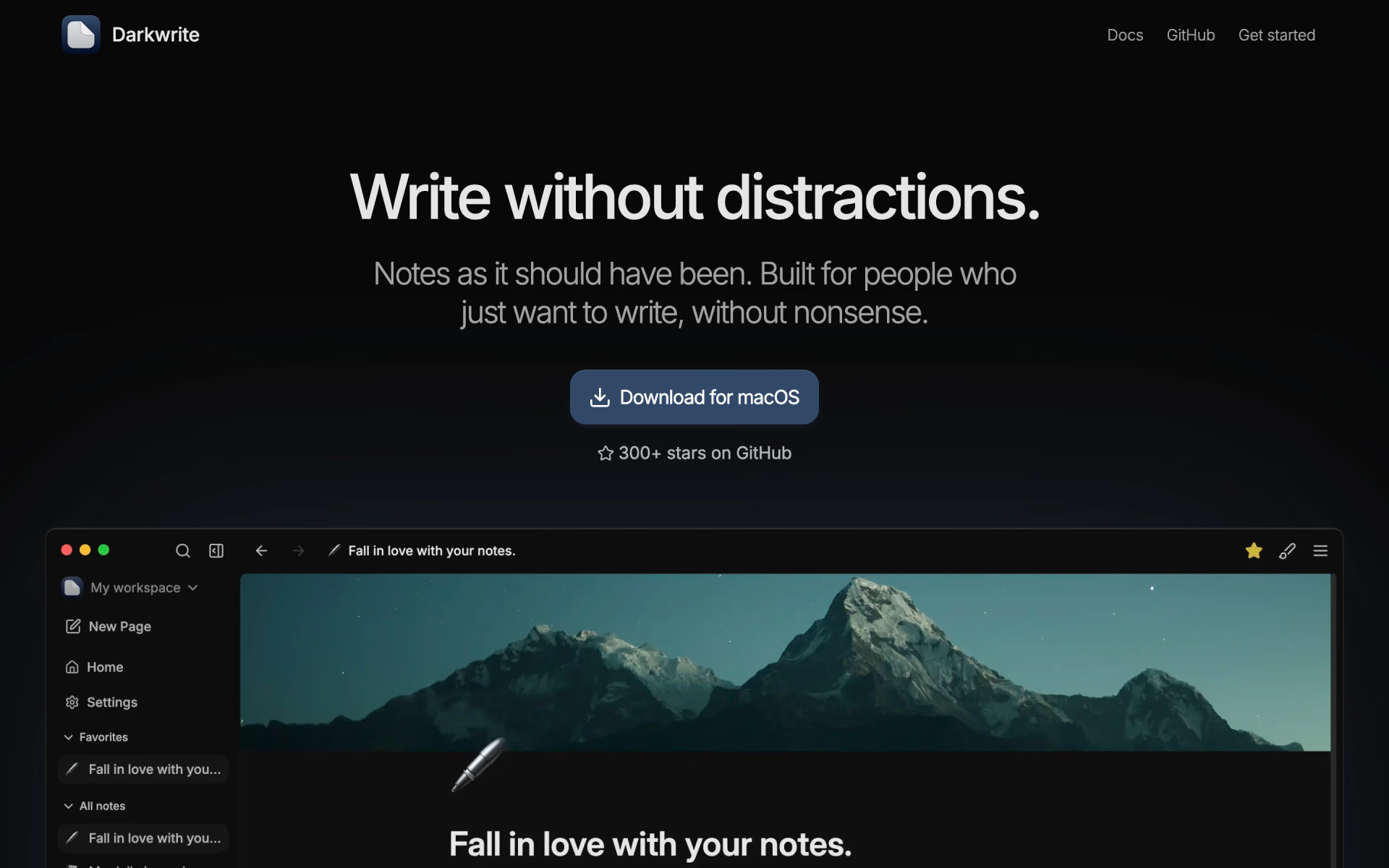
 Darkwrite

 SilverBullet

 Beaver Notes
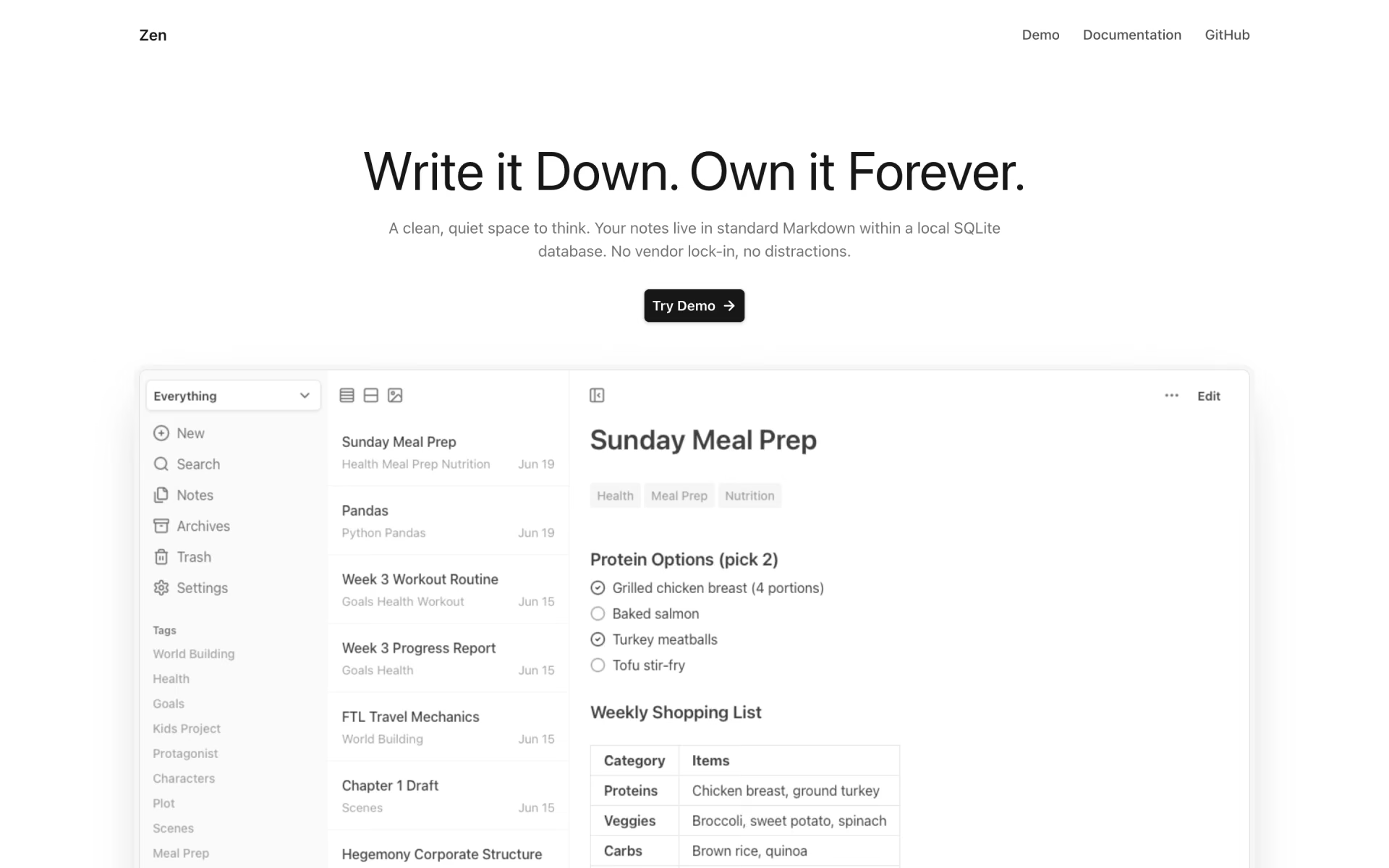
 Zen

 Memos

 Logseq