

What is Coda?
Docs that work like apps, now part of Superhuman.
Who is Coda best for?
Coda is best for teams that want documents, linked tables and small internal apps in one workspace.
Team hubs and wikis
Strategy, schedules and meeting notes sit in one shared doc that the whole team edits at the same time.
Trackers that outgrew spreadsheets
Tables link to each other and sync edits across views, so a roadmap or OKR tracker stays in one place instead of scattered sheets.
Small internal apps without code
Formulas, buttons and automations turn a doc into a simple tool, such as a request form or a launch calendar.
Large teams with few editors
Billing counts only Doc Makers, so colleagues who just edit or read existing docs add nothing to the bill.
How much does Coda cost?
Coda, now sold as Superhuman Docs, has a free plan, and its paid plans cost $15 per Doc Maker per month for Pro or $40 for Business, while editors and viewers never pay.
- Shared docs with connected tables, views and forms
- A few trial uses of Docs AI and MCP
- 1GB of attachments per doc, 7 days of version history
- No limit on doc size, 5GB of attachments per doc
- Docs AI (beta) and MCP access for tools like Claude
- 30 days of version history, custom branding and domains
- Databases (beta) and unlimited automations
- Unlimited version history, private folders, page locking
- Grammarly, Superhuman Go and Superhuman Mail included
- SAML SSO and SCIM user provisioning
- AI admin controls, audit events, doc and folder governance
- SOC 2 Type 2 report and HIPAA compliance
Billed yearly, Pro is $12 and Business $33 per Doc Maker per month. You pay only for Doc Makers, the people who create docs and folders; editors and viewers are free, and seat changes mid-cycle are prorated. Pro includes Grammarly only on yearly billing; on monthly billing it adds $15 per Doc Maker a month. Docs AI is unlimited on paid plans while it is in beta, under a fair-use policy. Removing seats or cancelling earns a prorated account credit rather than a refund. Full pricing on superhuman.com. We checked these prices on .
How do readers rate Coda?
No one has rated Coda yet. Be the first.
Sign in to rate. One rating per account.
What are the best Coda alternatives?
Three tools on Recaply do Coda's job. All three are open source, so you can run them on your own server.
 AppFlowyOpen Source
Choose it when you want to host it yourself and keep your data on your own server.
 ColanodeOpen Source
Choose it when you want pages and databases with table, kanban and calendar views under the Apache 2.0 licence, self-hosted
 DocmostOpen Source
Choose it when you need shared team pages with comments, page history and public links, free on the self-hosted Community edition
More open source alternatives
See all
Questions about Coda
What is Coda?
Docs that work like apps, now part of Superhuman.
Who is Coda for?
Coda is best for teams that want documents, linked tables and small internal apps in one workspace.
Is Coda free?
Yes. Coda has a free plan: shared docs with connected tables, views and forms.
How much does Coda cost?
Coda's paid plans are Pro at $15 per Doc Maker per month and Business at $40 per Doc Maker per month.
Is there an open source alternative to Coda?
Yes. AppFlowy, Colanode, Docmost and La Suite Docs are open source tools that do the same job, so you can run your own.
What are the best Coda alternatives?
The closest alternatives on Recaply are AppFlowy, Colanode and Docmost.
Where can I try Coda?
On its official website, coda.io.
Is Coda the same as Superhuman Docs?
Yes. Coda now goes by Superhuman Docs after joining Superhuman, and coda.io sends its pricing page to Superhuman. The product keeps its docs, tables and automations, and adds AI views, databases in beta and bundles that include Grammarly, Superhuman Go and Superhuman Mail.
Do I pay for every person in my Coda workspace?
No. Coda charges only for Doc Makers, the members who create docs, templates and folders. Editors who change content in existing docs and viewers are always free, and adding or removing a Doc Maker mid-cycle is prorated on the next bill.
 DocsHound
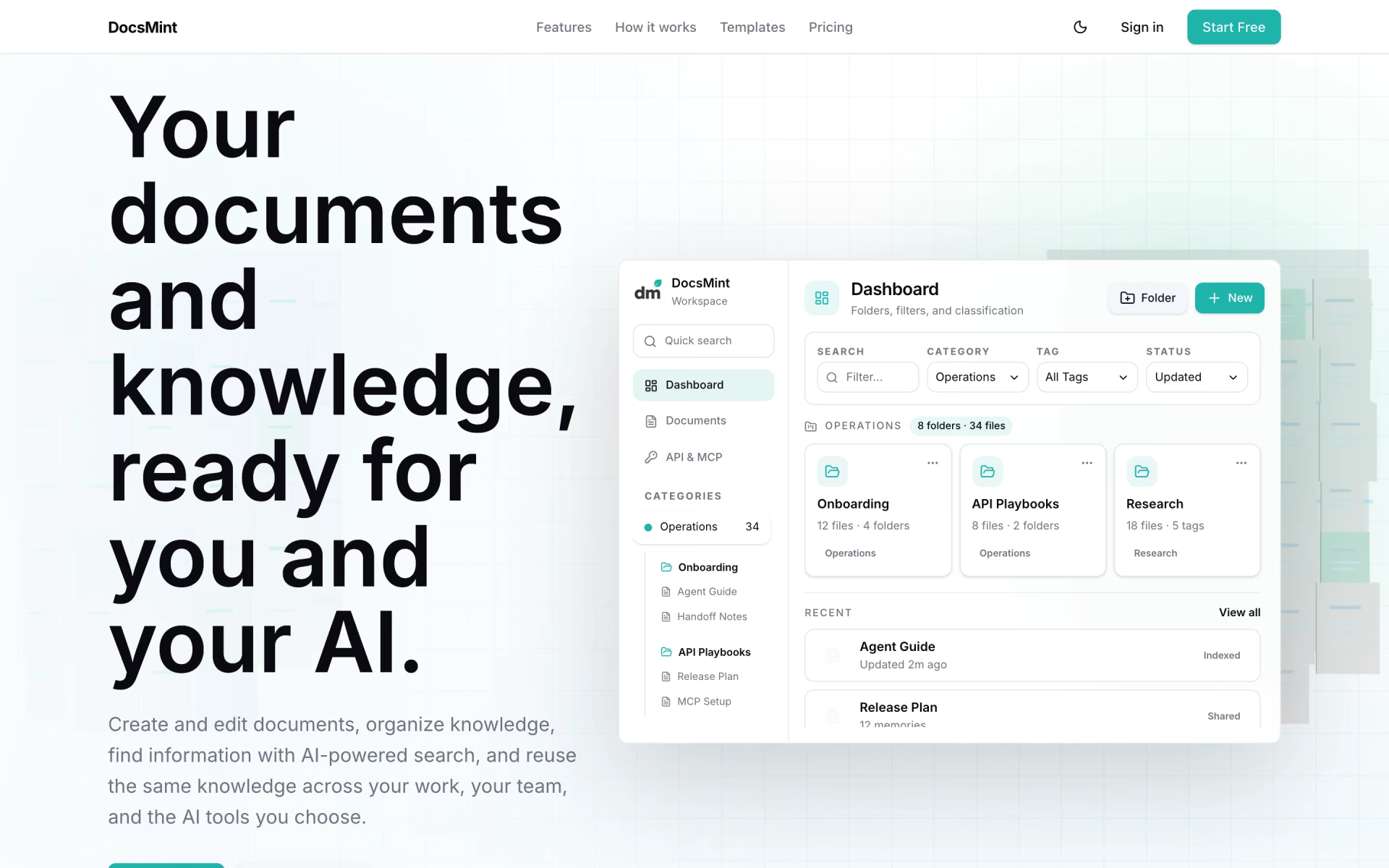
 DocsMint

 Genspark AI Docs

 Fibery
 Gemini Canvas

 Spellmint