The best AI presentation makers in 2026: Gamma and 6 alternatives
The best AI presentation maker is Gamma: a prompt or document becomes a full deck. Seven compared on free plans, price, PowerPoint export and teams.
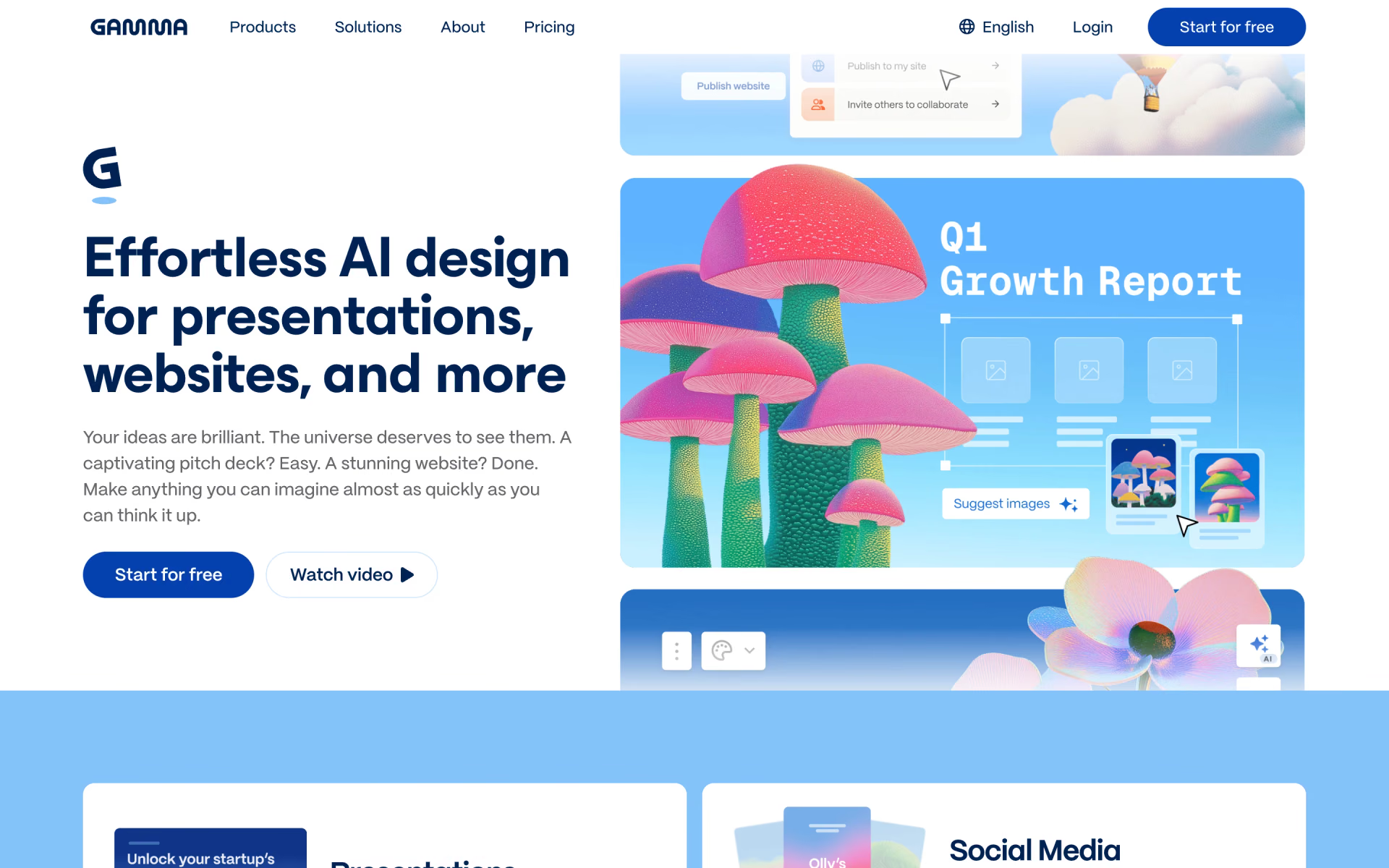
Gamma is the best AI presentation maker for most people, because it turns a prompt or a document into a complete presentation. Even its free plan exports to PowerPoint and Google Slides, and the $12 Plus plan removes Gamma's branding. Choose Plus AI if your slides have to stay in Google Slides or PowerPoint, or Pitch if a team builds and shares presentations together.





What an AI presentation maker does
An AI presentation maker turns a prompt, an outline or a document into slides. Most tools draft an editable outline first, then choose layouts, write the text and add images for you to refine.
Standalone apps such as Gamma, Beautiful.ai, Pitch and Canva AI have their own editor, so you export a file whenever someone needs PowerPoint. Add-ins such as Plus AI, Copilot and Claude for PowerPoint work inside PowerPoint or Google Slides instead. That saves a cleanup step when your organization requires a .pptx file in its own template.
The best AI presentation makers at a glance
Prices are per person per month, billed monthly, taken from each maker's own pricing page on Nov 8, 2026. "Paid from" is the lowest plan with the AI features, and Copilot's price is Microsoft 365 Personal.
| Tool | Free plan | Paid from | Where you edit | PowerPoint file | Best for |
|---|---|---|---|---|---|
 Gamma | 400 one-time credits | $12 | Gamma's own editor | Export on every plan | Most people |
 Plus AI | No | $15 | Google Slides, PowerPoint | Built in your file | Slides and PowerPoint users |
 Pitch | Up to 5 people, 100 credits | $15 | Pitch's own editor | Export from Plus | Teams |
 Beautiful.ai | No | $45 | Beautiful.ai's own editor | Export on every plan | Tidy layouts |
 Canva AI | Up to 20 AI uses a month | $18 | Canva's own editor | Export | Canva users |
 Microsoft Copilot | No | $9.99 | PowerPoint | Built in your file | Microsoft 365 users |
 Claude for PowerPoint | No | $20 | PowerPoint | Built in your file | Company templates |
The seven best, one by one
1. Gamma: best overall
Gamma builds presentations, documents, simple websites and social posts from a prompt, a file or your notes. Gamma 5, released October 6, 2026, added an agent that asks questions and drafts an outline first, plus a freeform canvas for detailed editing.
The free plan's 400 credits don't refill, but it still exports to PowerPoint, PDF, PNG and Google Slides. Plus costs $12 a month for 1,500 credits and removes Gamma's branding, while Pro costs $25 and adds custom branding and detailed analytics.
Good
- PowerPoint and Google Slides export, even on Free
- Unused credits roll over, up to twice the monthly amount
- Pulls in content from 25+ tools, including Slack and Notion
Watch for
- Free credits never refill
- Custom branding starts at $25 a month
2. Plus AI: best inside Google Slides and PowerPoint
Plus AI is an add-on that builds and edits presentations inside Google Slides and PowerPoint, so there's no new editor to learn. It drafts presentations from a prompt, inserts individual slides, rewrites text and remixes existing slides into new layouts with editable charts and tables.
There's no free plan, only a 7-day trial with 1,000 credits that requires a card and becomes a paid plan unless you cancel. Basic costs $15 a month for 1,500 credits, and Pro costs $25 for 3,000 credits and can build from PDF, Word and text files.

Good
- Works in Google Slides and PowerPoint
- Edits the slides you already have
- Editable charts and tables, not pictures
Watch for
- No free plan, and the trial needs a card
- Brand templates start at $40 per user
3. Pitch: best for teams
Pitch is a shared workspace where a team writes, designs and delivers presentations together. Its AI, Pitch Agent, builds a presentation from a prompt and the PDFs, text files or CSVs you attach. Give it your website's domain, and it pulls your logo, colors and fonts into a template.
The free plan covers up to 5 people with 100 AI credits that don't renew, and its PDF exports carry Pitch branding. Plus costs $15 a month and adds PowerPoint export, while Team adds links that show who viewed each slide and for how long.

Good
- Free for a team of up to 5
- A brand template from your website
- Slide-by-slide view tracking on Team
Watch for
- No PowerPoint export on Free
- Animations don't carry into PowerPoint
4. Beautiful.ai: best for tidy layouts
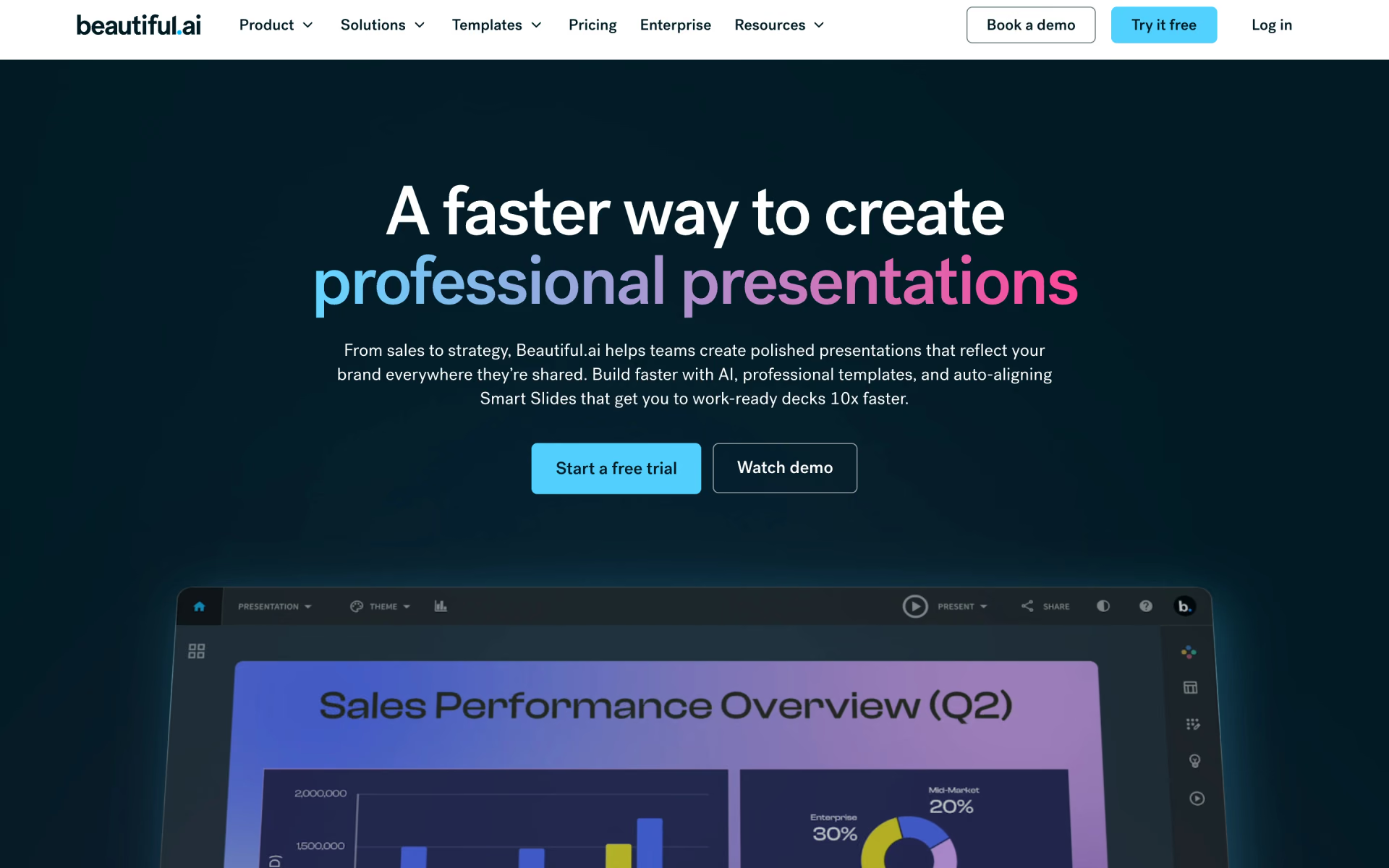
Beautiful.ai is built around Smart Slides, more than 300 layouts that adjust spacing and alignment automatically as you add content. That keeps presentations consistent when several people edit them, and its AI writes slides from a prompt plus any files or links you add.
Pro costs $45 a month, or $14.50 a month billed yearly, with unlimited AI, a theme builder and PowerPoint import and export. Team adds shared libraries, locked slides and live co-editing, and there's no free plan, only a 14-day trial that requires a card.
Good
- Layouts fix their own spacing
- Unlimited AI use on every plan
- A free year for students with a .edu email
Watch for
- Monthly Pro costs three times the yearly rate
- The Team card says it includes 3 users, so check seats
5. Canva AI: best if you already use Canva
Canva AI is the assistant built into Canva, and it creates presentations as well as posts, videos and documents. You choose an audience, style and length, write a short prompt and reorder the drafted outline before Canva designs the slides.
Canva Free includes up to 20 AI uses a month and one Brand Kit with three colors. Pro costs $18 a month, or $144 a year, for about 10 times more AI, 5 Brand Kits and 3.6 million templates. Finished presentations can be exported as PowerPoint files, PDFs, videos or Canva websites.

Good
- Free AI uses that reset each month
- Slides, social posts and video in one place
- A large library of photos and graphics
Watch for
- Free allows up to 20 AI uses a month
- Bigger AI tasks use more of the allowance
6. Copilot in PowerPoint: best if you have Microsoft 365
Copilot in PowerPoint drafts a presentation from a prompt or a Word document, right inside PowerPoint. It may first ask about your audience, length and images, which you can skip. If you start from your company's template or pick a Brand Kit, it keeps that theme and uses the template's layouts.
At home, it comes with Microsoft 365 Personal at $9.99 a month, Family at $12.99 and Premium at $19.99, which has the highest usage limits. It runs in PowerPoint on Windows, Mac and iPad, and Microsoft says Word files under 24 MB work best.
Good
- The lowest price if you have Microsoft 365
- Uses your template's layouts and Brand Kit
- Turns a Word document into slides
Watch for
- Usage limits on every plan
- Work accounts need a Copilot license
7. Claude for PowerPoint: best for company templates
Claude for PowerPoint is Anthropic's add-in that puts Claude in a side panel inside PowerPoint. It reads your presentation's slide master, layouts, fonts and colors, then builds or edits slides to match. You can change one slide without regenerating the whole presentation, and turn bullets into native charts you can still edit.
It comes with every paid Claude plan, from Pro at $20 a month, and shares usage limits with your Claude account. Anthropic warns against using it on files you don't trust, because hidden text in them can steer it. If you're still choosing an assistant, see how ChatGPT, Claude and Gemini compare.
Good
- Follows your slide master and layouts
- Native charts, not pictures
- One chat across PowerPoint, Excel, Word and Outlook
Watch for
- No free plan
- Not on iPad, Android or PowerPoint 2016 and 2019
Can you export to PowerPoint or Google Slides?
Ask this before you choose, because a presentation that looks polished on the web can shift when it becomes a .pptx file.
- Gamma exports to PowerPoint, PDF, PNG and Google Slides on every plan, and imports PowerPoint and PDF files.
- Beautiful.ai exports editable PowerPoint files and PDFs, but its pricing page doesn't mention Google Slides.
- Pitch exports branded PDFs on Free and PowerPoint files from Plus, without animations or uploaded videos.
- Canva exports a deck as a PowerPoint file, a PDF, a video or a website.
- Plus AI, Copilot and Claude need no export, since they build the slides inside your own file.
Brand kits and company templates
For most teams, slides that match the company's brand matter more than clever AI, and each tool handles fonts, colors and logos differently.
- Claude and Copilot follow the template that's already in your deck.
- Plus AI adds your logo, colors, fonts and templates on its Team plan.
- Gamma adds custom branding on Pro and shares brand themes across a Business workspace.
- Beautiful.ai has a theme builder on Pro and locked slides on Team.
- Pitch builds a template from your website's domain.
- Canva gives 1 Brand Kit on Free, 5 on Pro and 100 on Business.
Is there a free AI presentation maker?
Yes, three of the seven have a free plan, and each one limits how much AI you can use. Gamma's 400 credits never refill, Canva's allowance of up to 20 AI uses resets monthly, and Pitch's free plan covers 5 people with 100 credits. Beautiful.ai and Plus AI only offer trials, and Copilot and Claude require a paid plan. For more free options, see our guide to the best AI tools for students.
What a team pays
Every tool here sells a team plan, and these prices are per person per month, billed monthly unless we say otherwise.
- Gamma: Business is $40, billed yearly only, with 10,000 credits each and single sign-on.
- Plus AI: Team is $40, with 6,000 credits a month and shared brand templates.
- Pitch: Team is $23 for up to 25 people, and Business is $30 for up to 200.
- Beautiful.ai: Team is $50 for 2 to 20 people, or $40 billed yearly.
- Canva: Business is $25, with 100 Brand Kits and admin tools.
- Copilot: Microsoft 365 Business Standard with Copilot is $28.20, or $23.50 billed yearly.
- Claude: Team standard seats are $25, or $20 billed yearly.
For the assistants' own plans, see our list of AI tool prices in 2026.
Which one should you pick?
If you're making a pitch deck, our pitch deck kit starts in Gamma and exports a PowerPoint file. It then adds a research prompt, so every number on a slide has a source.
- You want a free tool that exports to PowerPoint and Google SlidesGamma
- Your slides have to stay in Google Slides or PowerPointPlus AI
- A team shares decks and wants to see who viewed themPitch
- Several people edit, and the layout must not breakBeautiful.ai
- You already make posts and videos in CanvaCanva AI
- You already pay for Microsoft 365Microsoft Copilot
- Every deck must follow your company's templateClaude for PowerPoint
How we picked
We started from the 30 tools in Recaply's Presentations section, plus Canva AI and Copilot. We kept those that build a complete presentation from a prompt or a file. Then we read each maker's pricing pages, help articles and announcements on Nov 8, 2026.
We also considered Alai, which has a free plan and paid plans from $20 a month. We left it out because its pricing page lists two different credit amounts for identical plans. For a single diagram instead of a presentation, Napkin AI turns pasted text into visuals.
We have not run side-by-side tests, so everything here comes from the makers' own published information. No maker paid to appear in this list or saw it before publication, and we update this page and its date whenever a price changes.
Questions people ask
What is the best free AI presentation maker?
Gamma is the best free AI presentation maker for most people, because its free plan still exports to PowerPoint, PDF and Google Slides. Its 400 credits don't refill, so Canva Free, with up to 20 AI uses that reset monthly, may suit regular light use better.
Is Gamma free?
Yes, Gamma has a free plan with 400 credits at sign-up and up to 10 slides per prompt. The credits don't refill, and decks carry Gamma branding until you pay for Plus at $12 a month, or $9 a month billed yearly.
Can Gamma export to PowerPoint?
Yes, Gamma exports any presentation to PowerPoint on every plan, including Free, and also to PDF, PNG and Google Slides. It can import PowerPoint and PDF files as well.
What is the best AI for PowerPoint?
Copilot is the best AI for PowerPoint if you already pay for Microsoft 365, since it comes with Personal at $9.99 a month. Claude for PowerPoint suits strict company templates because it reads the slide master, and Plus AI also works in Google Slides.
Which AI presentation maker has no watermark?
Paid plans from Gamma and Pitch remove their branding, starting at $12 and $15 a month. On the free plans, Gamma brands your presentations and Pitch brands its PDF exports. Copilot and Claude work in your own PowerPoint file, so they add no branding.
Is Tome still available?
No, Tome's slide maker has closed, and its website no longer loads, though many older lists still include it. If you liked its web-style decks, Gamma is the closest match here.