The best AI tools for students in 2026 that help you learn
The best AI tools for students start with ChatGPT's study mode, free on every plan. Seven tools that help you learn, with student prices and school rules.
ChatGPT leads our list of the best AI tools for students, because its study mode is free on every plan. Study mode asks what you already know, explains one step at a time and quizzes you on your own notes and assignments. Choose Gemini Notebook to study from your class materials, or Khanmigo for a $4 tutor that gives hints instead of answers.




What makes a good AI tool for students
The best AI tools for school don't complete your homework; they help you understand it. A good study tool asks what you already know, explains each idea one step at a time and checks your answers as you go. That is how a human tutor works, and it's the behaviour that study modes are designed to imitate.
Students usually need four kinds of help, and no single tool covers all of them equally well. Tutoring explains a topic and tests you on it, while notes and flashcards turn class material into something you can review later. Research finds reliable sources you can cite, and writing feedback identifies problems in a draft but leaves the writing to you.
Other major assistants offer learning modes as well. Gemini has Guided Learning and Claude has a learning mode, and both are built to ask questions rather than simply hand over answers. If you already use one, try its learning mode before paying for another subscription.
The best AI tools for students at a glance
Prices are per person per month, taken from each maker's official pages on Nov 8, 2026. Where a page shows only the yearly rate, the table says so.
| Tool | Free plan | Paid from | How it helps you learn | Best for |
|---|---|---|---|---|
 ChatGPT | Study mode, limited uploads | $8 | Questions, quizzes, step-by-step help | Most students |
 Gemini Notebook | 100 notebooks, 50 sources each | $4.99 | Flashcards, quizzes, audio recaps | Your own class notes |
 Khanmigo | No | $4 | Hints instead of answers | School-age learners in the US |
 Perplexity | Limited daily use | $10 for verified students | Cited answers, Learn Mode | Research with sources |
 Grammarly | Grammar fixes, 100 AI prompts | $12 billed yearly | Feedback and a record of your work | Essays and reports |
 Notion AI | AI trial only | $20 billed yearly for full AI | Notes, tasks and deadlines together | Planning a whole term |
 RemNote | Unlimited flashcards, 250 AI credits | $8 billed yearly | Spaced-repetition flashcards | Exams with a lot to memorise |
The seven best, one by one
1. ChatGPT: best overall
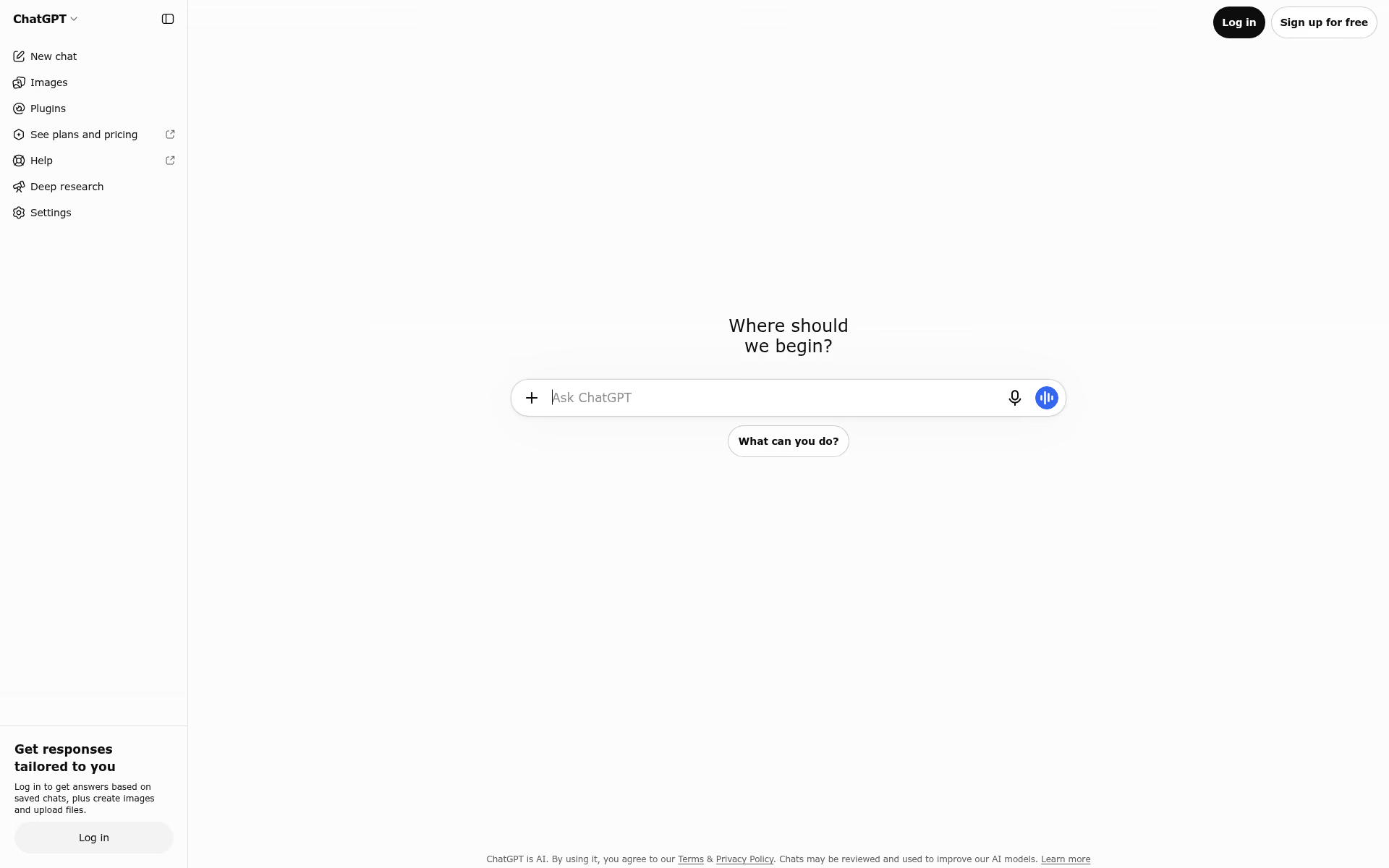
ChatGPT is OpenAI's assistant, and its study mode turns it into a personal tutor. Instead of giving the answer immediately, it asks what you already know, explains ideas in layers and checks your understanding. It can quiz you one question at a time and work from uploaded notes, slides, a syllabus or a photo of a math problem.
Study mode is available on every plan, including Free, on the web, iPhone and Android. Type @study in a new chat, or select Study from the + menu. The free plan includes unlimited text chats but limited uploads, while Go at $8 a month and Plus at $20 raise those limits. Parents of teenagers can also schedule Study hours, so new chats start in study mode during set times.
Good
- Free on every plan, for any subject
- Quizzes you on notes and photos you upload
- Parents can schedule study hours for teens
Watch for
- It can still give a direct answer, so ask for hints
- Not available in Projects, GPTs or temporary chats
2. Gemini Notebook: best for studying your own notes
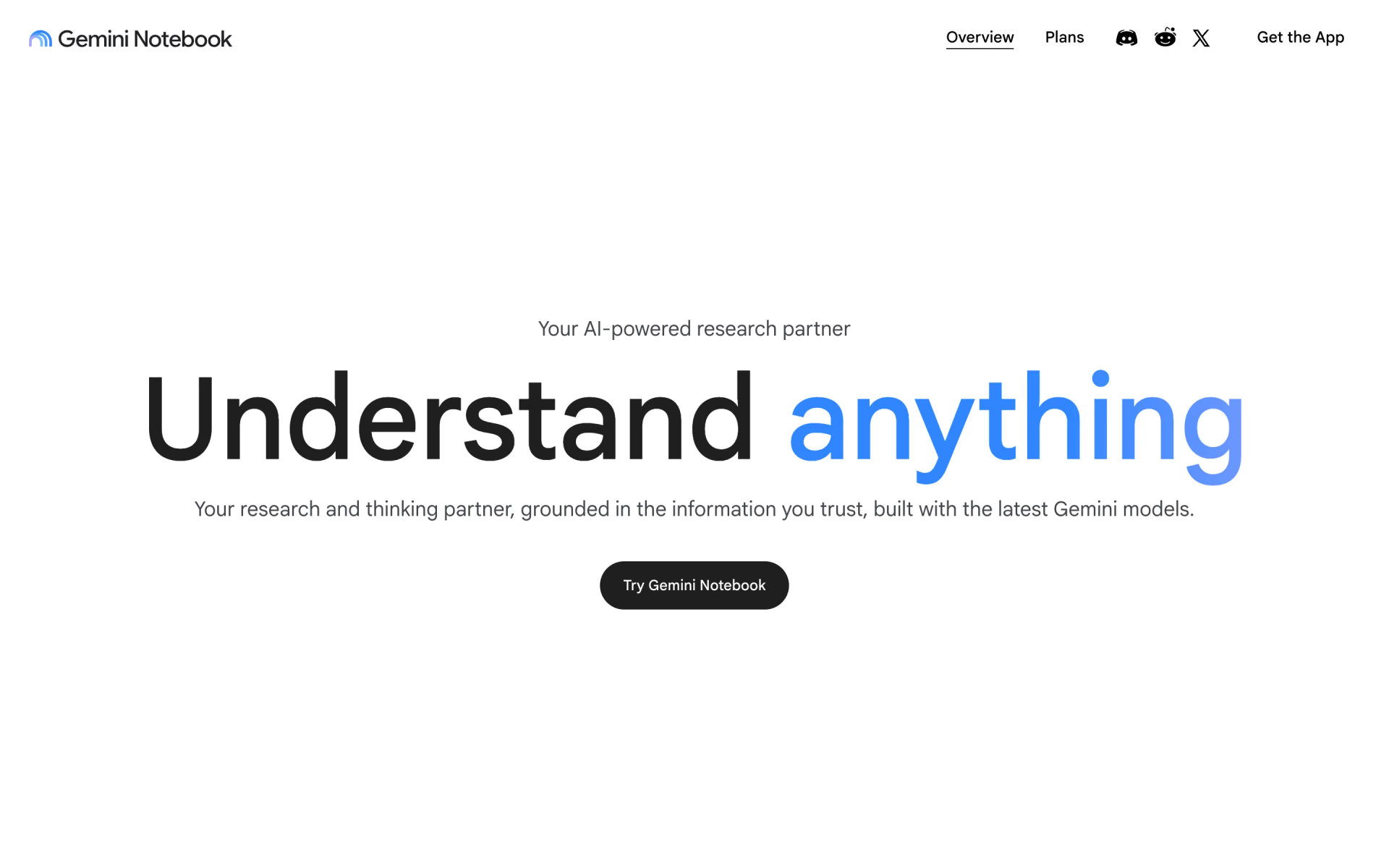
Gemini Notebook is Google's research and study notebook, which was called NotebookLM until July 2026. You add your own sources, such as lecture slides, readings and class notes, and its answers stay grounded in that material.
It can turn a notebook into flashcards, a practice quiz, a report or an Audio Overview you can listen to on the way to class. The free plan allows 100 notebooks with up to 50 sources each. Google AI Plus costs $4.99 a month for double the limits, while AI Pro costs $19.99 for four times the limits.
Good
- Free with a Google account
- Answers come from your own sources
- Flashcards, quizzes and audio recaps
Watch for
- It only knows what you add to it
- Google doesn't publish the free plan's daily chat limits
3. Khanmigo: best for school-age learners
Khanmigo is the AI tutor from Khan Academy. Khan Academy says Khanmigo never gives you the answer, and that's the point: it nudges you toward the next step. It covers math, science, coding, history and the humanities, and it can coach writing and debate with feedback.
Khanmigo costs $4 a month or $44 a year, plus sales tax. An adult aged 18 or over who lives in the United States must create the account, and parents can then add their children. Parents can review their children's conversations and receive moderation alerts, while teachers can use Khanmigo free of charge.

Good
- Built to guide, not to answer
- $4 a month, the lowest paid price here
- Parents can see their children's chats
Watch for
- Paid plans are for US residents only
- No free plan for learners
4. Perplexity: best for research with sources
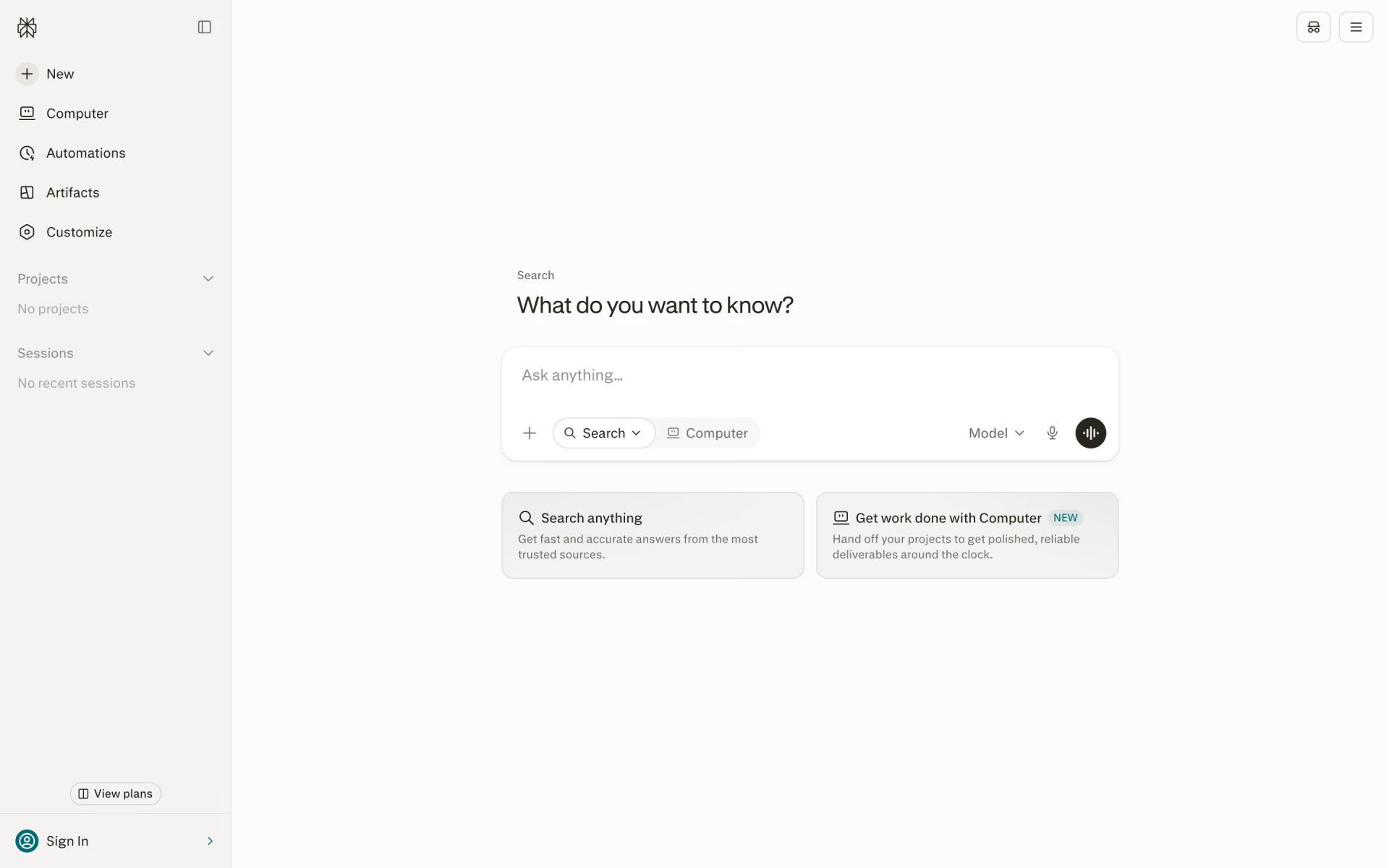
Perplexity is a search engine that answers questions in plain language and cites a source for each claim. That makes it a useful first step for an essay or project, provided you open the sources and read them yourself. For academic papers and deeper investigation, see our guide to AI research tools.
The free plan covers limited daily use with basic models. Pro adds deep research, more file uploads and a choice of leading models for $17 a month billed yearly. Verified students and educators can get Education Pro for $10 a month instead, with everything in Pro. It also adds Learn Mode, which asks questions and creates flashcards and multiple-choice quizzes.
Good
- Every answer shows its sources
- A standing student price of $10 a month
- Learn Mode with flashcards and quizzes
Watch for
- Learn Mode needs a verified student account
- Check that each source says what the answer claims
5. Grammarly: best for writing feedback
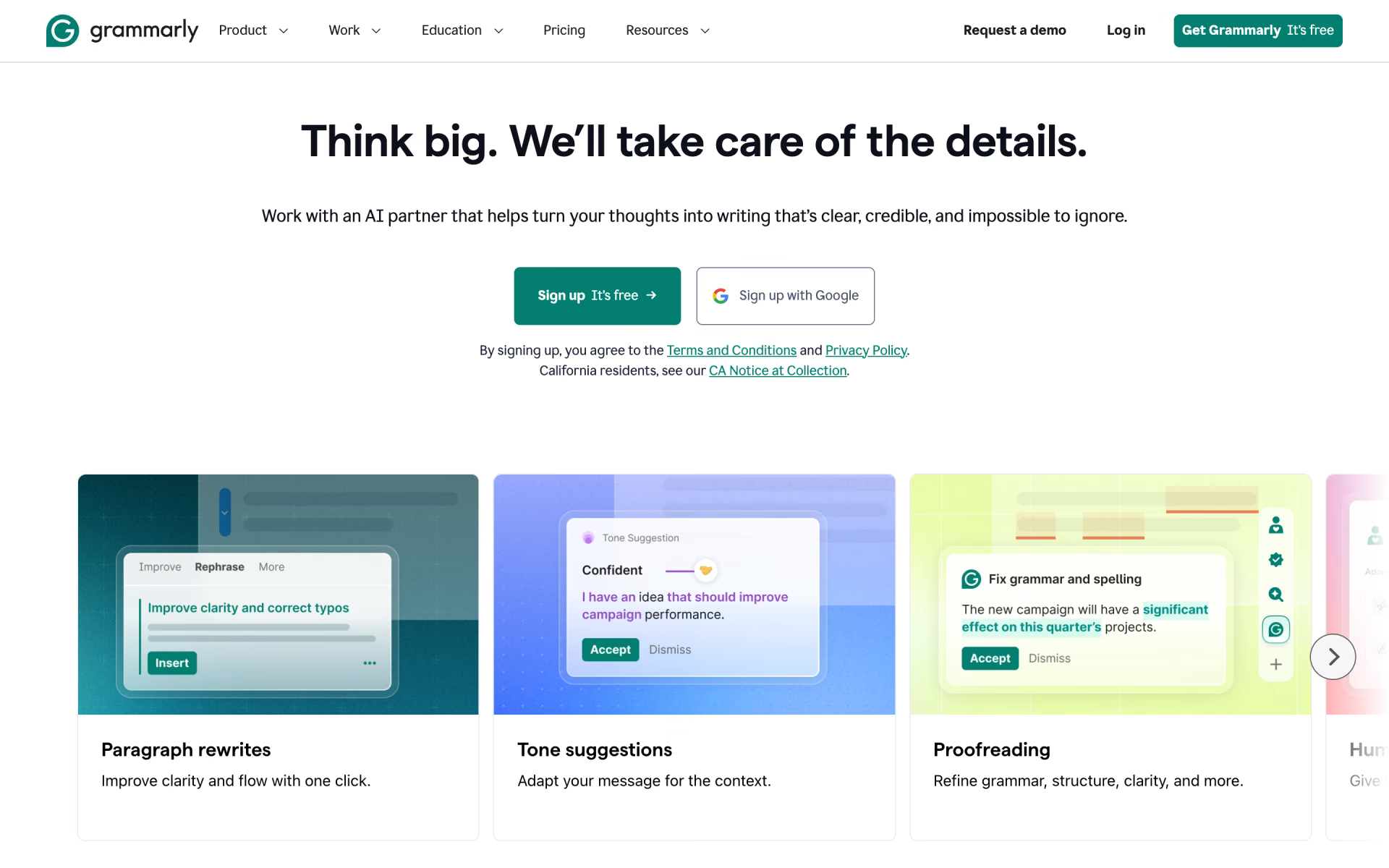
Grammarly checks your writing as you type in Google Docs, Microsoft Word, your browser and its own editor. The free plan corrects spelling and grammar, identifies your tone and includes 100 AI prompts a month. Pro adds full-sentence rewrites, plagiarism checks, AI-text detection and 2,000 prompts for $12 a month billed yearly.
The most valuable feature for students is Authorship, which is also included in the free plan. It records which parts you typed, pasted or wrote with AI assistance, and it can replay your writing process from start to finish. If a teacher ever questions your work, you'll have a detailed record to show them.
Good
- Authorship on the free plan
- Works in Google Docs, Word and the browser
- Plagiarism checks on Pro
Watch for
- Its rewriting and humanizer tools may break class rules
- The free plan stops at 100 AI prompts a month
6. Notion AI: best for notes and planning
Notion AI works inside Notion, a workspace for notes, to-do lists, calendars and databases. Students can organise class notes, reading lists and deadlines in a single place. Notion AI can then draft text and find answers across the pages you've collected there.
Notion gives students and teachers its Plus plan free when they sign up with a school email. Compared with the Free plan, that adds more guests, more version history and larger uploads, but only a trial of Notion AI. Full Notion AI, including Notion Agent and AI Meeting Notes, comes with Business at $20 a member per month billed yearly.
Good
- Plus plan free with a school email
- Notes, tasks and deadlines in one place
Watch for
- The free student plan includes only a trial of Notion AI
7. RemNote: best for flashcards
RemNote is a note-taking application with flashcards built directly into your notes. You write as usual, mark the facts you want to memorise, and RemNote converts them into cards. Spaced repetition then brings each card back just before you're likely to forget it.
The free plan includes unlimited notes and flashcards, 3 annotated PDFs and 250 AI credits a month. Pro costs $8 a month billed yearly and adds an exam scheduler, handwritten notes and 1,000 AI credits. Pro with AI, at $18 a month billed yearly, makes flashcards, quizzes and summaries from your PDFs and adds a lecture recorder.
Good
- Unlimited flashcards on the free plan
- Reviews spaced out for you
- An exam scheduler on Pro
Watch for
- AI flashcards from PDFs need the $18 plan
- The free plan allows only 3 annotated PDFs
Which AI tools are free for students?
Every tool on this list except Khanmigo offers a free plan, and several are more generous than you might expect.
- ChatGPT: study mode, unlimited text chats and limited uploads.
- Gemini Notebook: 100 notebooks with up to 50 sources each.
- Grammarly: grammar fixes, 100 AI prompts a month and the Authorship report.
- RemNote: unlimited notes and flashcards, plus 250 AI credits a month.
- Perplexity: cited answers within a limited daily allowance.
Two makers publish a standing price for students. Notion gives students and teachers its Plus plan free when they register with a school email address. Perplexity sells Education Pro for $10 a month after you verify your student status, and it includes Learn Mode.
We leave out free years and other student offers that expire on a fixed date.
Is it cheating to use AI for homework?
It depends on the class, because each school, and often each teacher, sets its own rules about AI. Some allow AI for brainstorming but not for drafting, while others prohibit it for any graded assignment. Read the syllabus, and ask your teacher whenever a rule isn't clear.
OpenAI's own help page for study mode gives the same advice: follow your school's AI policy for graded work. A simple test helps. If the AI explains, quizzes you or gives feedback, you're still doing the learning, but if it writes what you submit, you aren't.
Grammarly's free Authorship report keeps a record of your work, showing which parts you typed, pasted or wrote with AI assistance. Some teachers also run AI checkers, and we compare the main ones in our guide to AI detectors.
Better questions get better help, so tell the tool your level and ask for a hint first. Our guide on how to write a prompt that works explains how.
Which one should you pick?
- You want a free tutor for any subjectChatGPT
- You want to study from your own notes and readingsGemini Notebook
- You're under 18 in the US and want a tutor that won't give answersKhanmigo
- You need sources you can citePerplexity
- You want feedback on an essay and a record of your own workGrammarly
- You want class notes, tasks and deadlines in one placeNotion AI
- You want flashcards that tell you when to reviewRemNote
How we picked
We started from the study, writing and research tools listed on Recaply. We kept the ones that help you learn by asking questions, testing your knowledge or giving feedback, rather than producing finished work for you. We read every maker's pricing pages and help articles on Nov 8, 2026.
We left out paraphrasing and "humanizer" tools such as QuillBot, because their main job is rewording text, and that can break school honesty rules.
We have not run side-by-side tests, so everything here comes from information the makers publish themselves. No maker paid to appear in this list or reviewed it before publication. If a price changes, we update this page and its date.
Questions people ask
What is the best free AI tool for students?
ChatGPT's free plan is the best starting point, because study mode is included and works for any subject. Gemini Notebook is also free and better suited to studying from your own class materials.
Is ChatGPT study mode free?
Yes, study mode is available on every ChatGPT plan, including Free, on the web, iPhone and Android. It uses your plan's normal limits, so free users get fewer uploads than people on Go at $8 or Plus at $20 a month.
Is NotebookLM free for students?
Yes, NotebookLM is free for students and everyone else with a Google account. Google renamed it Gemini Notebook in July 2026, and existing notebooks remain fully accessible. The free plan allows 100 notebooks with up to 50 sources each.
Is Notion AI free for students?
Not completely. Notion gives students its Plus plan free with a school email address, but Plus includes only a limited trial of Notion AI. Full Notion AI requires the Business plan, which costs $20 per member a month billed yearly.
Is Grammarly free for students?
Grammarly's free plan is available to everyone, with spelling and grammar corrections, 100 AI prompts a month and the Authorship report. Pro costs $12 a month billed yearly. Grammarly also sells plans to schools and universities, so check whether yours already provides it.
Is Perplexity free for students?
Perplexity's free plan has a limited daily allowance and cites sources in every answer. Verified students can get Education Pro for $10 a month, which includes everything in Pro plus Learn Mode with flashcards and quizzes.