
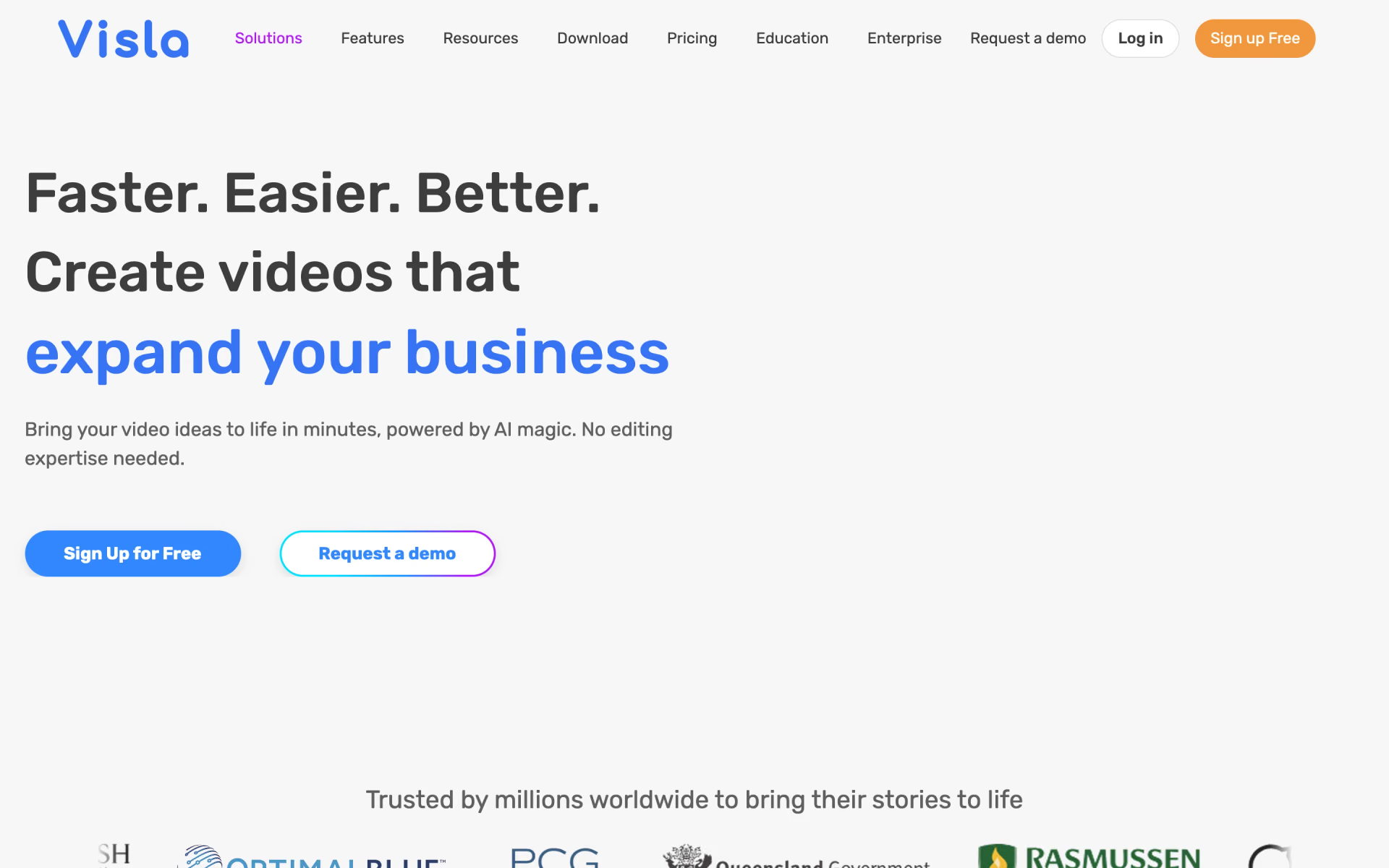
What is Visla?
Marketing, training and sales videos without editing skills.
Who is Visla best for?
Visla is best for training and support teams that need narrated how-to videos without filming or editing.
Training and how-to videos
Step Recorder captures, PDFs and PowerPoint decks turn into narrated videos, with one scene per slide or step.
Marketing teams reusing content
Give it a script, blog link or PDF and the AI Video Agent drafts a full video with voiceover, stock footage and music.
Teams that edit together
Shared workspaces allow unlimited co-editors, comments on clips and sharing by link or embed code.
Talks and recorded meetings
You edit the transcript like a document, and it cuts filler words, repeated phrases and long pauses for you.
How much does Visla cost?
Visla has a free plan with a watermark, and its paid plans start at $22 a month for Pro and $59 a month for Business, or from $15 and $39 a month billed yearly.
- 10,000 credits a month, about 50 minutes of text-based video
- 2 custom avatars and 2M+ Storyblocks stock videos
- Unlimited co-editors, screen recording and API access
- 20,000 credits a month, about 100 minutes of text-based video
- 4K export, full brand kit, 16M+ Getty Images and Storyblocks videos
- 3 voice clones and 3 custom avatars
Each paid plan has a larger tier: Pro with 15,000 credits is $32 a month and Business with 40,000 credits is $109 a month. Billed yearly, Pro starts at $15 a month and Business at $39 a month. Enterprise is priced on request and adds SSO, unlimited workspaces, voice clones and avatars. Extra credits cost 150 per dollar on Pro and 100 per dollar on Business and roll over; monthly base credits do not. Text-based video uses about 200 credits a minute, fully AI-generated video 5,000 to 8,000. Full pricing on visla.us. We checked these prices on .
How do readers rate Visla?
No one has rated Visla yet. Be the first.
Sign in to rate. One rating per account.
What are the best Visla alternatives?
Three tools on Recaply do Visla's job.


Questions about Visla
What is Visla?
Marketing, training and sales videos without editing skills.
Who is Visla for?
Visla is best for training and support teams that need narrated how-to videos without filming or editing.
Is Visla free?
Yes, Visla has a Free plan whose base credits reset each month, but its videos carry a Visla watermark and free users cannot buy extra credits. The pricing page does not say how many credits it includes. Paid plans start at $22 a month.
How much does Visla cost?
Visla's paid plans are Pro at From $22 per month and Business at From $59 per month.
What are the best Visla alternatives?
The closest alternatives on Recaply are Pictory, invideo AI and Fliki.
Where can I try Visla?
On its official website, visla.us.
How many Visla credits does a video use?
A text-based Visla video made from an idea, script, webpage or PDF uses about 200 credits a minute, so 1,000 credits give roughly 5 minutes. Speech-based video uses about 220 a minute, and fully AI-generated video 5,000 to 8,000.
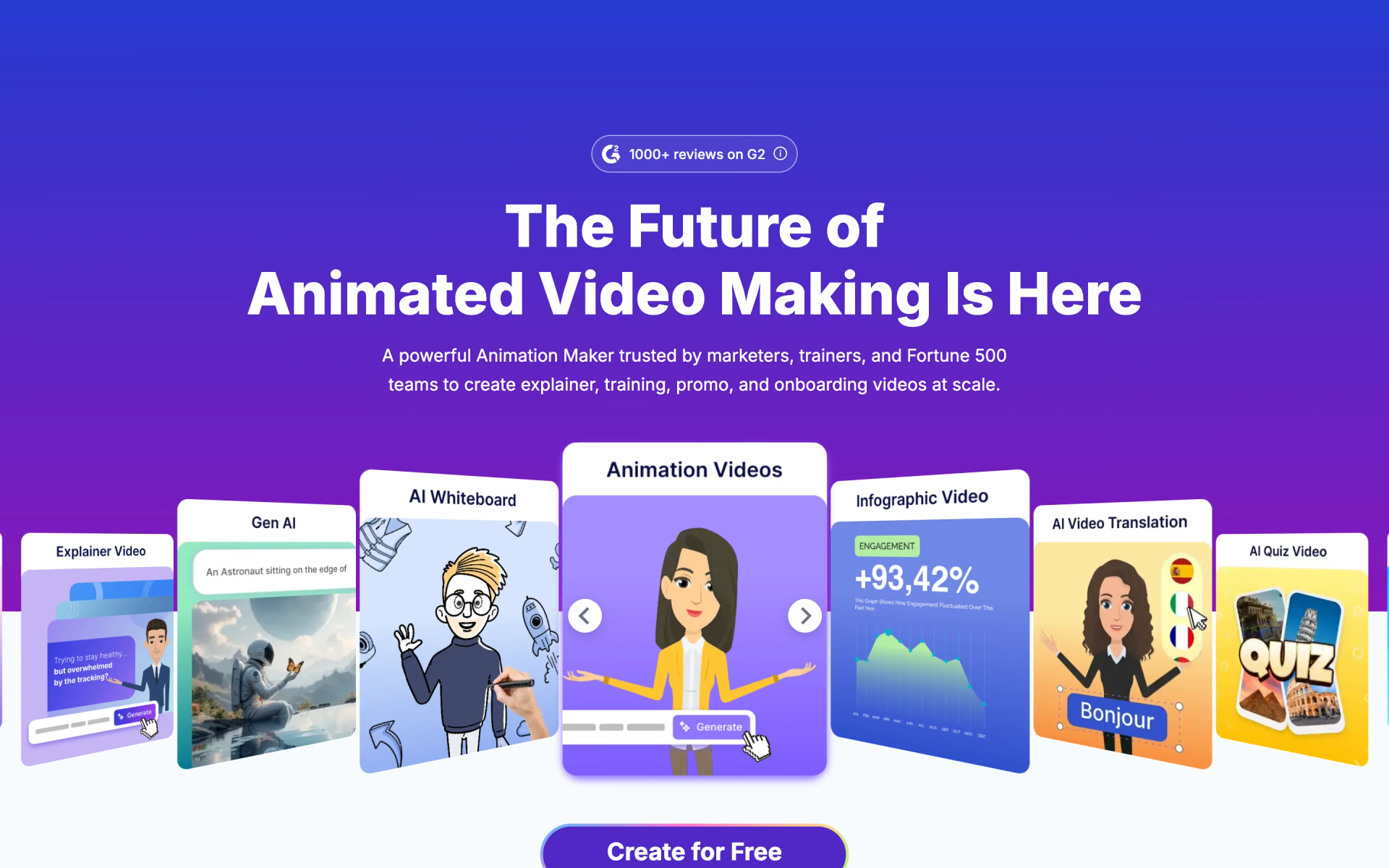
 Animaker
 Animatable
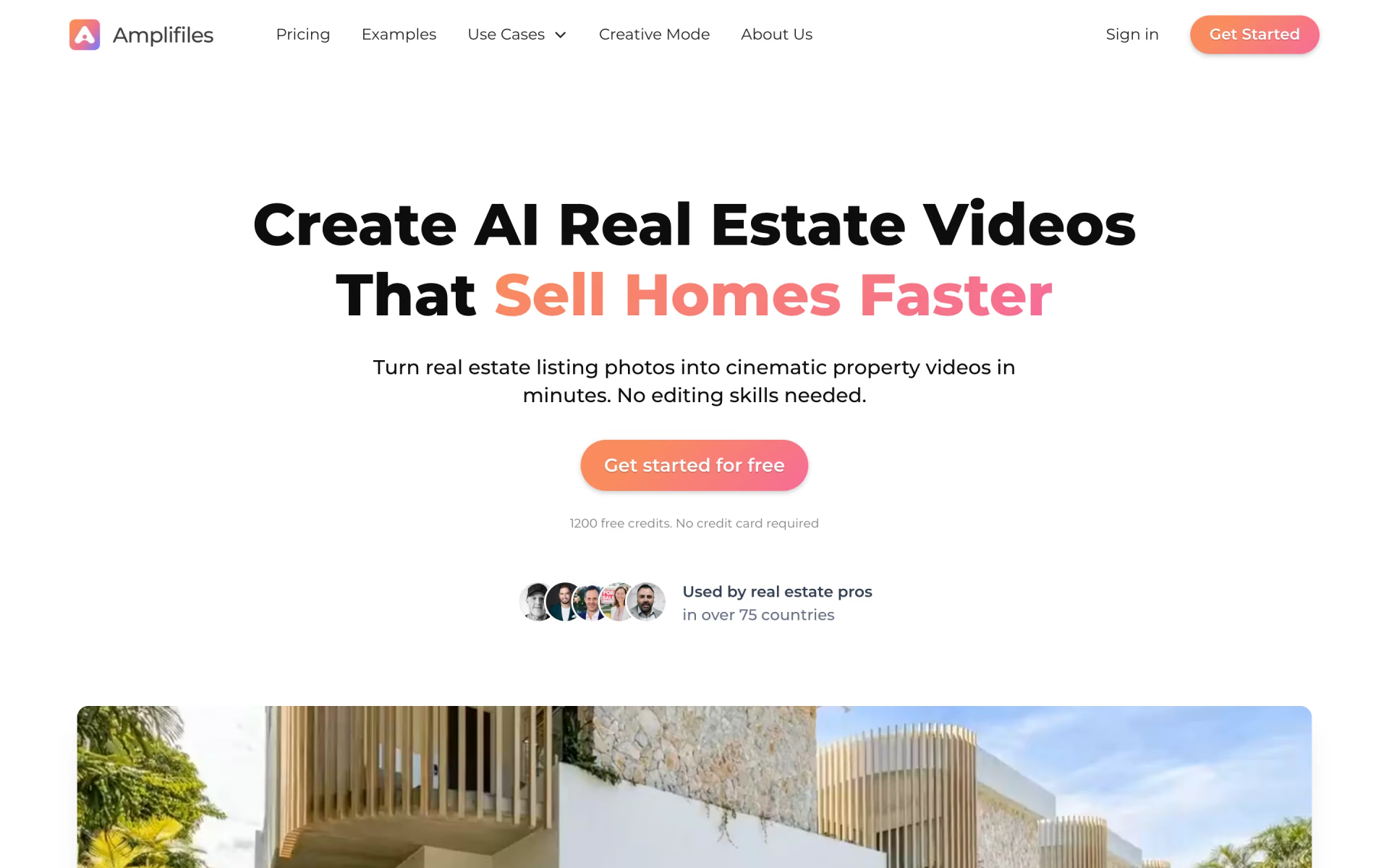
 Amplifiles
 Idomoo

 Trainn

 Arcads