
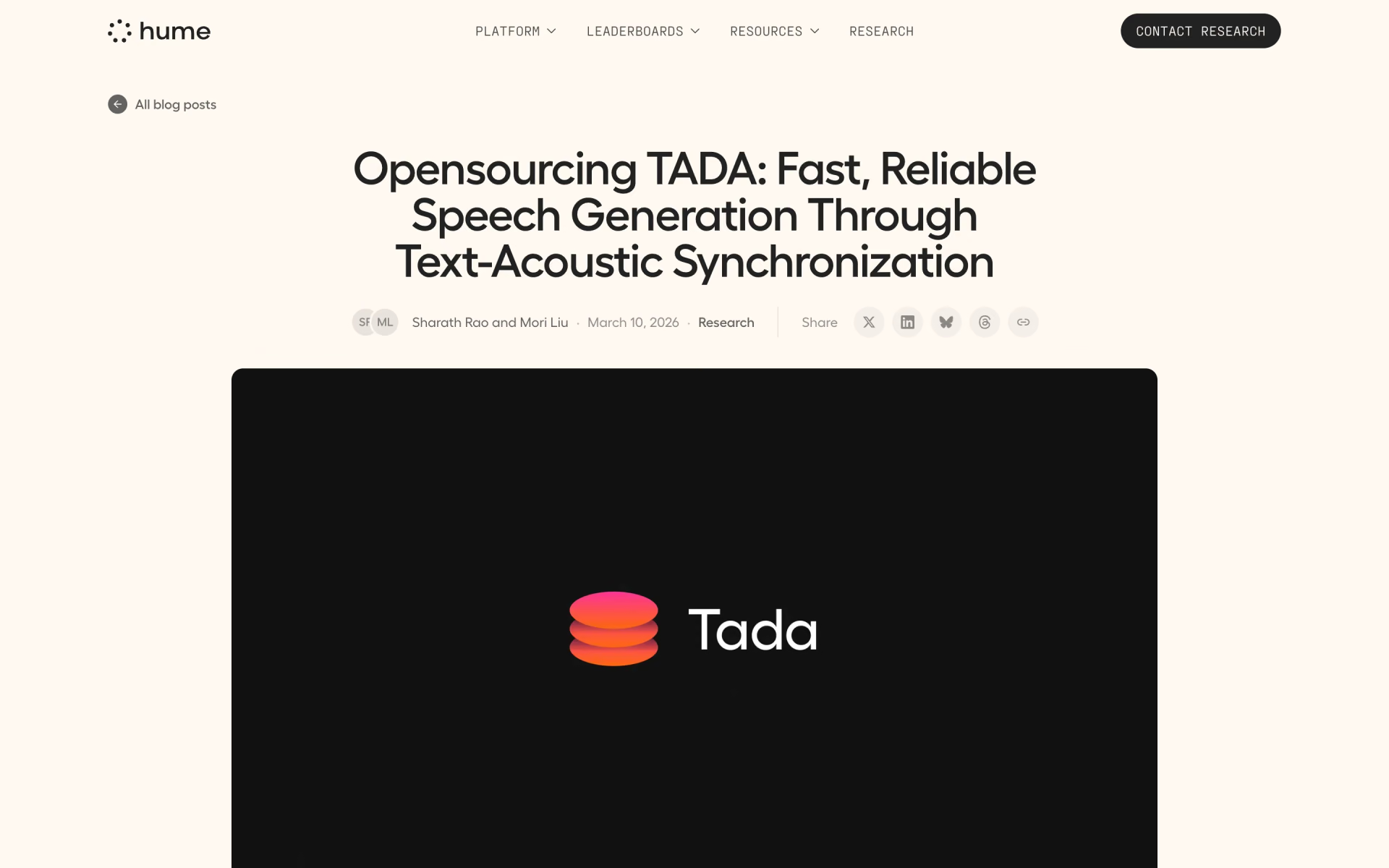
What is TADA by Hume AI?
TADA (Text-Acoustic Dual Alignment) is Hume AI's open speech model, released as a 1B English model and a 3B multilingual model, both built on Meta's Llama 3.2. Most LLM-based speech models generate dozens of audio frames per second; TADA pairs each text token with exactly one acoustic vector, so it needs far fewer steps and has no room to skip or add words.
It is Hume's only TADA release so far, and it is not sold through Hume's API: you download the weights and run them yourself, or try the free demo on Hugging Face. Hume says it is trained only to continue speech, so an assistant voice needs fine-tuning.
Who is TADA by Hume AI best for?
TADA by Hume AI is best for developers who host their own voice features, scripts that must be read word for word, long narration and speech research.
Self-hosted voice features
The weights run on your own GPU or Apple Silicon Mac, so there is no per-character bill and no audio has to leave your machine.
Scripts read word for word
The one-to-one text and audio alignment is built to stop skipped or invented words, and Hume measured none across more than 1,000 test clips.
Long narration
Hume estimates about 700 seconds of speech fit in a 2,048-token context, around ten times what a typical LLM-based voice model manages.
Speech researchers
The code, both model sizes, the audio tokenizer and the decoder are public, with a paper on arXiv, so you can fine-tune or extend it.
What's included with TADA by Hume AI?
One acoustic vector per text token, voice prompting from a short clip, 1B and 3B sizes, an Apple Silicon port, prompt caching and speech continuation.
- One vector per text token
- Each text token carries one acoustic vector, so a second of speech takes 2 to 3 steps instead of the 12.5 to 75 other systems use.
- Voice prompting
- Give it a short reference clip and its transcript, and it speaks your new text in that voice.
- Two model sizes
- TADA-1B covers English; TADA-3B-ML adds nine more languages, including Arabic, Japanese and Polish, through language-specific aligners.
- Apple Silicon port
- An MLX version runs on Apple Silicon Macs, and Hume says its 4-bit mode is about 10x faster and uses 60% less memory.
- Prompt caching
- Encode a reference voice once, save it and reuse it without loading the encoder, which saves about 2.5 GB of GPU memory.
- Speech continuation
- Without new text, it can keep talking after the prompt, writing its own words and speaking them in the same stream.
How does TADA by Hume AI work?
Accept the Llama licence
Request access to Meta's Llama 3.2 1B or 3B on Hugging Face, since TADA uses its tokenizer.
Install the package
Run pip install hume-tada, or pip install mlx-tada on an Apple Silicon Mac; the weights download from Hugging Face.
Encode a reference voice
Load a short clip with its transcript; the encoder lines each word up with the audio, and you can save the result to reuse.
Generate speech
Pass the prompt and your new text to the model, and it returns speech in the reference voice.
How much does TADA by Hume AI cost?
TADA by Hume AI is free: the weights and code cost nothing to download and the Hugging Face demo is free, so you pay only for the hardware you run it on.
- TADA-1B (English) and TADA-3B-ML (10 languages) on Hugging Face
- Weights under the Llama 3.2 Community License, code under MIT
- Runs on your own GPU or Apple Silicon Mac
- Hume's own demo Space
- Hear it with a voice prompt before you install anything
Hume does not sell TADA through its API; its paid plans, from $3 a month, cover its Octave text-to-speech and EVI voice models instead. Running TADA costs only the hardware you run it on. You must accept Meta's Llama 3.2 licence on Hugging Face before the model will load. Full pricing on github.com. We checked these prices on .
How do readers rate TADA by Hume AI?
No one has rated TADA by Hume AI yet. Be the first.
Sign in to rate. One rating per account.
TADA by Hume AI pros and cons
It is fast for an LLM-based voice model and sticks to the script, but it is heavy on GPU memory, needs fine-tuning for assistant use and takes more setup than a hosted API.
Pros
- Fast for an LLM-based voice model: Hume measures a 0.09 real-time factor, and a Reddit tester on an RTX 4070 made an 81-second clip in 61 seconds.
- Early listeners on Hacker News and Reddit found Hume's samples expressive and the quality good for a model this small.
- Built to read exactly what you give it, with zero hallucinated clips in Hume's test of more than 1,000 samples.
- Free weights that allow commercial use, with MIT-licensed code, a Mac port and a working demo.
Cons
- Heavy on GPU memory for its size: one Reddit user maxed out an RTX 4070 with the 1B model and another puts the 3B at 28 GB; Hume's own bf16 figure for the 3B is about 9 GB.
- Not a ready assistant voice: Hume says it is trained only to continue speech and needs fine-tuning, and Hacker News readers note it takes no written voice or acting directions, only a reference clip.
- Audio is not flawless: Hacker News listeners heard a lisp, a warble or a faint modulation in Hume's samples, and Hume notes occasional speaker drift in long generations.
- More setup than a hosted API: you need Meta's Llama licence first and your own hardware, and one Hacker News user's Mac run simply hung.
What are the best TADA by Hume AI alternatives?
Three tools on Recaply do TADA by Hume AI's job. Chatterbox Turbo and Qwen3-TTS CustomVoice 1.7B are open source, so you can run them on your own server.
 Chatterbox TurboOpen Source
Choose it when you want a smaller 350M model under a plain MIT licence, with tags such as [laugh] and [sigh]; every clip it makes carries Resemble's PerTh watermark.
 Qwen3-TTS CustomVoice 1.7BOpen Source
Choose it when you want nine ready-made voices you steer with plain-language instructions in 10 languages, under an Apache 2.0 licence with no Llama sign-up.
 Hume AIFree
Choose it when you would rather call a hosted API than run a model: its Octave voices include voice cloning, and commercial use starts on the $14-a-month Creator plan.
Questions about TADA by Hume AI
What is TADA by Hume AI?
TADA by Hume AI is an open-weight text-to-speech model that speaks new text in the voice of a short reference clip, for developers who want fast speech on their own hardware.
Who is TADA by Hume AI for?
TADA by Hume AI is best for developers who host their own voice features, scripts that must be read word for word, long narration and speech research.
Is TADA by Hume AI free for commercial use?
Yes, within Meta's terms. The weights use the Llama 3.2 Community License, which allows commercial use but asks you to show "Built with Llama" and needs a separate Meta licence above 700 million monthly users. The code is MIT, so calling the whole project MIT, as many posts do, is not quite right.
Is there an open source alternative to TADA by Hume AI?
Yes. Chatterbox Turbo and Qwen3-TTS CustomVoice 1.7B are open source tools that do the same job, so you can run your own.
What are the best TADA by Hume AI alternatives?
The closest alternatives on Recaply are Chatterbox Turbo, Qwen3-TTS CustomVoice 1.7B and Hume AI.
Where can I try TADA by Hume AI?
Hume runs a free demo on Hugging Face (HumeAI/tada) where you can hear it with a voice prompt. To run it yourself, install hume-tada with pip or clone github.com/HumeAI/tada, after accepting Meta's Llama 3.2 licence.
Can TADA run on a Mac or without a GPU?
On an Apple Silicon Mac, yes: Hume's MLX port installs with pip install mlx-tada, and its 4-bit mode cuts memory use by about 60%. The main PyTorch version is set up for CUDA GPUs, and Hume gives no CPU-only instructions.
Can I use TADA as the voice of an AI assistant?
Not out of the box. Hume says TADA is pre-trained only to continue speech and needs fine-tuning for assistant use. It also takes its voice from a reference clip and transcript, not from a written description or acting notes.
Is TADA the same as Hume's Octave?
No. Octave is Hume's hosted text-to-speech, with a free tier and paid plans from $3 a month that include voice cloning. TADA is a separate open model you download and run yourself, and Hume's pricing page does not list it.
Our verdict
TADA is worth testing if you host your own speech and need it to read a script exactly, but it is a research release, not a finished voice product.
Hume's speed and hallucination numbers are strong and the weights allow commercial use, yet it needs a sizeable GPU, a Llama licence step and fine-tuning before it can serve as an assistant voice.
- Skip it for
- Anyone who wants a ready voice API or voices designed from a text prompt; a hosted service such as Hume's own Octave fits better.
- Check first
- Try your own reference voice in the Hugging Face demo and confirm your GPU memory before you build on it.
 MisoTTS
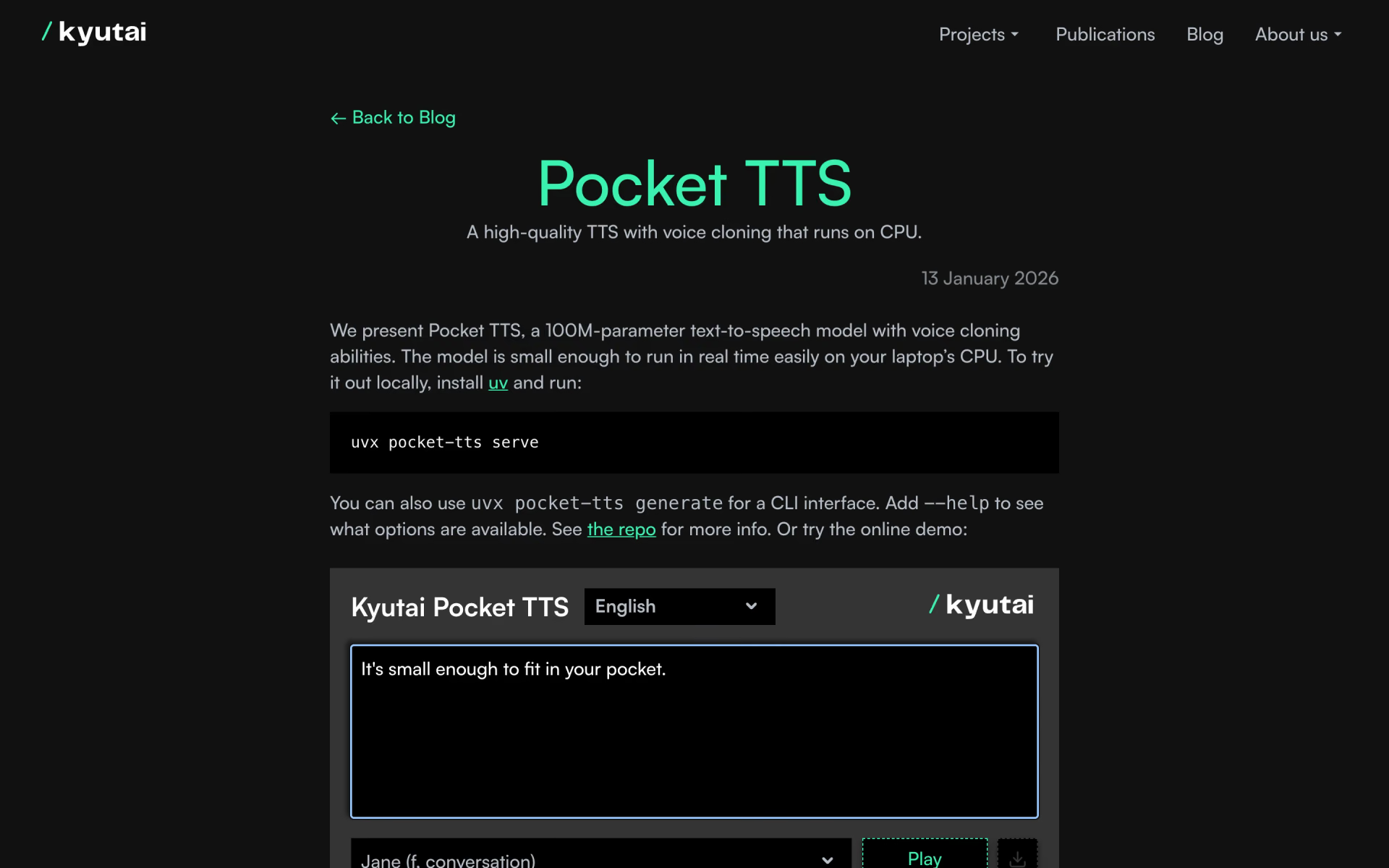
 Pocket TTS
 ZONOS2

 Fish Audio S2 Pro
 Qwen3-TTS
 Voxtral 3