
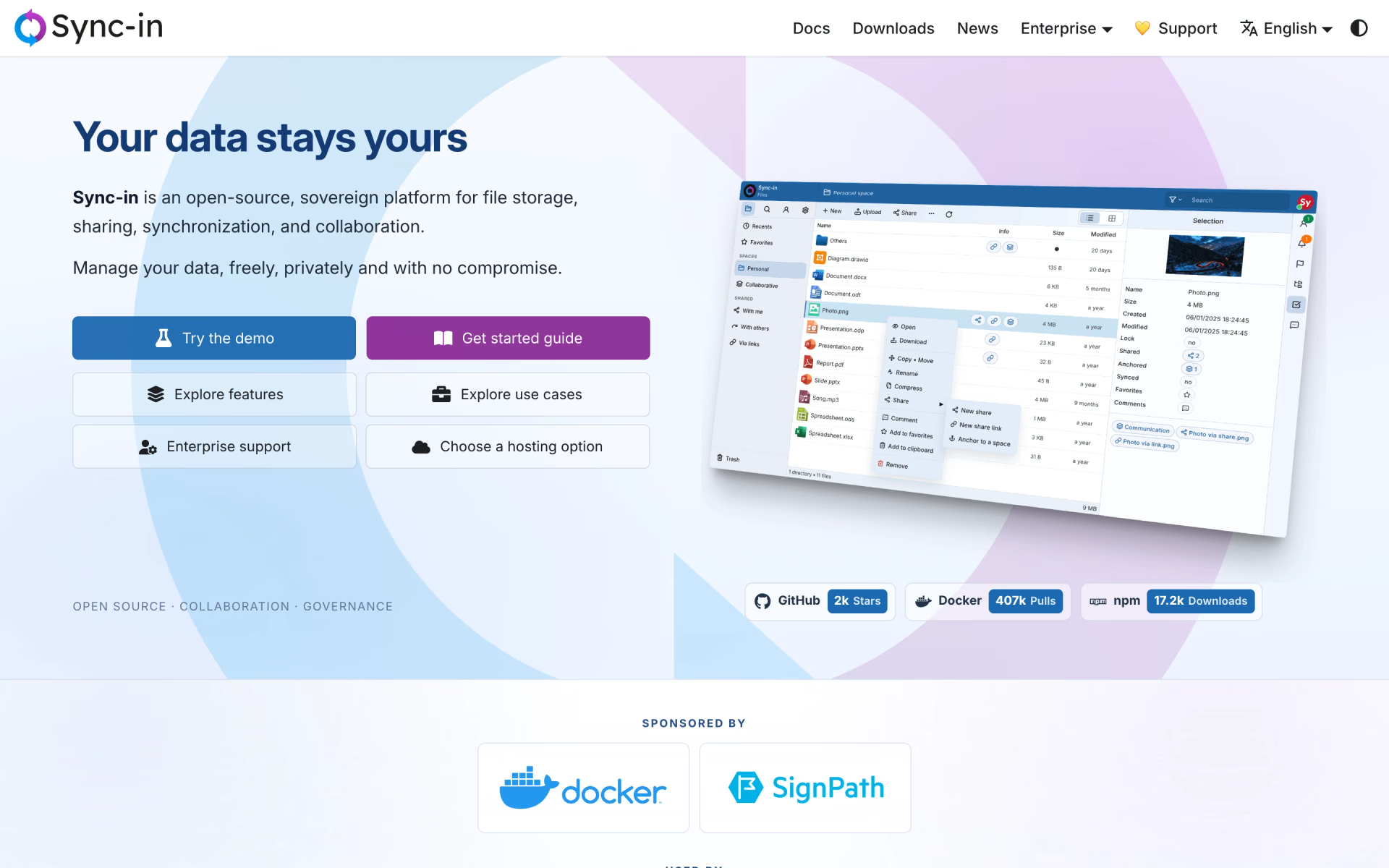
What is Sync-in?
Lightweight file platform with team spaces, guest sharing, full-text search and desktop sync.
Who is Sync-in best for?
Sync-in is best for small companies and public bodies that want a light, self-hosted file server with spaces, sharing and sync.
Keeping files on plain disk
Files stay readable on the filesystem outside the app, and anchoring links existing folders without copying them.
Guests and outside partners
Public links carry passwords, expiry dates and access limits, and guest users can be added to spaces.
Finding documents by content
Full-text search indexes the text inside common office and document formats.
Editing in the browser
Collabora Online, OnlyOffice, Euro-Office and draw.io open files in place, with locking and comments.
How much does Sync-in cost?
Sync-in is free and open source with no paid edition; the maker sells enterprise support on contract, and hosted instances come from partners.
- Full server on your own hardware
- Desktop and CLI sync clients
- Community support
There is no paid edition or hosted plan from the maker. Enterprise support covers architecture, installation, integration and training under a contract priced per engagement, and partners offer hosting. Full pricing on github.com. We checked these prices on .
How do readers rate Sync-in?
No one has rated Sync-in yet. Be the first.
Sign in to rate. One rating per account.
Is Sync-in open source?
Yes. Sync-in's code is public under the AGPL 3.0 licence, so you can run it on your own server.
On GitHub
1,968stars
+46 (+2.4%) in the last 30 days
- Last commit
- 12 Nov
- Repository age
- 16 months
- Latest release
- 9 Nov
- Licence
- AGPL 3.0
- Self-hosted
- Yes
- Repository
- Sync-in/server
What are the best Sync-in alternatives?
Three tools on Recaply do Sync-in's job.
 NextcloudOpen Source
File sync and sharing with chat, video calls, calendar, mail and office editing.
 SeafileOpen Source
Self-hosted file sync and sharing with encrypted libraries, wikis and custom file views.
 OpenCloudOpen Source
File sync and sharing with team spaces, web office editing and full-text search on your own server.
Questions about Sync-in
What is Sync-in?
Lightweight file platform with team spaces, guest sharing, full-text search and desktop sync.
Who is Sync-in for?
Sync-in is best for small companies and public bodies that want a light, self-hosted file server with spaces, sharing and sync.
Is Sync-in free?
Yes. Sync-in has a free Self-hosted plan: full server on your own hardware.
Is Sync-in open source?
Yes. Sync-in's code is public under the AGPL 3.0 licence, so you can run it on your own server.
What are the best Sync-in alternatives?
The closest alternatives on Recaply are Nextcloud, Seafile and OpenCloud.
Where can I try Sync-in?
On its official website, sync-in.com.
Does Sync-in work with existing file explorers?
Yes. Sync-in supports WebDAV, so file explorers, network drives, mobile apps and other clients can open its files, and its own desktop and CLI clients sync folders on Windows, macOS and Linux.

 ownCloud

 Twake Drive
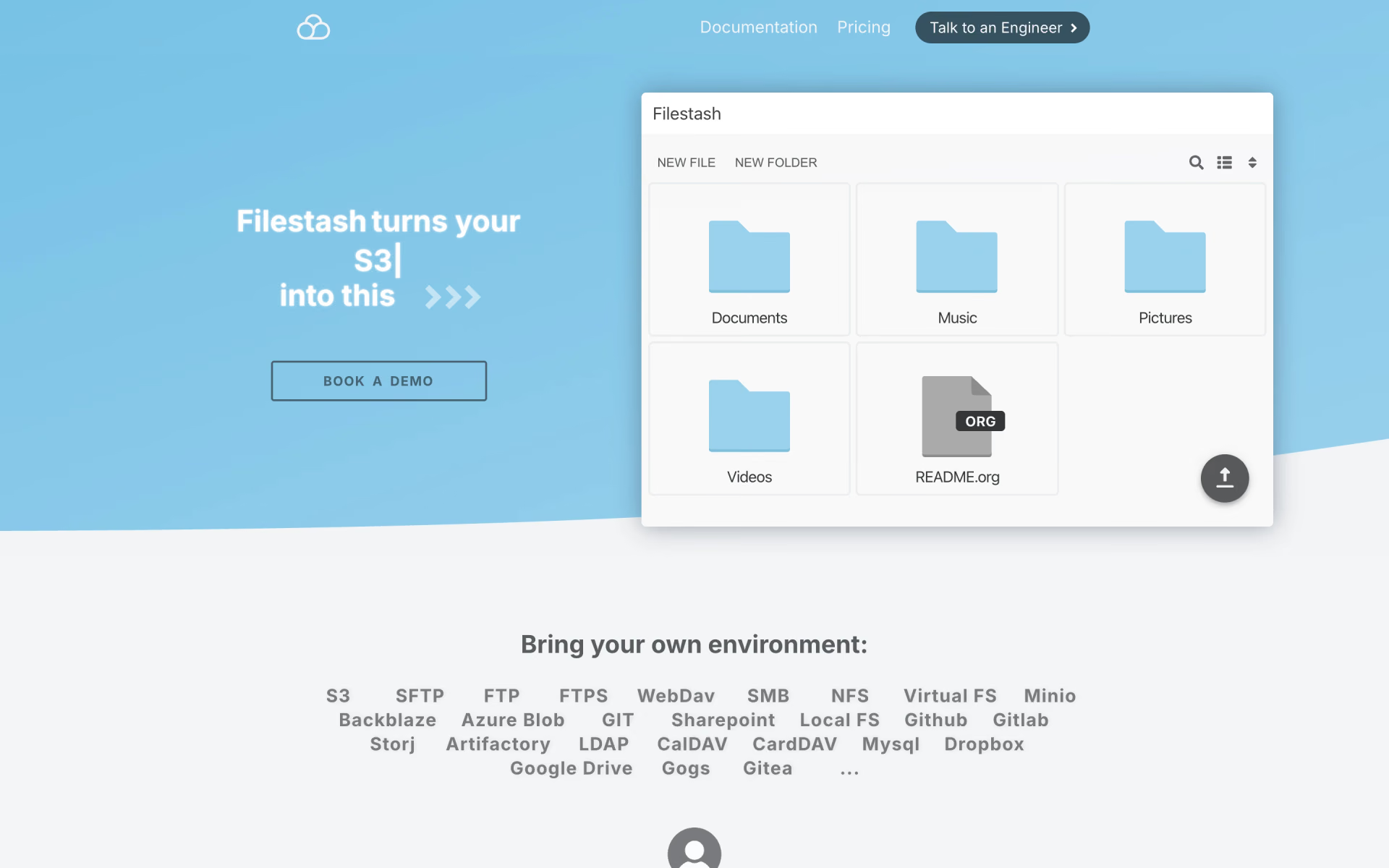
 Filestash
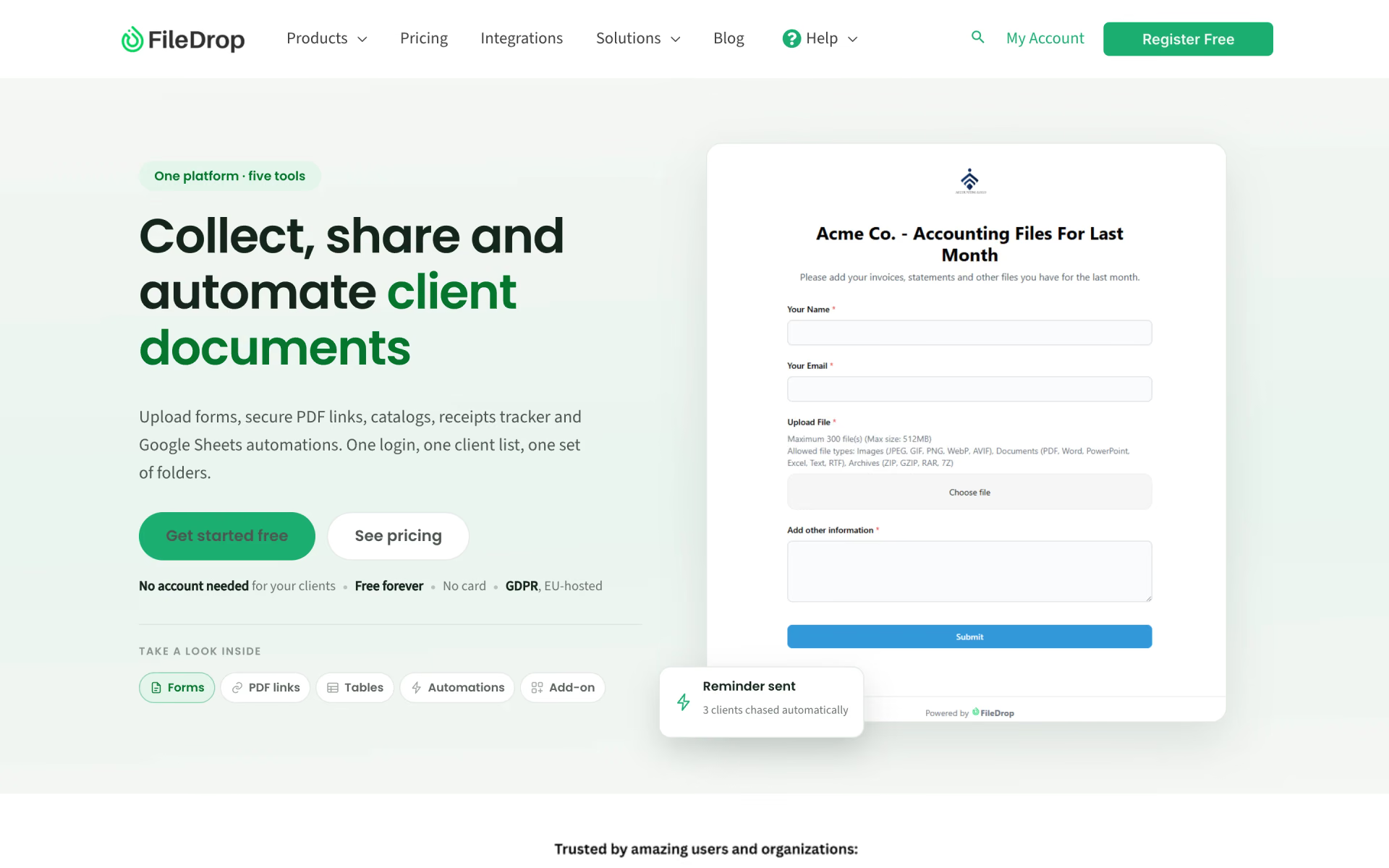
 FileDrop

 FileGPT
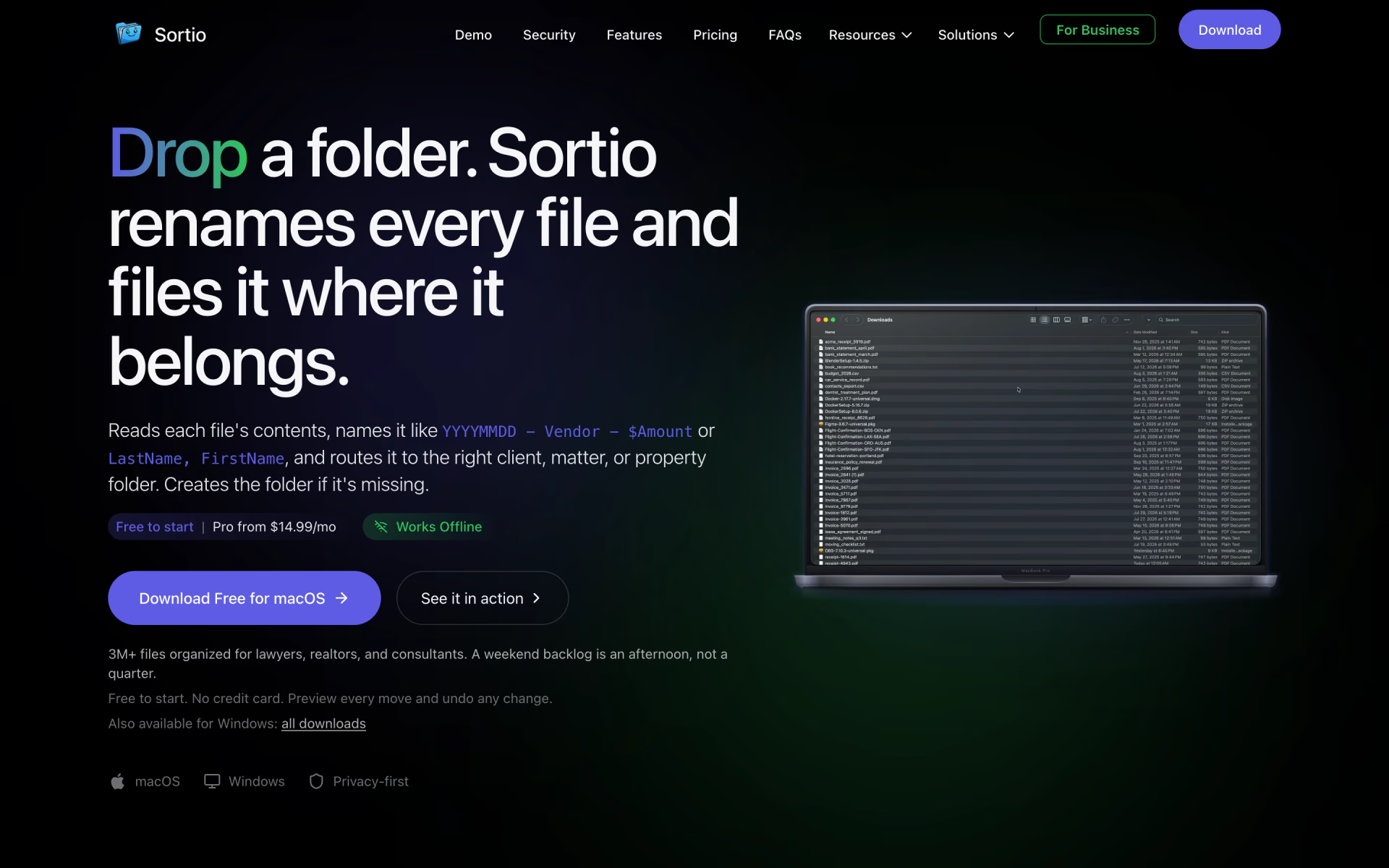
 Sortio