

What is Seafile?
Self-hosted file sync and sharing with encrypted libraries, wikis and custom file views.
Who is Seafile best for?
Seafile is best for companies and universities that want file sync and encrypted libraries on their own servers.
Large file libraries
Delta sync sends only the changed parts of files, resumes broken transfers and lets each library sync on its own.
Confidential folders
A library can be encrypted with its own password, and desktop sync encrypts files on the client before upload.
Organising files by project data
Custom file properties drive table, gallery, kanban and map views, and the AI extension can fill in tags and descriptions.
Team knowledge next to files
SeaDoc co-editing, a built-in wiki and Excalidraw whiteboards live in the same place as the files.
How much does Seafile cost?
Seafile Community Edition is free to self-host; Pro Edition is free for up to 3 users and $48 per user a year from 10 users, and the hosted SeafilePlus Team plan is $8 per user a month.
- Community Edition on your own server
- Sync, share links, versions, wiki and SeaDoc
- No full-text search or audit log
- Free for up to 3 users
- Full-text search, audit log and antivirus
- LDAP group sync, ADFS sign-in, S3 storage
- Hosted SeafilePlus Cloud, from 3 users
- 500GB of storage to start
- AI metadata, wiki and SeaDoc included
Pro Edition is billed yearly, the per-user price falls in steps above 250 users, and schools and universities pay half. The SeafilePlus Trial plan is free for up to 3 users with 1GB of storage. A support plan with remote sessions is $5,000 a year. Full pricing on seafile.com. We checked these prices on .
How do readers rate Seafile?
No one has rated Seafile yet. Be the first.
Sign in to rate. One rating per account.
Is Seafile open source?
Yes. Seafile's code is public under the GPL 2.0 licence, so you can run it on your own server.
On GitHub
15,453stars
+124 (+0.8%) in the last 30 days
- Last commit
- 11 Nov
- Repository age
- 14 years
- Latest release
- 27 Feb 2024
- Licence
- GPL 2.0
- Self-hosted
- Yes
- Repository
- haiwen/seafile


What are the best Seafile alternatives?
Three tools on Recaply do Seafile's job.
 NextcloudOpen Source
File sync and sharing with chat, video calls, calendar, mail and office editing.
 ownCloudOpen Source
File sync and sharing in project spaces, with web office editing and desktop and mobile apps.
 OpenCloudOpen Source
File sync and sharing with team spaces, web office editing and full-text search on your own server.
Questions about Seafile
What is the difference between Seafile Community and Pro Edition?
Seafile Community Edition is free and open source but leaves out full-text search, file locking, audit logs, antivirus scanning, LDAP group sync and S3 storage. Pro Edition adds them, is free for up to 3 users, and costs $48 per user a year from 10 users.
Who is Seafile for?
Seafile is best for companies and universities that want file sync and encrypted libraries on their own servers.
Is Seafile free?
Yes. Seafile has a free Self-hosted plan: community Edition on your own server.
How much does Seafile cost?
Seafile's paid plans are Pro Edition at $48 per user per year and Team at $8 per user per month.
Is Seafile open source?
Yes. Seafile's code is public under the GPL 2.0 licence, so you can run it on your own server.
What are the best Seafile alternatives?
The closest alternatives on Recaply are Nextcloud, ownCloud and OpenCloud.
Where can I try Seafile?
On its official website, seafile.com.

 Twake Drive
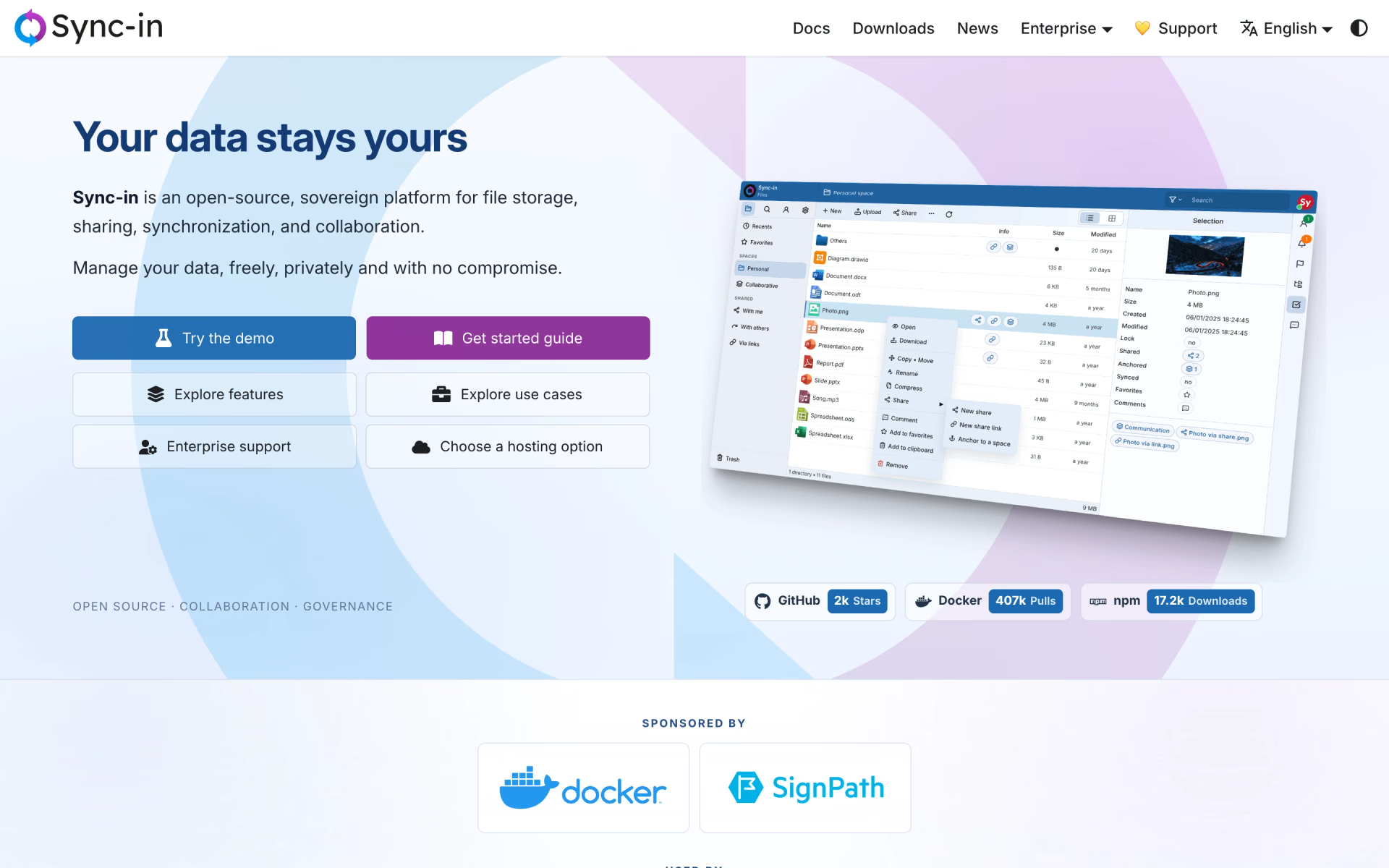
 Sync-in
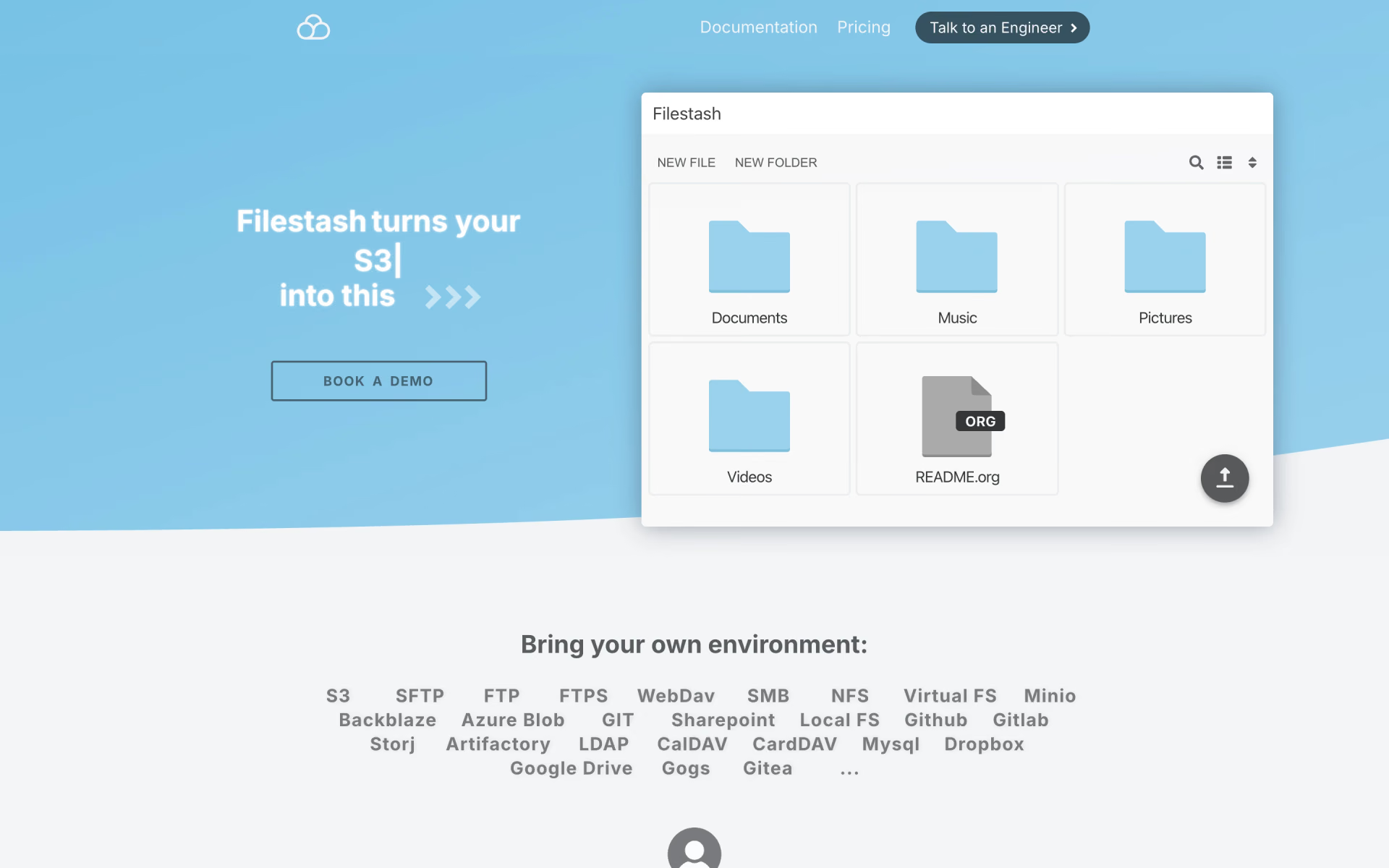
 Filestash
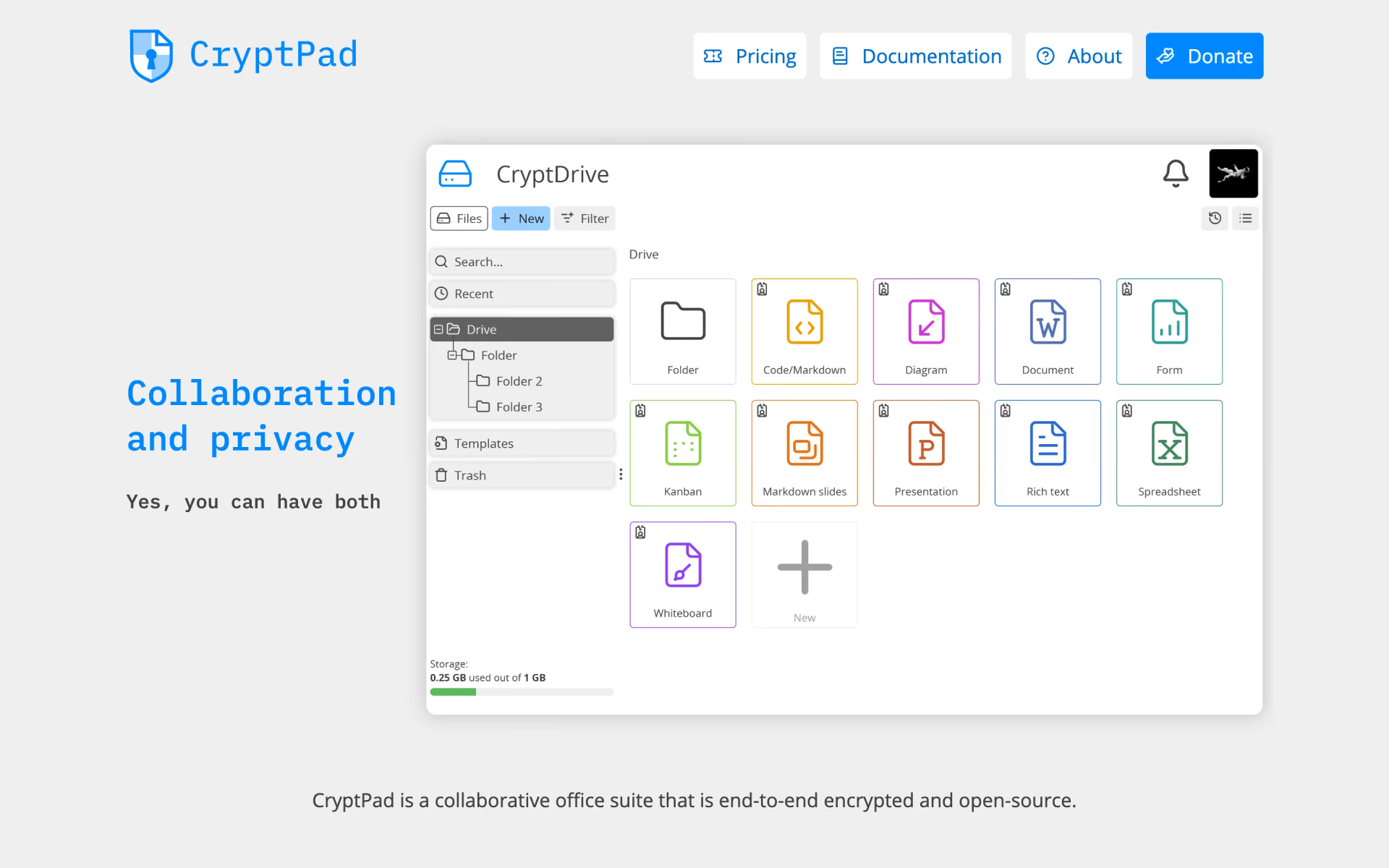
 CryptPad
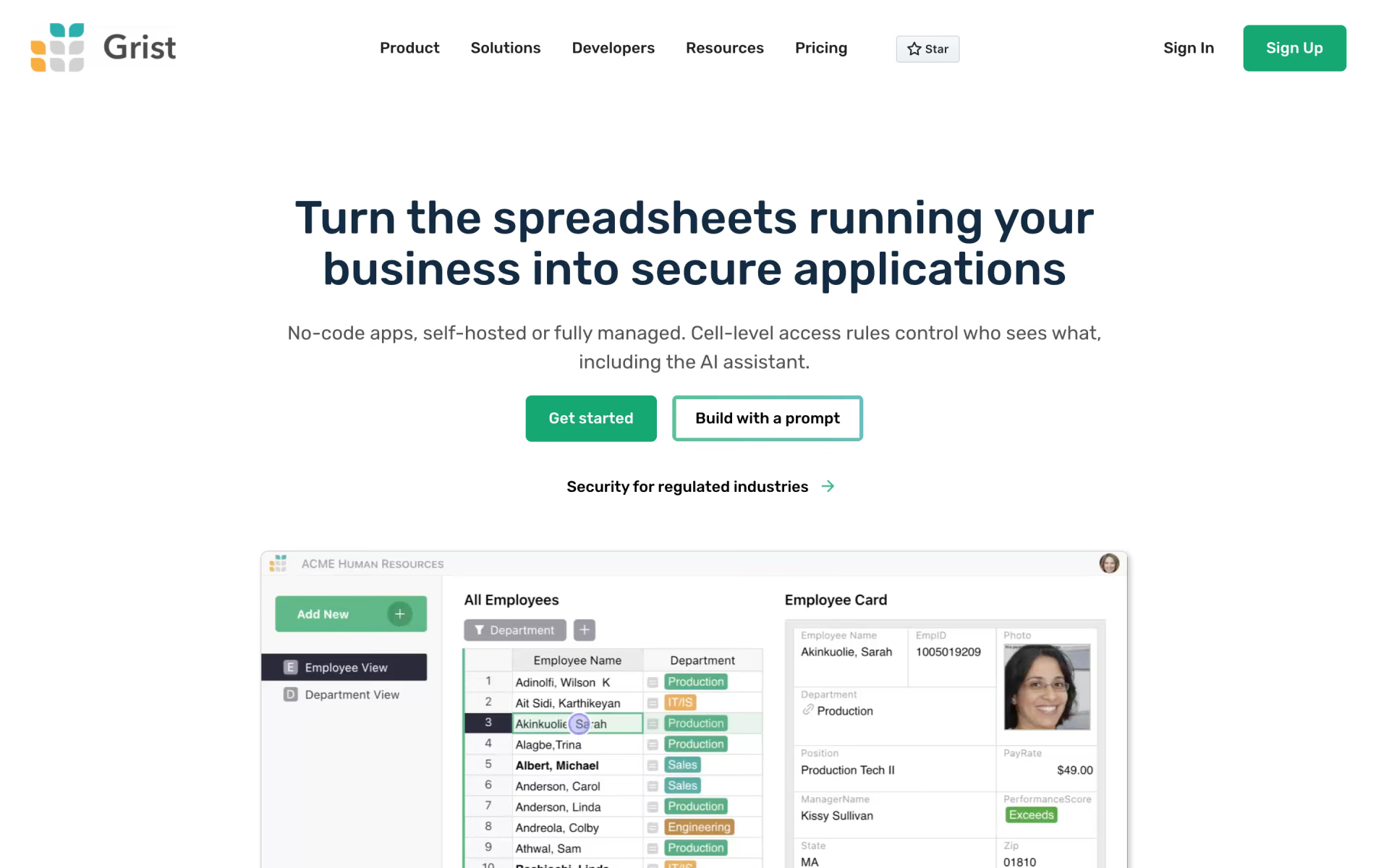
 Grist

 La Suite Docs