
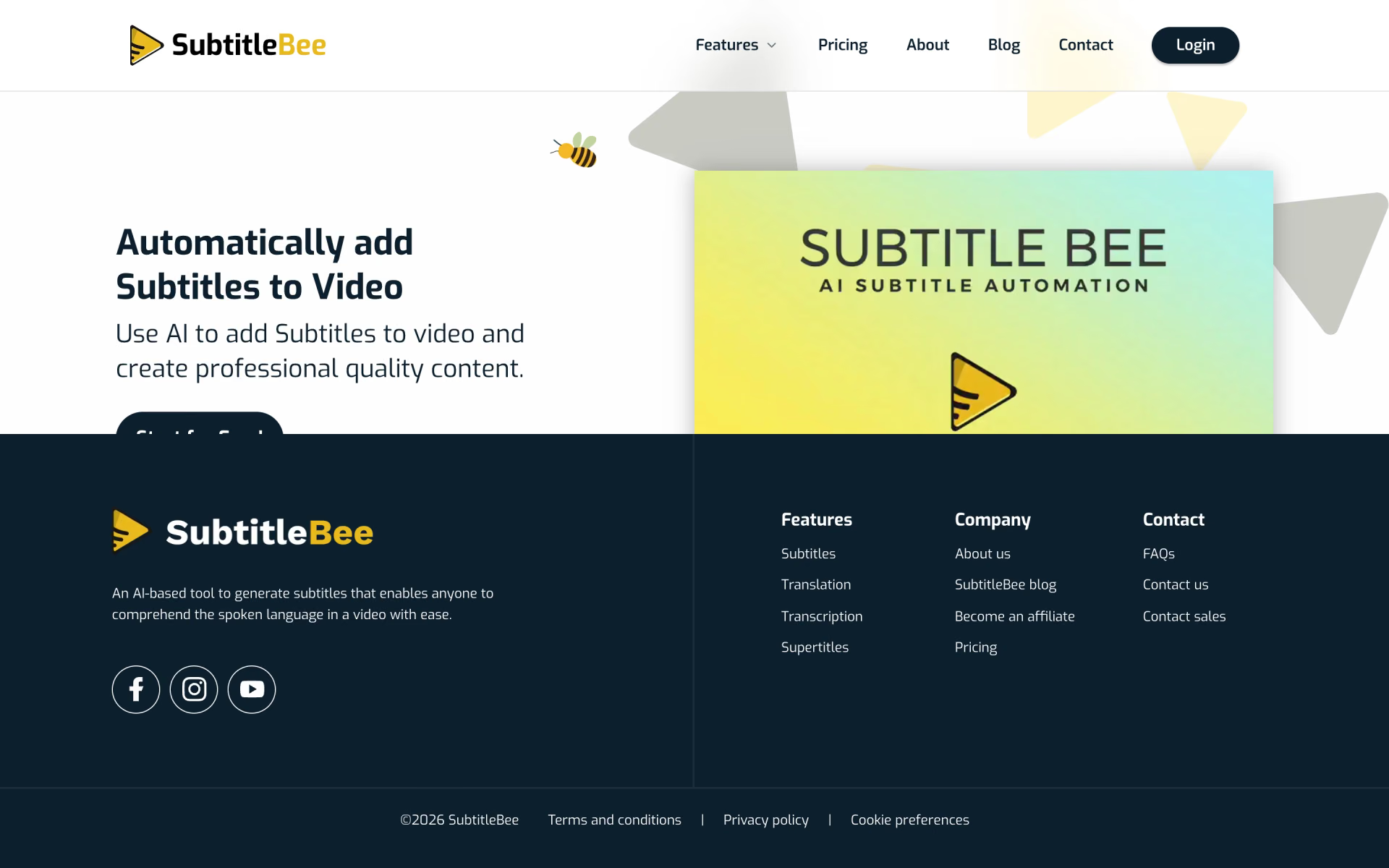
What is SubtitleBee?
Auto subtitles with custom fonts and translations.
Who is SubtitleBee best for?
SubtitleBee is best for creators and marketers who want captions and translations added to videos in a browser.
Short-form social video
Captions with custom fonts, colours and a progress bar, plus quick crops for TikTok, Instagram Stories and Snapchat.
Reaching viewers in other languages
One upload can carry subtitles translated into more than 120 languages, from 3 to 15 translations per video depending on the plan.
Editors who need subtitle files
Subtitles download as SRT, ASS, VTT or TXT files for another editor, or come burned into the exported video.
Brands with a house style
Your logo, fonts and, on Business, a full brand kit keep captioned videos consistent across channels.
How much does SubtitleBee cost?
SubtitleBee has a free trial for one video up to 10 minutes, and its paid plans cost $19, $49 or $129 a month (Starter, Premium, Business), with about 12% off when billed yearly.
- Auto subtitles for one video up to 10 minutes
- Downloads turned off, uploads kept for 14 days
- Translation, crop, resize and progress bar tools
- 240 minutes of subtitles or translation a month
- Videos up to 20 minutes, 3 translations each
- No watermark, downloads and cloud storage
- 1,050 minutes a month, videos up to 30 minutes
- 10 translations per video, 20 overlay captions
- Top-up minutes and priority support
- 3,600 minutes a month, videos up to 60 minutes
- 15 translations per video, 50 overlay captions
- Full brand kit and premium support
Billed yearly, Starter is $199 a year ($16.60 a month), Premium $519 ($43 a month) and Business $1,359 ($113 a month). Top-up minutes cost $2 per 30 minutes on Premium and $1.75 per 60 minutes on Business. A Custom plan for more videos or longer files is priced on request, and tax or VAT may be added at checkout. Full pricing on subtitlebee.com. We checked these prices on .
How do readers rate SubtitleBee?
No one has rated SubtitleBee yet. Be the first.
Sign in to rate. One rating per account.
What are the best SubtitleBee alternatives?
Three tools on Recaply do SubtitleBee's job.



Questions about SubtitleBee
What is SubtitleBee?
Auto subtitles with custom fonts and translations.
Who is SubtitleBee for?
SubtitleBee is best for creators and marketers who want captions and translations added to videos in a browser.
Is SubtitleBee free?
SubtitleBee's free plan works as a trial: it subtitles one video up to 10 minutes, but downloads are turned off and uploads are kept for 14 days. Downloading the finished video needs a paid plan, starting at $19 a month for Starter.
How much does SubtitleBee cost?
SubtitleBee's paid plans are Starter at $19 per month, Premium at $49 per month and Business at $129 per month.
What are the best SubtitleBee alternatives?
The closest alternatives on Recaply are Auto Captioner, Zubtitle and Submagic.
Where can I try SubtitleBee?
On its official website, subtitlebee.com.
What happens when I run out of SubtitleBee minutes?
On Premium and Business you can buy one-time top-up minutes from your account page, at $2 per 30 minutes or $1.75 per 60 minutes, or move to a bigger plan. Plan changes and cancellations take effect at the end of the billing period.

 Taption

 Captions
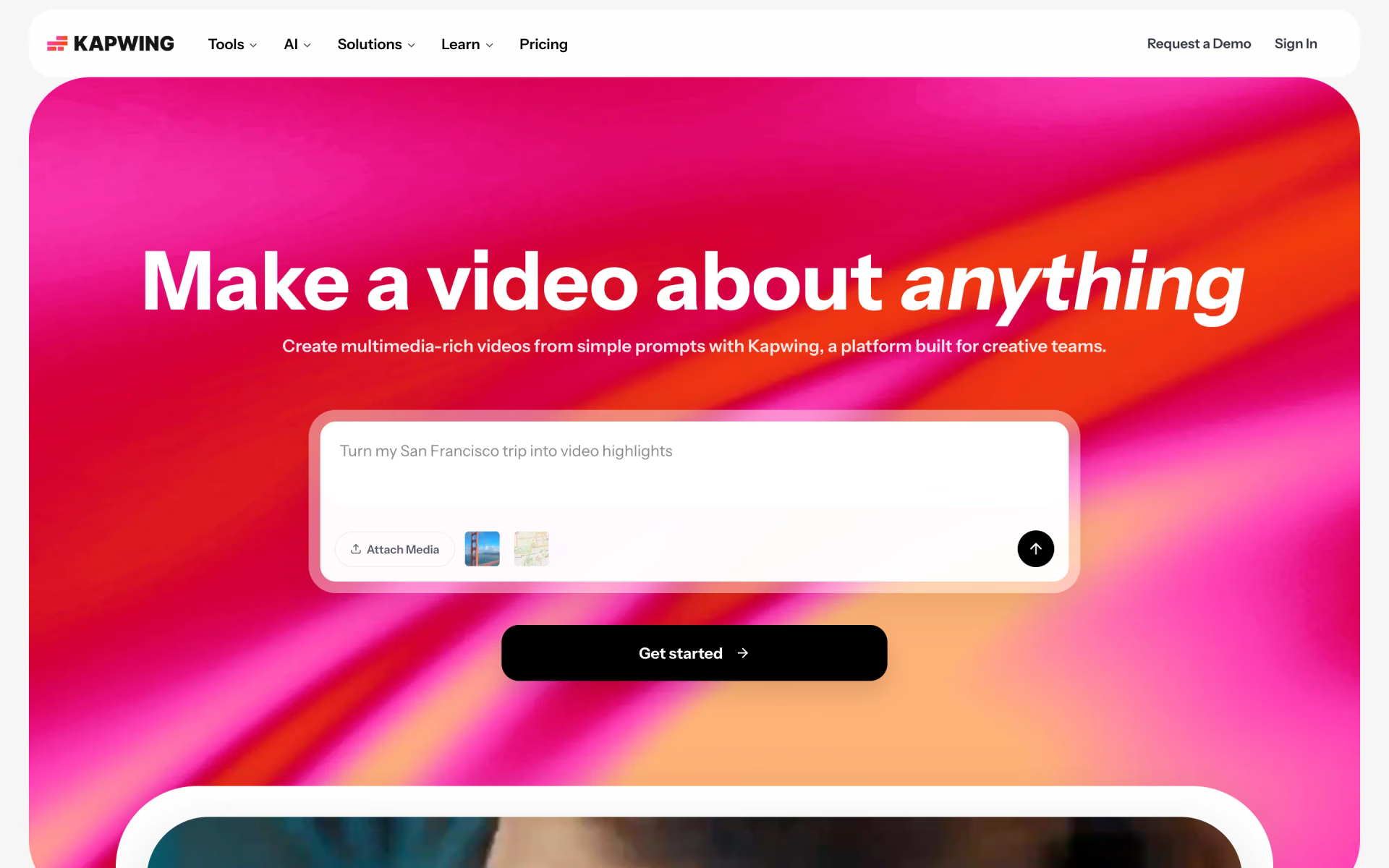
 Kapwing

 FlexClip
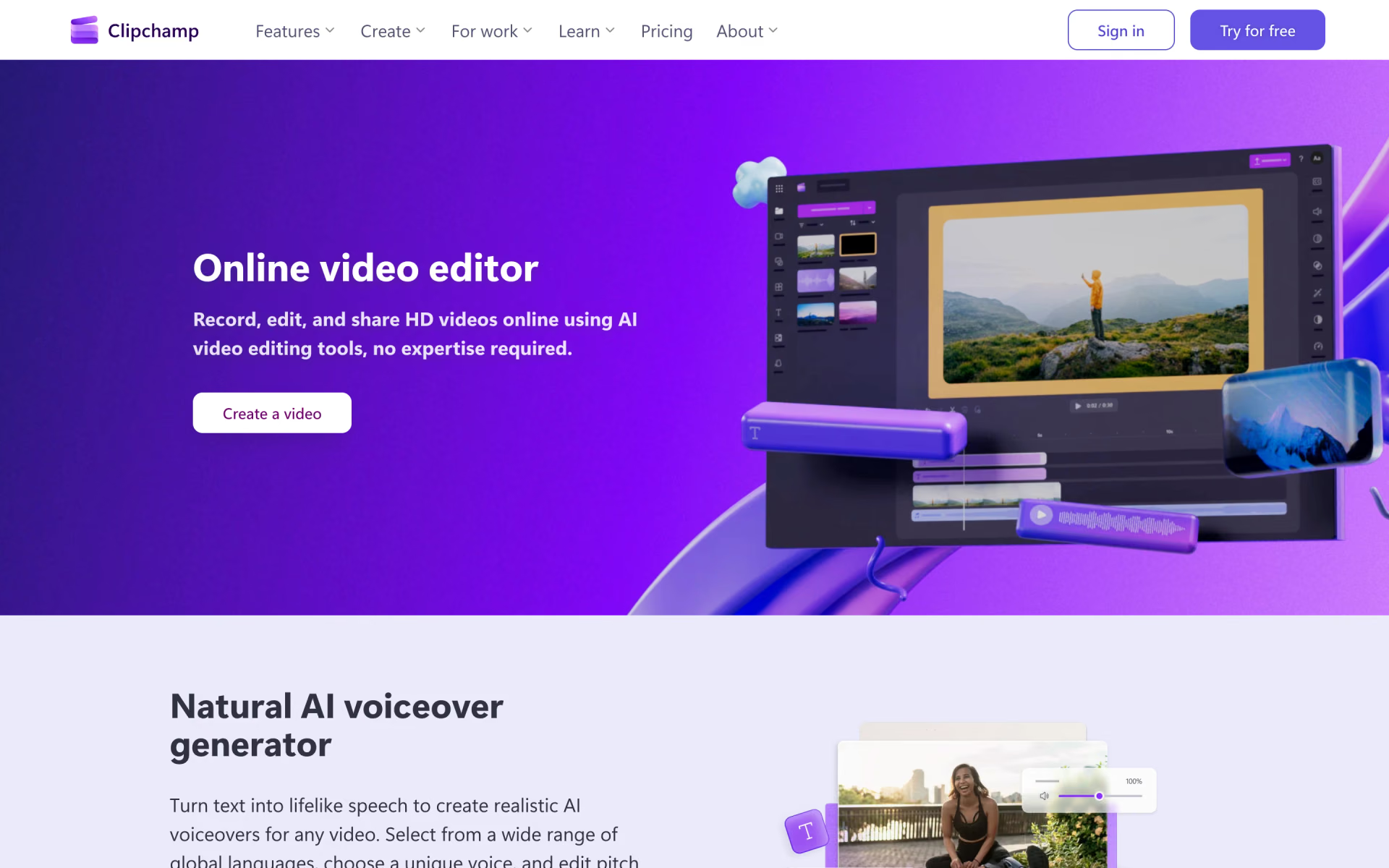
 Clipchamp
 video-use