

What is Auto Captioner?
Styled subtitles for your videos in 20+ languages.
Who is Auto Captioner best for?
Auto Captioner is best for TikTok and YouTube creators who want burned-in captions without editing software.
TikTok and Reels clips
Short videos can be captioned for free, and the paid plans add animated caption styles.
Long YouTube videos
Pro handles videos up to 30 minutes and Max up to an hour, with captions burned into the export.
Multilingual audiences
Transcription covers 20+ languages with automatic detection, and Pro adds AI translation of the subtitles.
Freelancers and agencies
Client videos get captioned in the browser, with saved custom styles and uploaded fonts on Pro.
How much does Auto Captioner cost?
Auto Captioner is free for videos up to 2 minutes with a small watermark, and its paid plans cost $9.90 a month for Pro or $14.90 a month for Max.
- Videos up to 2 minutes, exported at up to 720p
- AI subtitles in one simple caption style
- Small AutoCaptioner.com watermark
- Videos up to 30 minutes, no watermark
- All caption styles and animations, your own styles and fonts
- AI subtitle translation and priority support
- Everything in Pro
- Videos up to 1 hour
Plans are billed monthly only, with no yearly option, and prices are in US dollars before any tax added at checkout. You can ask for a refund of your first Pro or Max payment within 7 days of buying; renewals are generally not refunded. Full pricing on autocaptioner.com. We checked these prices on .
How do readers rate Auto Captioner?
No one has rated Auto Captioner yet. Be the first.
Sign in to rate. One rating per account.
What are the best Auto Captioner alternatives?
Three tools on Recaply do Auto Captioner's job.



Questions about Auto Captioner
What is Auto Captioner?
Styled subtitles for your videos in 20+ languages.
Who is Auto Captioner for?
Auto Captioner is best for TikTok and YouTube creators who want burned-in captions without editing software.
Is Auto Captioner free?
Yes. Auto Captioner's free plan generates, edits and exports subtitled videos up to 2 minutes long at up to 720p, with a small AutoCaptioner.com watermark. Pro, at $9.90 a month, removes the watermark and allows videos up to 30 minutes.
How much does Auto Captioner cost?
Auto Captioner's paid plans are Pro at $9.90 per month and Max at $14.90 per month.
What are the best Auto Captioner alternatives?
The closest alternatives on Recaply are Submagic, SubtitleBee and RenderCut.
Where can I try Auto Captioner?
On its official website, autocaptioner.com.
Does Auto Captioner upload my whole video?
No. Auto Captioner processes the video in your browser, and only the extracted audio goes to its transcription provider when you ask for AI captions. It accepts MP4, MOV, WebM and other common formats in any aspect ratio.
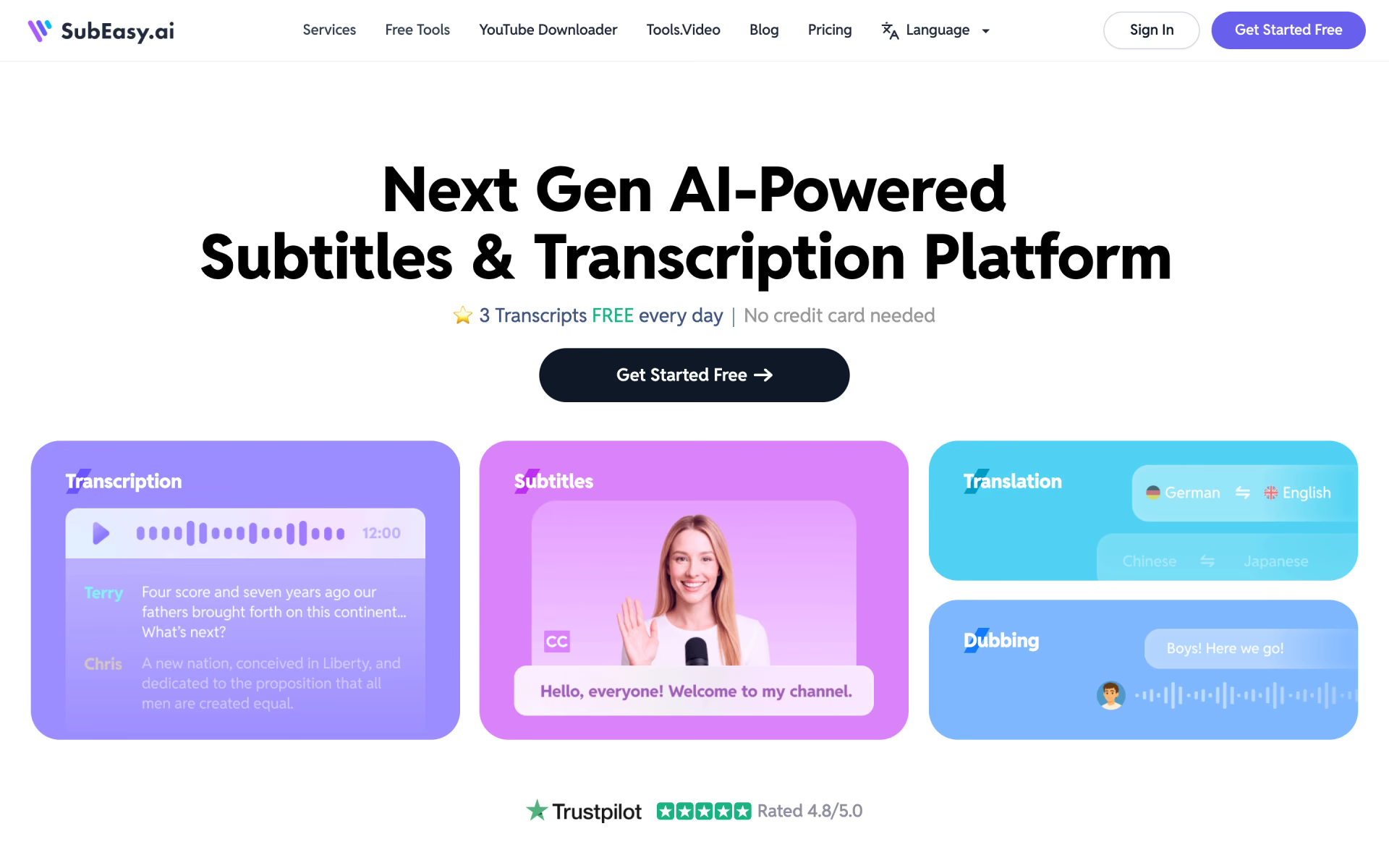
 SubEasy
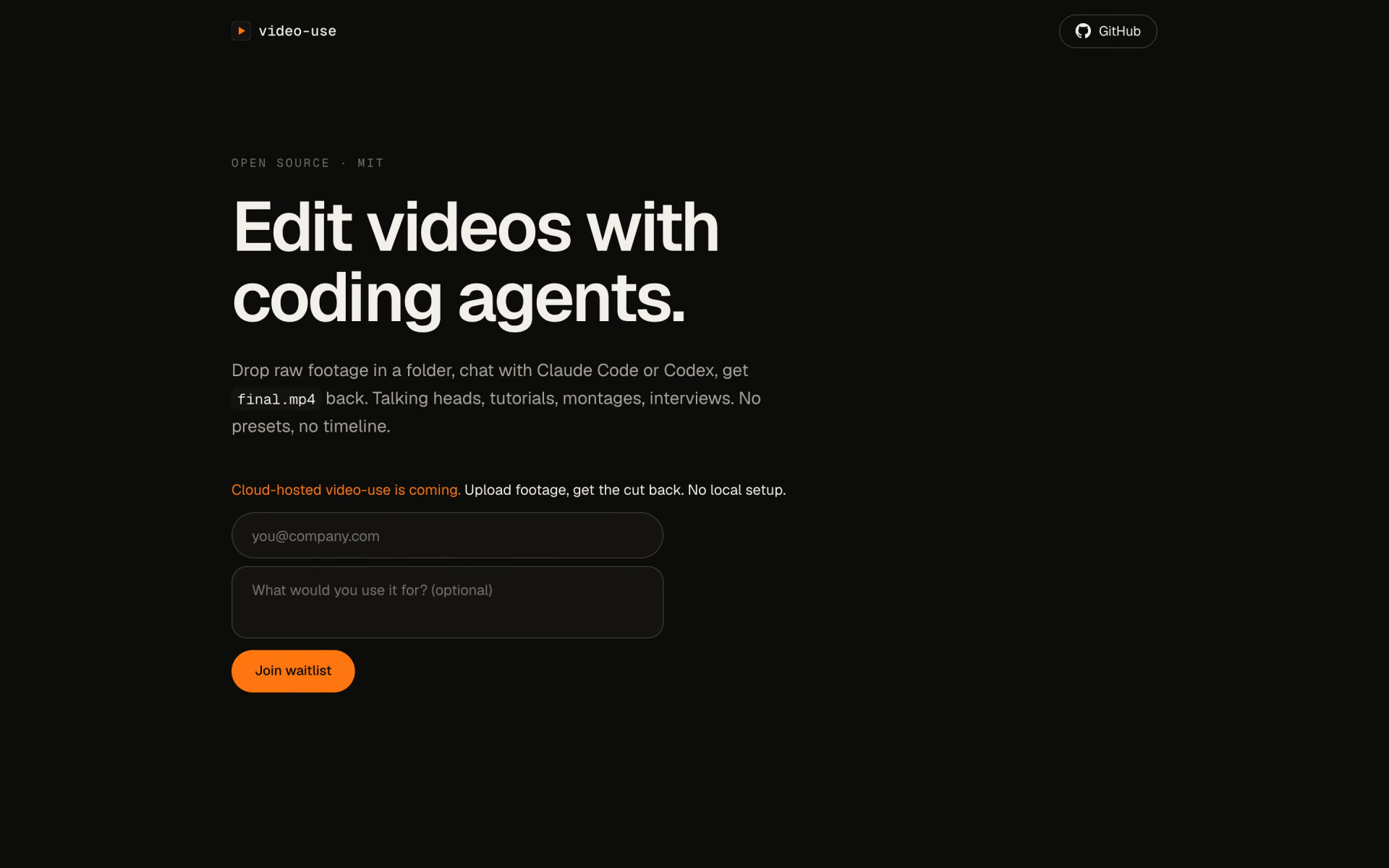
 video-use

 Rotor Videos

 Subtitle Remover

 W-Agent

 StoryTok