
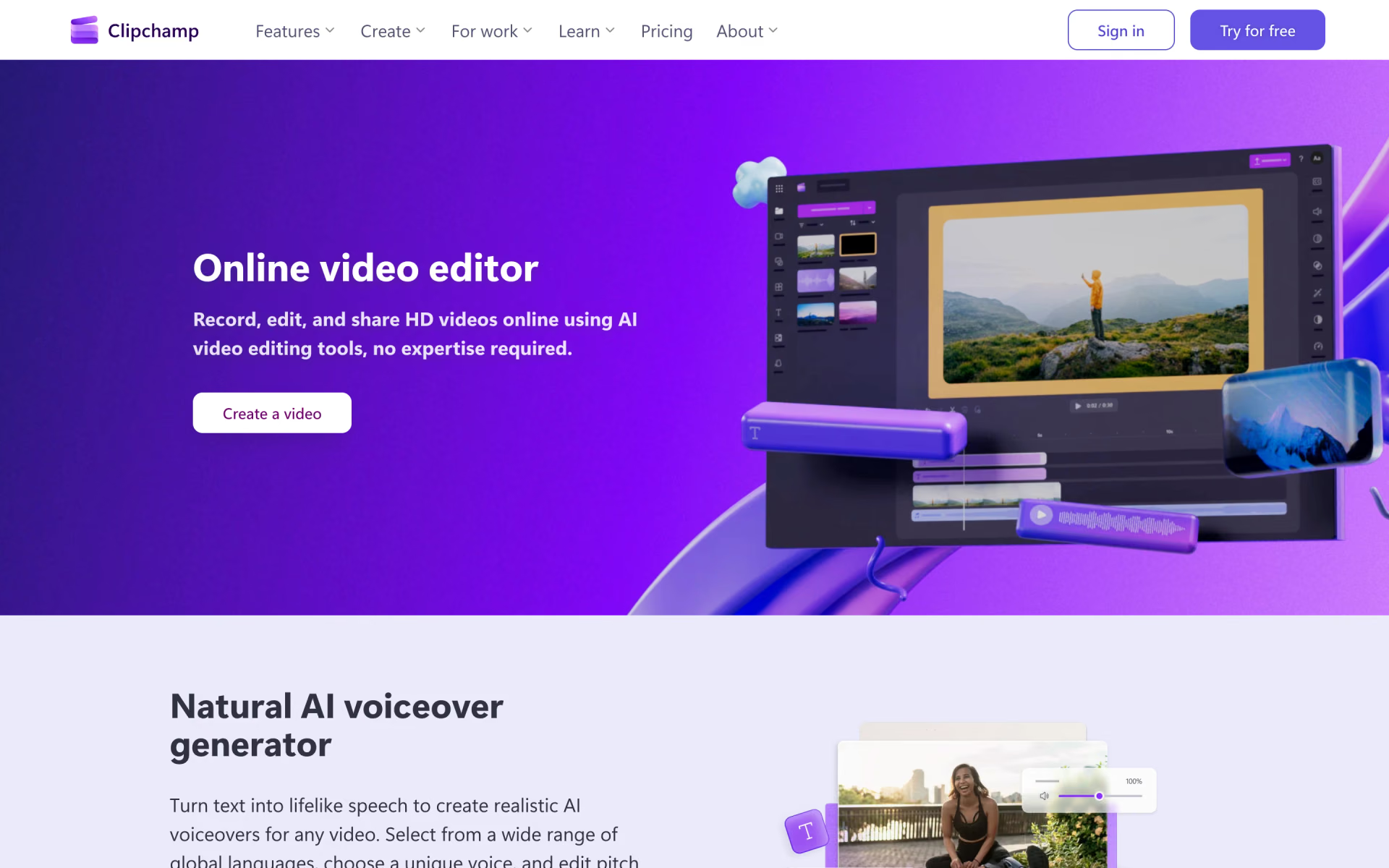
What is Clipchamp?
Microsoft's video editor with text-to-speech and auto subtitles.
Who is Clipchamp best for?
Clipchamp is best for beginners and students who want a browser video editor with AI subtitles and voiceovers.
Beginners making quick videos
It runs in the browser or as a Windows app with simple trimming, titles and templates, and the free plan exports without a watermark.
Captioned social videos
AI subtitles in over 80 languages and a text-to-speech voiceover tool help turn clips into videos for TikTok, Reels or YouTube.
Screen and webcam recordings
You record your screen, camera and voice in the same app, then strip out background noise, silences and filler words.
Microsoft 365 households
Anyone already paying for Microsoft 365 Personal or Family gets 4K exports, premium stock and a brand kit at no extra cost.
How much does Clipchamp cost?
Clipchamp is free with unlimited watermark-free exports up to 1080p, and its premium features (4K exports, premium stock and a brand kit) come with Microsoft 365 Personal at $9.99 a month or Family at $12.99 a month.
- Unlimited exports up to 1080p, no watermark
- AI subtitles, voiceovers and silence removal
- Free stock assets, filters and effects
- Clipchamp premium: 4K exports, premium stock and filters
- Brand kit for one brand
- For 1 person, with 1 TB of storage and the Office apps
- The same Clipchamp premium features
- For 1 to 6 people, 1 TB of storage each
- Word, Excel, PowerPoint, Outlook and OneNote
Clipchamp has no plan of its own: premium features come with a Microsoft 365 subscription. Paid yearly, Microsoft 365 Personal is $99.99 and Family $129.99 a year. These are US prices from Microsoft's store. For work accounts, Clipchamp's standard plan is included in some Microsoft 365 business and education licenses, and a Copilot license adds every premium feature and AI video creation. Full pricing on clipchamp.com. We checked these prices on .
How do readers rate Clipchamp?
No one has rated Clipchamp yet. Be the first.
Sign in to rate. One rating per account.
What are the best Clipchamp alternatives?
One tool on Recaply does Clipchamp's job. It is open source, so you can run it on your own server.

Questions about Clipchamp
What is Clipchamp?
Microsoft's video editor with text-to-speech and auto subtitles.
Who is Clipchamp for?
Clipchamp is best for beginners and students who want a browser video editor with AI subtitles and voiceovers.
Is Clipchamp free?
Yes. Clipchamp's free plan needs only a personal Microsoft account and exports as many videos as you like, up to 1080p and without a watermark, with AI subtitles and voiceovers included. 4K exports and premium stock come with Microsoft 365 Personal or Family.
How much does Clipchamp cost?
Clipchamp's paid plans are Microsoft 365 Personal at $9.99 per month and Microsoft 365 Family at $12.99 per month.
Is there an open source alternative to Clipchamp?
Yes. OpenCut is an open source tool that does the same job, so you can run your own.
What are the best Clipchamp alternatives?
The closest alternatives on Recaply are OpenCut.
Where can I try Clipchamp?
On its official website, clipchamp.com.
Can I use Clipchamp with a work or school account?
Yes, if your organization's plan includes it. Clipchamp's standard work version comes with some Microsoft 365 business and education licenses, and a Copilot license adds all premium features and AI video creation.
 FlexClip

 Zubtitle
 Exemplary
 Vidalgo
 VideoGen
 CapCut