
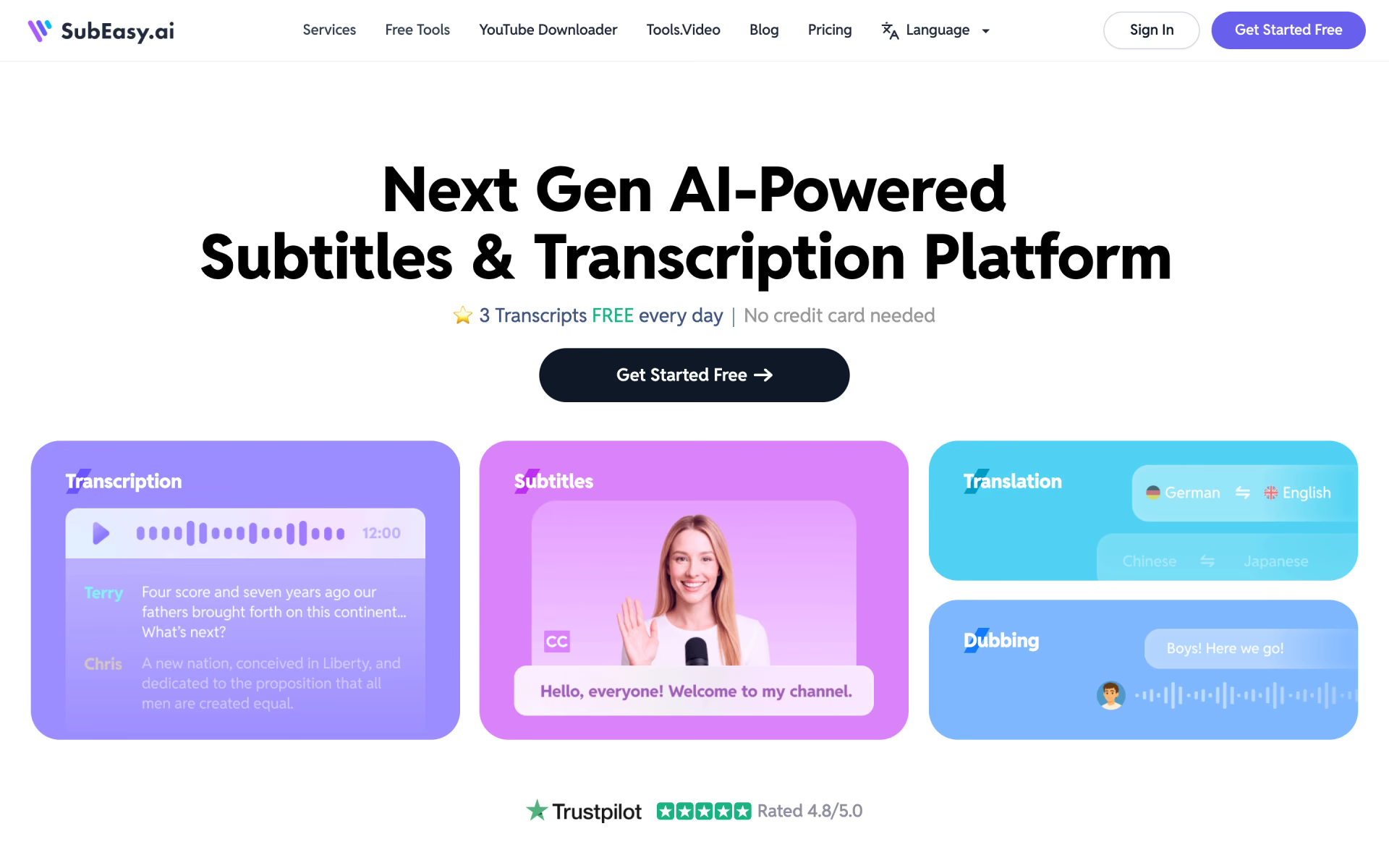
What is SubEasy?
Transcripts and subtitles in 100 languages, three free daily.
Who is SubEasy best for?
SubEasy is best for video creators and podcasters who need transcripts and subtitles in many languages.
Light, regular transcription
Three free transcriptions a day, each up to 30 minutes, cover a creator who posts a few short clips without paying anything.
Subtitles for other languages
Speech-to-text in about 100 languages, plus subtitle translation and export, helps take one video to several markets.
Podcasts and long recordings
The Unlimited plan transcribes without spending credits and adds batch uploads, with files up to 4 hours or 4GB.
Dubbed and voiced videos
Paid plans add AI dubbing and voice-over, so a translated video can be voiced as well as subtitled.
How much does SubEasy cost?
SubEasy is free for three transcriptions of up to 30 minutes a day, and its paid options are Pro at $9.9 a month, Unlimited at $39 a month, or a one-off pay-as-you-go pack from $19 for 90 days.
- 3 transcriptions a day, up to 30 minutes each
- Basic transcription track, which can mean a wait at peak times
- Subtitle reflow, video export and chat with ChatGPT
- 200 credits a month, 1 credit per minute past the free daily allowance ($15 for 500)
- Fast track, speaker identification, AI dubbing and exports without watermark
- 60 minutes of AI translation a day and 10GB of cloud storage
- One-off purchase at $0.10 a credit, no subscription
- Most Pro features, but no cloud storage
- 800 credits for $59 or 1,600 for $99, each valid 180 days
- Unlimited transcription that uses no credits
- 500 credits a month for translation and AI tools ($59 for 1,500)
- Batch transcription, 4K export and 120 minutes of AI translation a day
Billed yearly, which the page marks as 25% off, Pro costs $89 a year with 200 credits a month or $129 with 500, and Unlimited $348 a year with 500 credits a month or $539 with 1,500; all 12 months of credits arrive at once. The free 3 x 30-minute daily allowance applies to paid users too. Business, with API access, is priced on request. Schools get 50% off and government bodies 30% by emailing from a .edu or .gov address. Full pricing on subeasy.ai. We checked these prices on .
How do readers rate SubEasy?
No one has rated SubEasy yet. Be the first.
Sign in to rate. One rating per account.
What are the best SubEasy alternatives?
Two tools on Recaply do SubEasy's job.


Questions about SubEasy
What is SubEasy?
Transcripts and subtitles in 100 languages, three free daily.
Who is SubEasy for?
SubEasy is best for video creators and podcasters who need transcripts and subtitles in many languages.
Is SubEasy free?
Yes. SubEasy has a free Free Plan plan: 3 transcriptions a day, up to 30 minutes each.
How much does SubEasy cost?
SubEasy's paid plans are Pro Plan at $9.9 per month, Pay-as-you-go at $19 for 200 credits, valid 90 days and Unlimited Plan at $39 per month.
What are the best SubEasy alternatives?
The closest alternatives on Recaply are Taption and SubtitleBee.
Where can I try SubEasy?
On its official website, subeasy.ai.
How do SubEasy credits work?
Every SubEasy user gets three free transcriptions a day of up to 30 minutes each. Past that, Pro and pay-as-you-go users spend 1 credit per minute, while Unlimited uses none for transcription. Credits also pay for AI Plus translation at 2 credits a minute and AI summaries at 3 or 10 credits each.
Does SubEasy offer refunds?
Generally no. SubEasy does not refund purchases, remaining subscription time or unused credits, and cancelling only stops the next renewal. It suggests trying the paid features on the free plan first, since free users can test them before buying.

 Auto Captioner
 video-use

 Subtitle Remover

 W-Agent
 Zeemo

 Exemplary