

What is Stable Audio 3.0?
Stable Audio 3.0 comes in four sizes. Small SFX and Small run on phones and laptops and make sound effects or music up to two minutes long; Medium and Large reach six minutes twenty seconds, all in 44.1 kHz stereo. Small SFX, Small and Medium are open weights; Large runs on Stability's API, in the Stable Audio app and plugin, or under an Enterprise license.
It replaces Stable Audio 2.5 as Stability's lead audio model. Stability trained it on licensed AudioSparx music and Creative Commons Freesound recordings, and it adds inpainting and LoRA fine-tuning. It is built for instrumental music and sound effects, with no lyrics or vocals, the main gap against Suno or Lyria 3.5.
What changed from Stable Audio 2.5?
Longer tracks, open weights and more musical output, for six cents more per API call.
- Length
- Up to 6:20 on Medium and Large, against 190 seconds on 2.5.
- Open weights
- Small SFX, Small and Medium are free to download; 2.5 was never released as weights.
- Musicality
- In Stability's listening test on the Song Describer Dataset, Medium and Large scored 4.15 and 4.30 for musicality against 3.70 for 2.5, though 2.5 matched prompts more closely.
- API
- 26 credits per generation instead of 20, and results now come back asynchronously, so you poll for the finished track.
Who is Stable Audio 3.0 best for?
Stable Audio 3.0 is best for developers and music makers who want licensed-data instrumental music and sound effects models they can run on their own hardware, fine-tune with LoRA or call through an API.
Sound effects on a phone or laptop
3.0 Small SFX is built to generate sound effects on consumer devices, with no server or connection needed.
Instrumental tracks offline
3.0 Small composes music of up to two minutes on a device, far longer than the 11 seconds of Stable Audio Open Small.
Developers building audio products
Open weights, published LoRA training notes and an API for the Large model let teams build their own music and sound features.
Producers on a Mac
The Stable Audio plugin runs 3.0 Large in the cloud or Medium and Small SFX offline inside your DAW, synced to the session tempo.
What's included with Stable Audio 3.0?
Four model sizes, lengths set to the second up to 6:20, inpainting, audio-to-audio, LoRA fine-tuning, and a web app plus a Mac DAW plugin.
- Four sizes
- Small SFX and Small for devices, Medium for longer open-weight music, and Large for the API and apps.
- Length to the second
- You ask for an exact length, from one second up to 6:20 on Medium and Large or two minutes on Small.
- Inpainting
- Rework one or several sections of a track, or continue a recording past its end.
- Audio-to-audio
- On the API, upload an MP3 or WAV of 6 to 380 seconds and restyle it with a prompt.
- LoRA fine-tuning
- Stability publishes LoRA training documentation with the Small and Medium weights, so you can tune them on your own library.
- Fast generation
- Under two seconds per track on an H200 GPU and a few seconds on a MacBook Pro M4, by Stability's measure.
- Web app and DAW plugin
- A browser studio with up to 8 tracks per session and a Mac plugin with tempo sync, seed control and presets.
How much does Stable Audio 3.0 cost?
Stable Audio 3.0's Small SFX, Small and Medium models are free to download under Stability AI's Community License, the API charges $0.26 per generation, and the Stable Audio web app starts at $12 a month.
- 3.0 Small SFX, 3.0 Small and 3.0 Medium on Hugging Face
- Free for people and companies under $1M annual revenue
- You own your outputs and can sell them
- 3.0 Large, tracks up to six minutes from text or audio
- Credits cost $0.01 each
- 25 free credits when you open an account
- 660 credits a month, about 165 full-mix tracks
- Stable Audio web app and DAW plugin
- 1,800 credits a month, about 450 full-mix tracks
- Stable Audio web app and DAW plugin
In the app, starting a full-mix track costs 4 credits and a multi-track arrangement 6; mixing, effects and export are free, and failed generations are not charged. Two larger plans follow: Producer at $90 a month for 6,000 credits and Studio at $199 a month for 14,000 credits. App credits reset each month and do not roll over. 3.0 Large is not downloadable; it runs on the API, in the app and plugin, or under an Enterprise license. Companies with more than $1M in annual revenue need an Enterprise license for commercial use; it adds legal indemnification and is priced on request. Full pricing on stableaudio.com. We checked these prices on .
How do readers rate Stable Audio 3.0?
No one has rated Stable Audio 3.0 yet. Be the first.
Sign in to rate. One rating per account.
Stable Audio 3.0 pros and cons
It is fast, open and trained on licensed data, but it makes no vocals, users find its sound short of a finished release, and local setup can take some fixing.
Pros
- Fast: Stability measures under two seconds per track on an H200, and users on Hacker News and Reddit call it very fast, one reporting two minutes of audio in under two seconds on an RTX 3090.
- Three of the four sizes are free to download, and Stability says Small is the only model it knows of that composes full music on a phone or laptop.
- Users single it out for ambient music, drones and sound design, and two early testers found it followed prompts better than ACE-Step 1.5, though a third preferred ACE-Step for music.
- Trained on licensed AudioSparx music and filtered Creative Commons recordings, and you own what it makes under the Community License.
Cons
- No vocals or lyrics: Stability built it for instrumental music and sound effects, and users confirm it cannot produce sung or spoken words.
- Several users find the sound short of a finished release, describing it as General MIDI-like, thin in frequency range or at about Suno 1.0 quality.
- Local setup can be fiddly: several ComfyUI users got only buzzing or static until they updated PyTorch, dropped attention flags such as SageAttention or left the base checkpoint, and none could find a ComfyUI workflow for inpainting.
- The free licence stops at $1M in annual revenue, 3.0 Large cannot be downloaded, and the DAW plugin is Mac only, with no Windows or AAX version.
What are the best Stable Audio 3.0 alternatives?
Three tools on Recaply do Stable Audio 3.0's job. ACE-Step 1.5 is open source, so you can run it on your own server.
 Stable Audio 2.5Freemium
Choose it when three minutes is enough and you want the cheaper API call: $0.20 a track against $0.26, and it matched prompts more closely in Stability's own test.
 ACE-Step 1.5Open Source
Choose it when you need an open model that sings: it writes songs with vocals and lyrics in 50+ languages under the MIT licence, with no revenue cap.
 Suno v6Free
Choose it when you want finished songs with vocals in an app; Suno's Pro plan at $10 a month includes v6 and commercial use rights.
Questions about Stable Audio 3.0
What is the difference between Stable Audio 3.0 Small, Medium and Large?
Small comes as two models, one for music and one for sound effects, each with a 459M-parameter transformer and tracks up to two minutes on a device. Medium (1.4B) and Large (2.7B) handle both and reach 6:20. Small and Medium are open weights; Large is not downloadable.
Who is Stable Audio 3.0 for?
Stable Audio 3.0 is best for developers and music makers who want licensed-data instrumental music and sound effects models they can run on their own hardware, fine-tune with LoRA or call through an API.
Is Stable Audio 3.0 free?
Partly. Small SFX, Small and Medium are free to download and use under the Community License if you or your company make under $1M a year. 3.0 Large costs $0.26 per generation on the API, where new accounts get 25 free credits, and the Stable Audio app starts at $12 a month.
How much does Stable Audio 3.0 cost?
Stable Audio 3.0's paid plans are Stability AI API at $0.26 per generation (26 credits), Solo at $12 per month and Session at $30 per month.
Is there an open source alternative to Stable Audio 3.0?
Yes. ACE-Step 1.5 is an open source tool that does the same job, so you can run your own.
What are the best Stable Audio 3.0 alternatives?
The closest alternatives on Recaply are Stable Audio 2.5, ACE-Step 1.5 and Suno v6.
Where can I try Stable Audio 3.0?
On its official website, stability.ai.
Can I use Stable Audio 3.0 music commercially?
Yes. Stability AI says you own what Stable Audio 3.0 makes and can distribute and sell it under the Community License, which is free for individuals and organizations under $1M in annual revenue. Larger companies need a paid Enterprise license, which also includes legal indemnification.
Can Stable Audio 3.0 run on my own computer?
Yes, for three of its four sizes. 3.0 Small SFX and 3.0 Small are built to run on phones and consumer laptops, and 3.0 Medium makes tracks up to six minutes twenty seconds. The largest model, 3.0 Large, runs only on Stability AI's API, in its app and plugin, or under an Enterprise license.
Can Stable Audio 3.0 make songs with vocals?
No. Stability built Stable Audio 3.0 for instrumental music and sound effects, and its research paper puts lyrics outside the model's scope. For sung vocals, look at ACE-Step 1.5, Suno or Lyria 3.5.
Our verdict
Stable Audio 3.0 is the model to start with if you want licensed-data instrumental music or sound effects that you can run and tune yourself.
Three of its four sizes are free to download, Small runs on a laptop, and in Stability's own listening test Medium and Large score higher on musicality than Stable Audio 2.5 while making tracks twice as long.
- Skip it for
- Songs with vocals or lyrics, and polished release-ready tracks, where early users found the sound thin.
- Check first
- If your company earns more than $1M a year, price the Enterprise license before you build on the free weights.
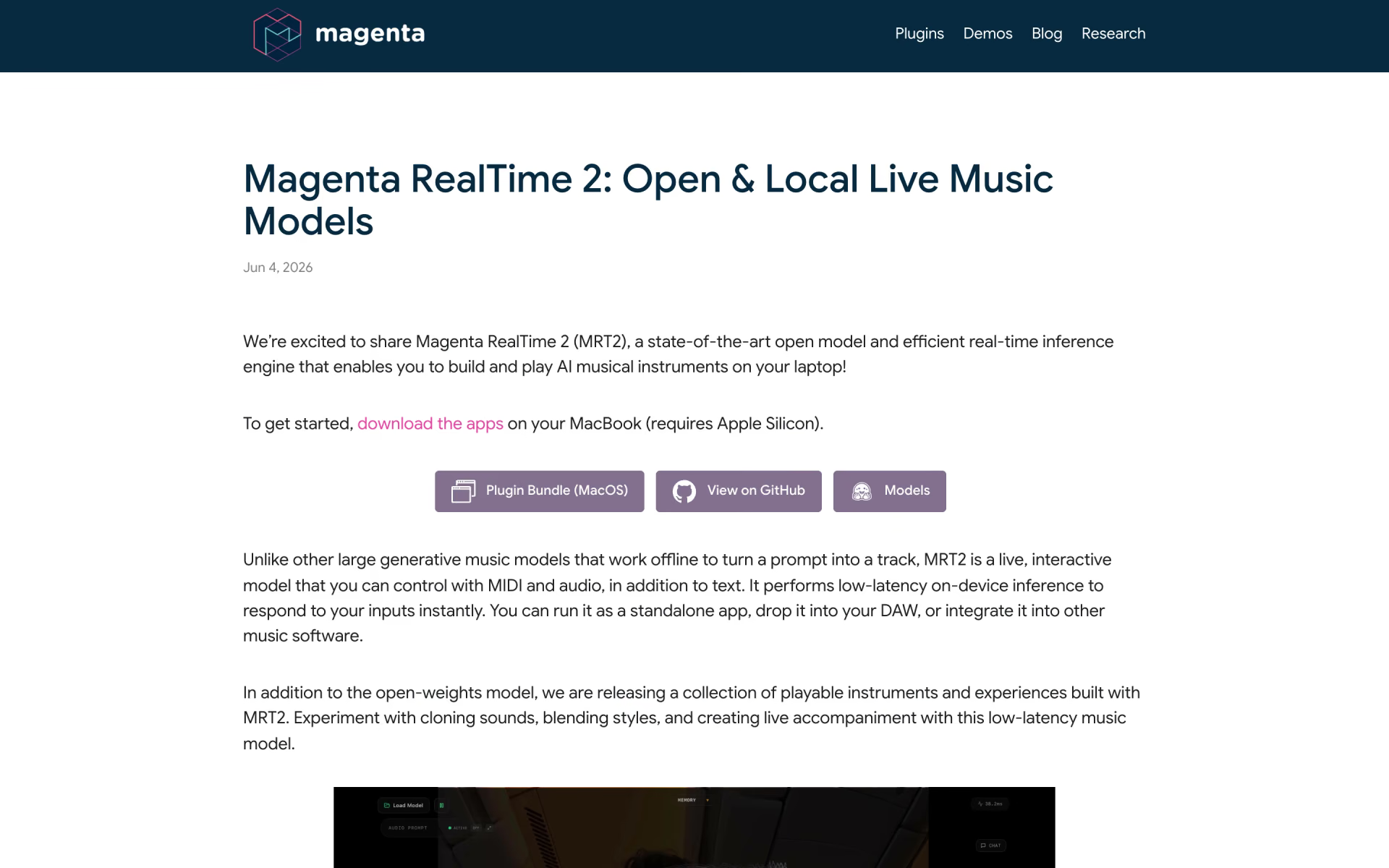
 Magenta RealTime 2

 Lyria 3
 Lyria 3.5

 ACE Studio 2.0

 LALAL.AI

 comanager