
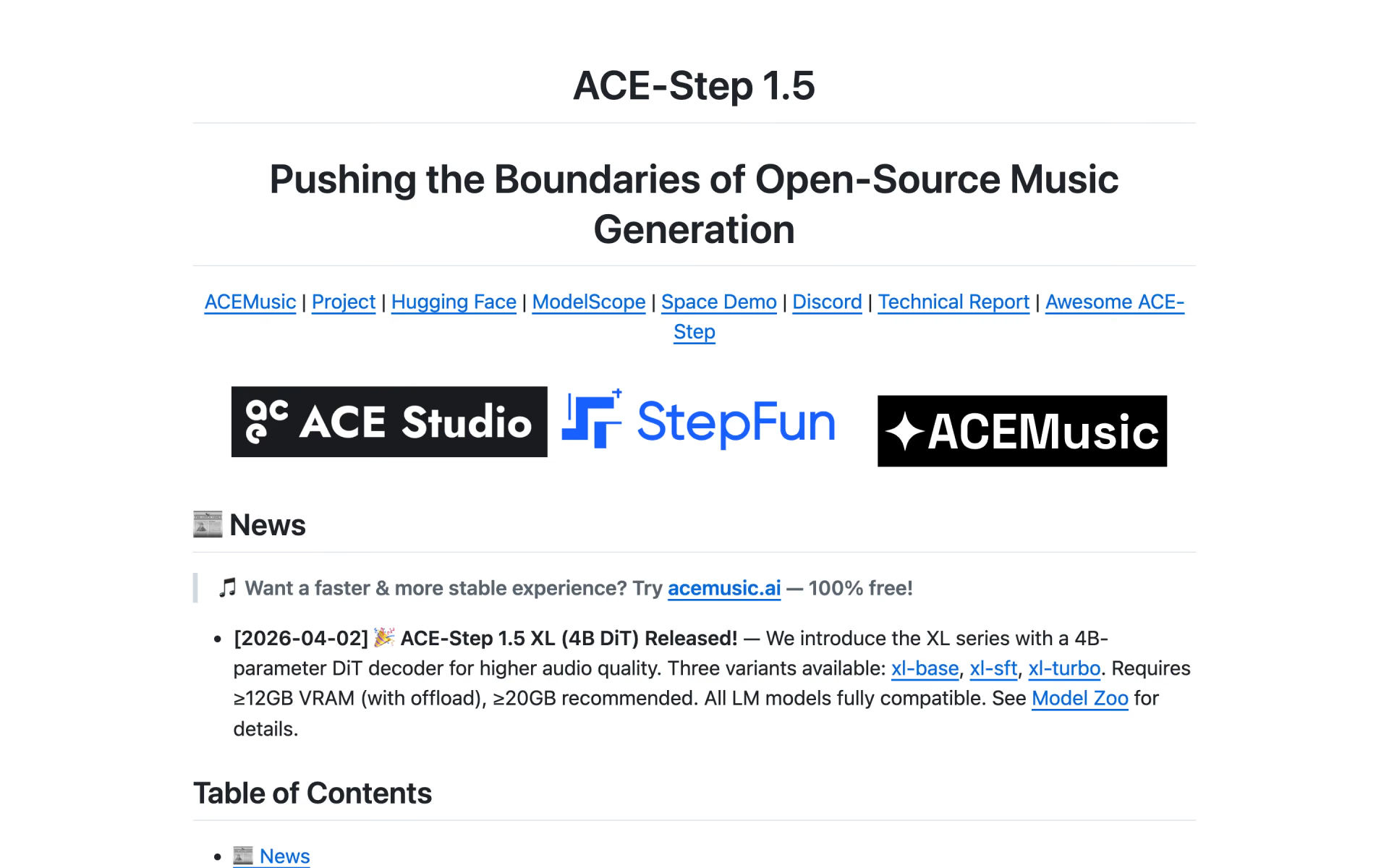
What is ACE-Step 1.5?
ACE-Step 1.5 is the current model from the ACE-Step project. A small language model plans each song, from structure and lyrics to tempo and key, and a diffusion model renders the audio. The standard 2B version runs in under 4GB of VRAM; a 4B XL version trades memory for better sound.
Unlike Suno or Udio, it does not tie you to one app. The code and weights are MIT-licensed, the team hosts a free web app called ACEMusic, and you can train it on your own songs. The makers rate its quality between Suno v4.5 and Suno v5; most users who compared them hear older Suno versions.
What is ACE-Step 1.5 XL?
A larger version of the model's audio stage for better sound, which needs 12GB of VRAM or more instead of 4GB.
- Size
- A 4B-parameter diffusion model against 2B for the standard one, with about 9GB of weights instead of 4.7GB.
- Memory
- At least 12GB of VRAM with offloading and quantization, and 20GB to run without offloading.
- Quality
- In the makers' own table it beats both the 2B model and Suno v5 on every listed metric.
- Versions
- Base, SFT and turbo, all working with the same planning language models as the 2B version.
Who is ACE-Step 1.5 best for?
ACE-Step 1.5 is best for musicians, producers and developers who want to make, edit and fine-tune full songs on their own GPU with no per-song fees.
Songs on a home GPU
The 2B model fits in under 4GB of VRAM and turns out a full song in under 10 seconds on an RTX 3090, with no per-song fees.
Editing tracks you already have
Covers, repainting one section, stem separation and adding backing music to a vocal all run in the same model.
Training your own style
The Gradio app trains a LoRA from about 8 songs in an hour on an RTX 3090 with 12GB of VRAM.
Apps that need a music engine
A built-in REST API server and the MIT licence let developers put it behind their own product without paying the makers.
What's included with ACE-Step 1.5?
Covers, section repaints, stems, backing tracks, tempo and key control, LoRA training, and four ways to run it, including a VST3 plugin.
- Covers and repaint
- Turn an existing track into a new version, or regenerate one section while the rest of the song stays as it is.
- Backing tracks and layers
- Vocal2BGM writes accompaniment for a vocal recording, and layer mode adds instruments to a track you already have.
- Stem separation
- Splits a mix into separate instrument and vocal tracks for editing in a DAW.
- Musical controls
- Set the length, BPM, key and time signature, and have it write timed LRC lyrics for any song it makes.
- LoRA training
- Train a style from your own songs in one click from the Gradio app, then reuse it on any prompt.
- Four ways to run it
- A Gradio app, a REST API server, a Python API, and an official VST3 plugin for DAWs such as Reaper and Ableton.
How does ACE-Step 1.5 work?
Install it
Clone the GitHub repo and run uv sync, or download the ready-made package for Windows or macOS; the models download on first run.
Open the app
Start the Gradio app in your browser; it picks the model size and memory settings that fit your GPU.
Describe and generate
Give it style tags and lyrics, or a one-line idea for its planner to expand, then generate up to 8 versions at once.
Edit what you keep
Repaint weak sections, make covers or split stems, and export as MP3, WAV or FLAC.
How much does ACE-Step 1.5 cost?
ACE-Step 1.5 is free: its code and weights are open source under the MIT licence, so you pay only for your own GPU, and the ACEMusic web app runs it online at no cost.
- Runs in under 4GB of VRAM
- A full song in under 10 seconds on an RTX 3090
- Songs from 10 seconds to 10 minutes
- Higher audio quality than the 2B model
- Needs 12GB of VRAM with offloading, 20GB without
- Base, SFT and turbo versions
- Runs ACE-Step in the browser, no GPU needed
- No daily limits, according to the team
- Sign in with Google or email
There is no paid plan. The code is on GitHub and the weights download from Hugging Face or ModelScope; the app fetches them on first run. It runs on NVIDIA GPUs (CUDA), AMD GPUs (ROCm), Intel GPUs and Apple Silicon Macs (MLX), and ships with a Gradio app and a REST API server. Ready-made packages are available for Windows and macOS. The MIT licence allows commercial use, changes and resale as long as the licence notice stays with the code. ACE Studio and StepFun lead the project. Full pricing on github.com. We checked these prices on .
How do readers rate ACE-Step 1.5?
No one has rated ACE-Step 1.5 yet. Be the first.
Sign in to rate. One rating per account.
ACE-Step 1.5 pros and cons
It is free, fast and trainable on your own songs, but most users hear older-generation sound and shaky lyrics next to Suno v5.
Pros
- Free to run and to sell from: the code and weights are MIT-licensed, and the model card says the music can be used commercially.
- Fast on ordinary hardware; users report a four-minute track in about 30 seconds on an RTX 4090, and the 2B model fits in under 4GB of VRAM.
- LoRA training lets you teach it a niche style from a handful of songs, which users single out as its biggest draw.
- One model covers new songs, covers, repaints, stems and backing tracks, with an API and a VST3 plugin to build on.
Cons
- Most users who compared it with Suno hear older-generation sound, closer to Suno v3 or v4 or early Udio than to Suno v5, whatever the makers' own scores say.
- Lyrics are unreliable: several users say it skips or invents words, and long prompts can leave a song with no vocals at all.
- Covers often lose the original melody and repaints take many attempts; ComfyUI's built-in nodes also offer fewer tasks than the Gradio app.
- The fast turbo model can sound samey, with repeated melodies and similar voices; users prefer the slower SFT model.
Is ACE-Step 1.5 open source?
Yes. ACE-Step 1.5's code is public under the MIT licence, so you can run it on your own server.
On GitHub
14,695stars
- Last commit
- 8 Nov
- Repository age
- 14 months
- Latest release
- 18 May
- Licence
- MIT
- Self-hosted
- Yes
- Repository
- ace-step/ACE-Step-1.5
What are the best ACE-Step 1.5 alternatives?
ACE-Step 1.5 is an open source alternative to Lyria 3.5, Stable Audio 3.0, Stable Audio 2.5 and Suno v6.
 Lyria 3.5Free
Choose it when you would rather pay per song than own a GPU; Google's Gemini API charges $0.08 per full song, with nothing to host.
 Stable Audio 3.0Free
Choose it when you want open weights trained on fully licensed music, plus a sound effects model; companies with more than $1M in yearly revenue need Stability's Enterprise licence.
 Stable Audio 2.5Freemium
Stability's earlier music model, still on the API but now behind Stable Audio 3.0.
 Suno v6Free
Choose it when sound quality matters more than running it yourself; the v6 models need Suno Pro at $10 a month, which also adds commercial rights and 20 downloads a month.
Questions about ACE-Step 1.5
What is ACE-Step 1.5?
ACE-Step 1.5 is an open-source music model from ACE Studio and StepFun that writes, covers and edits full songs with vocals on your own GPU, free under the MIT licence.
Who is ACE-Step 1.5 for?
ACE-Step 1.5 is best for musicians, producers and developers who want to make, edit and fine-tune full songs on their own GPU with no per-song fees.
Is ACE-Step 1.5 free?
Yes. ACE-Step 1.5 has a free ACE-Step 1.5 (2B) plan: runs in under 4GB of VRAM.
Is ACE-Step 1.5 open source?
Yes. ACE-Step 1.5's code is public under the MIT licence, so you can run it on your own server.
What are the best ACE-Step 1.5 alternatives?
The closest alternatives on Recaply are Lyria 3.5, Stable Audio 3.0, Stable Audio 2.5 and Suno v6.
Which ACE-Step website is official?
The GitHub repository and its GitHub Pages project site are the official sources, and ACEMusic at acemusic.ai is the team's own free web app, linked from the repo. The team warns about look-alike ACE-Step sites and asks people not to pay on them.
Can I use ACE-Step 1.5 commercially?
Yes. ACE-Step 1.5's code and weights are released under the MIT licence, and its model card says the music can be used commercially. The team does warn that songs can come out close to existing styles, so check tracks before you release them.
What hardware does ACE-Step 1.5 need?
The 2B model runs in under 4GB of VRAM with its planning language model switched off, and from about 6GB you can add that planner. The 4B XL models need 12GB with offloading or 20GB without. It runs on NVIDIA, AMD and Intel GPUs and on Apple Silicon Macs.
Is ACE-Step 1.5 as good as Suno?
The makers place ACE-Step 1.5 between Suno v4.5 and Suno v5 on their own tests, and the 4B XL version scores above Suno v5 on every metric in their table. Suno runs only in its own app, while ACE-Step runs free on your machine, so test both on your genre.
Our verdict
ACE-Step 1.5 is the open music model to try first if you want songs from your own hardware at no cost.
It writes a full song in seconds on an ordinary GPU, handles covers, repaints and stems in one model, and the MIT licence lets you use and sell what it makes.
- Skip it for
- Release-ready vocals and polish; most users who compared the two still rate Suno v5 higher.
- Check first
- Try the free ACEMusic web app on your own genre before you buy a GPU for it.
 Magenta RealTime 2

 Lyria 3

 Google Flow Music

 Musegen

 Musick.ai

 Suno AI