

What is Lyria 3?
Lyria 3 is Google DeepMind's music model family. It first made 30-second tracks in the Gemini app, then reached developers as two preview models: Lyria 3 Clip, which always returns a 30-second clip, and Lyria 3 Pro, which writes songs of up to about three minutes with verses, choruses and bridges. Both take a text prompt or an image, sing in eight languages, write lyrics or use yours, and watermark every track with SynthID.
Google now calls Lyria 3 a legacy family. Lyria 3.5 runs the Gemini app and is the named replacement for Lyria 3 Pro at the same price, while Lyria 3 Clip remains Google's 30-second option.
Is Lyria 3 still available?
Yes, on the Gemini API and Vertex AI, but Google calls it a legacy family and has moved the Gemini app and full songs to Lyria 3.5.
- Gemini API
- Both preview models still work, with no shutdown date announced.
- Replacement
- Google names Lyria 3.5 as the replacement for Lyria 3 Pro; Lyria 3 Clip has none listed and stays the 30-second option.
- Gemini app
- The app's music maker now runs Lyria 3.5, with tracks up to 3 minutes.
- Vertex AI
- Both models are still in preview there, at $0.04 a clip and $0.08 a song.
Who is Lyria 3 best for?
Lyria 3 is best for developers who need cheap 30-second clips, soundtracks from images, background loops for apps and games, and teams with an existing Lyria 3 integration.
Quick clips and loops
Lyria 3 Clip returns a 30-second track for $0.04, and Google suggests it for testing prompts before paying for a full song.
Soundtracks from a picture
Both models take an image as the prompt and compose to its mood, which suits apps that score photos or video frames.
Background music for apps and games
Instrumental mode and tempo control suit loops and soundbeds; Google's own AI Studio demos include an alarm clock and a video scorer.
Existing Lyria 3 integrations
Both preview models are still served with no shutdown date announced, so apps built on them keep working while you test Lyria 3.5.
What's included with Lyria 3?
Two models, written or supplied lyrics, timing and tempo control, image-to-music, SynthID watermarks and a composer mode in Google AI Studio.
- Two models
- Clip for 30-second tracks and Pro for full songs of up to about three minutes.
- Lyrics written or supplied
- It writes lyrics and returns them as text next to the audio, or sings the lyrics you paste in.
- Timing and tempo control
- Timestamps in the prompt set when sections and lyrics start, and you can ask for a tempo.
- Image to music
- An image in the prompt steers the mood, style and atmosphere of the track.
- SynthID and content credentials
- Every track carries an inaudible SynthID watermark, and Vertex AI adds C2PA content credentials.
- Composer mode in AI Studio
- Google AI Studio's music workspace builds a song section by section, with a paid API key.
How much does Lyria 3 cost?
Lyria 3 costs $0.04 per 30-second clip or $0.08 per full song on the Gemini API and Vertex AI, with no free tier; the Gemini app's free music maker now runs Lyria 3.5.
- Short clips, loops and previews
- Text or image prompt, MP3 with lyrics
- No free tier on the API
- Songs up to about 3 minutes, with verses and choruses
- Text or image prompt, MP3 with lyrics
- Lyria 3.5 is the named replacement
These are the Gemini API's paid-tier prices in US dollars; Vertex AI charges the same $0.04 and $0.08. Neither model has a free tier, and Google AI Studio's music workspace needs a paid API key. Google calls Lyria 3 a legacy family: its successor Lyria 3.5 also costs $0.08 per song and runs the Gemini app's music maker, which is free with usage limits. Tracks made on the paid tier are not used to improve Google's products. Full pricing on ai.google.dev. We checked these prices on .
How do readers rate Lyria 3?
No one has rated Lyria 3 yet. Be the first.
Sign in to rate. One rating per account.
Lyria 3 pros and cons
It sounds clean and follows prompts well at a low fixed price, but heavy genres come out tame, it cannot edit or extend tracks, and Google has moved on to Lyria 3.5.
Pros
- Clean, full-sounding audio: in side-by-side tests on Reddit, several users rated its instruments and vocal clarity above Suno's, even when they preferred Suno's songs.
- Follows detailed prompts well, down to requests such as a guitar fading in at the intro.
- Low fixed prices with no subscription: $0.04 a clip and $0.08 a song on the Gemini API or Vertex AI.
- Every track carries a SynthID watermark, which Hacker News commenters welcomed, and Gemini can check a file for it later.
Cons
- Rock, metal and other aggressive styles come out too safe; several Reddit users said its heavy tracks lack bite.
- Many early listeners on Hacker News and Reddit put its melodies and lyrics behind Suno's.
- No editing: each generation is a single turn, Clip is fixed at 30 seconds, and there is no way to extend or rework a track, which users coming from Suno miss.
- Google now lists it as legacy and names Lyria 3.5, which it says has better vocals, lyrics and musicality, as the replacement for Lyria 3 Pro at the same $0.08.
What are the best Lyria 3 alternatives?
Lyria 3.5 for full songs from Google, Suno v6 for editing songs in an app, and Stable Audio 3.0 for open weights you can run yourself.
 Lyria 3.5Free
Choose it when you want full songs from Google: it is the named replacement for Lyria 3 Pro at the same $0.08 a song, adds WAV output, and is free with limits in the Gemini app.
 Suno v6Free
Choose it when you want to write, edit and download songs in an app rather than call an API; Pro costs $10 a month with commercial use rights and 20 song downloads.
 Stable Audio 3.0Free
Choose it when you want open weights trained on licensed music that you can run yourself, or tracks longer than six minutes from its larger models.
Questions about Lyria 3
What is Lyria 3?
Lyria 3 is Google DeepMind's earlier music model family for developers, sold on the Gemini API and Vertex AI as a 30-second Clip model and a full-song Pro model, now listed as legacy.
Who is Lyria 3 for?
Lyria 3 is best for developers who need cheap 30-second clips, soundtracks from images, background loops for apps and games, and teams with an existing Lyria 3 integration.
Is Lyria 3 free?
No. Lyria 3 has no free tier on the Gemini API or Vertex AI and costs $0.04 per 30-second clip or $0.08 per full song. The free music maker in the Gemini app, open to users 18 and over with usage limits, now runs Lyria 3.5 instead.
How much does Lyria 3 cost?
Lyria 3's paid plans are Lyria 3 Clip Preview at $0.04 per 30-second clip and Lyria 3 Pro Preview at $0.08 per full song.
What are the best Lyria 3 alternatives?
The closest alternatives on Recaply are Lyria 3.5, Suno v6 and Stable Audio 3.0.
Where can I try Lyria 3?
On its official website, blog.google.
How is Lyria 3 different from Lyria 3.5?
Lyria 3.5 is Google's newer music model, with better vocals, lyrics and musicality by Google's account, and it now runs the Gemini app. On the API a Lyria 3.5 song costs $0.08, the same as Lyria 3 Pro, and Lyria 3 Clip stays the 30-second option.
Can I use my own lyrics with Lyria 3?
Yes. Paste them into the prompt, ideally with section tags such as [Verse] and [Chorus]; both models support lyrics you supply. Google's filters block prompts that ask for copyrighted lyrics or a specific artist's voice.
Can I use Lyria 3 music commercially?
On Vertex AI, Google's preview terms let customers use Lyria 3 output for production or commercial work under their Google Cloud agreement. Every track still carries a SynthID watermark and, on Vertex AI, C2PA content credentials that mark it as AI-made.
Can Lyria 3 copy a specific artist's style?
Not closely. Google built it for original music: if a prompt names an artist, it treats the name as loose inspiration for style or mood, and filters check outputs against existing songs. Prompts asking for a particular artist's voice are blocked.
Our verdict
Lyria 3 is now worth using mainly for its $0.04 clips; for full songs, move to Lyria 3.5.
It sounds clean and follows prompts well, but Google lists it as legacy and names Lyria 3.5, which it says sings and writes better, as the replacement for Lyria 3 Pro at the same price.
- Skip it for
- Rock, metal or any track you want to edit and extend, where users find it tame and inflexible.
- Check first
- If you run Lyria 3 Pro in an app, test your prompts on Lyria 3.5 before Google sets a shutdown date.
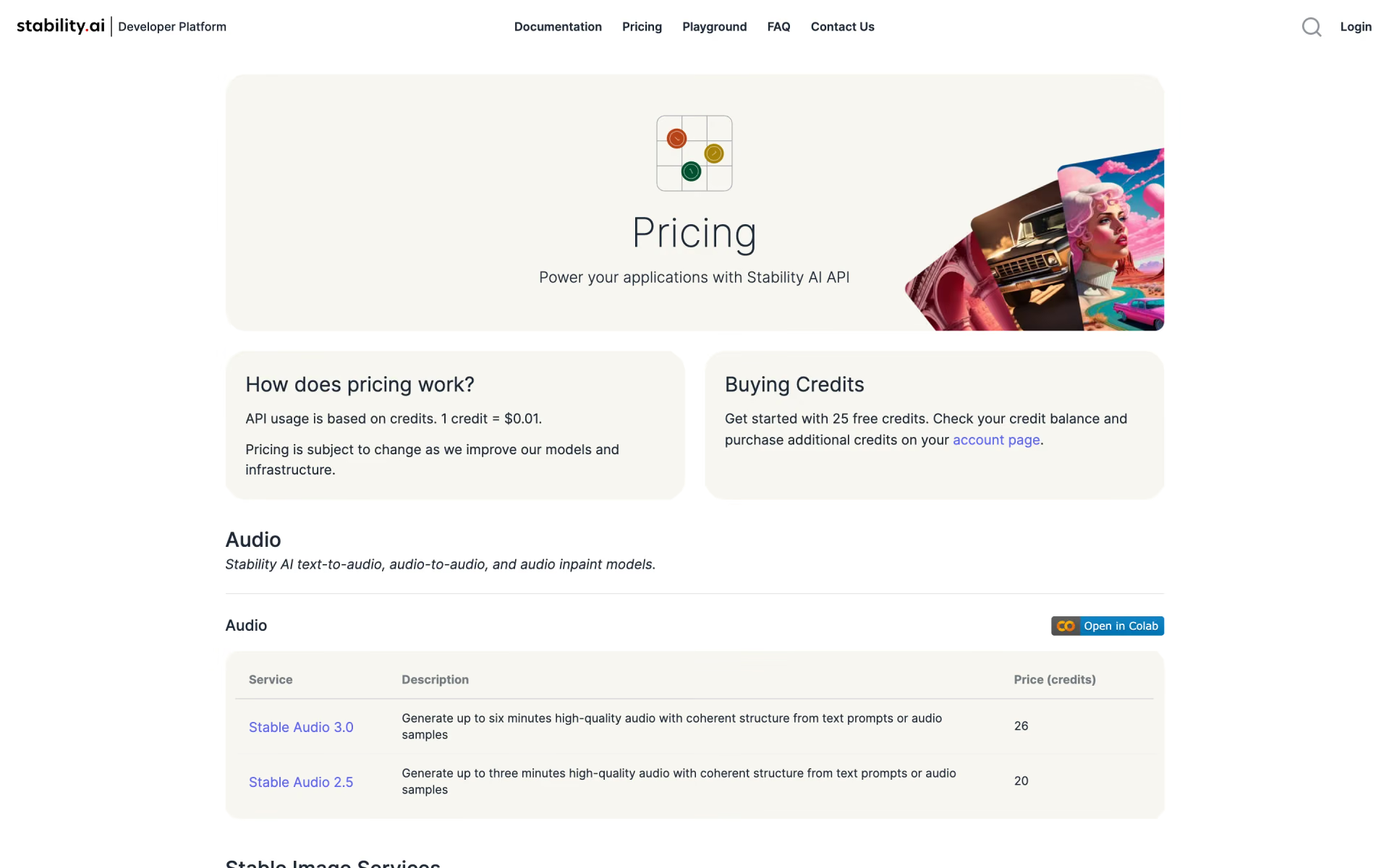
 Stable Audio 2.5
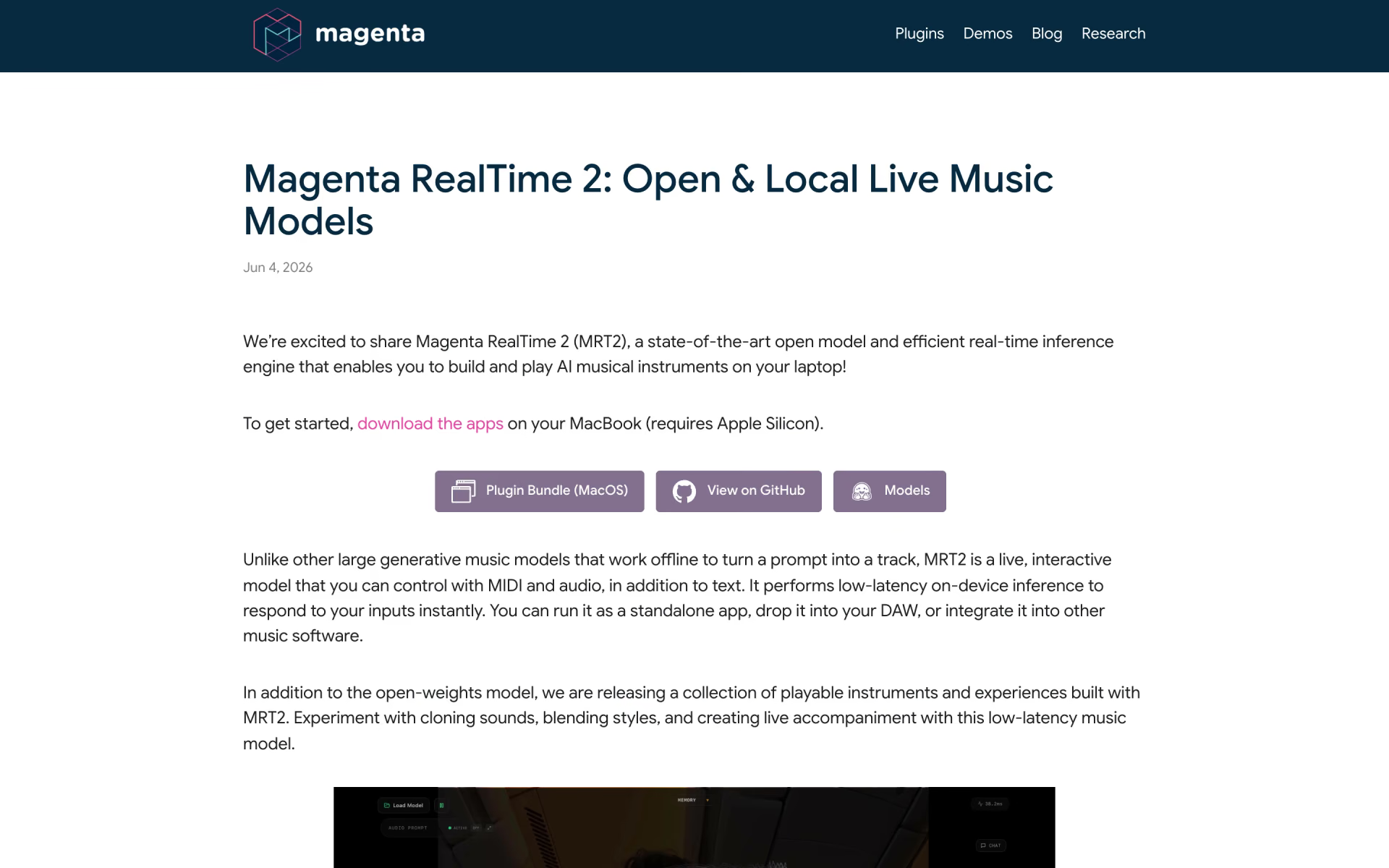
 Magenta RealTime 2
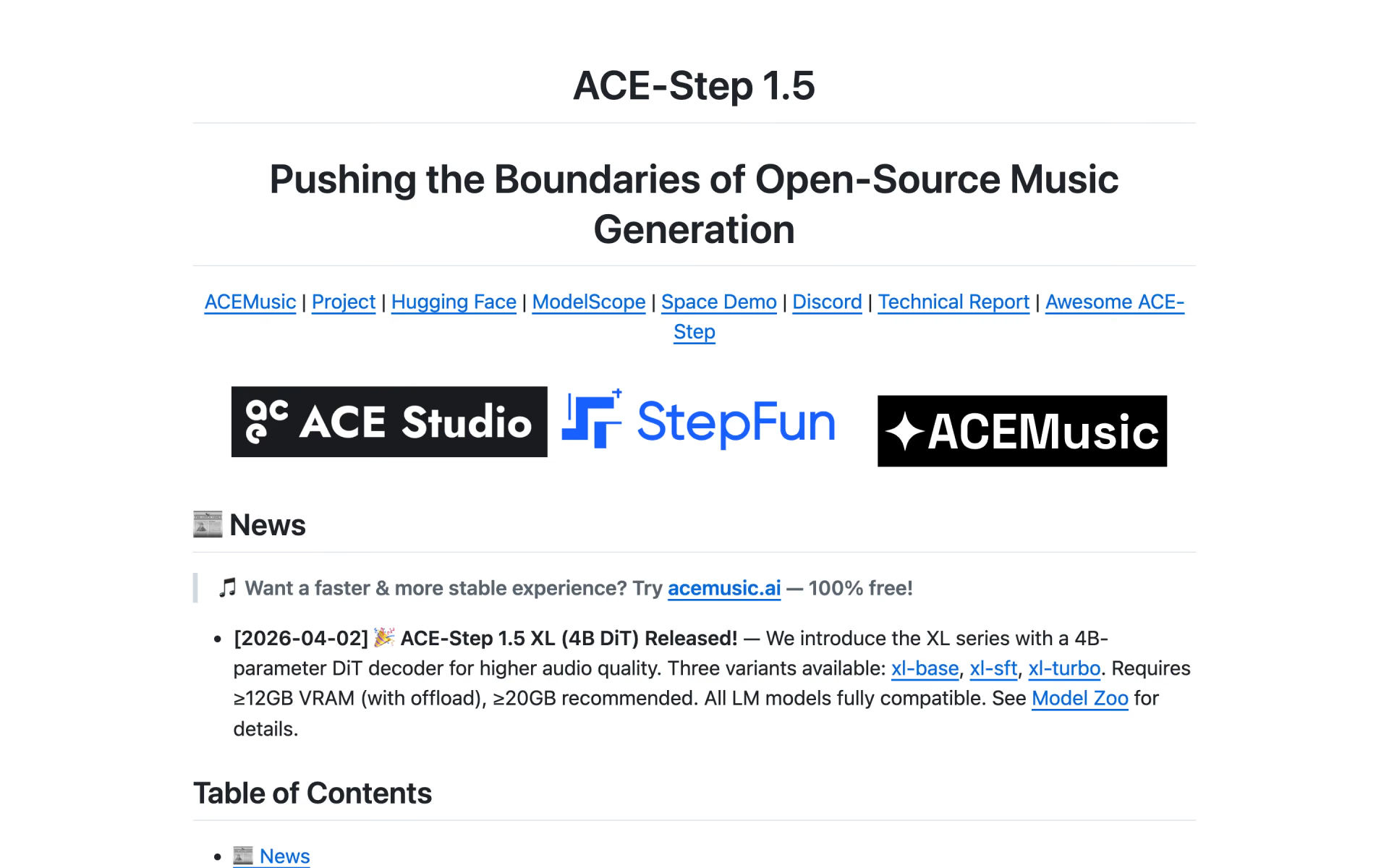
 ACE-Step 1.5

 Google Flow Music
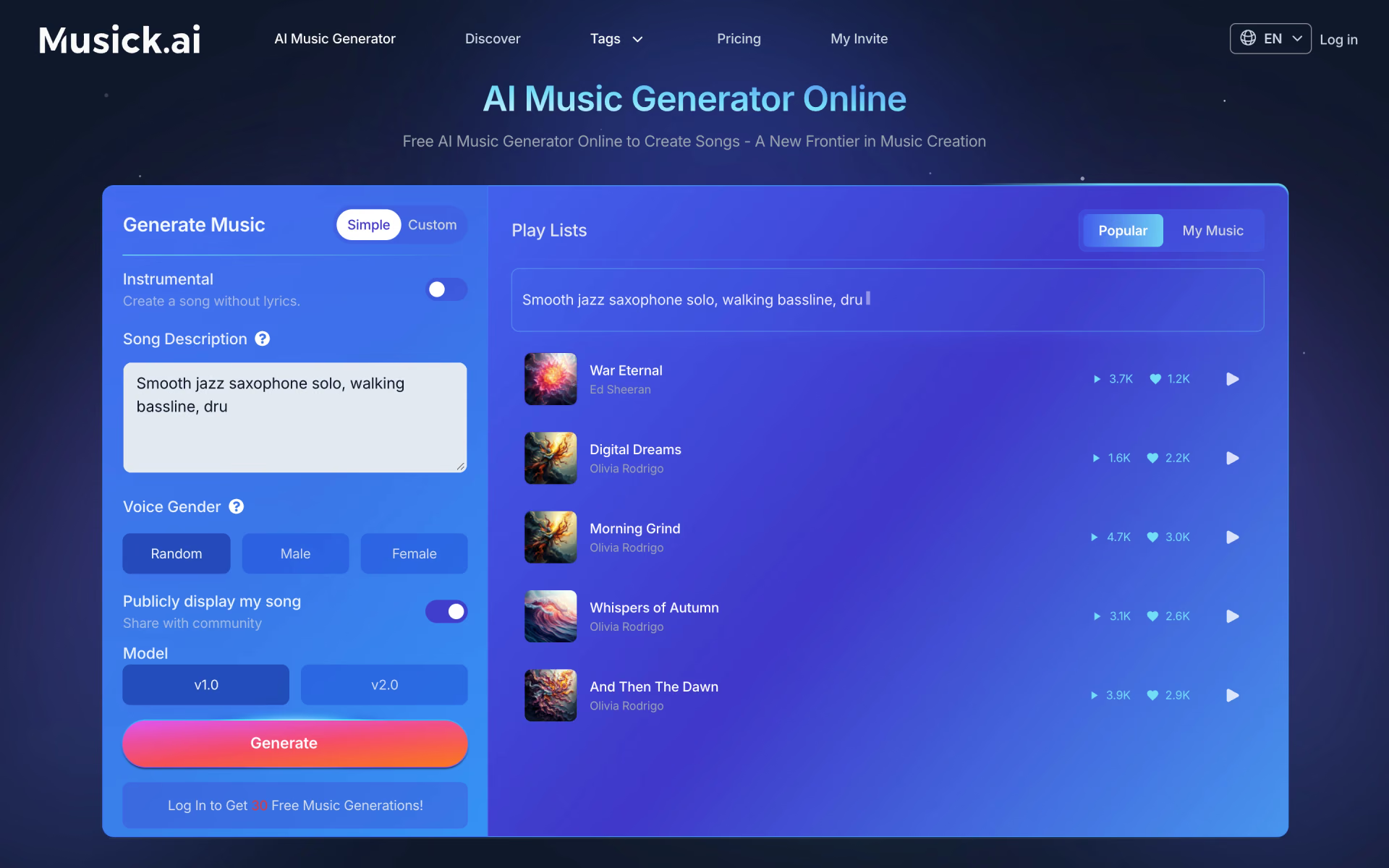
 Musick.ai

 AI Music Maker