
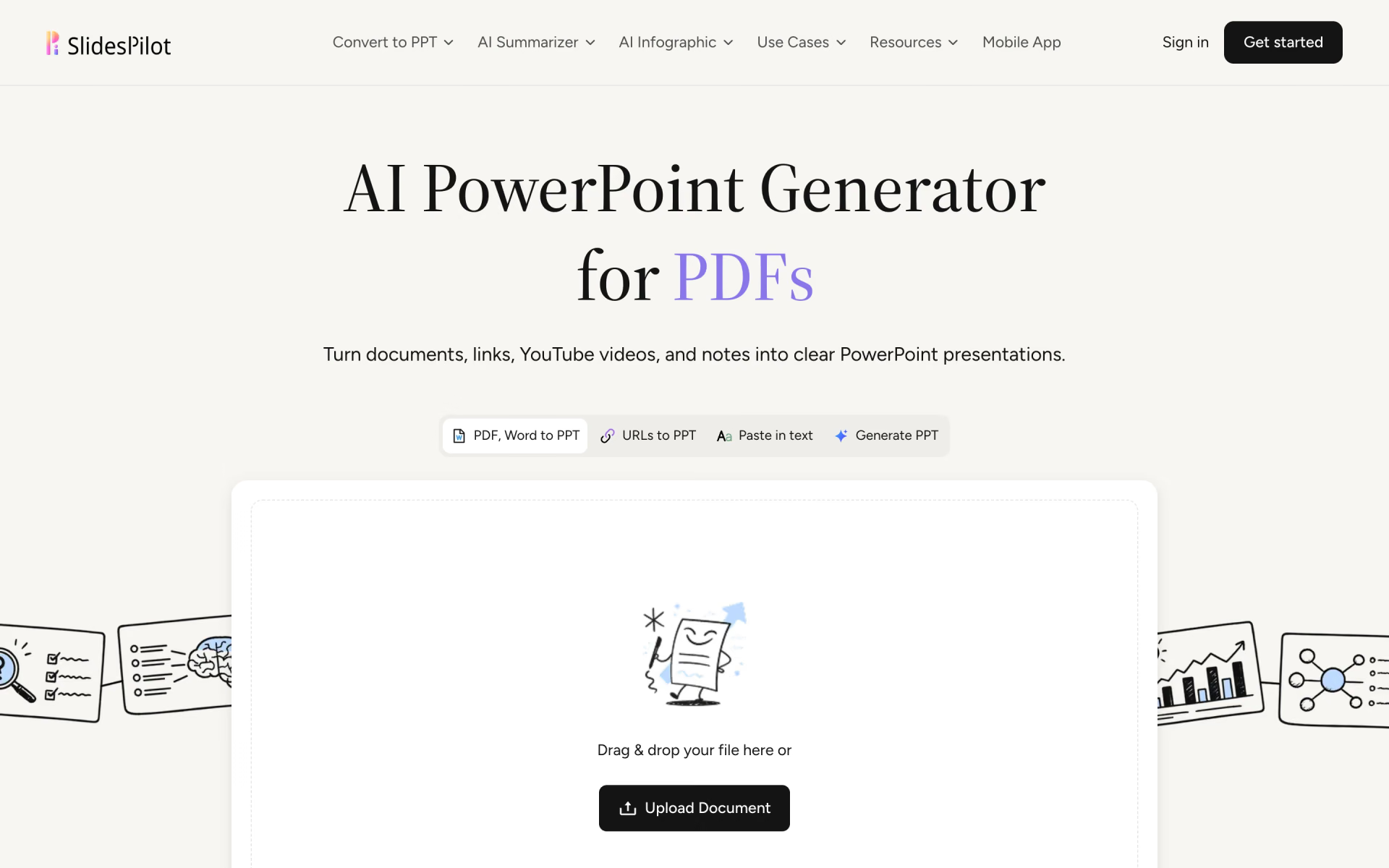
What is SlidesPilot?
PDFs, Word docs and URLs into editable PowerPoint decks.
Who is SlidesPilot best for?
SlidesPilot is best for people who already have a report, paper or web page and want it turned into an editable deck.
Business reports and reviews
It condenses a long PDF or Word report into a slide storyline with charts and tables that you can finish in PowerPoint.
Research papers and lectures
Papers, lecture notes and video lectures become a focused outline and slide sequence instead of one slide per page.
Web pages and YouTube videos
You paste a link or a YouTube video and get a deck built from its content, or start from a topic prompt when there is no source.
Teams with brand rules
Custom themes hold your fonts, colours, backgrounds and logo, and decks export to PPTX, Google Slides, PDF or PNG.
How much does SlidesPilot cost?
SlidesPilot does not publish its plan prices: you sign up free and get free credits with no card, and its Plus and Pro plans are priced only after you log in.
SlidesPilot names three plans, Free, Plus and Pro, billed monthly or yearly with up to 40% off yearly, but its Pricing link opens the sign-in page, so the plan prices are not public. Extra credit packs are listed in its help center, from $12 for 1,000 credits to $102 for 10,000, and they never expire. Plans and current prices are on help.slidespilot.com.
How do readers rate SlidesPilot?
No one has rated SlidesPilot yet. Be the first.
Sign in to rate. One rating per account.
What are the best SlidesPilot alternatives?
Three tools on Recaply do SlidesPilot's job.



Questions about SlidesPilot
What is SlidesPilot?
PDFs, Word docs and URLs into editable PowerPoint decks.
Who is SlidesPilot for?
SlidesPilot is best for people who already have a report, paper or web page and want it turned into an editable deck.
Is SlidesPilot free?
You can try SlidesPilot free before paying.
What are the best SlidesPilot alternatives?
The closest alternatives on Recaply are Presentations.AI, SlideSpeak and Twistly.
Where can I try SlidesPilot?
On its official website, slidespilot.com.
Does SlidesPilot offer refunds?
Only on your first payment. SlidesPilot gives a 3-day money-back guarantee on the first payment you make, and you must email the team within 3 calendar days to claim it, because cancelling a subscription does not trigger a refund on its own. After those 3 days no refund is given.

 PPT Maker

 Claude for PowerPoint
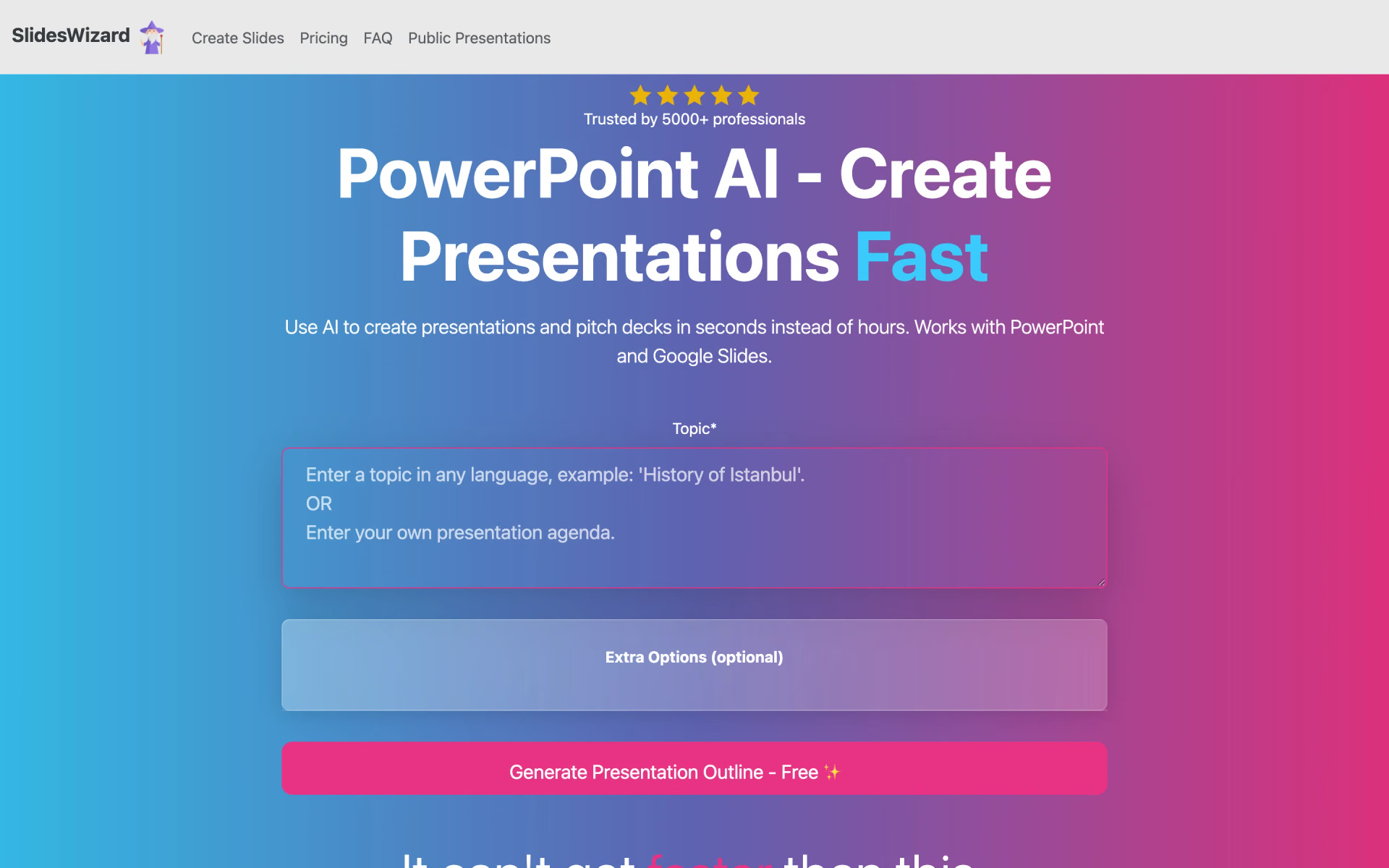
 SlidesWizard

 Alai
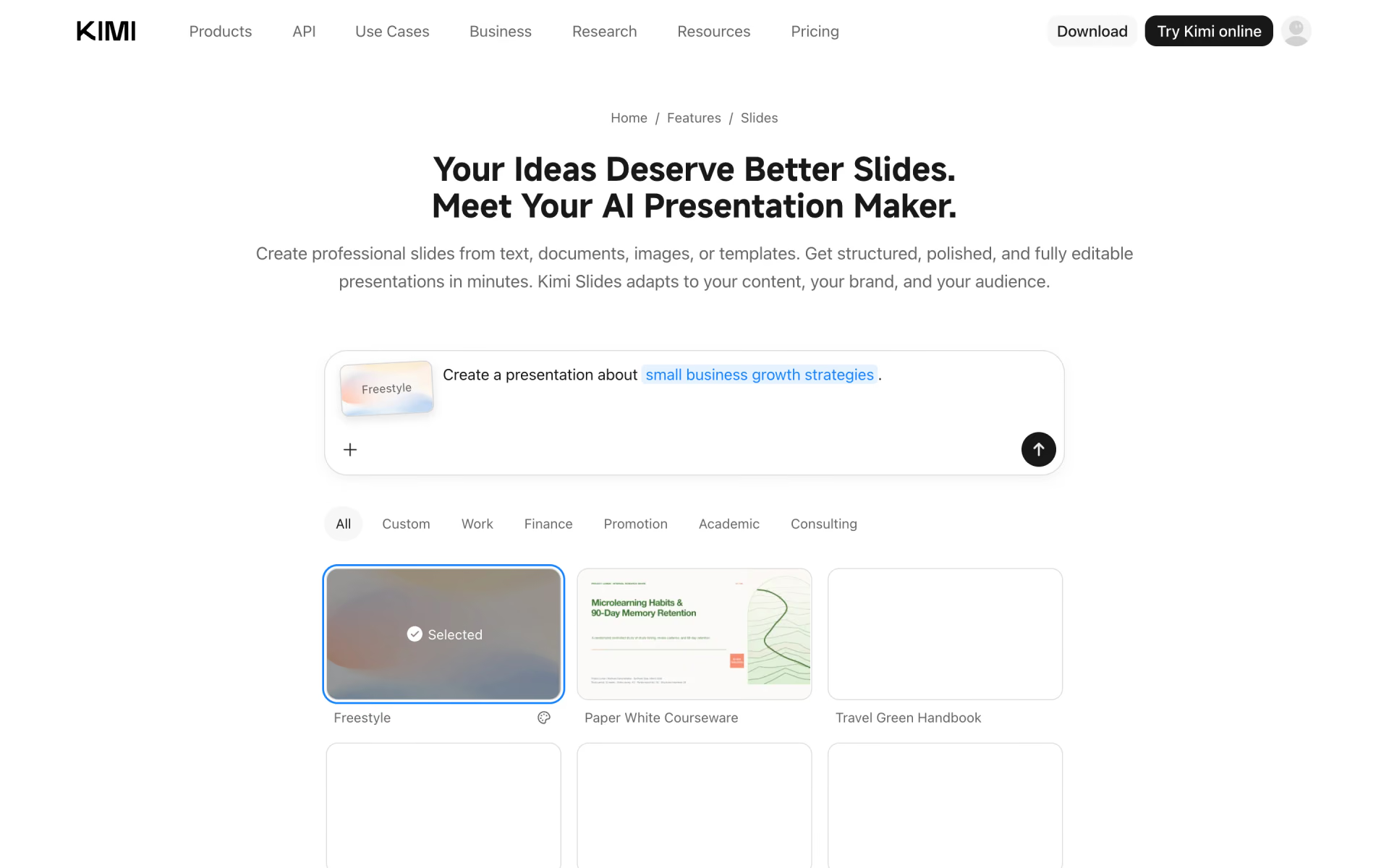
 Kimi Slides

 Slidesgo