
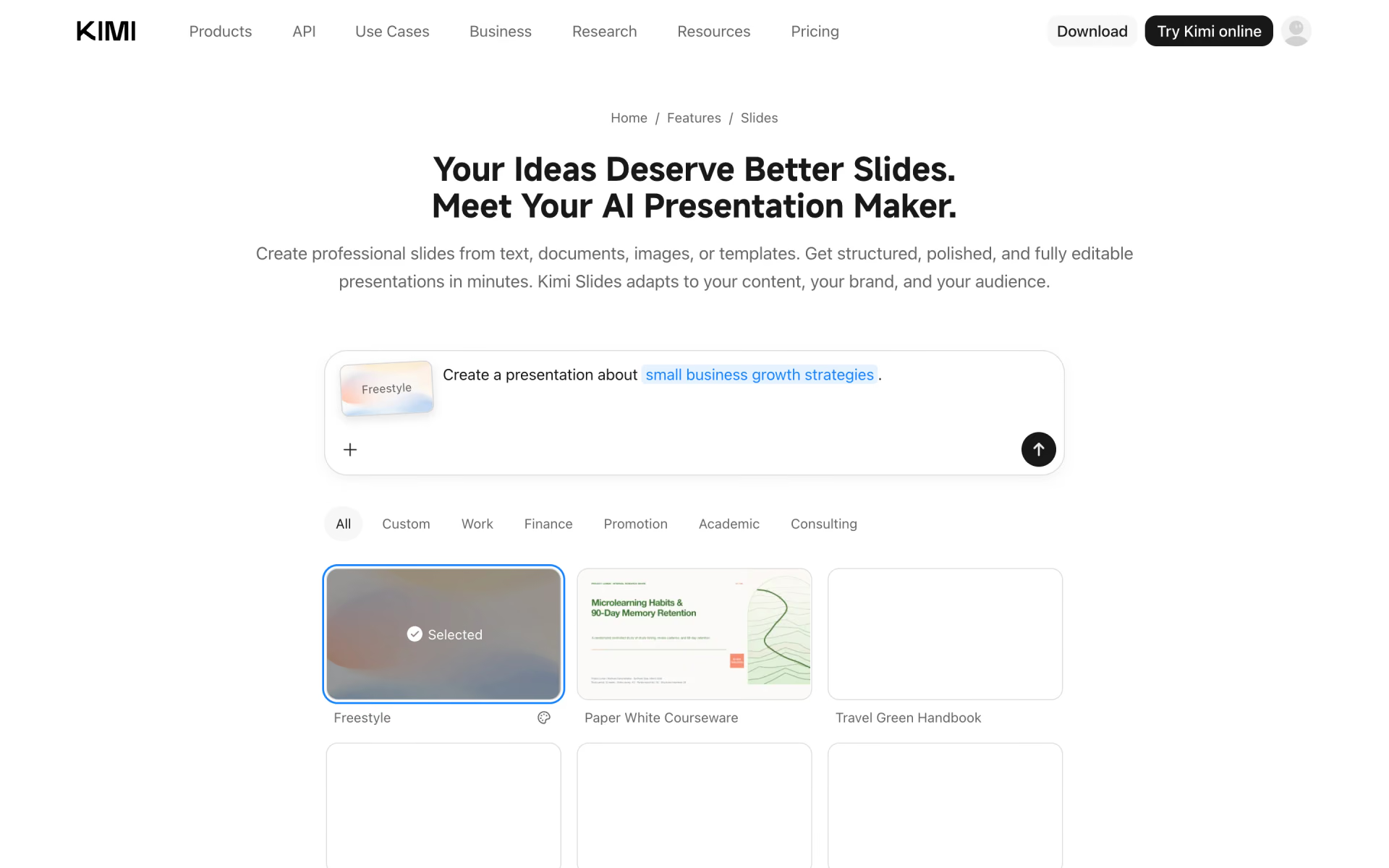
What is Kimi Slides?
Moonshot AI's Kimi tool that builds editable slide decks from a prompt, documents or templates.
Who is Kimi Slides best for?
Kimi Slides is best for students and consultants who want an editable, sourced deck built from a topic or document.
Turning documents into decks
It reads PDFs, Word, Excel and Markdown files and turns them into structured slides, reusing the images inside them.
Branded company or school decks
Upload your own PowerPoint template and it follows the slide master, fonts and grid.
Research presentations
It researches the topic itself and puts citations on the slides so the audience can check the sources.
Pitch decks
It drafts investor slides with market sizing, competitor charts and financial projections that stay fully editable.
How much does Kimi Slides cost?
Kimi Slides comes with Kimi's membership: the free Adagio plan includes some credits each month to try it, and paid plans start at $19 a month for Plus.
- Free credits each month for slides and other features
- 1 agent task at a time
- 2 projects, 500MB storage
- More agent credits, shared across slides, Deep Research and Kimi Code
- 2 parallel agent tasks, Agent Swarm
- 20 projects, 20GB storage
- Twice the agent credits of Plus
- Goal mode and a one-click Kimi Claw
- Agent Swarm with 4 subtasks
- Five times the agent credits of Plus
- Up to 1M tokens of context for long chats
- 100 projects, 50GB storage
Ultra is $199 a month with ten times the agent credits. Paying yearly costs $180 for Plus, $372 for Pro, $948 for Max and $1,908 for Ultra. All features draw on one monthly credit pool, and Kimi estimates a simple deck at about 1 to 2% of a plan's monthly credits. Full pricing on kimi.com. We checked these prices on .
How do readers rate Kimi Slides?
No one has rated Kimi Slides yet. Be the first.
Sign in to rate. One rating per account.
What are the best Kimi Slides alternatives?
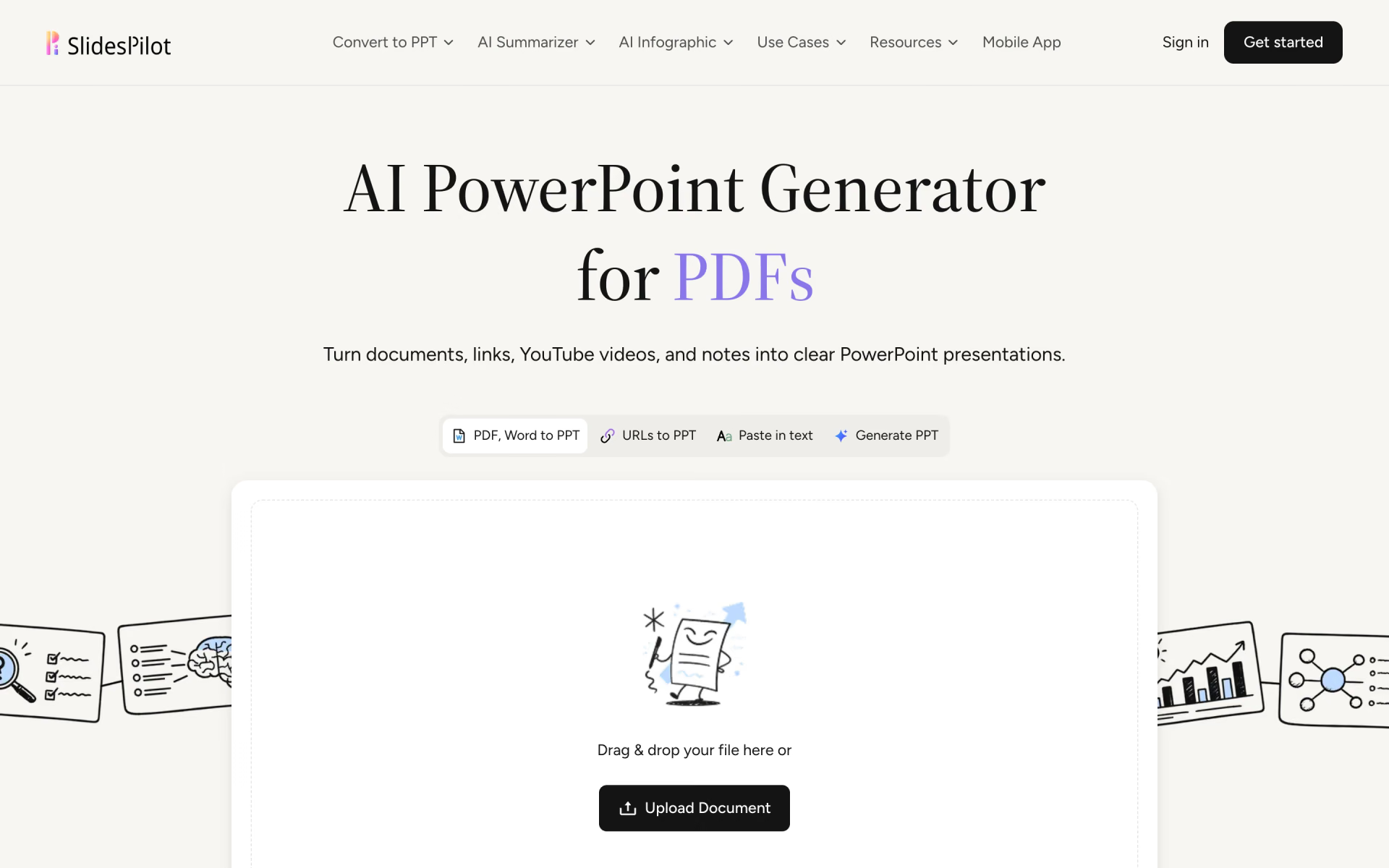
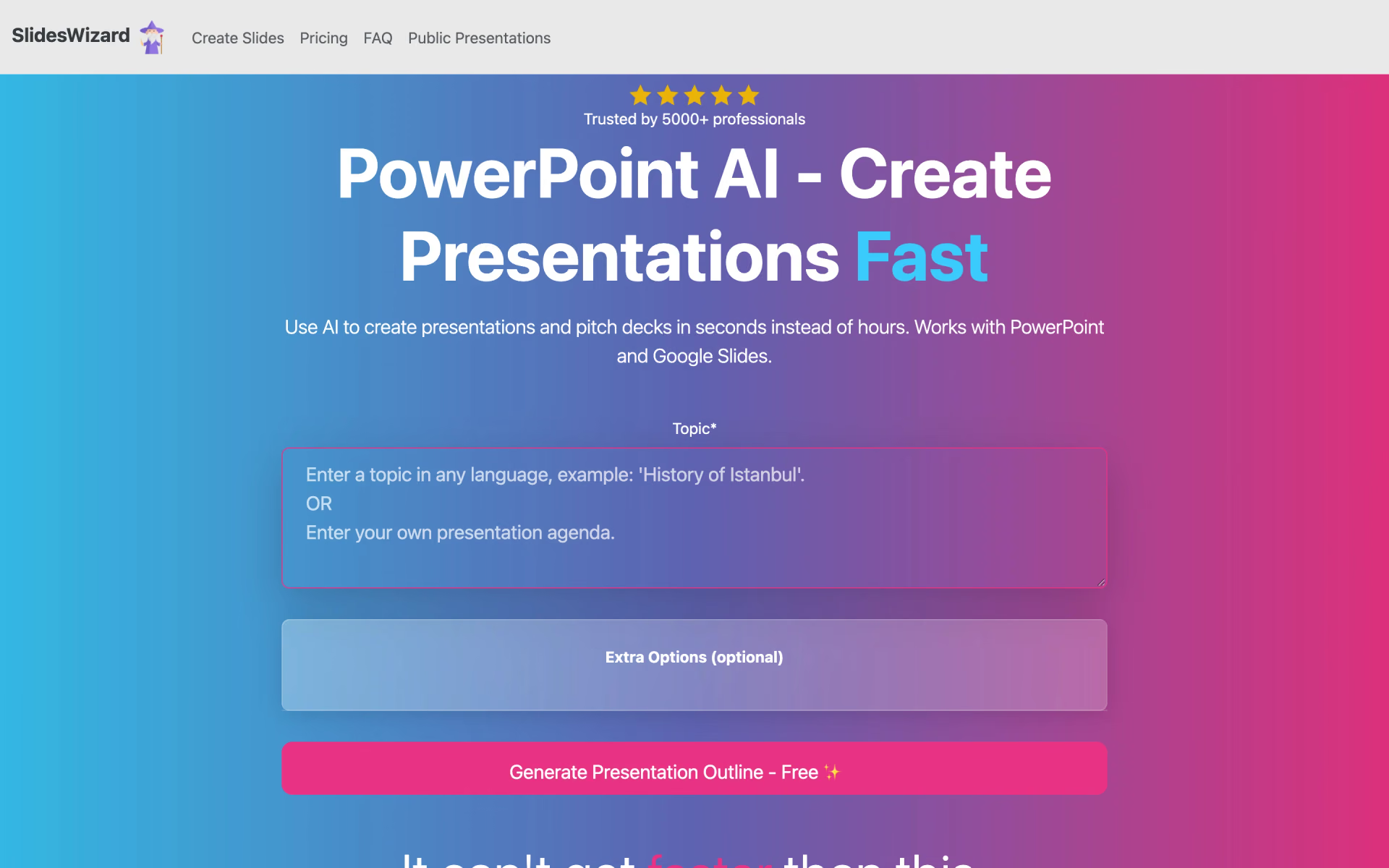
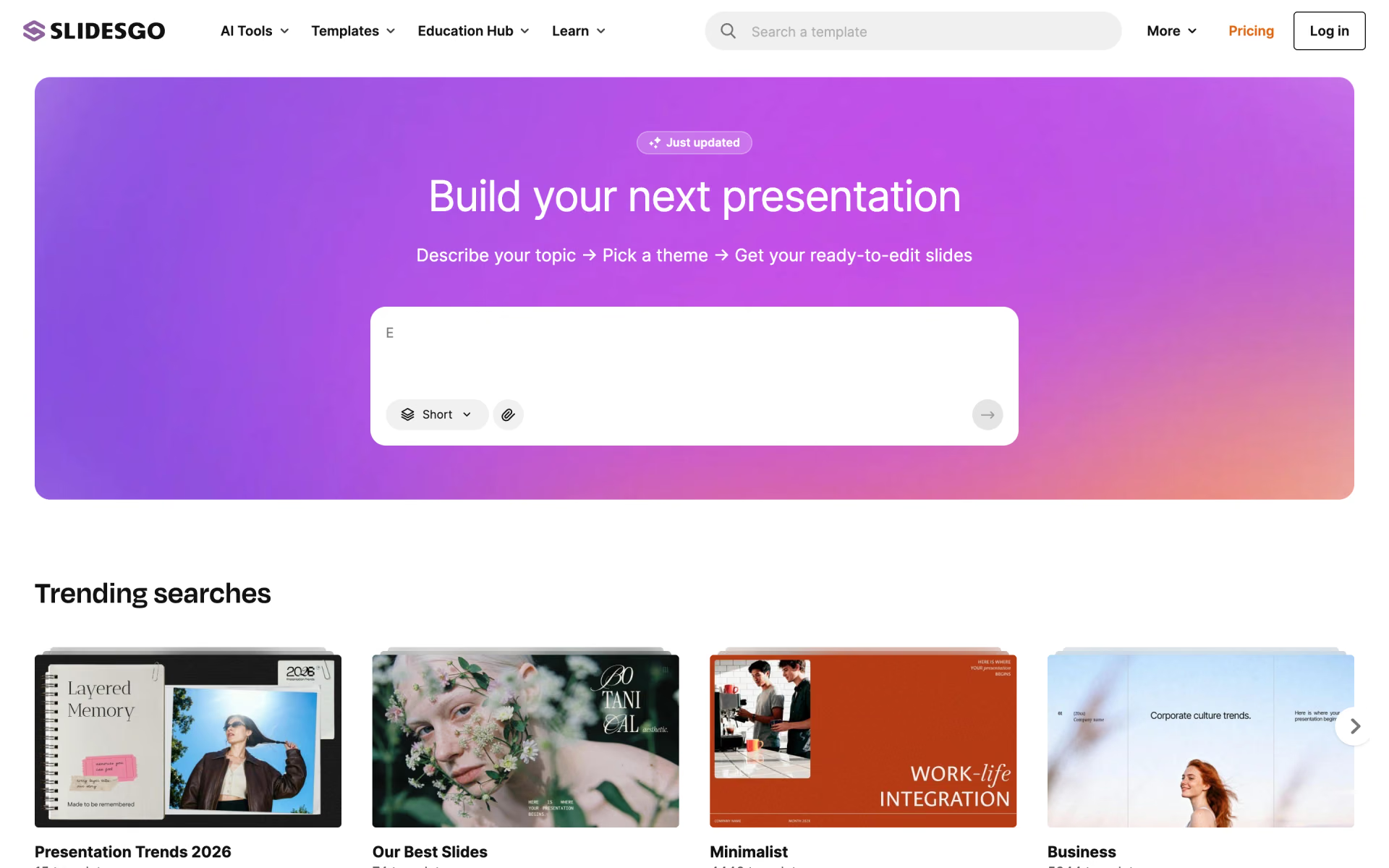
Three tools on Recaply do Kimi Slides's job.



Questions about Kimi Slides
What is Kimi Slides?
Moonshot AI's Kimi tool that builds editable slide decks from a prompt, documents or templates.
Who is Kimi Slides for?
Kimi Slides is best for students and consultants who want an editable, sourced deck built from a topic or document.
Is Kimi Slides free?
Yes. Kimi Slides has a free Adagio plan: free credits each month for slides and other features.
How much does Kimi Slides cost?
Kimi Slides's paid plans are Plus at $19 per month, Pro at $39 per month and Max at $99 per month.
What are the best Kimi Slides alternatives?
The closest alternatives on Recaply are Gamma, Alai and Presentations.AI.
Where can I try Kimi Slides?
On its official website, kimi.com.
Can I export Kimi Slides to PowerPoint?
Yes. Kimi Slides lets you present in the browser or export the deck to PowerPoint, Google Slides or PNG, and charts, text and shapes stay editable.
 SlidesPilot
 SlidesWizard
 Slidesgo

 PPT Maker

 Visme
 deckrobot