
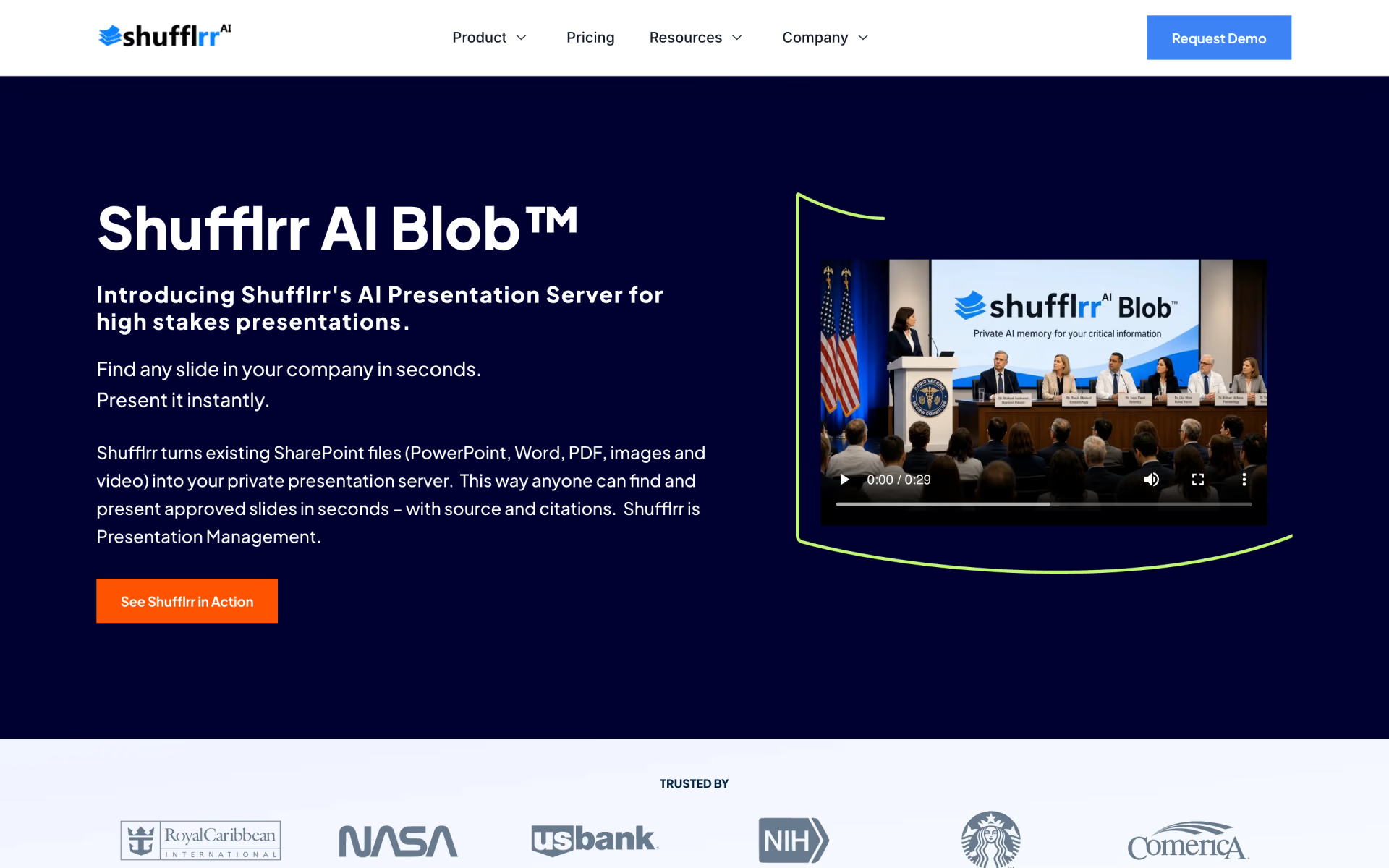
What is Shufflrr?
Brand-compliant slide libraries inside Office 365.
Who is Shufflrr best for?
Shufflrr is best for companies that build many PowerPoint decks and need every presenter to use approved slides.
Sales teams reusing slides
Presenters search the company's slide library and pull the approved slide into a deck in seconds instead of rebuilding it.
Brand and marketing teams
Version control, approvals and permissions keep messaging and branding the same across every deck people send out.
Microsoft 365 companies
It works inside PowerPoint and syncs with SharePoint, OneDrive and Teams, so files stay where they already live.
Cautious adopters of AI
AI Blob builds presentations only from content you connect and approve, with no public data and storage in your own Microsoft 365 tenant.
How much does Shufflrr cost?
Shufflrr's PowerPoint Add-in is free for up to 4 users, while Shufflrr Cloud costs $30 and Shufflrr AI Blob $50 per user per month, each after a 14-day free trial.
- Open OneDrive and SharePoint files inside PowerPoint
- Live data updates from Dynamics 365
- Move and manage files without leaving PowerPoint
- Unlimited users and storage, plus the PowerPoint Add-in
- Version control, approvals, permissions and slide analytics
- Syncs with SharePoint, AEM, Bynder and Canto
- Includes Shufflrr Cloud and the PowerPoint Add-in
- Builds decks from prompts using only your approved content
- Private vector database with 50 GB and 5,000 prompts a month
Paying yearly takes 20% off: Shufflrr Cloud is $24 and Shufflrr AI Blob $40 per user per month. Both paid plans start with a 14-day free trial with full access for up to 4 users, and billing begins when it ends. AI Blob for 50 or more users, volume pricing and enterprise deployments are priced by the sales team. Teams of 5 or more who want the add-in fill in a form to set up a larger plan. Full pricing on shufflrr.com. We checked these prices on .
How do readers rate Shufflrr?
No one has rated Shufflrr yet. Be the first.
Sign in to rate. One rating per account.
Questions about Shufflrr
What is Shufflrr?
Brand-compliant slide libraries inside Office 365.
Who is Shufflrr for?
Shufflrr is best for companies that build many PowerPoint decks and need every presenter to use approved slides.
Is Shufflrr free?
Partly. Shufflrr's PowerPoint Add-in is free for up to 4 users, with no time limit shown. Shufflrr Cloud and Shufflrr AI Blob are paid, at $30 and $50 per user per month, after a 14-day free trial for up to 4 users.
How much does Shufflrr cost?
Shufflrr's paid plans are Shufflrr Cloud at $30 per user per month and Shufflrr AI Blob at $50 per user per month, 10 to 49 users.
Where can I try Shufflrr?
On its official website, shufflrr.com.
Does Shufflrr use my slides to train public AI models?
Shufflrr says its AI features work only on the content you connect and approve, such as your indexed SharePoint libraries, and do not blend it into a public model. AI Blob isolates data per tenant and stores it in your Microsoft 365 tenant; ask for formal terms in your contract.

 Claude for PowerPoint
 deckrobot
 SlidesWizard
 Slidesgo
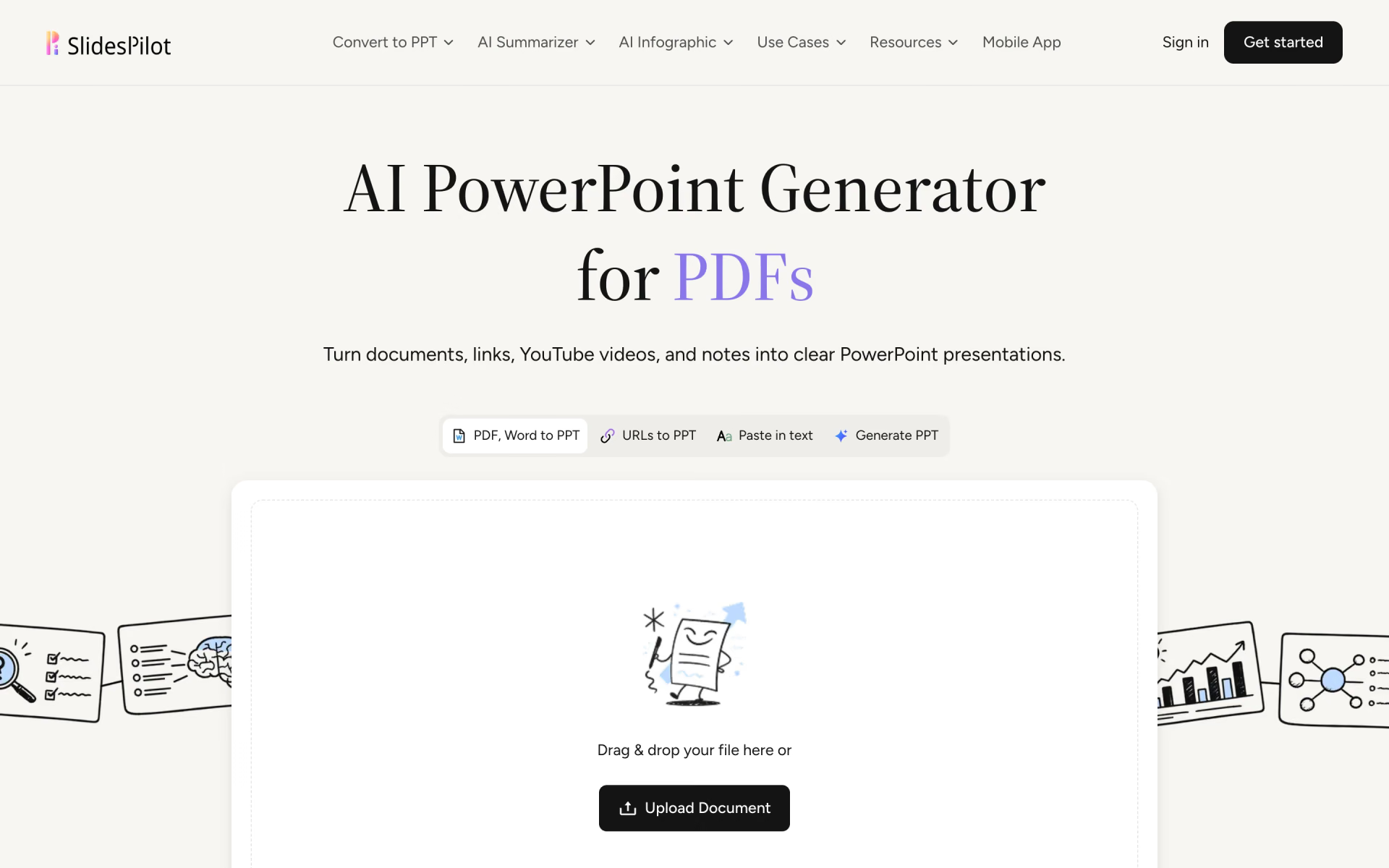
 SlidesPilot
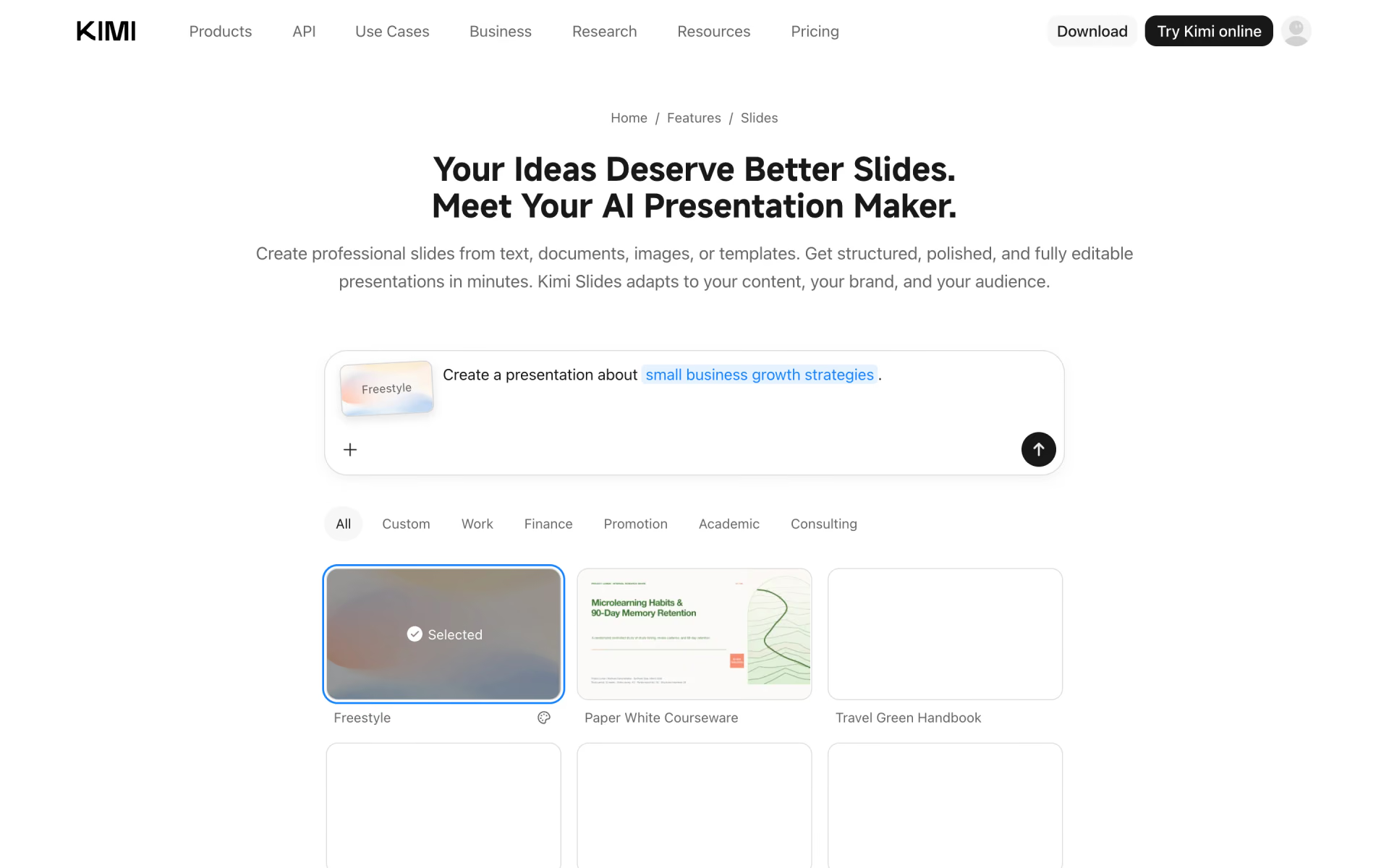
 Kimi Slides