
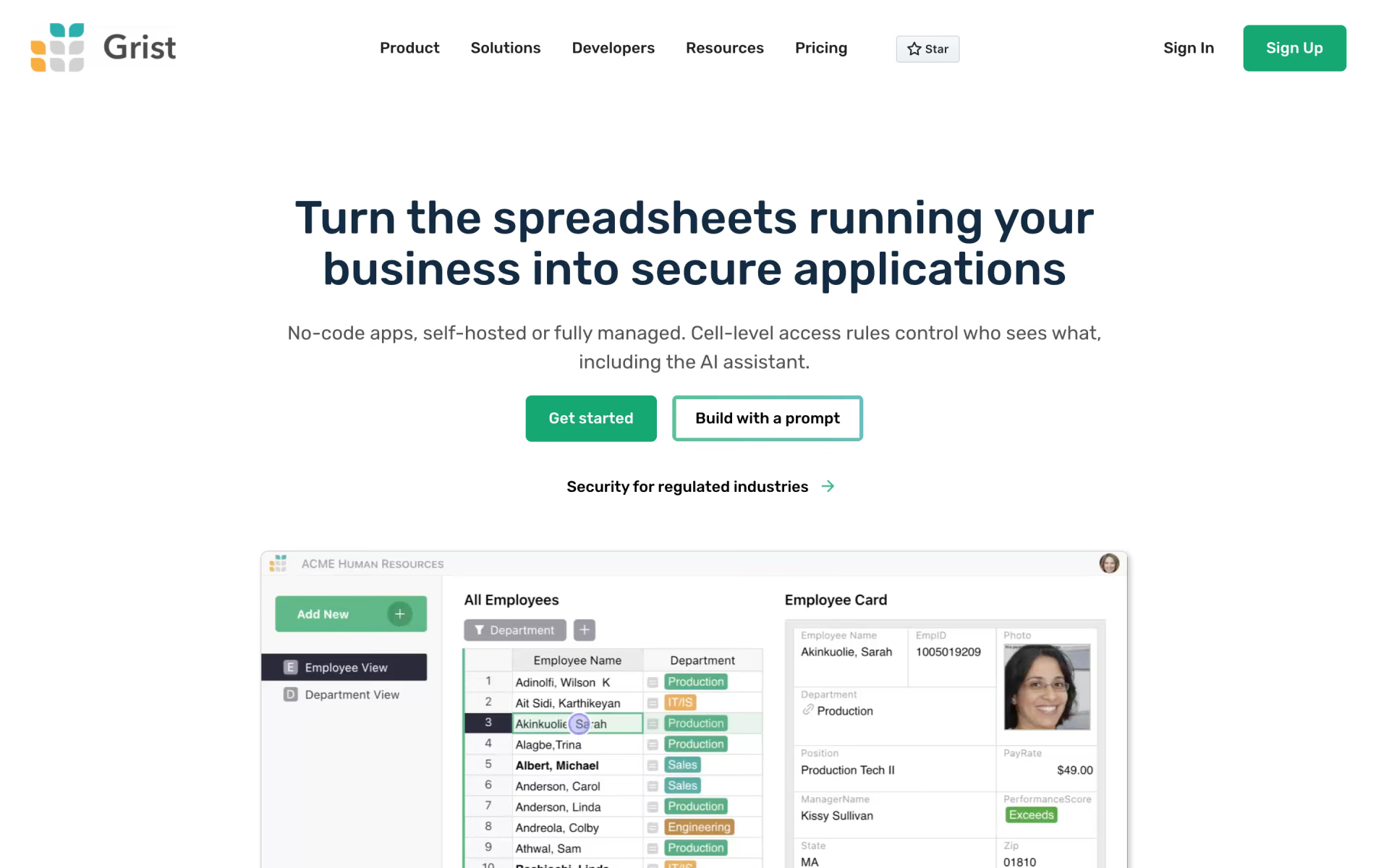
What is Grist?
Relational spreadsheet with Python formulas, access rules, forms and custom layouts.
Who is Grist best for?
Grist is best for operations and research teams whose spreadsheets need linked tables and row-level permissions.
Replacing shared spreadsheets
Each document is a set of linked tables with spreadsheet-style editing and summary tables for pivots.
Sensitive data
Access rules decide who can see or edit each table, column or row, including what the AI assistant can read.
Python users
Formulas are written in Python with the full standard library.
Collecting data
Built-in forms and surveys write straight into a table, with attachments and pre-filled fields.
How much does Grist cost?
Grist Community edition is free to self-host; the hosted Free plan allows 5,000 records per document, and Pro costs $10 and Business $30 per user a month.
- Community edition on your own server
- Custom domain and branding
- Community support
- Up to 5,000 records per document
- 30 days of snapshot history
- 100 AI Assistant credits, once
- Up to 100,000 records per document
- 3 years of snapshot history
- From 100 AI Assistant credits a month
- Up to 150,000 records per document
- Automations, priority email support
- From 2,000 AI Assistant credits a month
Paying yearly brings Pro to $8 and Business to $24 per user a month. The full self-hosted edition, with admin controls, the AI Assistant, automations and SSO, costs $30 per user a month, and individuals and organisations with under $1 million in yearly income can request a free activation key. Enterprise is priced on request. Full pricing on getgrist.com. We checked these prices on .
How do readers rate Grist?
No one has rated Grist yet. Be the first.
Sign in to rate. One rating per account.
Is Grist open source?
Yes. Grist's code is public under the Apache 2.0 licence, so you can run it on your own server.
On GitHub
12,091stars
+144 (+1.2%) in the last 30 days
- Last commit
- 12 Nov
- Repository age
- 6 years
- Latest release
- 29 Oct
- Licence
- Apache 2.0
- Self-hosted
- Yes
- Repository
- gristlabs/grist-core



What are the best Grist alternatives?
Grist is an open source alternative to Quadratic and Airtable. AITable.ai, Baserow, Teable and Busabase do the same job and are open source too.
 QuadraticFree
A spreadsheet with Python, SQL and AI in the cells.
 AirtableFree
Spreadsheet-database hybrid with automations and built-in AI agents.
 AITable.aiOpen Source
Workflows and data connected to 6,000 apps.
 BaserowOpen Source
Open-source Airtable alternative you can self-host.
 TeableOpen Source
A spreadsheet that becomes workflows and apps.
 BusabaseOpen Source
Tables, docs, skills and apps that Claude Code, Codex and other agents write to, with review.
Questions about Grist
What is the difference between Grist and grist-core?
grist-core is the Apache-2.0 open source version you can run yourself. The hosted service at getgrist.com and the paid self-hosted edition add features that are not in grist-core, such as the AI Assistant, automations, admin controls and SSO.
Who is Grist for?
Grist is best for operations and research teams whose spreadsheets need linked tables and row-level permissions.
Is Grist free?
Yes. Grist has a free Self-hosted plan: community edition on your own server.
How much does Grist cost?
Grist's paid plans are Pro at $10 per user per month and Business at $30 per user per month, 5 users minimum.
Is Grist open source?
Yes. Grist's code is public under the Apache 2.0 licence, so you can run it on your own server.
What are the best Grist alternatives?
The closest alternatives on Recaply are Quadratic, Airtable, AITable.ai, Baserow, Teable and Busabase.
Where can I try Grist?
On its official website, getgrist.com.
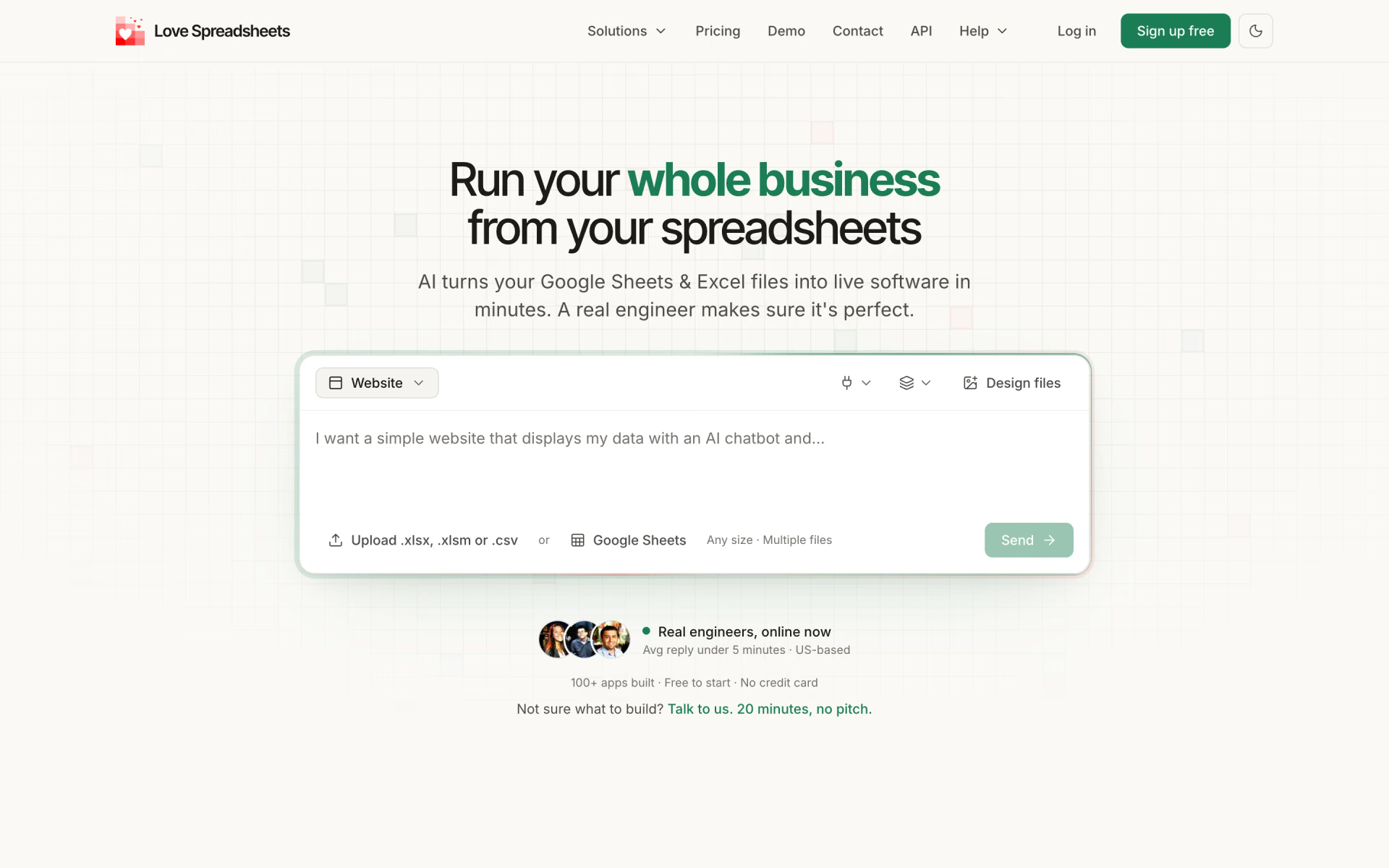
 Love Spreadsheets
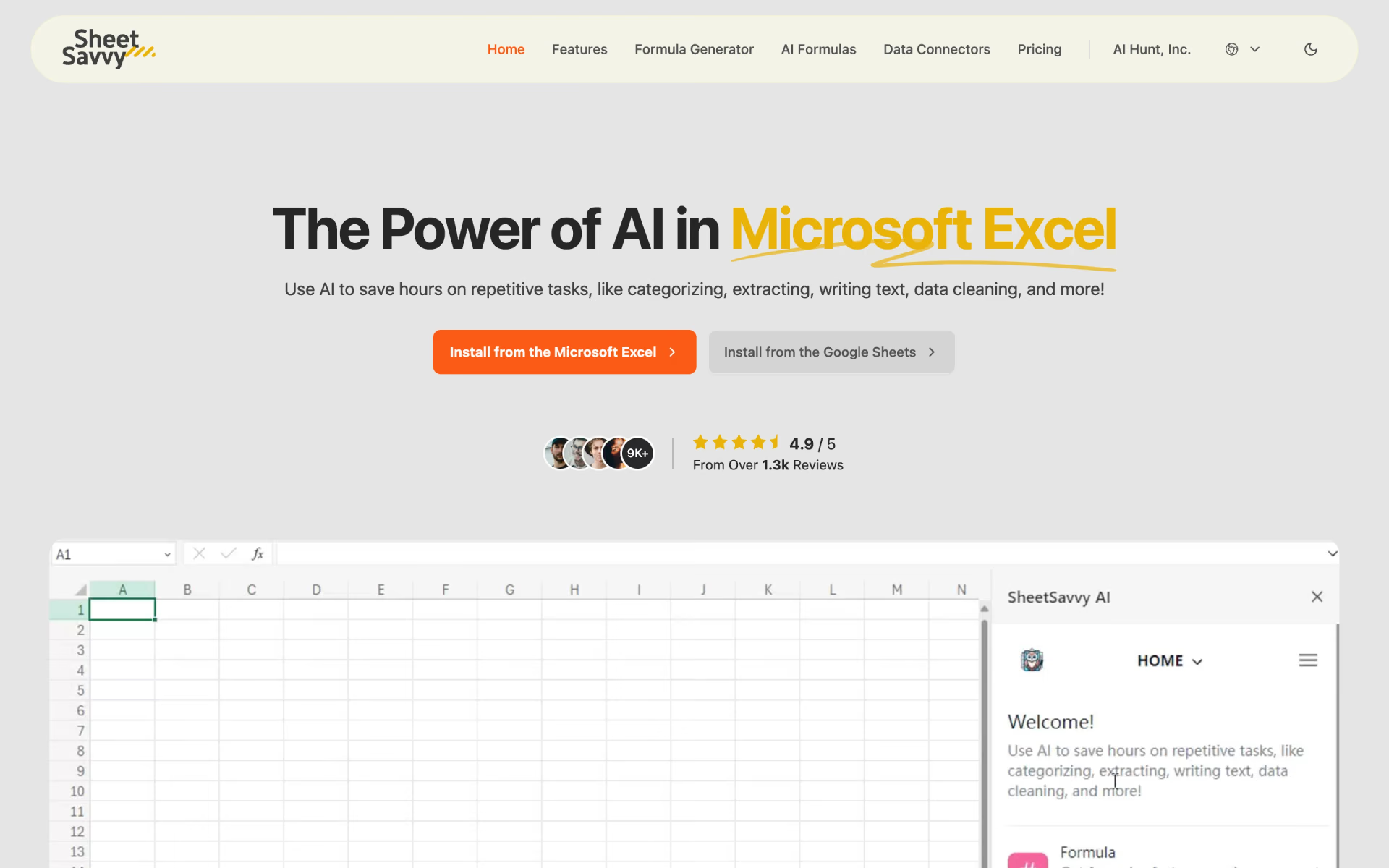
 SheetSavvy AI

 Formulas HQ
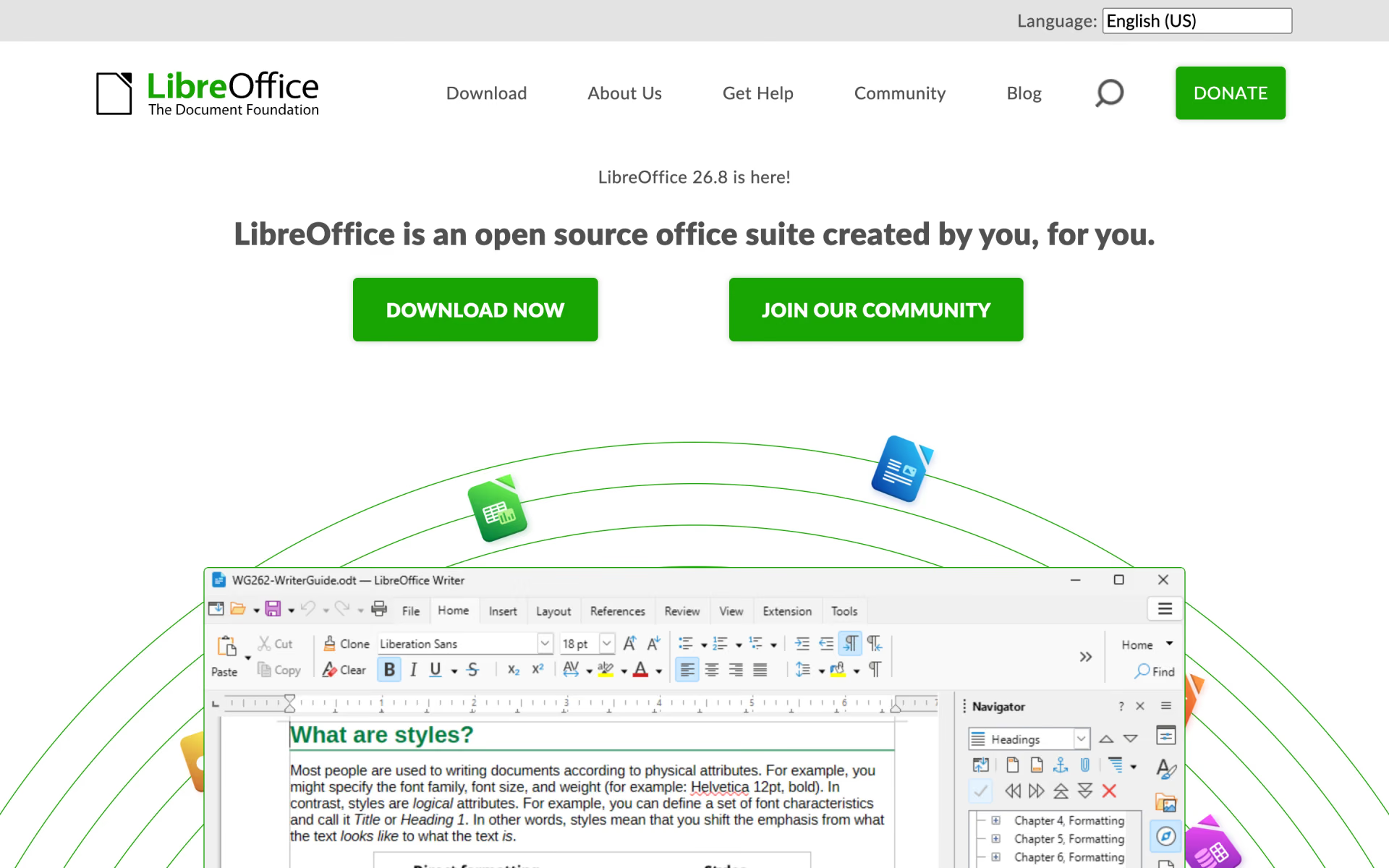
 LibreOffice
 ExcelGen

 Sheeter