
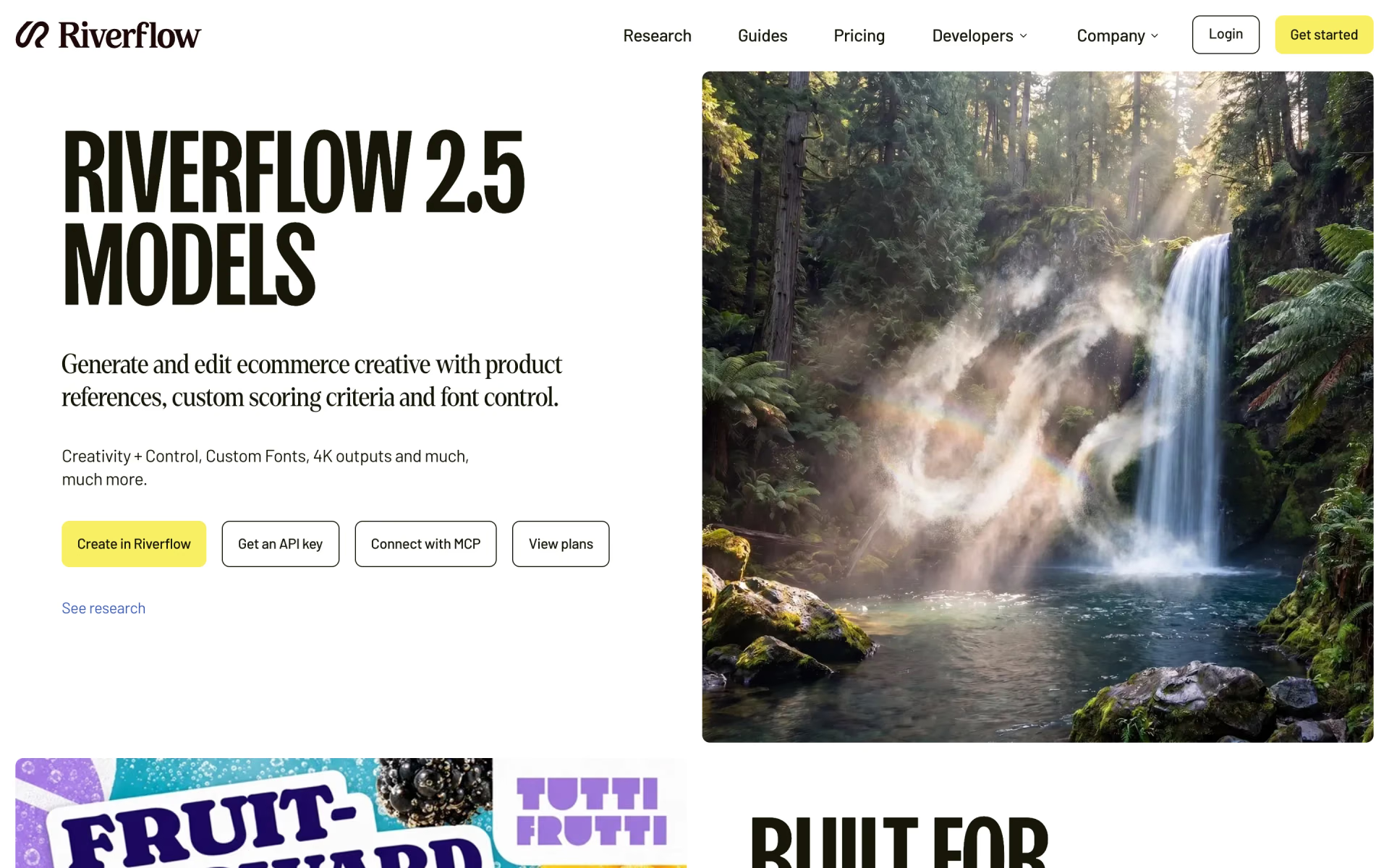
What is Riverflow 2.5?
Riverflow 2.5 is the current model on Sourceful's Riverflow platform for product photos, ads and edits. A reasoning model plans several editing passes and scores each candidate before it accepts a result. You choose how hard it works with a thinking level from low to xhigh, and you can send your own scoring rubric, so a pack shot is judged on label accuracy and a social ad on impact.
Most image models aim for what a general audience likes; Riverflow 2.5 lets you define a good result. It also takes up to two brand font files, returns transparent or solid backgrounds, and exports at 1K, 2K or 4K.
What changed from Riverflow 2.0?
Riverflow 2.5 keeps 2.0's multi-step editing and adds more control over how it reasons, how it judges and what it exports.
- Thinking levels
- New: pick low to xhigh to trade speed for more editing passes and a stricter judge.
- Custom judging
- New: your own scoring rubric can replace the general taste score used to judge candidates.
- Output
- New transparent and solid background modes, and export at 1K, 2K or 4K.
- Fonts
- Still up to two custom font files, with lettering, spacing and weight matching that Sourceful says it improved.
- Plans
- Same Riverflow plans and credits; the API still accepts the 2.0 models as riverflow-2-standard and riverflow-2-pro.
Who is Riverflow 2.5 best for?
Riverflow 2.5 is best for consumer product brands and agencies that need product photos and ads at volume, judged against their own brand rules and set in their own fonts.
Product ranges and catalogues
It starts from your SKUs and packshots and turns out studio and lifestyle shots that keep each product recognisable across a whole range.
Pack and label approvals
A custom rubric can make its judge score for pack accuracy and brand rules instead of general appeal.
Ads in brand typography
Up to two custom font files per request help it match your lettering, spacing and weight in headlines and banners.
Teams working in Claude, ChatGPT or Codex
Paid plans connect over MCP, and the app, the API and MCP all spend the same Riverflow credits.
What's included with Riverflow 2.5?
Thinking levels from low to xhigh, a custom scoring rubric, brand font files, transparent or solid backgrounds, 4K export, and access through the app, the API, MCP and partners.
- Thinking levels
- From low for quick exploration to xhigh for batch work, each level sets how many edits it tries and how strict its judge is.
- Custom scoring rubric
- Send your own criteria with the prompt, and the reasoning model scores every step against them before deciding what to do next.
- Font Control
- Takes up to two custom font files per request and uses them to match lettering, spacing and weight.
- Background modes
- Returns a transparent background for compositing, a solid colour, or a normal scene.
- Export up to 4K
- Outputs at 1K, 2K or 4K, and the API adds a separate 4K enhancement call for finished images.
- Style control
- Applies one lighting and colour look across a set of product images so a range reads as one shoot.
- App, API, MCP and partners
- Runs in the Riverflow app, the self-serve API, MCP clients on paid plans, and through OpenRouter, Runware and Replicate.
How much does Riverflow 2.5 cost?
Riverflow 2.5 comes with Riverflow's plans, which have no free tier: Growth costs $99 a month for 6,000 credits, Scale $249 for 16,000 and Business $999 for 70,000.
- 6,000 credits a month, up to 600 images or 150 videos
- 3 full seats, unlimited viewers, 5 brand profiles
- Commercial use and MCP for Claude, ChatGPT and Codex
- 16,000 credits a month, up to 1,600 images or 400 videos
- 10 full seats, 15 brand profiles
- Early access to new models, priority human support
- 70,000 credits a month, up to 7,000 images or 1,750 videos
- 25 full seats, 30 brand profiles
- Unlimited custom scene and style training
Billed yearly, Growth is $950 a year, Scale $2,244 and Business $8,988 (about $79, $187 and $749 a month). Enterprise, with custom credits, SSO and a dedicated customer success manager, is priced on request. Credits are spent on every generation or edit and have no fixed cash value per image; top-up credits last 365 days. These are US prices before VAT and local taxes; the page shows local currency in other countries. The older Starter plan is closed to new customers. Partners such as OpenRouter, Runware and Replicate sell Riverflow 2.5 on their own terms. Full pricing on riverflow.ai. We checked these prices on .
How do readers rate Riverflow 2.5?
No one has rated Riverflow 2.5 yet. Be the first.
Sign in to rate. One rating per account.
Riverflow 2.5 pros and cons
Users say it keeps products accurate and the brand controls are built in, but there is no free trial, failed images still cost credits and products can still come out altered.
Pros
- Riverflow users on Trustpilot say it keeps their products accurate where other AI image tools changed them.
- You decide what a good result is: a custom scoring rubric steers each editing pass instead of a general taste score.
- Brand details are built in: up to two custom font files, transparent or solid backgrounds, and export up to 4K.
- Reviewers praise fast onboarding and support, and two say it cut what they spend on product photoshoots.
Cons
- No free plan or free trial on Riverflow's own site; plans start at $99 a month.
- Failed images still use credits, and credits have no fixed value per image, so the cost of a finished image is hard to predict.
- It can still change a product's shape or look, and Sourceful says small text, logos and packaging may need fixing by hand.
- Good results take setup: reviewers say you need clean product shots and a proper onboarding first.
What are the best Riverflow 2.5 alternatives?
Nano Banana Pro to pay per image, Seedream 5.0 Pro for region edits and layer splits at a lower price, and Ideogram 4.0 for lettering on a free plan.
 Nano Banana ProFree
Choose it when you want to pay per image with no subscription: Google's Gemini API charges $0.134 for a 1K or 2K image and $0.24 at 4K, with optional Google Search grounding.
 Seedream 5.0 ProPaid
Choose it when you edit finished designs one region at a time or need them split into layers; it costs $0.045 to $0.09 per image on BytePlus, but it stops at 2K.
 Ideogram 4.0Free
Choose it when the work is mostly lettering and layout and you want to start free: the Ideogram app has a Free plan and Plus at $20 a month, and the weights are free for non-commercial use.
Questions about Riverflow 2.5
What does the custom scoring rubric do in Riverflow 2.5?
It tells the model what a good result means for this job. After each editing step, the reasoning model scores the candidate against your criteria and decides how to continue. Sourceful says the rubric guides the result but does not guarantee an error-free image or better ad performance.
Who is Riverflow 2.5 for?
Riverflow 2.5 is best for consumer product brands and agencies that need product photos and ads at volume, judged against their own brand rules and set in their own fonts.
Is Riverflow 2.5 free?
No. Riverflow's pricing page lists no free plan or free trial, and the cheapest plan is Growth at $99 a month for 6,000 credits. Sourceful also sells Riverflow 2.5 Pro and Riverflow 2.5 Fast through OpenRouter, Runware and Replicate, on those partners' own prices and terms.
How much does Riverflow 2.5 cost?
Riverflow 2.5's paid plans are Growth at $99 per month, Scale at $249 per month and Business at $999 per month.
What are the best Riverflow 2.5 alternatives?
The closest alternatives on Recaply are Nano Banana Pro, Seedream 5.0 Pro and Ideogram 4.0.
Where can I try Riverflow 2.5?
On its official website, riverflow.ai.
Which Riverflow 2.5 thinking level should I use?
Use low for fast results while you explore ideas, and xhigh for batch runs where you want nearly every image usable. Higher levels let the model make more edits and apply a tougher judge before it accepts a result.
Can I use Riverflow 2.5 from Claude, ChatGPT or Codex?
Yes, on paid plans. Riverflow's MCP server connects to Claude, ChatGPT and Codex, and MCP and API requests spend the same Riverflow credits as the app.
Will Riverflow 2.5 get labels and fonts exactly right?
Not every time. Sourceful says reference images and font files guide the output, but small text, logos and packaging can still need correcting, so check each image before it is published.
Our verdict
Riverflow 2.5 is a strong pick for brands that need accurate product creative at volume and want a say in what counts as a good image.
Custom scoring, thinking levels, brand fonts and 4K export are built into the model, and users say it keeps products truer than general image tools do.
- Skip it for
- Small shops that need only a few images a month or want to try it free, since plans start at $99 a month.
- Check first
- Run your hardest product at a high thinking level and count the failed images, because they use credits too.

 Riverflow 2.0
 FLUX 3 Image
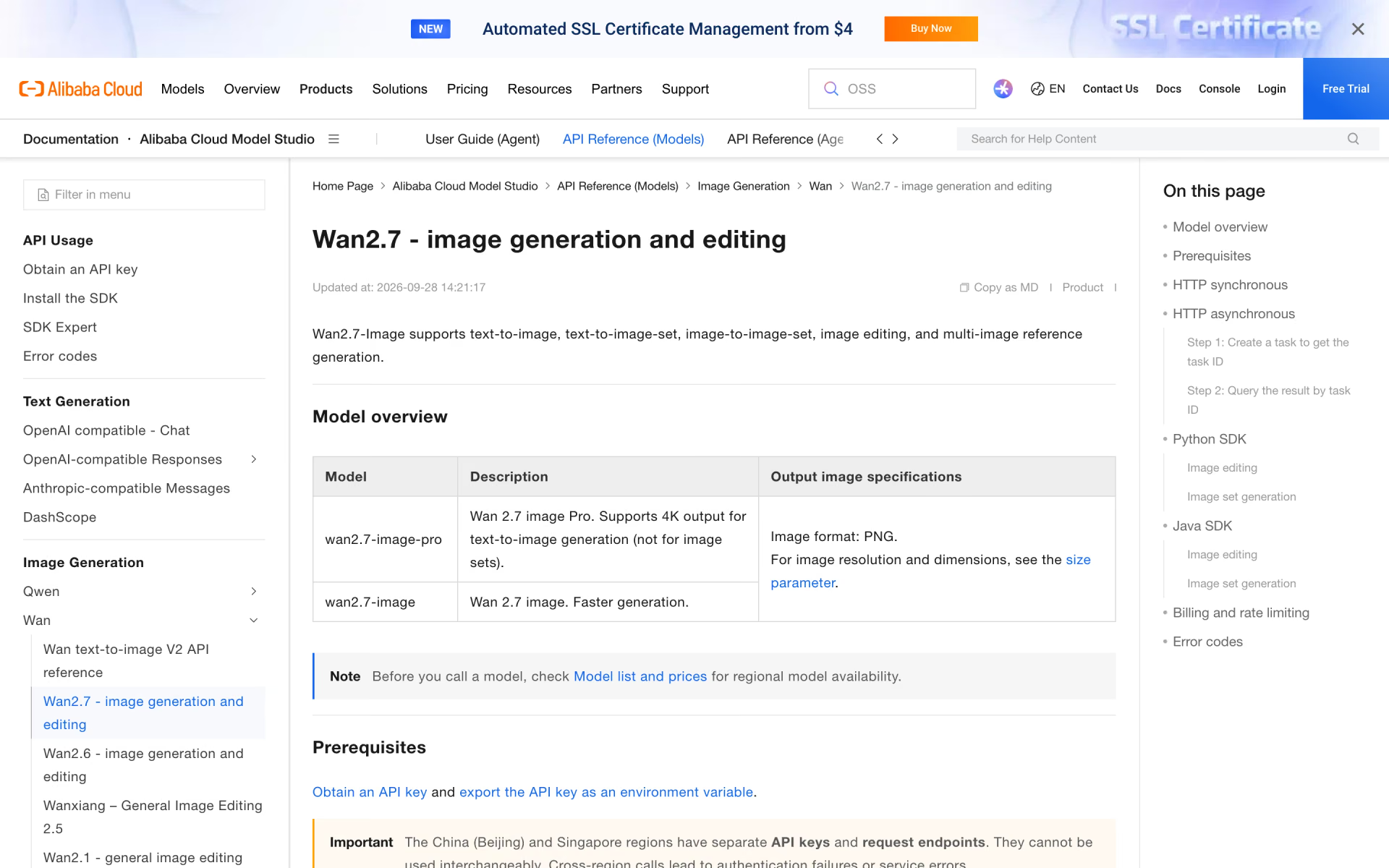
 Wan2.7-Image

 MAI-Image-2-Efficient
 ChatGPT Images 2.5

 Grok Imagine Image 2.0