
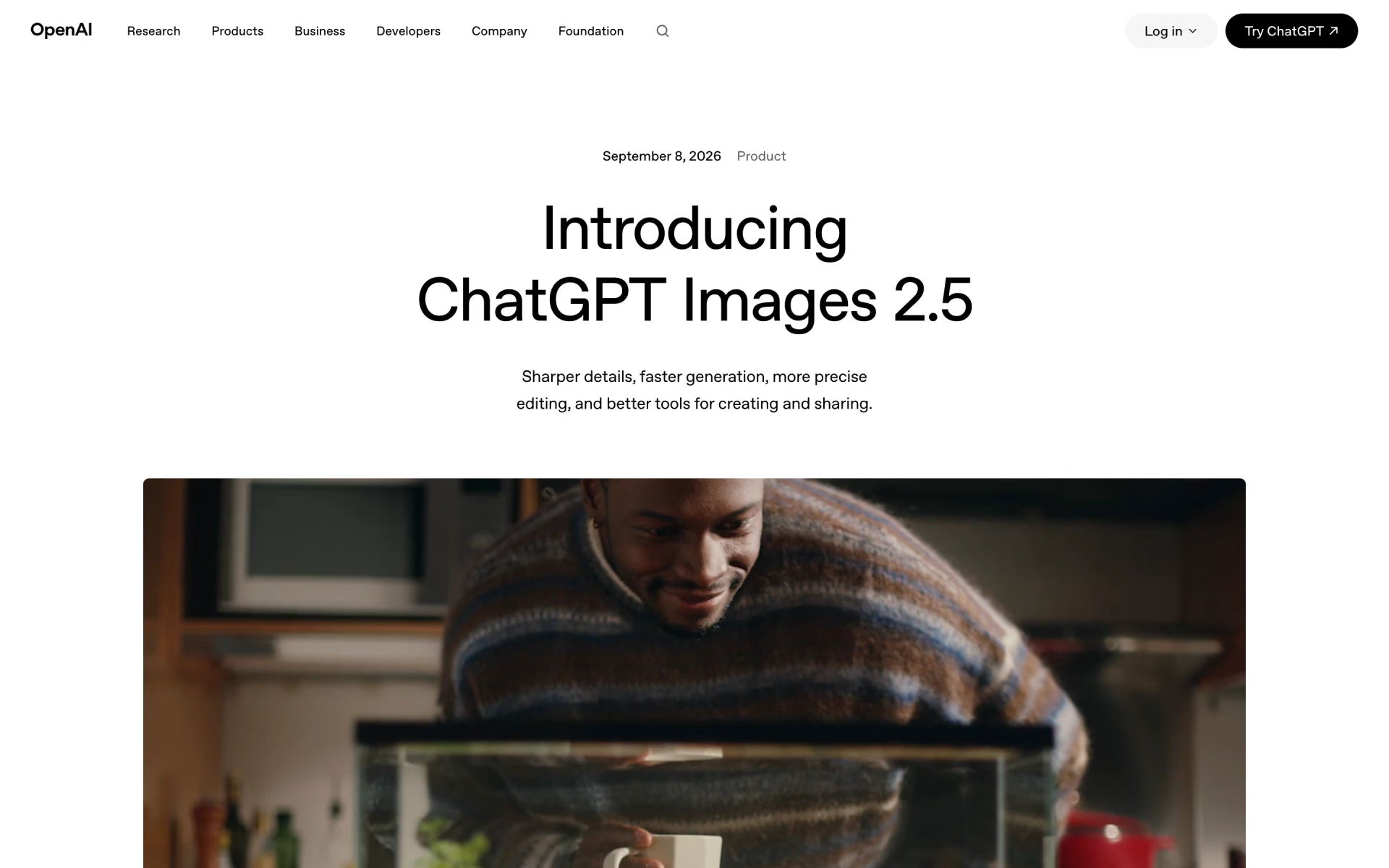
What is ChatGPT Images 2.5?
ChatGPT Images 2.5 is the current image model in ChatGPT; OpenAI's API docs now list the snapshot it took over from as the previous ChatGPT image model. You describe a picture or a change in a chat, attach reference photos, or draw a rough layout with Sketch, and it returns a finished image you can keep editing.
Developers get it as two API models with the same token rates as GPT Image 2: Flare, the fast choice for everyday images, and Sunburst, the slower one for precise edits. At low to high quality it costs less per square image than Google's Nano Banana Pro, which charges $0.134 per image but outputs up to 4096 pixels.
What changed from GPT Image 2?
Mostly speed and editing: the price per token stayed the same, but Flare is much quicker and edits hold together better.
- Speed
- OpenAI rates Flare as very fast, against medium for GPT Image 2; Sunburst trades speed for precision.
- Quality levels
- Adds xhigh and max on top of low, medium and high.
- Editing
- OpenAI says details stay consistent across multiple edits, and comments let you change only what you point at.
- Price
- Same token rates as GPT Image 2, but the Batch price list covers only GPT Image 2, at half price.
Who is ChatGPT Images 2.5 best for?
ChatGPT Images 2.5 is best for ChatGPT users who make and re-edit images in a chat, and for developers who want OpenAI's image model in their own apps.
Re-editing your own photos
OpenAI says details now stay consistent across several rounds of edits, and users report far less quality loss after the second or third change.
Posters and merch
Templates for posters and merch give you a starting layout, though OpenAI still advises checking every word of dense text.
Starting from a rough sketch
Type @Sketch in ChatGPT to draw a layout or doodle, and it turns the drawing into a finished image in the style you ask for.
Apps built on OpenAI's API
Developers call Flare or Sunburst through the Image API for single images, or the Responses API for multi-turn editing.
What's included with ChatGPT Images 2.5?
Two API models, five quality levels, custom sizes up to 3840 pixels, transparent backgrounds, masks, and comments on images in ChatGPT.
- Two API models
- Flare is OpenAI's fastest high-quality image model and Sunburst its most precise editor, both at the same token price.
- Five quality levels
- Low, medium, high, xhigh and max, plus auto; xhigh and max are new with this version.
- Custom sizes
- Any size in multiples of 16 pixels, up to 3840 on a side and about 8.3 million pixels in total; above 2560×1440 is experimental.
- Transparent backgrounds
- Set the background to transparent and export PNG or WebP for logos, stickers and cut-outs.
- Masks and reference images
- Edit one area with a mask, or combine several reference photos into one new image.
- Comments on images
- In ChatGPT's canvas view you can comment on one or more images and send the notes back as edits.
How much does ChatGPT Images 2.5 cost?
ChatGPT Images 2.5 is included on every ChatGPT plan, from Free at $0 to Plus at $20 a month; the API charges $8 per million image input tokens and $30 per million image output tokens, about $0.013 for a medium 1024×1024 image.
- Images 2.5 included, as on every ChatGPT plan
- Images 2.5 included
- Images 2.5 included
- GPT-6 Sol and GPT-6 Luna
- Extra usage with ChatGPT credits
- Text input $5 per million tokens
- About $0.013 for a medium 1024×1024 image, $0.21 at max
- Flare and Sunburst cost the same
ChatGPT Pro costs from $100 a month for 5x or 20x the Plus limits. Prices are in US dollars. In ChatGPT Work and Codex, image turns use included limits 3 to 5 times faster than text turns. In the API, cached input costs $2 per million image tokens and $1.25 per million text tokens (Responses API only), each streamed partial image adds 100 output tokens, and OpenAI lists no Batch rate for the 2.5 models. The API has no free tier for them. Full pricing on developers.openai.com. We checked these prices on .
How do readers rate ChatGPT Images 2.5?
No one has rated ChatGPT Images 2.5 yet. Be the first.
Sign in to rate. One rating per account.
ChatGPT Images 2.5 pros and cons
It is faster than GPT Image 2 and holds up over repeated edits at the same token price, but grain, a yellow tint and drifting fine detail still come up.
Pros
- Noticeably faster than GPT Image 2: one developer who made about 50,000 images saw average waits fall from about 104 seconds to 35 to 40, and others on Reddit and Hacker News noticed the speed too.
- Repeated edits hold up: users who rework the same image say quality no longer falls apart after two or three rounds, the main complaint about the previous version.
- Included on every ChatGPT plan, and API token rates did not rise from GPT Image 2.
- Flexible API output: five quality levels, transparent backgrounds and custom sizes up to 3840 pixels on a side.
Cons
- Many users still see a grainy noise texture and a yellow tint, the same tells as earlier OpenAI image models.
- Edits can still drift: several users say it loses fine detail or subtly changes faces and bodies, and some prefer Nano Banana for realistic skin.
- In ChatGPT, users say there is no way to pick Flare or Sunburst, a quality level or a size, and images come out at about 1600 pixels; larger sizes need the API.
- No Batch discount is listed for the 2.5 models, and OpenAI's own docs warn that exact text placement, recurring characters and tight layouts can still go wrong.
What are the best ChatGPT Images 2.5 alternatives?
Nano Banana Pro for 4K output, Ideogram 4.0 for exact text and open weights, and Midjourney for a distinctive artistic style.
 Nano Banana ProFree
Choose it when you need output up to 4096 pixels or prefer its skin and detail retention in edits; Google's API charges $0.134 per 1K or 2K image and $0.24 per 4K image.
 Ideogram 4.0Free
Choose it when exact in-image text and layout control matter most, or you want weights to run on your own GPU; its API costs $0.03 to $0.10 per image, and commercial use of the weights needs a paid licence.
 MidjourneyPaid
Choose it when you want its distinctive artistic look for concept art rather than chat-based photo edits; plans start at $10 a month, with unlimited relaxed image generation from the $30 Standard plan.
Articles about ChatGPT Images 2.5
One of our articles covers ChatGPT Images 2.5, with every price checked on the makers' own pages.
Questions about ChatGPT Images 2.5
What is the difference between GPT-Image-2.5 Flare and Sunburst?
Flare is OpenAI's fastest high-quality image model, meant for everyday generation. Sunburst is its most capable model for precise edits and takes longer. Both cost $8 per million image input tokens and $30 per million image output tokens, though tokens used per image can differ by model and quality setting.
Who is ChatGPT Images 2.5 for?
ChatGPT Images 2.5 is best for ChatGPT users who make and re-edit images in a chat, and for developers who want OpenAI's image model in their own apps.
Is ChatGPT Images 2.5 free?
Yes. ChatGPT Images 2.5 has a free ChatGPT Free plan: images 2.5 included, as on every ChatGPT plan.
How much does one ChatGPT Images 2.5 image cost in the API?
For a 1024×1024 image, OpenAI's calculator puts the output at about $0.006 on low quality, $0.013 on medium, $0.053 on high, $0.094 on xhigh and $0.21 on max. Input tokens for the prompt and any reference images are billed on top.
What are the best ChatGPT Images 2.5 alternatives?
The closest alternatives on Recaply are Nano Banana Pro, Ideogram 4.0 and Midjourney.
Where can I try ChatGPT Images 2.5?
On its official website, openai.com.
How large can ChatGPT Images 2.5 images be?
In the API, custom sizes can reach 3840 pixels on the longest side, with up to about 8.3 million pixels in total and aspect ratios from 1:3 to 3:1. OpenAI calls anything above 2560×1440 experimental and recommends 1024×1024, 1536×1024 or 1024×1536.
Can I choose Flare or Sunburst in ChatGPT?
OpenAI documents that choice only for the API, where you set the model to gpt-image-2.5-flare or gpt-image-2.5-sunburst and pick a quality level. In ChatGPT you just describe the image, so use the API when you need a specific model, quality or size.
Our verdict
ChatGPT Images 2.5 is a real speed and editing upgrade, and the easy default if you already use ChatGPT or OpenAI's API.
It returns images much faster than GPT Image 2 at the same token rates, users say repeated edits no longer wreck the picture, and it comes with every ChatGPT plan.
- Skip it for
- Photoreal work where grain, a yellow cast or a subtly changed face would show, or if you need 4K straight from the chat app.
- Check first
- Run your own prompts on Flare and Sunburst at two or three quality levels before you budget, since tokens per image vary by setting.
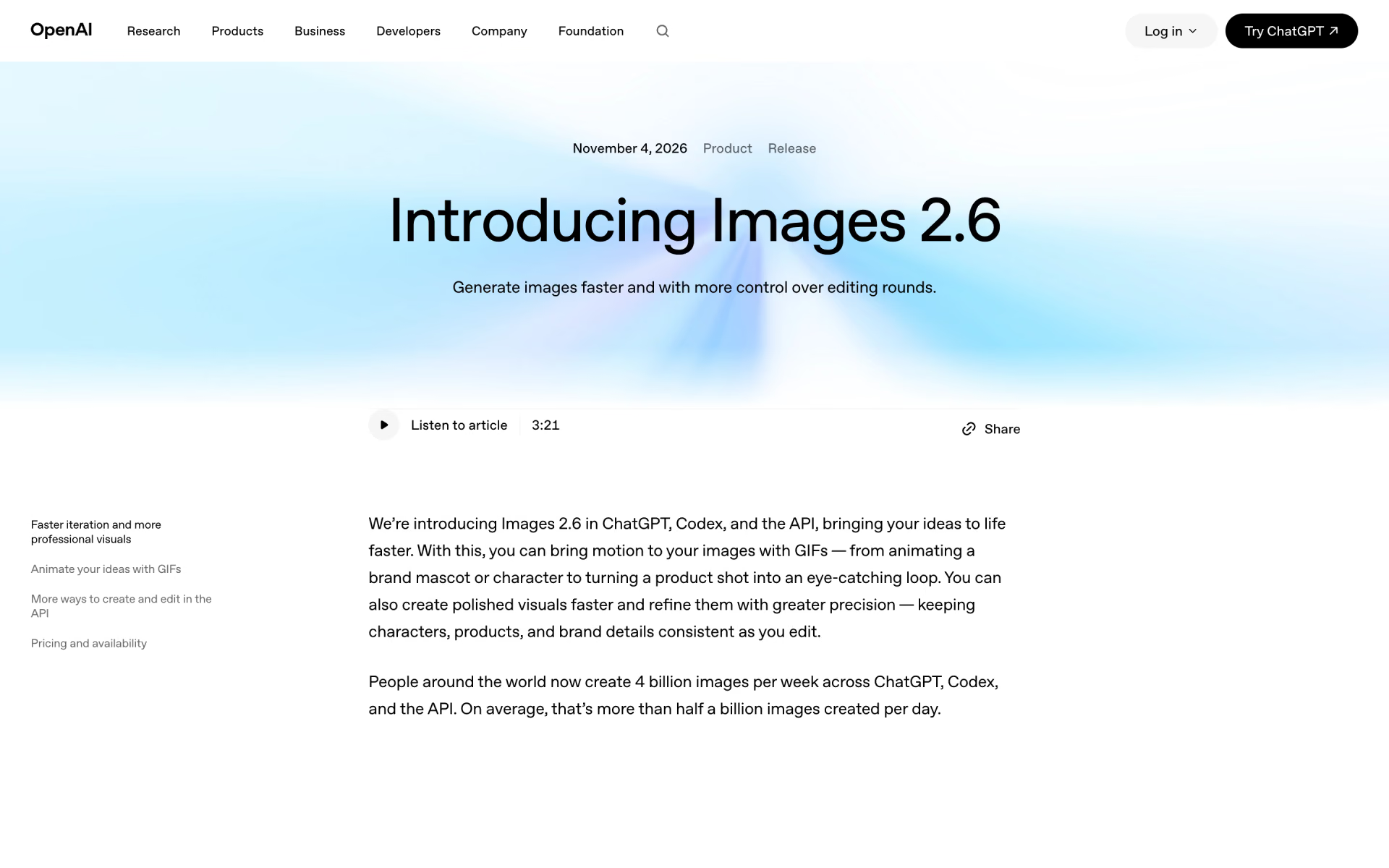
 ChatGPT Images 2.6

 GPT Image 2
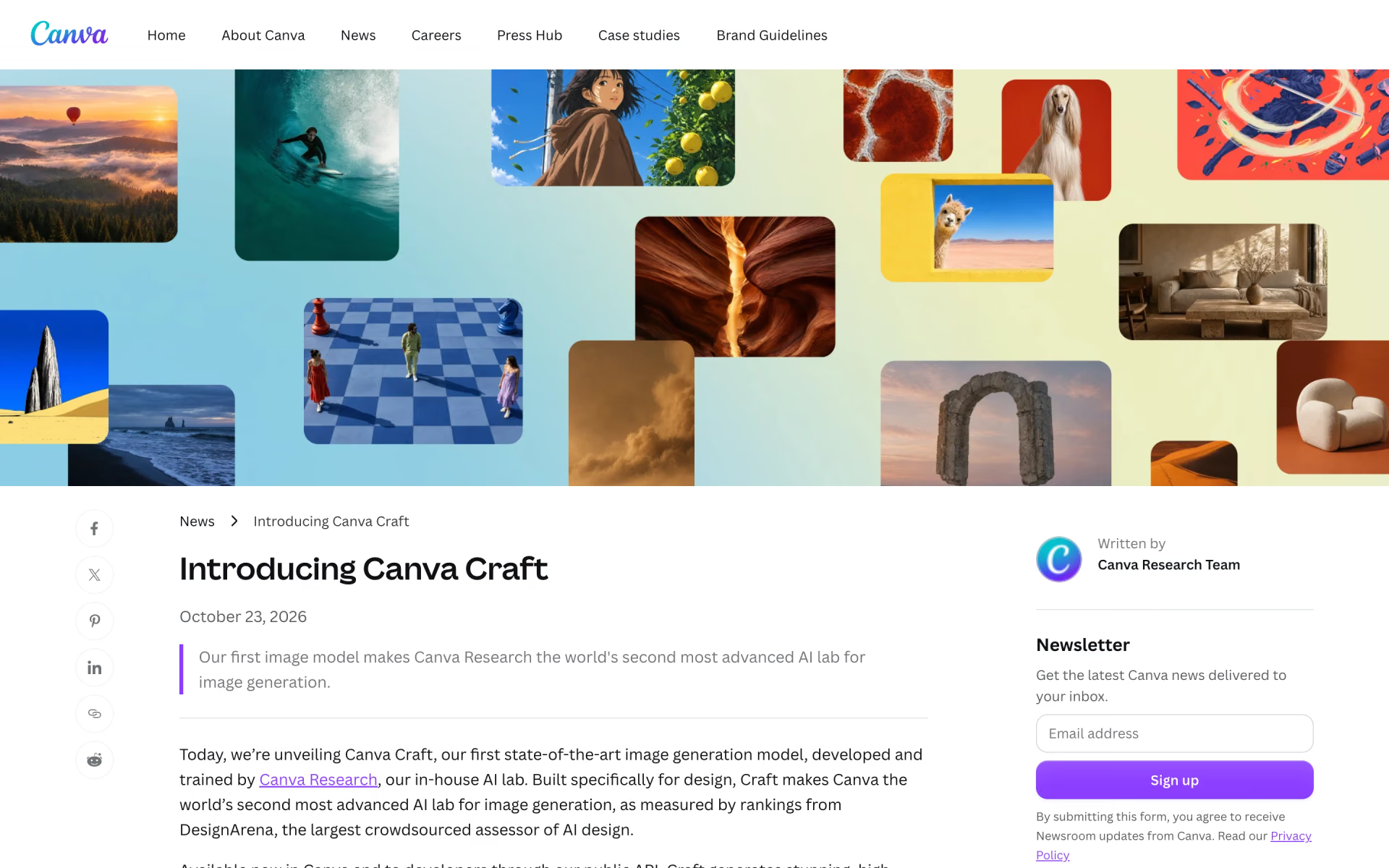
 Canva Craft
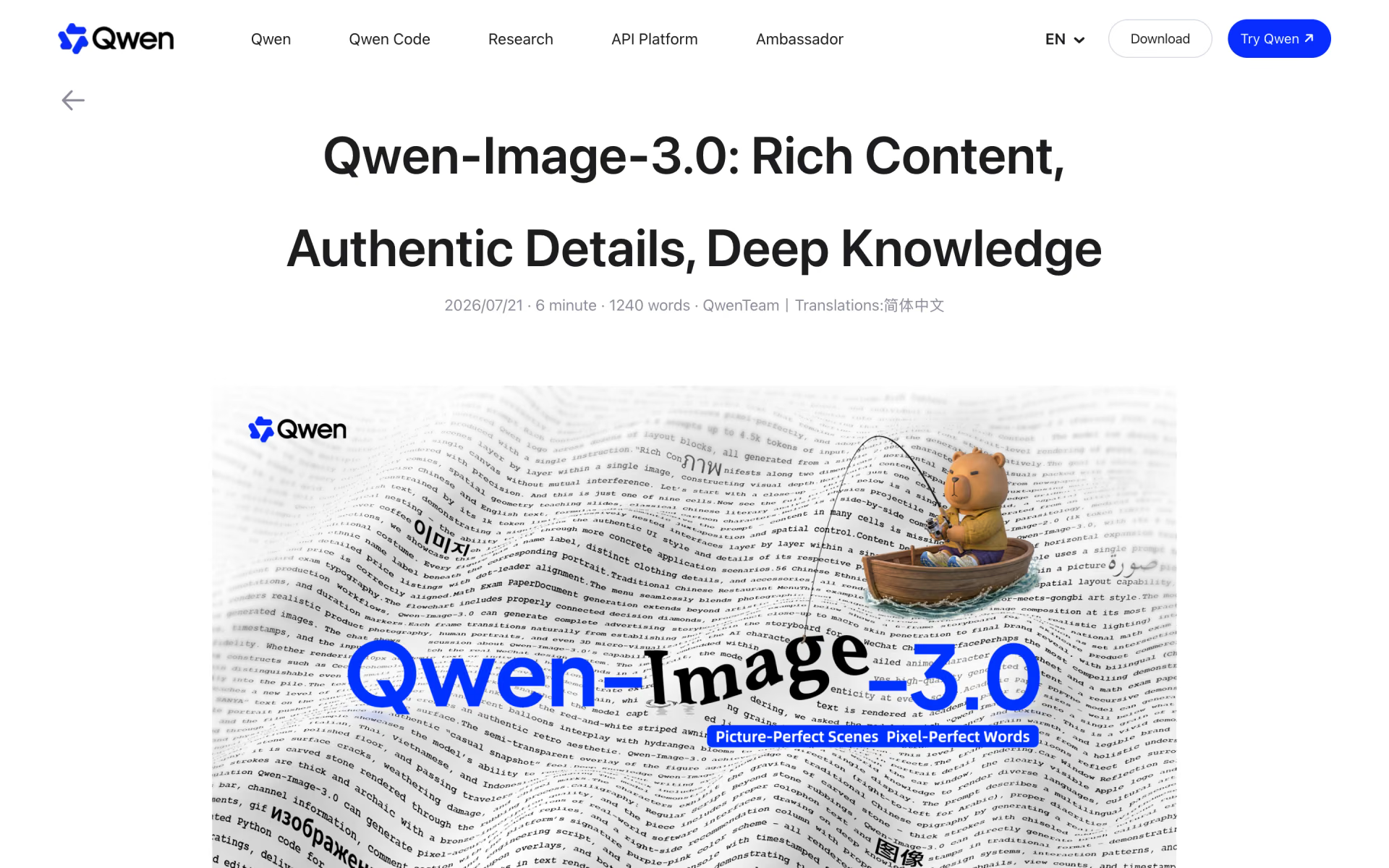
 Qwen-Image-3.0

 MAI-Image-2.6
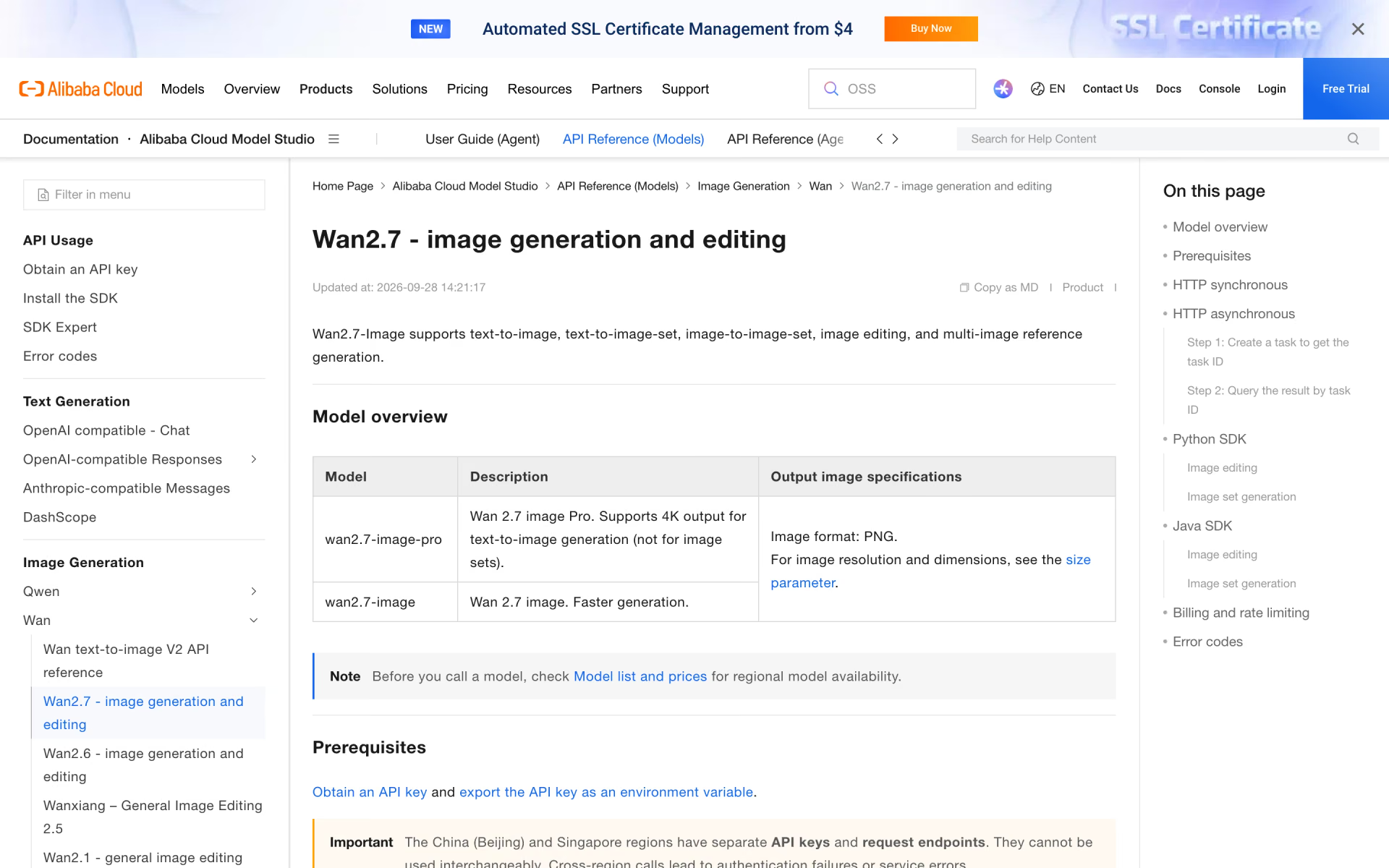
 Wan2.7-Image