

What is Riverflow 2.0?
Riverflow 2.0 is an image generation and editing model from Sourceful, the company behind the Riverflow platform. Instead of handing back a single attempt, it pairs diffusion models with a reasoning model that checks each candidate and corrects mistakes before you see the result. It can set text in your own brand fonts and repair garbled labels by patching them from a high-resolution copy of the real artwork.
Sourceful now lists Riverflow 2.5 as its current model, adding thinking levels, custom scoring rubrics and 4K export. Riverflow 2.0 is still reachable through the Riverflow API and partners, but it is the previous generation.
Is Riverflow 2.0 still available?
Yes, as the previous model: Sourceful now points to Riverflow 2.5 for current image generation and editing.
- Riverflow API
- The API docs still use Riverflow 2 model keys, riverflow-2-standard and riverflow-2-pro, next to riverflow-2.5-pro-high.
- Partners
- Sourceful names Runware and OpenRouter as distribution partners for developers who want the model outside Riverflow.
- One pool of credits
- The app, the API and MCP all spend the same Riverflow credits, and each product shows which model settings it offers.
- Successor
- Riverflow 2.5 builds on 2.0's multi-step editing with thinking levels, custom scoring, background modes and output up to 4K.
Who is Riverflow 2.0 best for?
Riverflow 2.0 is best for consumer product brands and agencies that need product photos and ads in volume, with labels, logos and fonts kept intact.
Product shots across a catalogue
It starts from your SKUs, packshots and product images and turns out lifestyle and studio shots for a whole range, not one image at a time.
Ads with readable labels
Its super-resolution step spots garbled text on packaging and redraws it from your reference image, and it can set headlines in your brand fonts.
Brand teams and agencies
Each brand profile holds colours, fonts, logos and styles, and unlimited viewer seats let clients and freelancers review the work.
Teams working from a chat assistant
Paid plans connect to Claude, ChatGPT and Codex over MCP, and the same credits cover the app, the API and MCP.
What's included with Riverflow 2.0?
Self-checking generation, brand font control, label repair from your artwork, one style across a range, and access through the app, the API and MCP.
- Self-checking generation
- A reasoning model reviews each candidate image and makes corrections on its own, so fewer bad results reach you.
- Font control
- Uses public or custom fonts you supply, up to 2 at a time and 300 characters per image, and checks the lettering matches.
- Label repair
- Reference-based super-resolution finds broken or invented text and fixes up to 4 areas per request from your artwork.
- Style control
- Applies one lighting and colour look across a set of product images so a range reads as a single shoot.
- Ads, infographics and mockups
- Builds ad images with headlines and logos placed, plus infographics and UI mockups, from a written brief.
- App, API and MCP
- Runs in the Riverflow app, through a self-serve API, and in Claude, ChatGPT or Codex over MCP on paid plans.
How much does Riverflow 2.0 cost?
Riverflow 2.0 runs on Sourceful's Riverflow platform, which has no free plan: Growth costs $99 a month for 6,000 credits, Scale $249 for 16,000 and Business $999 for 70,000.
- 6,000 credits a month, up to 600 images or 150 videos
- 3 full seats, unlimited viewers, 5 brand profiles
- Commercial use and MCP access for Claude, ChatGPT and Codex
- 16,000 credits a month, up to 1,600 images or 400 videos
- 10 full seats, 15 brand profiles
- Unlimited custom scenes and styles, priority human support
- 70,000 credits a month, up to 7,000 images or 1,750 videos
- 25 full seats, 30 brand profiles
- Early access to new features and models
Billed yearly, Growth is $950 a year, Scale $2,244 and Business $8,988 (about $79, $187 and $749 a month). Enterprise, with custom credits, SSO and a dedicated customer success manager, is priced on request. Paid teams can top up credits and buy extra seats and brands. These are US prices before VAT and local taxes; the page shows local currency in other countries. The older Starter plan is closed to new customers. Full pricing on riverflow.ai. We checked these prices on .
How do readers rate Riverflow 2.0?
No one has rated Riverflow 2.0 yet. Be the first.
Sign in to rate. One rating per account.
Riverflow 2.0 pros and cons
Users say it keeps products accurate where other AI tools fail, but there is no free trial, failed images still cost credits, and Riverflow 2.5 has replaced it as the current model.
Pros
- Users on Trustpilot keep saying it is the first AI tool that got their products right, where other image tools changed them.
- Font control and label repair are built in: up to 2 brand fonts and 300 characters per image, and up to 4 reference-based fixes per request.
- A Riverflow 2 beta led Sourceful's own Hype-Edit-1 editing test, passing 82.7% of edits on the first try against 63.8% for Gemini 3 Pro Preview.
- Reviewers often name the staff who set them up, and say onboarding and quick support made the difference.
Cons
- No free plan or free trial on the pricing page; self-serve plans start at $99 a month.
- Failed images still use credits, a cost two reviewers call out.
- Some users say it still changes a product's shape or look unless told firmly not to, and Sourceful says small text and logos can need fixing.
- It is the previous model: Riverflow 2.5 adds thinking levels, custom scoring rubrics, transparent backgrounds and 4K export.
What are the best Riverflow 2.0 alternatives?
Nano Banana Pro to pay per image, Ideogram 4.0 for cheap text-heavy designs, and Recraft V4.1 for vectors and low-cost listing shots.
 Nano Banana ProFree
Choose it when you want to pay per image instead of $99 a month: the Gemini API charges $0.134 for a 1K or 2K image and $0.24 at 4K.
 Ideogram 4.0Free
Choose it when the job is mostly lettering and layout on a small budget: its API costs $0.03 to $0.10 an image, and the Ideogram app has a free plan.
 Recraft V4.1Free
Choose it when you also need editable vectors or cheap listing shots: its API charges $0.035 an image or $0.08 for a vector, and every version runs on Recraft's Free plan.
Questions about Riverflow 2.0
What does Riverflow 2.5 add over Riverflow 2.0?
Riverflow 2.5 lets you set a thinking level from low to extra high, score candidates against your own rubric, and export transparent or solid backgrounds at 1K, 2K or 4K. Sourceful also says its font control improved.
Who is Riverflow 2.0 for?
Riverflow 2.0 is best for consumer product brands and agencies that need product photos and ads in volume, with labels, logos and fonts kept intact.
Is Riverflow 2.0 free?
No. Riverflow's pricing page lists no free plan or free trial, and the cheapest self-serve plan is Growth at $99 a month for 6,000 credits. Developers can also reach Riverflow models through distribution partners such as Runware and OpenRouter, on those partners' own terms.
How much does Riverflow 2.0 cost?
Riverflow 2.0's paid plans are Growth at $99 per month, Scale at $249 per month and Business at $999 per month.
What are the best Riverflow 2.0 alternatives?
The closest alternatives on Recaply are Nano Banana Pro, Ideogram 4.0 and Recraft V4.1.
Where can I try Riverflow 2.0?
On its official website, riverflow.ai.
Will Riverflow 2.0 get labels and fonts exactly right?
Not every time. Sourceful itself warns that fine print, logos and packaging details may still need a manual fix even with reference images and font files, so check every image before it goes live.
How many images do Riverflow plans cover?
Growth's 6,000 monthly credits cover up to 600 images, 240 static ads or 150 videos; Scale covers up to 1,600 images and Business up to 7,000. Credits are spent each time Riverflow generates or edits an asset.
Can I use Riverflow 2.0 from Claude or ChatGPT?
Yes, on paid plans. Riverflow's MCP server connects to Claude, ChatGPT and Codex, and it spends the same credits as the Riverflow app and API.
Our verdict
Riverflow 2.0 still makes accurate product images, but new projects should start on Riverflow 2.5.
Sourceful built it to keep labels, logos and fonts right, and users say it does that better than general image tools; 2.5 keeps that base and adds thinking levels, custom scoring and 4K export.
- Skip it for
- Small shops that need a few images a month or want a free trial, since plans start at $99 a month.
- Check first
- Run your hardest product through it and count the failed images, because they use credits too.
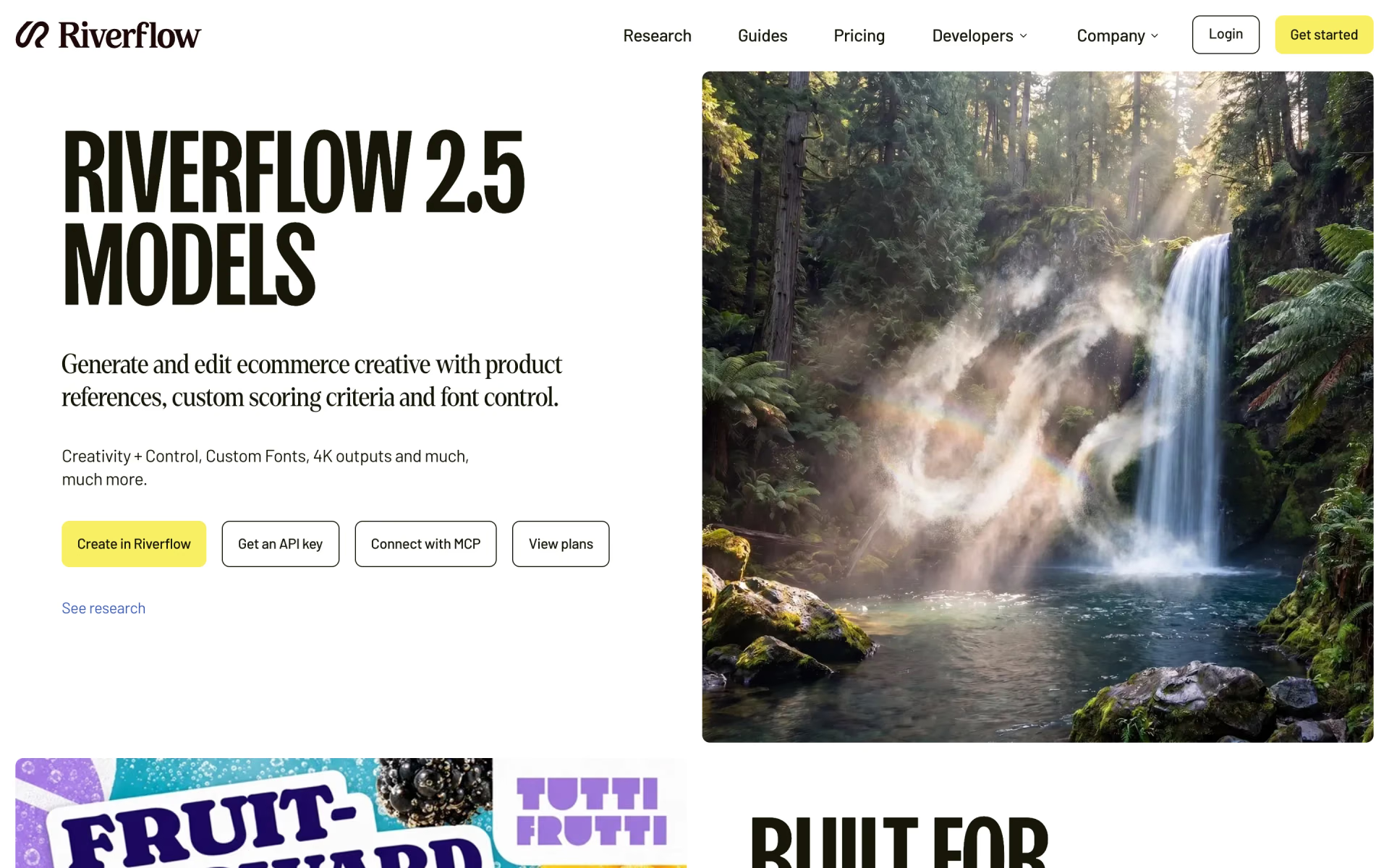
 Riverflow 2.5

 MAI-Image-2-Efficient
 ChatGPT Images 2.5

 Grok Imagine Image 2.0
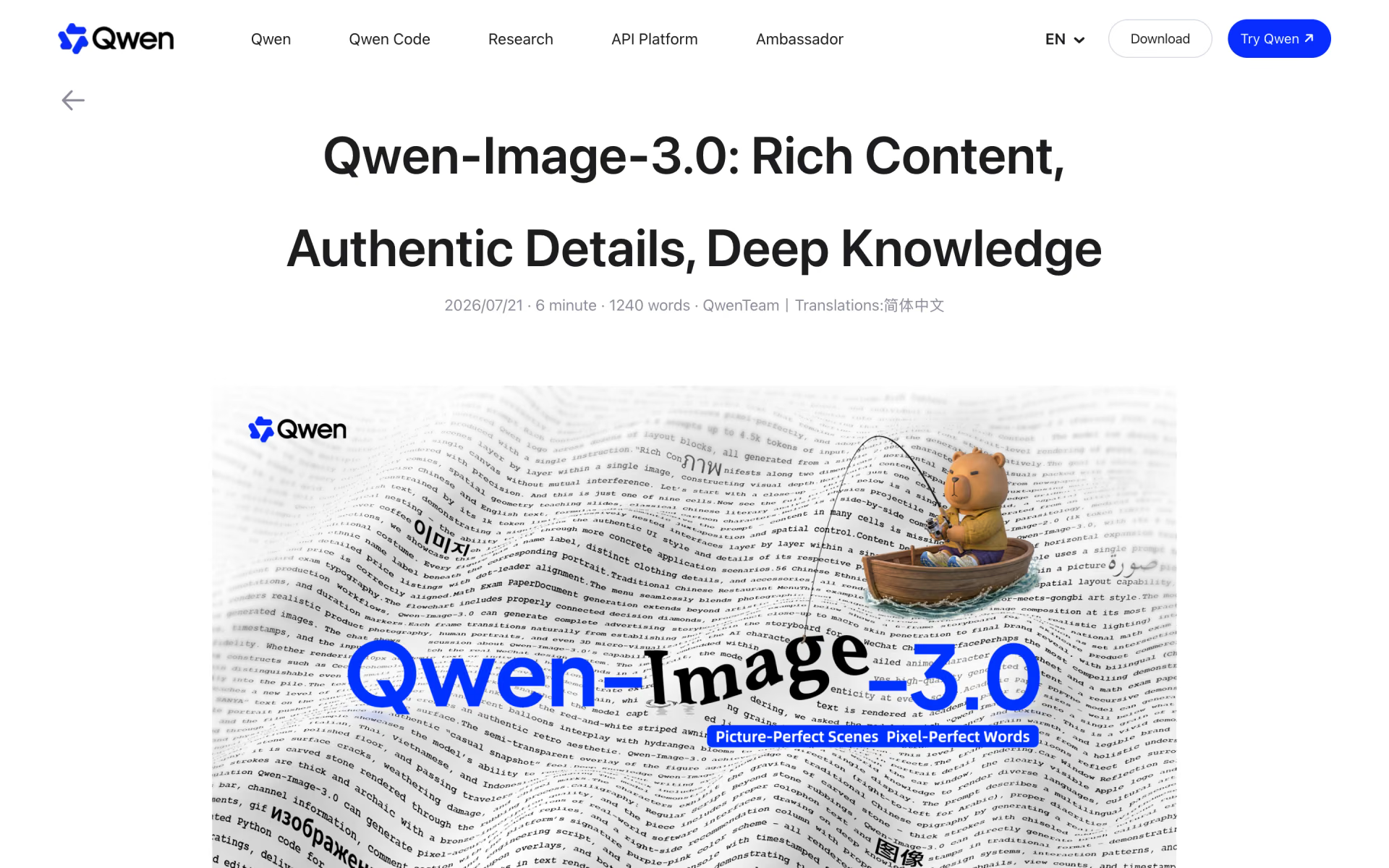
 Qwen-Image-3.0

 MAI-Image-2.6