
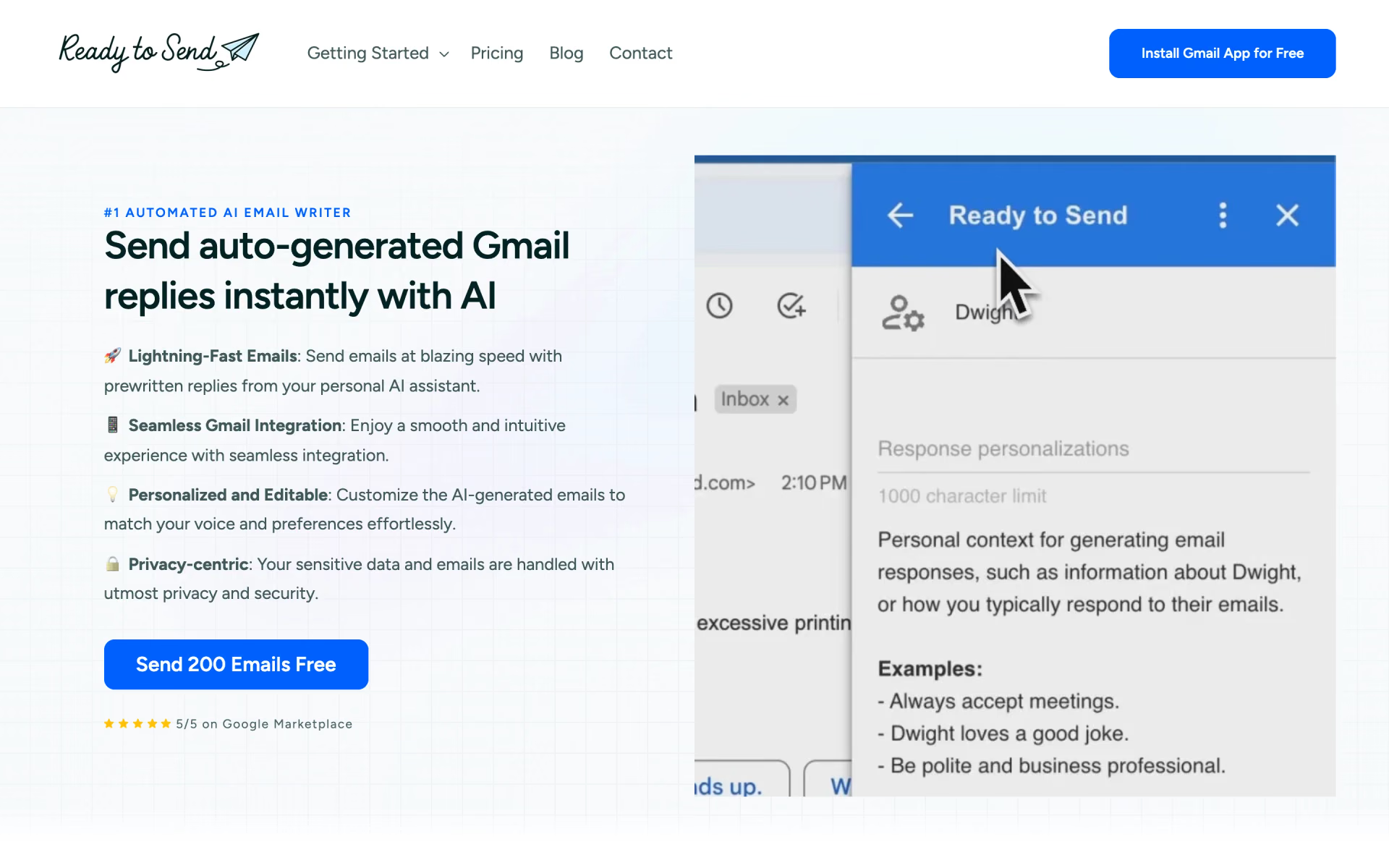
What is Ready to Send?
Gmail replies drafted in your style.
Who is Ready to Send best for?
Ready to Send is best for Gmail users who answer a lot of email and want reply drafts written in their own voice.
Busy professionals in Gmail
Reply drafts appear for new, unread emails within minutes, while newsletters, promotions and no-reply messages are skipped.
Small support teams
Saved snippets such as a refund policy or opening hours are pulled into drafts, so customers get the same answer every time.
People who write to many kinds of contacts
Instructions can be set for each email address, so a reply to a client can sound different from one to a colleague.
Inboxes in more than one language
It detects the language of each email and drafts the reply in it, with over 100 languages supported.
How much does Ready to Send cost?
Ready to Send gives you your first 200 emails free, then costs $5, $12, $24 or $49 a month for 200, 1,000, 4,000 or 10,000 generated emails.
- 200 emails generated a month
- 100 words of custom instructions
- Drafts only for emails that need a reply
- 1,000 emails generated a month
- 300 words of custom instructions
- Drafts only for emails that need a reply
- 4,000 emails generated a month
- 600 words of custom instructions
- Drafts only for emails that need a reply
- 10,000 emails generated a month
- 1,000 words of custom instructions
- Priority support and a dedicated account manager
Paying yearly gives two months free: Starter is $50, Basic $120, Plus $240 and Premium $490 a year. New users get 200 free emails before choosing a plan, and drafts pause once those run out. Teams pick the number of user seats at checkout. Paid plans can also run on your own OpenAI or Anthropic API key. Setapp's AI+ subscription includes Ready to Send with 10 to 250 emails a month, depending on the Setapp plan. Full pricing on getreadytosend.com. We checked these prices on .
How do readers rate Ready to Send?
No one has rated Ready to Send yet. Be the first.
Sign in to rate. One rating per account.
What are the best Ready to Send alternatives?
Three tools on Recaply do Ready to Send's job.



Questions about Ready to Send
What is Ready to Send?
Gmail replies drafted in your style.
Who is Ready to Send for?
Ready to Send is best for Gmail users who answer a lot of email and want reply drafts written in their own voice.
Is Ready to Send free?
You can try Ready to Send free before paying; paid plans start at $5 per month.
How much does Ready to Send cost?
Ready to Send's paid plans are Starter at $5 per month, Basic at $12 per month, Plus at $24 per month and Premium at $49 per month.
What are the best Ready to Send alternatives?
The closest alternatives on Recaply are Letty, CXassist and AI Email Writer.
Where can I try Ready to Send?
On its official website, getreadytosend.com.
Does Ready to Send work with Outlook or Apple Mail?
Only through Gmail. Ready to Send is a Gmail add-on, so an Outlook, Yahoo or iCloud address has to be added to the Gmail app first. Drafts then also show up in other mail apps that read the same Gmail inbox, such as Apple Mail or Outlook.
Does Ready to Send train AI on my emails?
No. Ready to Send says it does not store your emails and never trains or fine-tunes language models on them. It runs on OpenAI models by default, and paid users can connect their own OpenAI or Anthropic API key instead.

 Snoooz

 Inbox Zero
 Compose
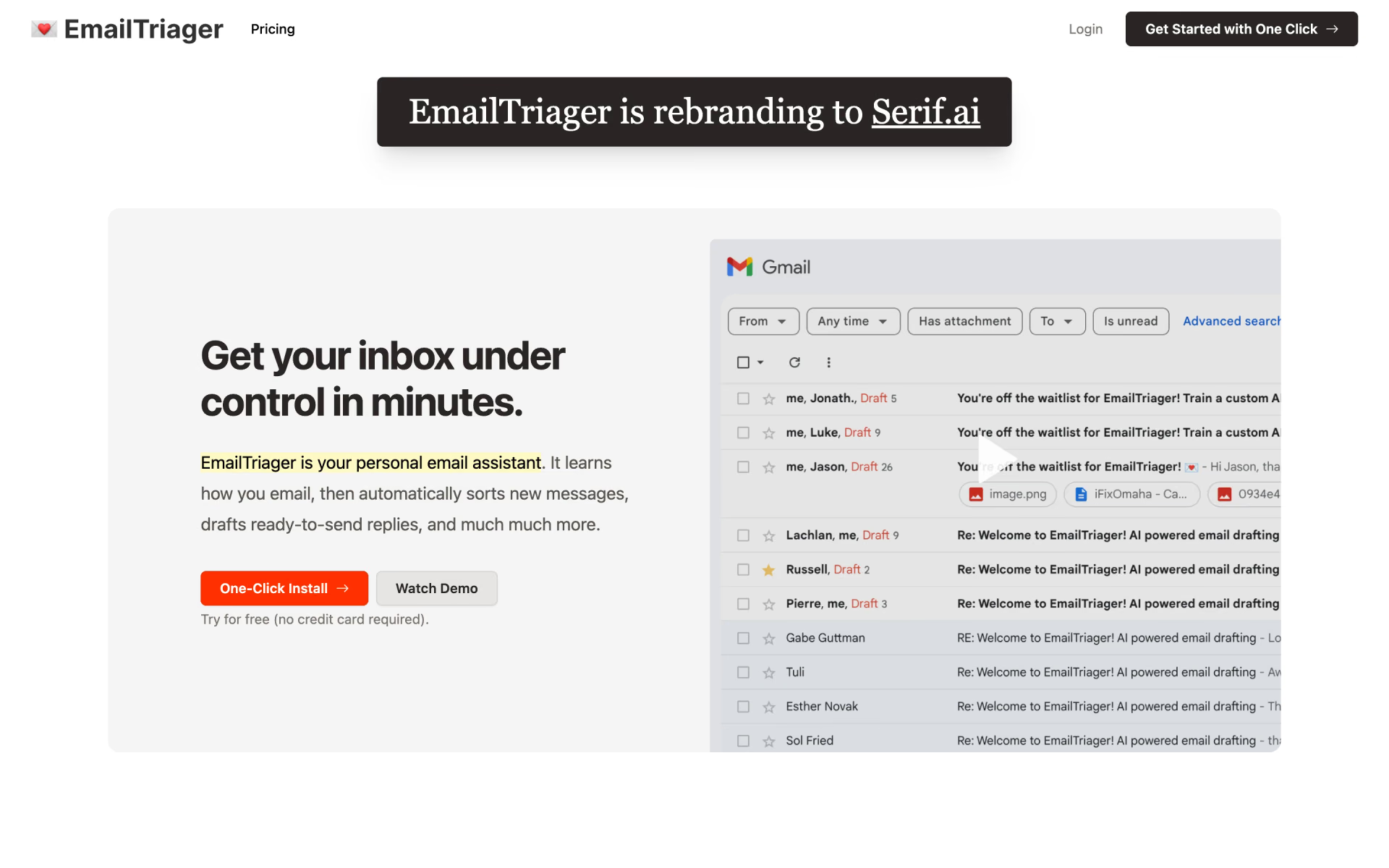
 EmailTriager

 Fyxer
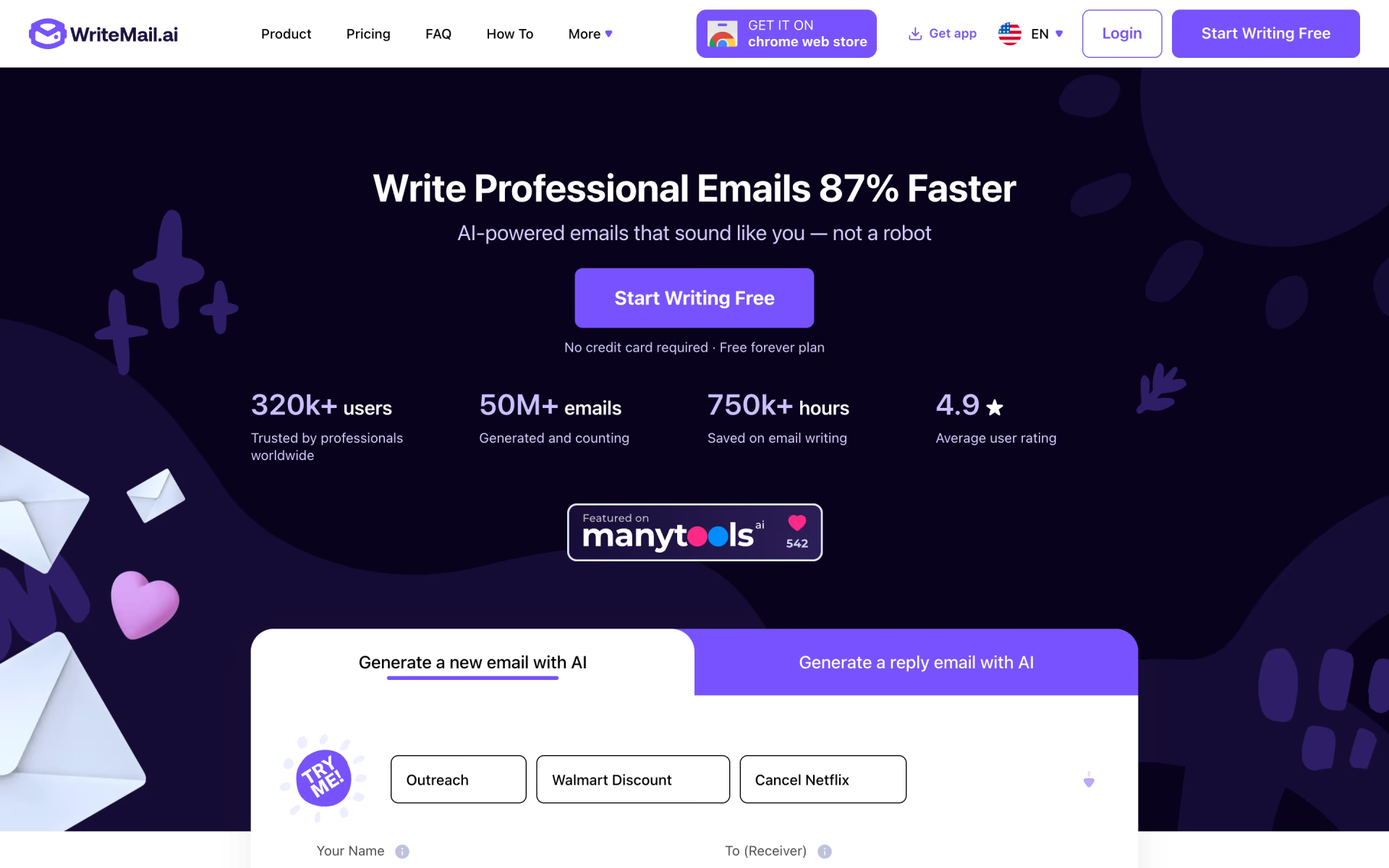
 WriteMail.ai