
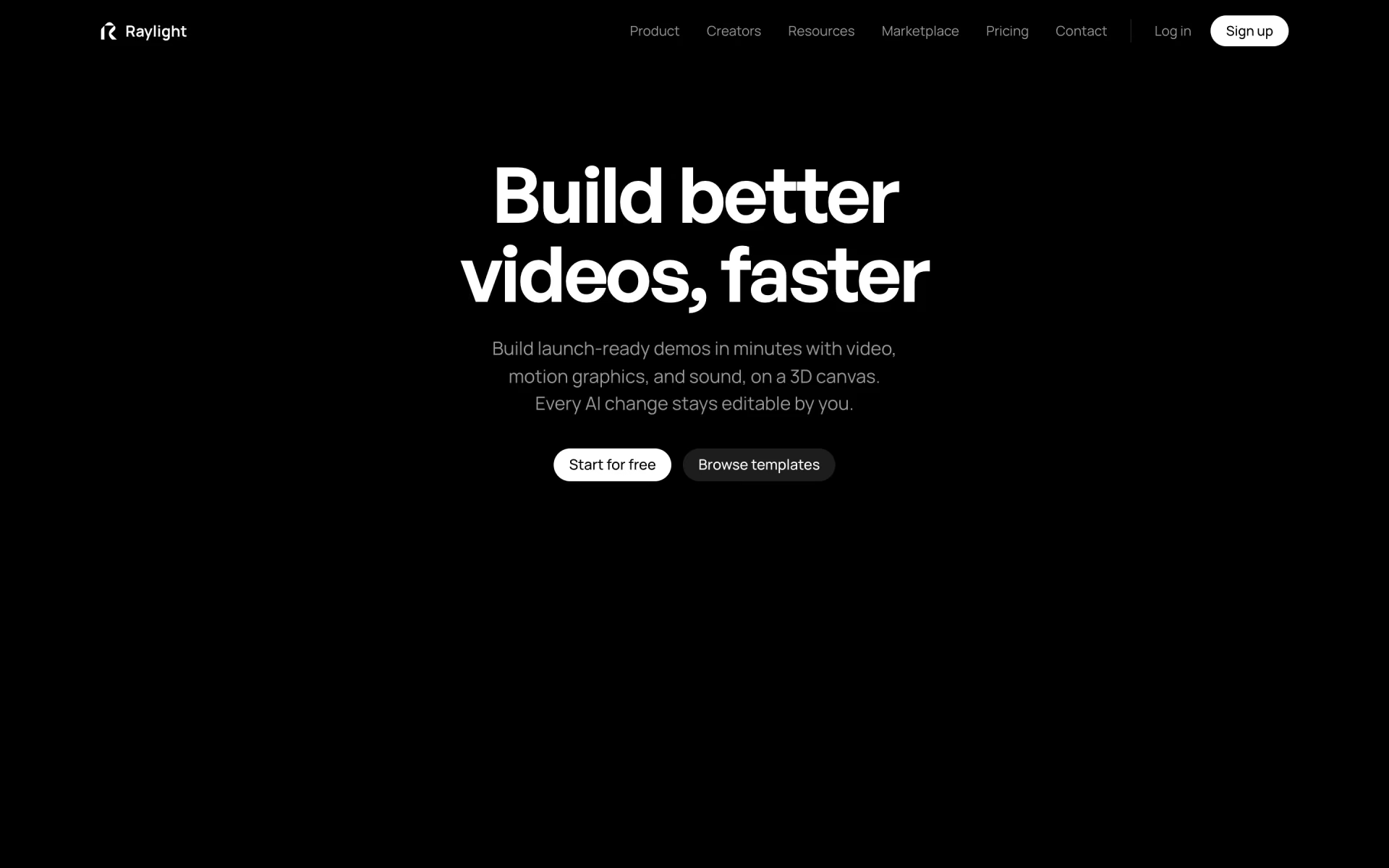
What is Raylight?
Canvas and timeline for product demos, with iPhone and MacBook mockups, AI sound and an MCP server.
Who is Raylight best for?
Raylight is best for product designers and marketers who need launch videos with 3D device shots.
Launch videos
Lay out shots on a design canvas, drag animation blocks on a timeline and export up to 4K at 60fps.
Device mockups
Put app screens on a 3D iPhone, iPad or MacBook, tilt the device and move the light.
Sound in the same tool
Generate sound effects, a music track and voiceover from a prompt, then mix them on a multitrack timeline.
Editing from an AI app
The MCP server lets Claude, Codex or Cursor change a video on your canvas, and the API makes videos from code or a GitHub workflow.
How much does Raylight cost?
Raylight's Free plan has the full editor with 1080p exports and a small badge; paid plans start at $15 a month for Hobby, and Team is $299 a month for up to 10 editors.
- Full editor and unlimited projects
- 1080p 60fps exports with a Made in Raylight badge
- 50 MCP tool calls a week
- 4K exports with no badge
- 300 credits a month
- Brand settings and 3-minute video uploads
- 1,000 credits a month
- Embed videos on your site
- 5,000 MCP tool calls a week
- 5,000 credits a month
- Unlimited MCP tool calls
- Share pages without Raylight's name
Yearly billing lowers Hobby to $12, Pro to $24 and Max to $49 a month. Team is $299 a month for up to 10 editors and 30,000 pooled credits; Business is $999 a month for up to 25 editors, 100,000 credits and 10 client workspaces; Enterprise starts around $10,000 a year. One credit is one cent: a sound effect is 10 credits, a music track 100 and a Raylight API video 60 credits a second. Viewers and commenters are free on every plan. Full pricing on raylight.app. We checked these prices on .
How do readers rate Raylight?
No one has rated Raylight yet. Be the first.
Sign in to rate. One rating per account.
How do I connect Raylight to my AI agent?
Raylight MCP is Raylight's official MCP server. Add it to your agent once, then ask it to edit 3D motion videos in Raylight and preview each change.
Your agent can look at the shots in a Raylight video, edit them and render still frames to verify the result while you watch the canvas.
Raylight gives each account its own server address. Open the setup guide, copy your address, then add it to Claude Code like any other server.
Use the address from Raylight's setup guide.
Raylight's setup guide covers the sign-in.
Then ask your agent
- Runs
- On the web
- Sign-in
- See guide
- Maker
- Raylight
- Guide
- raylight.app
What are the best Raylight alternatives?
Two tools on Recaply do Raylight's job.


Questions about Raylight
What is Raylight?
Canvas and timeline for product demos, with iPhone and MacBook mockups, AI sound and an MCP server.
Who is Raylight for?
Raylight is best for product designers and marketers who need launch videos with 3D device shots.
Is Raylight free?
Yes. Raylight has a free plan: full editor and unlimited projects.
How much does Raylight cost?
Raylight's paid plans are Hobby at $15 per month, Pro at $29 per month and Max at $59 per month.
Does Raylight have an MCP server?
Yes. Raylight MCP is Raylight's official MCP server, so agents such as Claude Code, Cursor, Codex and GitHub Copilot can edit 3D motion videos in Raylight and preview each change. Raylight runs it on the web.
What are the best Raylight alternatives?
The closest alternatives on Recaply are Matte and Screen Charm.
Where can I try Raylight?
On its official website, raylight.app.
What do Raylight credits pay for?
Raylight credits pay for AI agent edits, generated sound and Raylight API videos, at one cent per credit. A sound effect costs 10 credits, a music track 100, and an API video 60 credits per second. Credit packs you buy never expire.
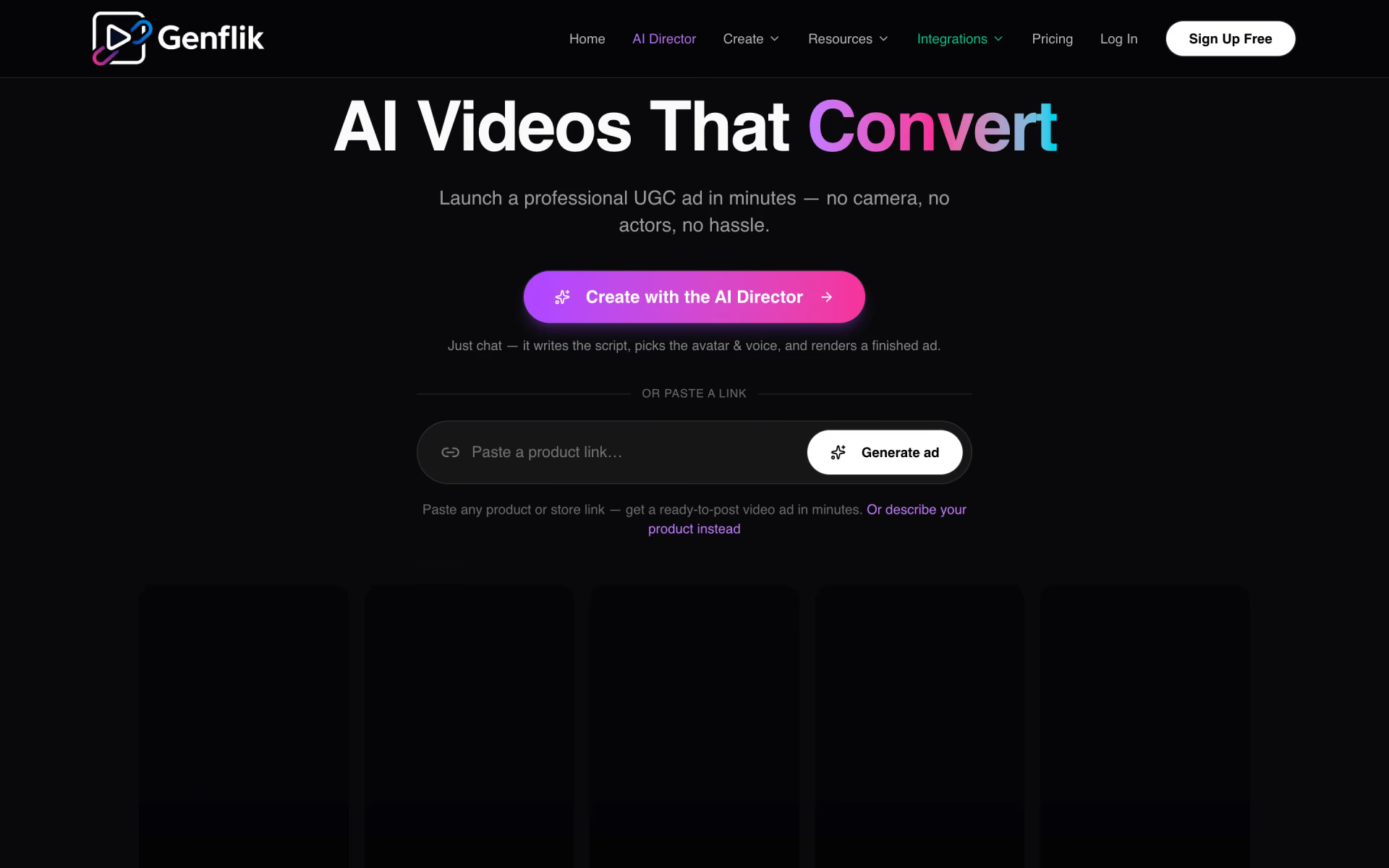
 GenFlik

 Whatmore

 Trainn

 Hoox
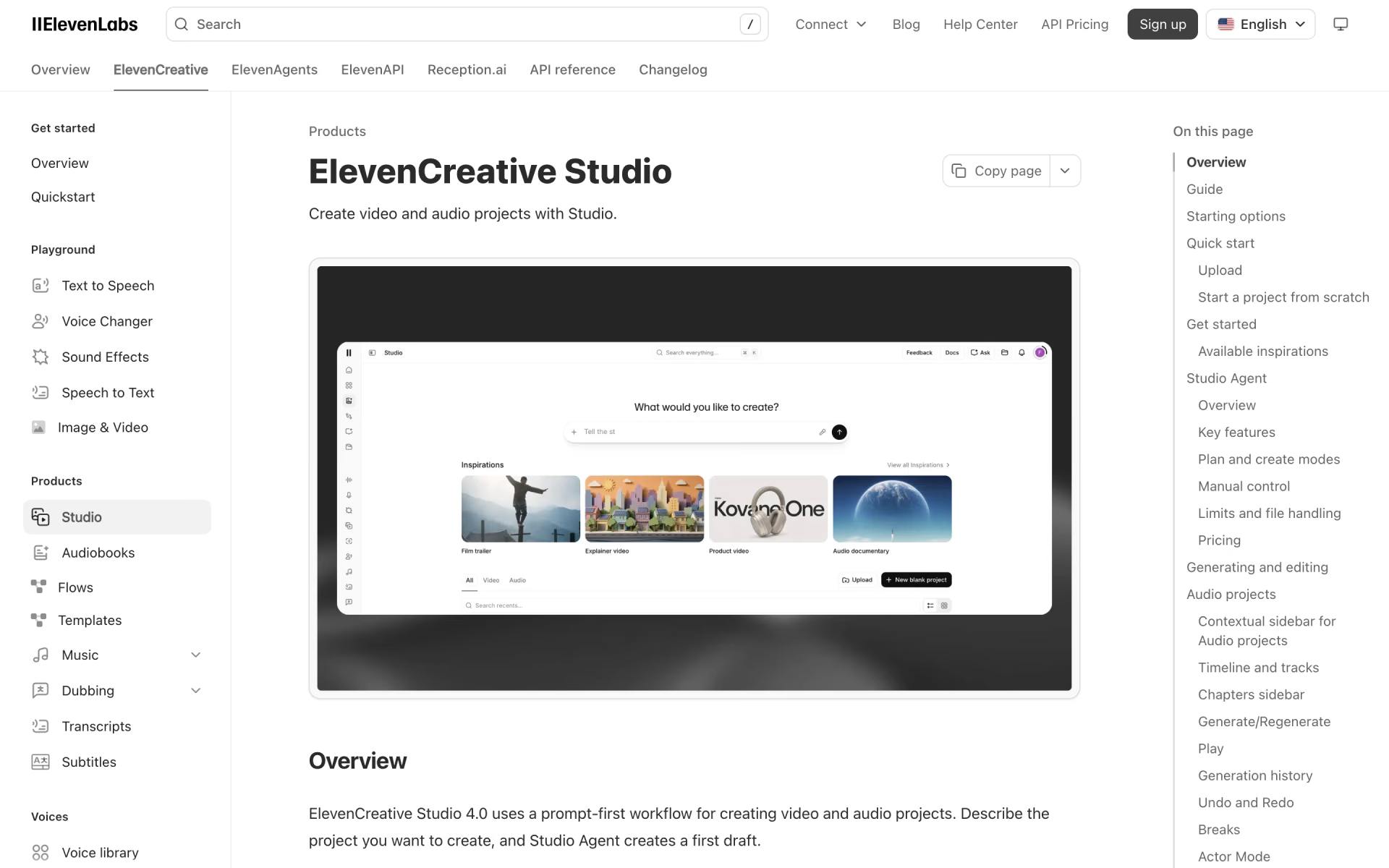
 Studio Agent
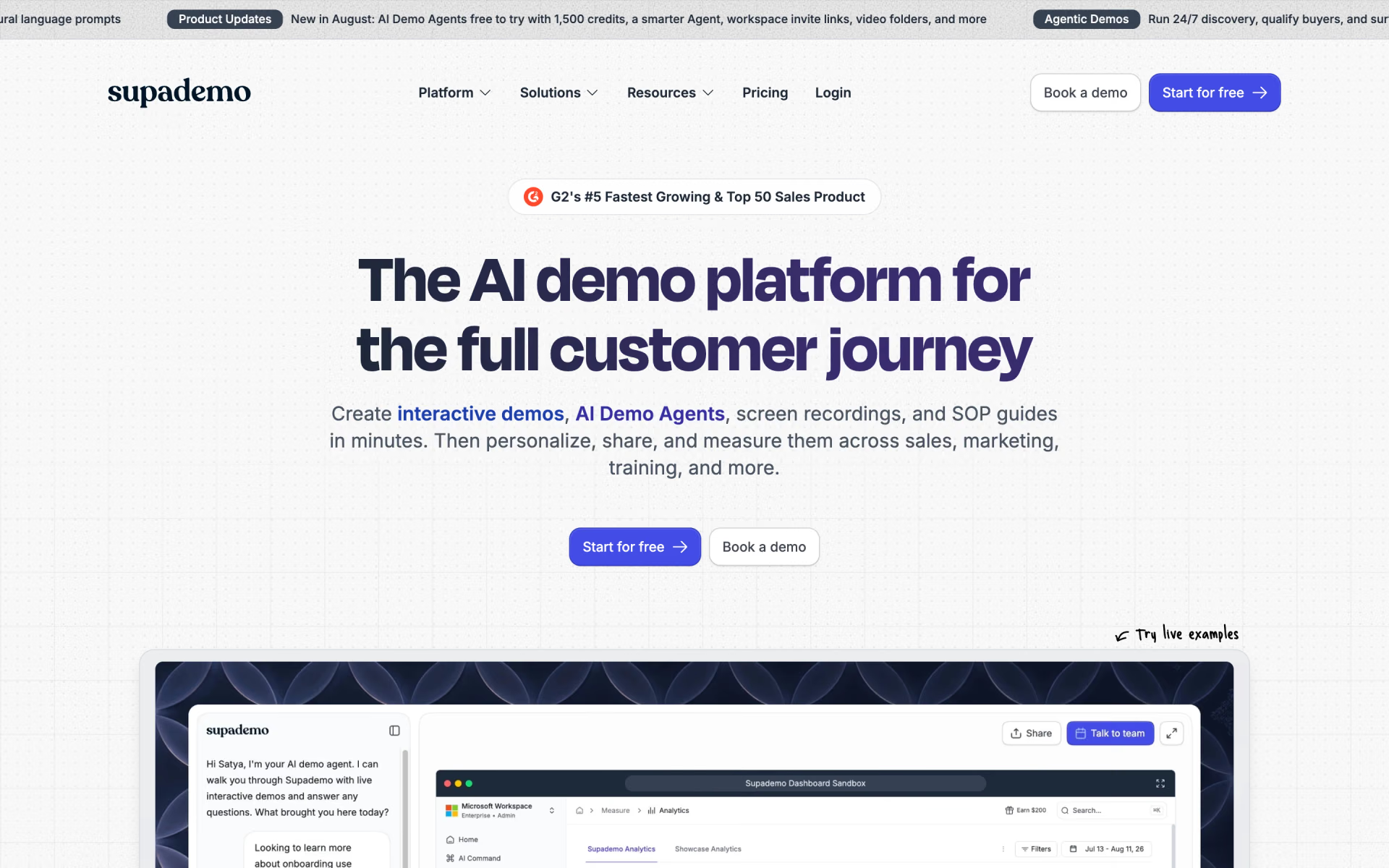
 Supademo