
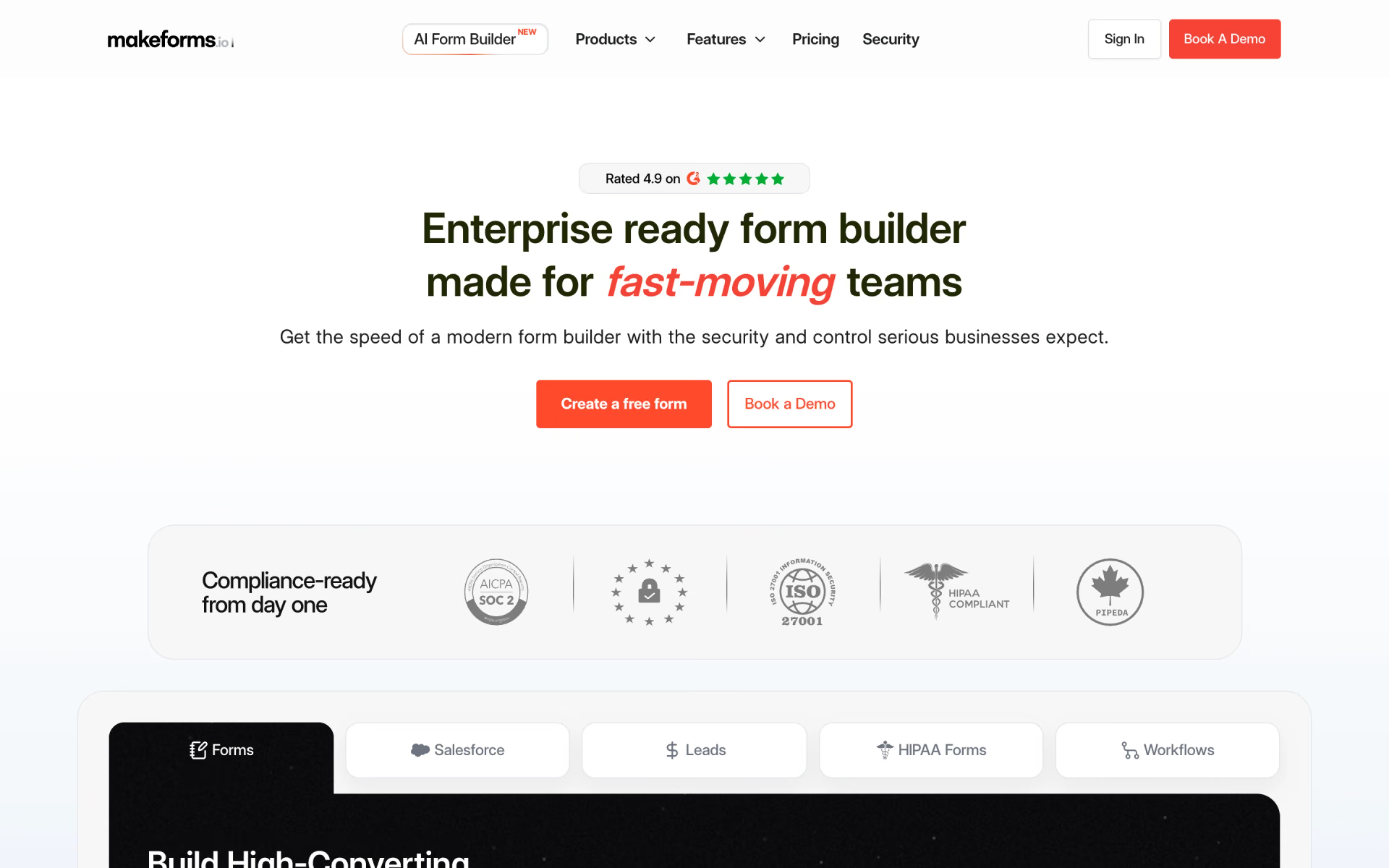
What is MakeForms?
Post-submission approvals and emails automated for any form.
Who is MakeForms best for?
MakeForms is best for healthcare and finance teams that need forms with signatures and payments built in.
Health and regulated data
Both paid plans are HIPAA compliant, and you choose whether form data lives in the US, EU, Canada, Australia, Singapore or India.
Forms that end in a signature or payment
E-signatures, Stripe or Razorpay checkout and appointment booking sit inside the same form, so one tool covers the whole sign-up.
Sales teams on Salesforce
Scale saves each submission as a Salesforce record, and Enterprise adds two-way sync that prefills forms from Salesforce.
Agencies running several brands
Scale includes 10 seats, 2 extra workspaces and 3 custom domains, so each client can get its own space and address.
How much does MakeForms cost?
MakeForms costs $79 a month for Launch or $159 a month for Scale, each starting with a free trial, and paying yearly brings them down to $65 and $133 a month.
- 3 user seats, 30 forms, unlimited submissions
- 500 e-signature agreements and 10,000 campaign emails a month
- HIPAA compliant, 20 GB storage, 1 custom domain
- 10 user seats, unlimited forms and submissions
- 1,000 agreements and 25,000 campaign emails a month
- Salesforce, custom SMTP, 3 custom domains, 2 extra workspaces
Billed yearly, Launch is $65 and Scale $133 a month ($780 and $1,596 a year), which the page calls a 20% saving. Enterprise is priced through sales and adds SSO, custom data regions and a dedicated account manager. Emails beyond the monthly allowance cost $0.001 each, and phone verification, SMS and WhatsApp messages use credits. Non-profits can ask support for a discount. Full pricing on makeforms.io. We checked these prices on .
How do readers rate MakeForms?
No one has rated MakeForms yet. Be the first.
Sign in to rate. One rating per account.
What are the best MakeForms alternatives?
One tool on Recaply does MakeForms's job.

Questions about MakeForms
What is MakeForms?
Post-submission approvals and emails automated for any form.
Who is MakeForms for?
MakeForms is best for healthcare and finance teams that need forms with signatures and payments built in.
Is MakeForms free?
MakeForms paid plans start with a free trial and no card is needed to sign up, though the trial length is not stated. Its terms also describe a Free plan that must keep a MakeForms link under each form, but the pricing page does not list it or its limits.
How much does MakeForms cost?
MakeForms's paid plans are Launch at $79 per month and Scale at $159 per month.
What are the best MakeForms alternatives?
The closest alternatives on Recaply are Formaloo.
Where can I try MakeForms?
On its official website, makeforms.io.
Does MakeForms offer refunds?
No. MakeForms does not refund a subscription cancelled partway through its term; you keep the paid features until the period you paid for ends. Plan changes are prorated, and Enterprise invoices cannot be cancelled or refunded.
 Airparser
 Simplifai

 AntWorks

 Instafill.ai
 DocumentPro
 True Ai