
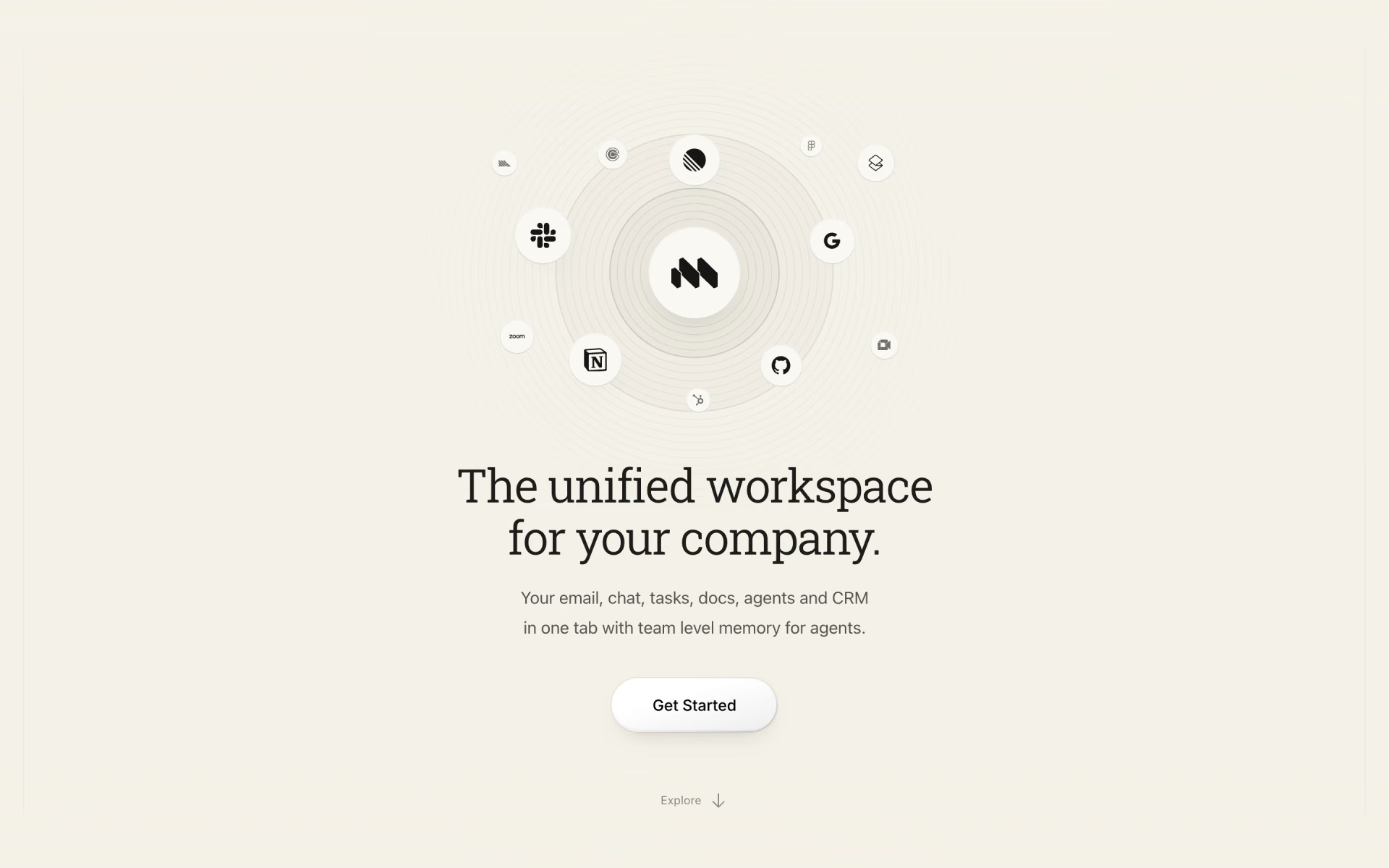
What is Macro?
One workspace for email, team chat, docs, tasks and a CRM, with AI agents that work across them.
Who is Macro best for?
Macro is best for startup teams that want email, chat, docs and tasks in one app, with agents working across them.
Replacing several work apps
Email, chat, docs, tasks, calls, calendar and a CRM share one inbox and one search.
Email-heavy founders
Macro Mail triages several Gmail accounts in one keyboard-driven inbox with J, K and E shortcuts.
Handing work to agents
Agents draft replies, update docs and the CRM, or take a task through to a pull request, using the context linked in the workspace.
Teams that want the code
The whole product is AGPL-licensed, so you can read, audit or fork it.
How much does Macro cost?
Macro has a free plan with limited AI use; Pro costs $40 per seat per month and Max costs $200 per seat per month.
- Full source code of the product
- Only a local development stack is documented
- Mobile apps need the hosted version
- Limited AI use with Gemini Flash
- Up to 2 email accounts, 5 GB storage
- Sent with Macro email footer
- Standard AI use with all models
- Unlimited email accounts, 100 GB storage
- No Macro email footer
- 10 times the AI use of Pro
- Unlimited email accounts, 1 TB storage
- All models
Pro starts with a 30-day free trial. Team subscriptions need a paid Pro or Max seat for every member. Each plan has a monthly AI allowance, and going past it means moving up a plan. Full pricing on macro.com. We checked these prices on .
How do readers rate Macro?
No one has rated Macro yet. Be the first.
Sign in to rate. One rating per account.
Is Macro open source?
Yes. Macro's code is public under the AGPL 3.0 licence, so you can read it, change it and run it yourself.
On GitHub
6,281stars
+1,614 (+34.6%) in the last 30 days
- Last commit
- 13 Nov
- Repository age
- 12 months
- Latest release
- 12 Nov
- Licence
- AGPL 3.0
- Self-hosted
- No
- Repository
- macro-inc/macro
What are the best Macro alternatives?
Macro is an open source alternative to Superhuman, ClickUp and Slack. Plane, Buzz and Rocket.Chat do the same job and are open source too.
 SuperhumanPaid
The fast email client for Gmail and Microsoft 365, now with AI.
 ClickUpFree
Tasks, docs and chat with an AI layer across the workspace.
 SlackFree
Team messaging with AI summaries, search and huddle notes.
 PlaneOpen Source
Track issues, sprints and roadmaps in one workspace for software and product teams.
 BuzzOpen Source
Block's open-source team chat where people and agents share channels.
 Rocket.ChatOpen Source
Team chat with channels, threads, calls and video that organisations run on their own servers.
Questions about Macro
What is Macro?
One workspace for email, team chat, docs, tasks and a CRM, with AI agents that work across them.
Who is Macro for?
Macro is best for startup teams that want email, chat, docs and tasks in one app, with agents working across them.
Is Macro free?
Yes. Macro has a free Self-hosted plan: full source code of the product.
How much does Macro cost?
Macro's paid plans are Pro at $40 per seat per month and Max at $200 per seat per month.
Is Macro open source?
Yes. Macro's code is public under the AGPL 3.0 licence, so you can read it, change it and run it yourself.
What are the best Macro alternatives?
The closest alternatives on Recaply are Superhuman, ClickUp, Slack, Plane, Buzz and Rocket.Chat.
Where can I try Macro?
On its official website, macro.com.
Can I self-host Macro?
Yes, the AGPL allows it, but Macro says self-hosting has not been its focus. The hosted version is the one with the iOS and Android apps and the Google and GitHub approvals, and the repository documents only a local development stack.
Does Macro train AI models on my data?
Macro says it does not train models on your content and holds zero-retention agreements with the model providers it routes requests to.
 GPT Workspace
 EmailTriager

 AI Email Writer
 Spike

 Copilot Cowork

 Roundcube