

What is Spike?
Email as chat, with AI to act on it fast.
Who is Spike best for?
Spike is best for people and small teams who want email to read like a chat, with team channels and AI summaries.
Small teams starting out
The free Starter plan gives up to 3 people their own @spike.team address plus channels, calls and shared docs, so a new team can skip a separate chat app.
People with several inboxes
The Email App pulls Gmail, Outlook and other accounts into one unified inbox, with up to 3 addresses on Pro and no limit on Ultimate.
Working with clients and partners
People who do not use Spike still receive normal email, so you can reply in a chat style without asking anyone else to switch.
Catching up on busy threads
Spike AI summarizes unread mail and long conversations and drafts replies that take the thread into account.
How much does Spike cost?
Spike is free for teams of up to 3 on the Teamspace Starter plan, and its paid Teamspace plans cost $5 (Team) or $10 (Business) per member a month, while the Email App for an existing inbox costs $8 or $16 per user a month.
- A free @spike.team address for each member
- 60 days of search history
- 15 GB storage per member
- Your own email domain, new or existing
- Unlimited search history and 100 GB storage
- Shared Inbox
- 1 TB storage
- File uploads up to 500 MB
- VIP support
These are the Teamspace plans; billed yearly, Team is $4 and Business $8 per member a month, and a yearly Team or Business plan includes a new custom domain free for its first year. The separate Email App, which adds Spike to an existing Gmail, Outlook or other account, costs $8 per user a month for Pro (up to 3 addresses) or $16 for Ultimate (unlimited addresses), or $6 and $12 billed yearly; its FAQ also mentions a free Email App plan for one address, though the page shows no card for it. Enterprise plans for large teams are priced by sales. Full pricing on spikenow.com. We checked these prices on .
How do readers rate Spike?
No one has rated Spike yet. Be the first.
Sign in to rate. One rating per account.
What are the best Spike alternatives?
One tool on Recaply does Spike's job. It is open source, so you can run it on your own server.

Questions about Spike
What is Spike?
Email as chat, with AI to act on it fast.
Who is Spike for?
Spike is best for people and small teams who want email to read like a chat, with team channels and AI summaries.
Is Spike free?
Yes. Spike has a free Starter plan: A free @spike.team address for each member.
How much does Spike cost?
Spike's paid plans are Team at $5 per member per month and Business at $10 per member per month.
Is there an open source alternative to Spike?
Yes. Thunderbird for Android is an open source tool that does the same job, so you can run your own.
What are the best Spike alternatives?
The closest alternatives on Recaply are Thunderbird for Android.
Where can I try Spike?
On its official website, spikenow.com.
How do Spike Teamspace and the Spike Email App differ?
Spike Teamspace gives a team new email addresses on @spike.team or its own domain, plus channels, docs and calls, and is priced per member. The Spike Email App puts the same chat-style inbox on an address you already have, such as Gmail or Outlook, and is priced per user.
Can I use my own domain with Spike?
Yes. Spike's Team and Business plans let you connect a domain you already own or get a new one, and a new domain is free for the first year on a yearly plan. The free Starter plan uses @spike.team addresses instead.

 AI Email Writer
 Macro
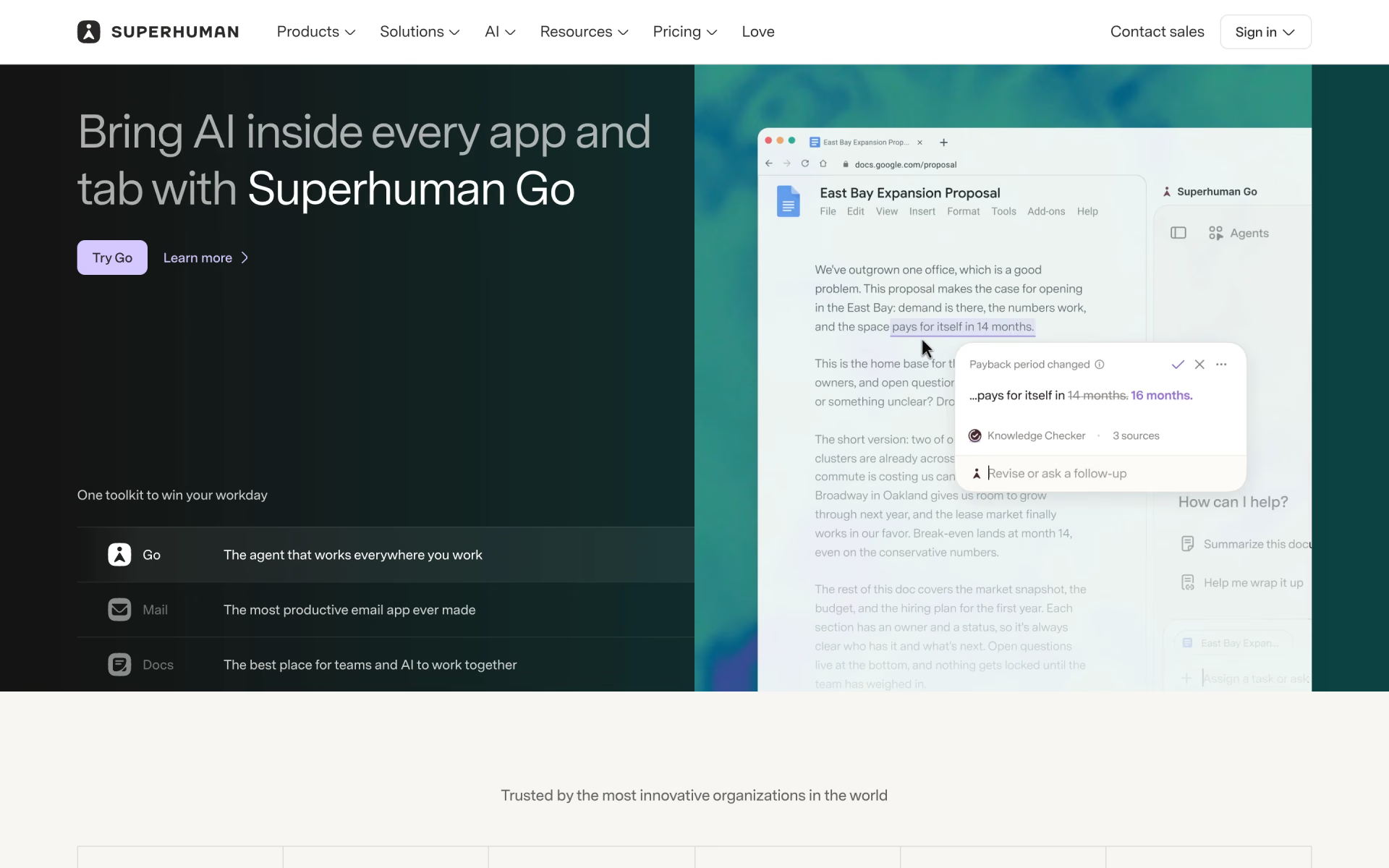
 Superhuman
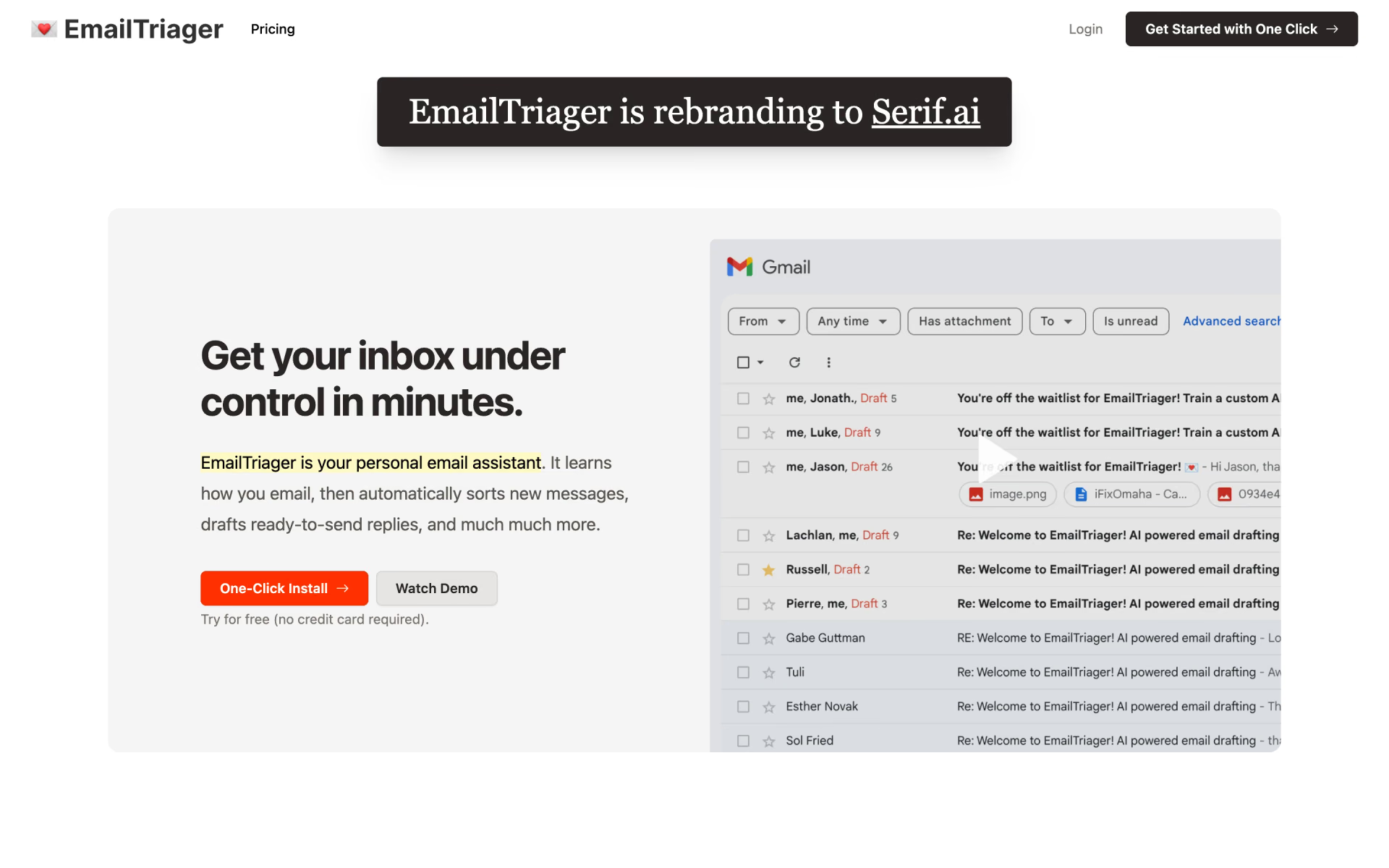
 EmailTriager

 Roundcube
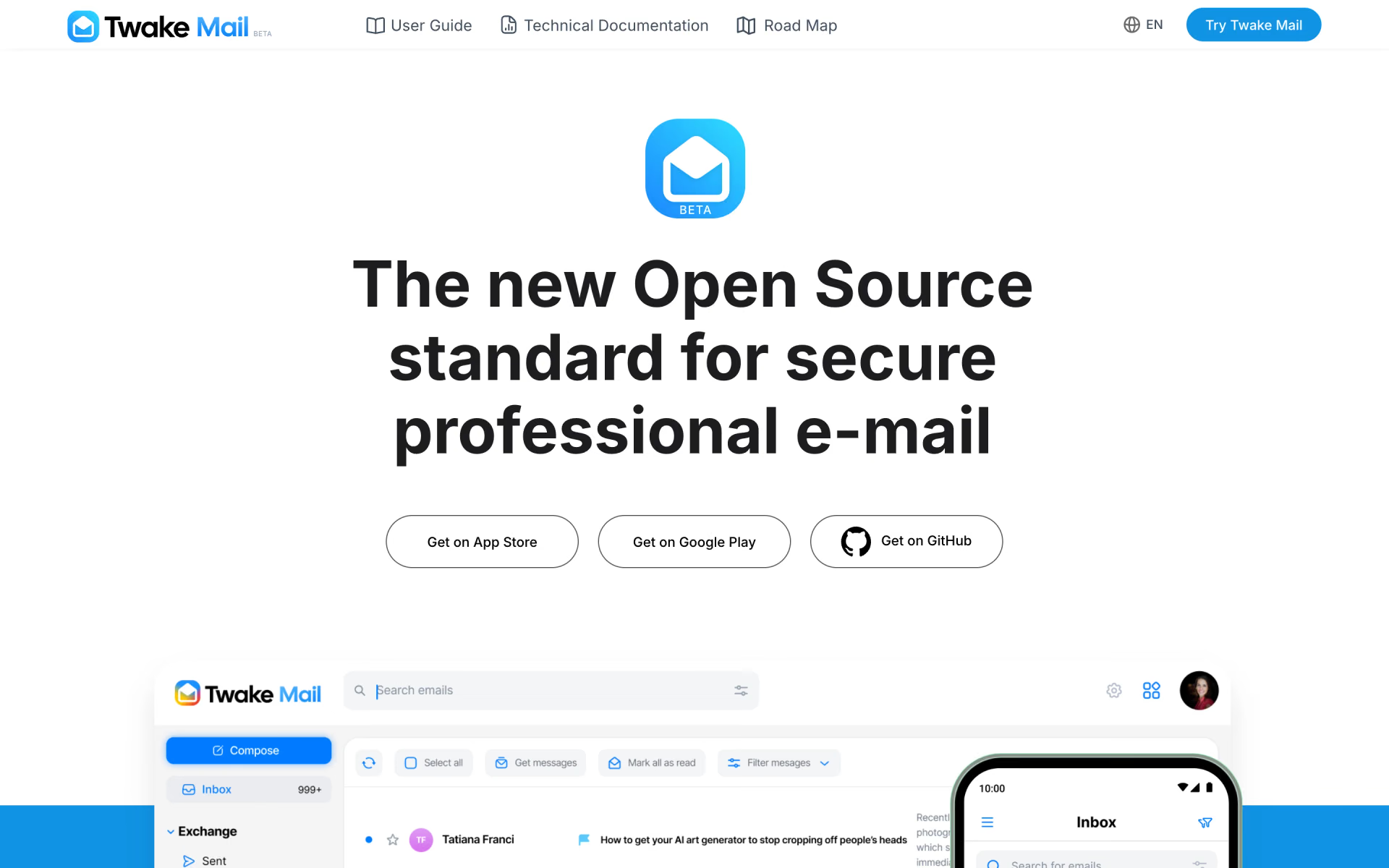
 Twake Mail