

What is Google Analytics?
Google Analytics, in its GA4 form, records page views, clicks, purchases and other actions on a website or app as events, then turns them into acquisition, engagement and revenue reports. Explorations add funnels, paths and cohorts, and Google's machine learning adds predicted audiences, automatic insights and data-driven attribution. Links to Google Ads and BigQuery are built in.
Next to Plausible or Matomo it gives far more depth at no cost, with trade-offs: it sets first-party cookies to tell users apart, many ad blockers stop its tag, and key events and attribution take real setup work before the numbers can be trusted.
Who is Google Analytics best for?
Google Analytics is best for marketers and site owners who want free, detailed traffic and conversion reports, especially with Google Ads.
Sites that run Google Ads
Linking the two brings key events and audiences into campaigns and ad cost data into Analytics reports.
Marketing teams on a budget
The standard version costs nothing and keeps event data for up to 14 months.
Stores and app businesses
Monetization reports cover ecommerce purchases, in-app purchases, subscriptions and publisher ad revenue.
Data teams that use BigQuery
Raw events export to BigQuery for SQL analysis, up to 1 million a day in the daily export, with streaming export unlimited.
What's included with Google Analytics?
Realtime and lifecycle reports, explorations, predictive audiences, data-driven attribution, BigQuery export and links to Google's ad tools.
- Reports
- Realtime, acquisition, engagement and monetization reports for web and app traffic in one property.
- Explorations
- Free-form, funnel, path, cohort, segment overlap and user lifetime analysis, built by drag and drop.
- Predictive audiences
- Machine learning predicts actions such as a purchase or churn, so you can build audiences around them.
- Attribution
- Data-driven attribution, conversion path reports and model comparison across channels.
- BigQuery export
- Daily and streaming export of raw event data to BigQuery, where it can be joined with other sources.
- Questions in plain language
- Type a question in the search bar to jump to the metric, report or insight you need.
How much does Google Analytics cost?
Standard Google Analytics is free; Analytics 360, with higher limits, faster data and service level agreements, is priced only through Google's sales team and partners.
- Up to 14 months of event data retention
- 30 key events, 100 audiences, 200,000 API tokens a day
- Daily BigQuery export up to 1M events
Google publishes no price for Google Analytics 360, the enterprise tier; it is sold through Google's sales team and sales partners. 360 raises the limits (up to 50 months of retention, 400 audiences, 125 event-scoped custom dimensions, billions of events a day to BigQuery), adds intraday data in about an hour, unsampled explorations, subproperties and roll-up reporting, and comes with service level agreements. Full pricing on marketingplatform.google.com. We checked these prices on .
How do readers rate Google Analytics?
No one has rated Google Analytics yet. Be the first.
Sign in to rate. One rating per account.
Google Analytics pros and cons
It is free, detailed and tightly linked to Google Ads, but the GA4 interface is hard to learn, setup takes work, and ad blockers cut its counts.
Pros
- It costs nothing, and reviewers often say they are surprised a tool this detailed is free.
- Almost every website builder, plugin and tag manager supports it, so basic setup on common platforms is quick.
- The links to Google Ads, Search Console and BigQuery are a major draw for teams that advertise with Google.
- Attribution models, explorations and custom reports give analysts far more depth than simple traffic dashboards.
Cons
- The GA4 interface is the most common complaint: reviewers call it confusing and clunky, with everyday reports several clicks deep.
- Accurate tracking takes technical setup, and users say misconfigured key events and tags leave many accounts with numbers they cannot trust.
- Many ad blockers stop its tag, so reported visitors can fall well short of real traffic, and privacy-minded users avoid sending data to Google.
- Analytics 360, the only way past the standard limits, has no public price and goes through sales, which rules it out for most small teams.
How do I connect Google Analytics to my AI agent?
Google Analytics MCP is Google Analytics's official MCP server. Add it to your agent once, then ask it to run Google Analytics reports and dig into site traffic.
Connects your agent to your Google Analytics properties, so you can pull reports on visitors, sources and conversions and answer traffic questions in plain words.
$ claude mcp add google-analytics --env GOOGLE_APPLICATION_CREDENTIALS=<google-application-credentials> --env GOOGLE_CLOUD_PROJECT=<google-cloud-project> -- pipx run analytics-mcp
It runs on your computer, so Claude Code starts it when it needs it.
Google Analytics's setup guide covers the sign-in.
Then ask your agent
- Runs
- On your computer
- Sign-in
- See guide
- Maker
- Google Analytics
What are the best Google Analytics alternatives?
Three tools on Recaply do Google Analytics's job. All three are open source, so you can run them on your own server.
 Plausible AnalyticsOpen Source
Choose it when you want a simple dashboard without cookies; the cloud starts at $9 a month for 10,000 pageviews, or you can self-host it free.
 MatomoOpen Source
Choose it when you want Google Analytics-style depth on servers you control; self-hosting is free and Matomo Cloud starts at $26 a month.
 PostHogOpen Source
Choose it when you build a software product and want analytics with session replay and feature flags; its cloud is free up to 1M events a month.
Questions about Google Analytics
What is the difference between Google Analytics and Analytics 360?
Analytics 360 is the paid enterprise tier of the same product. It raises limits, such as 50 months of retention and 400 audiences, adds intraday data within about an hour, unsampled explorations and roll-up reporting, and comes with service level agreements.
Who is Google Analytics for?
Google Analytics is best for marketers and site owners who want free, detailed traffic and conversion reports, especially with Google Ads.
Is Google Analytics free?
Yes. Google Analytics has a free Google Analytics plan: up to 14 months of event data retention.
Does Google Analytics have an MCP server?
Yes. Google Analytics MCP is Google Analytics's official MCP server, so agents such as Claude Code, Cursor, Codex and GitHub Copilot can run Google Analytics reports and dig into site traffic. It runs on your computer.
Is there an open source alternative to Google Analytics?
Yes. Plausible Analytics, Matomo and PostHog are open source tools that do the same job, so you can run your own.
What are the best Google Analytics alternatives?
The closest alternatives on Recaply are Plausible Analytics, Matomo and PostHog.
Where can I try Google Analytics?
On its official website, marketingplatform.google.com.
How long does Google Analytics keep data?
Standard properties keep user and event data for 2 or 14 months, depending on the setting you choose; Analytics 360 goes up to 50 months. The setting affects explorations and funnel reports, not the standard aggregated reports.
How long does Google Analytics take to show data?
Realtime reports update within a few minutes, but complete daily data on a standard property typically takes about 12 hours, and full processing can take 24 to 48 hours. Analytics 360 adds intraday data within about an hour.
Does Google Analytics use cookies?
Yes. The GA4 website tag sets two first-party cookies, _ga and _ga_<container-id>, which last 2 years by default and tell users and sessions apart. You can shorten their lifetime in the data stream's tag settings, and linking Google Ads adds more cookies.
Our verdict
Google Analytics is the default pick for sites that advertise on Google or need detailed conversion data at no cost.
No free rival matches its depth, attribution and Google Ads link, and the BigQuery export gives analysts the raw events.
- Skip it for
- Small sites that want a simple, privacy-first dashboard, or teams with nobody to set up tracking properly.
- Check first
- Set data retention to 14 months and define your key events on day one, since explorations only reach back as far as the retention setting.

 Umami

 Seline

 Piqo
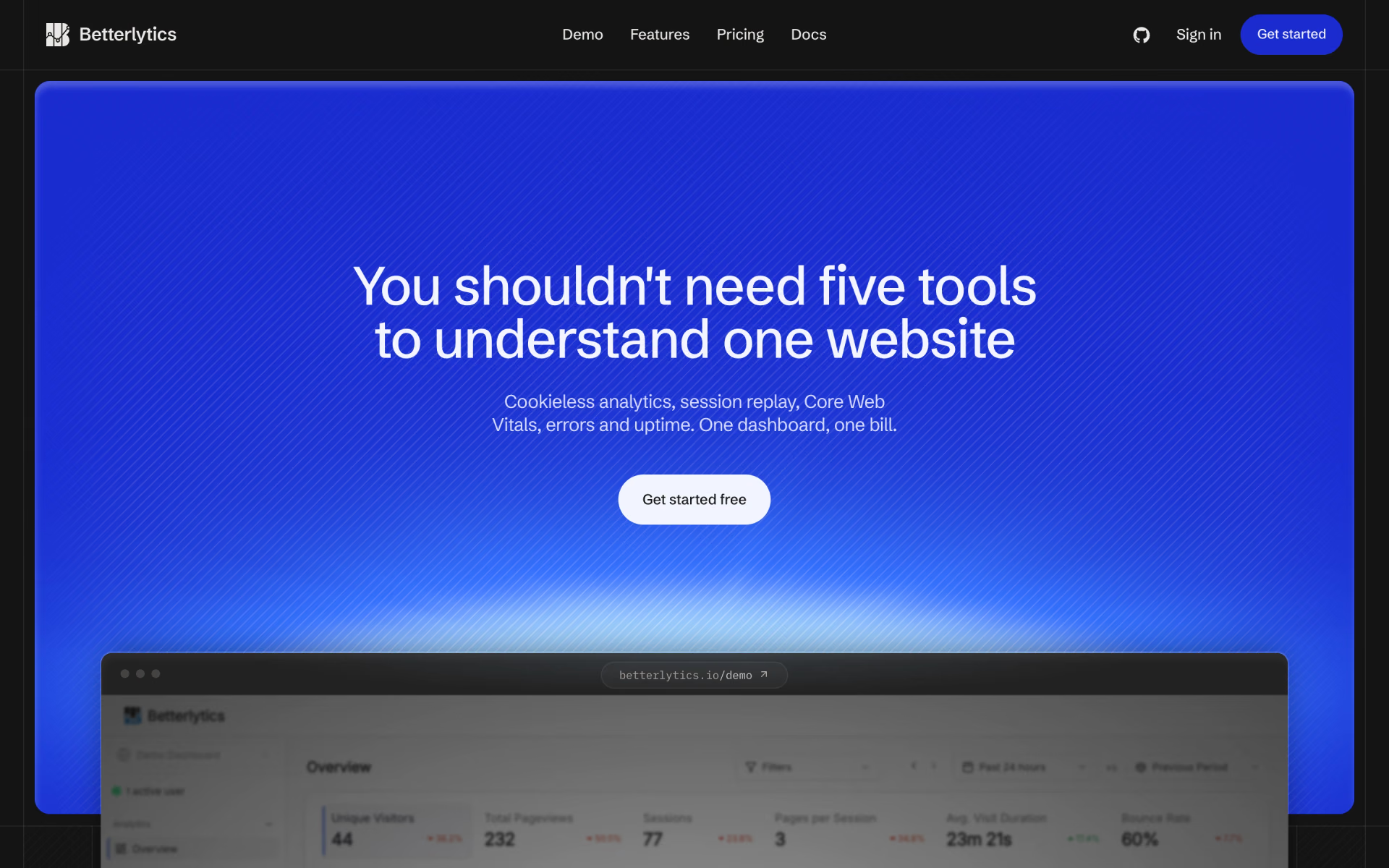
 Betterlytics
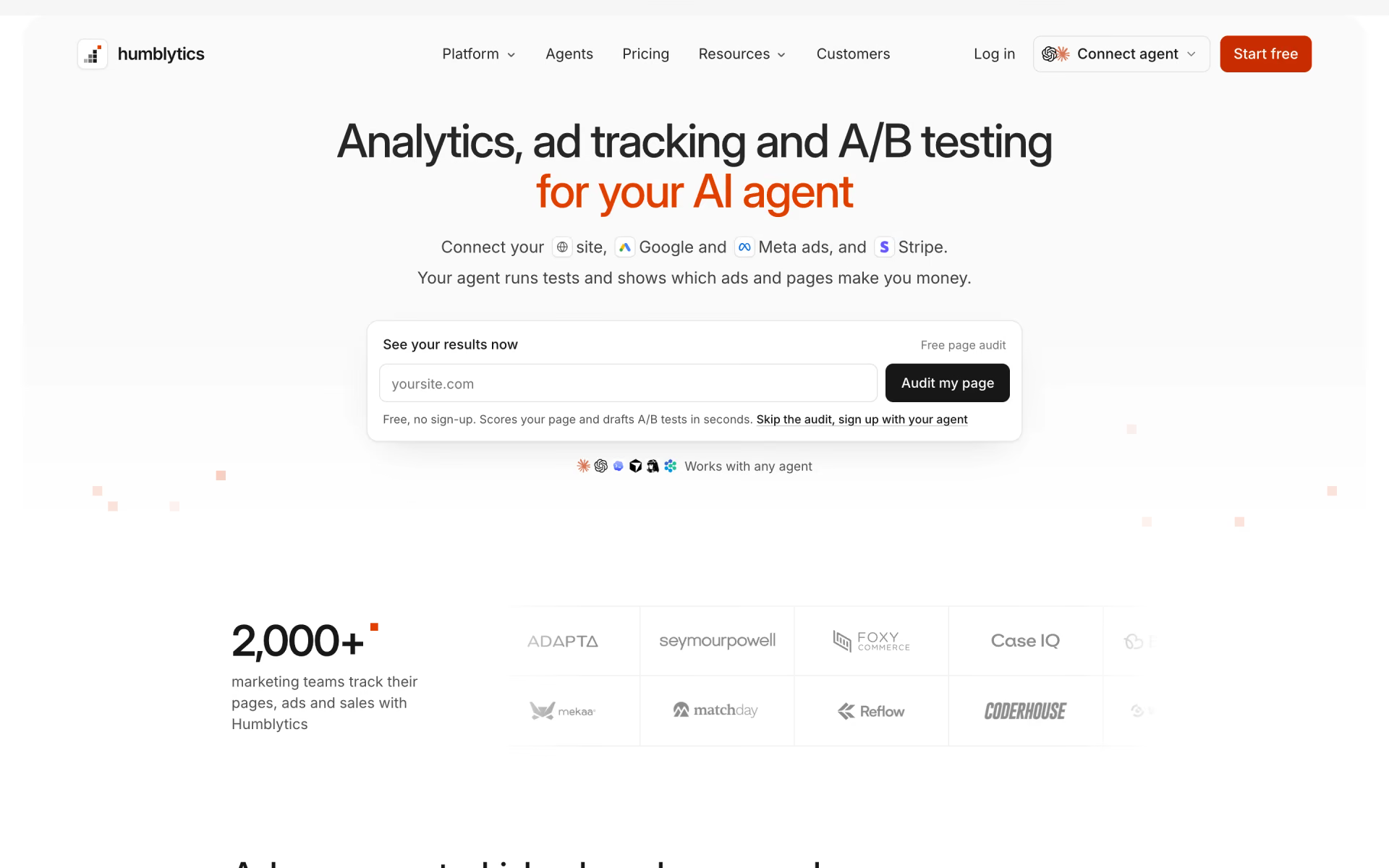
 Humblytics

 DataFast