
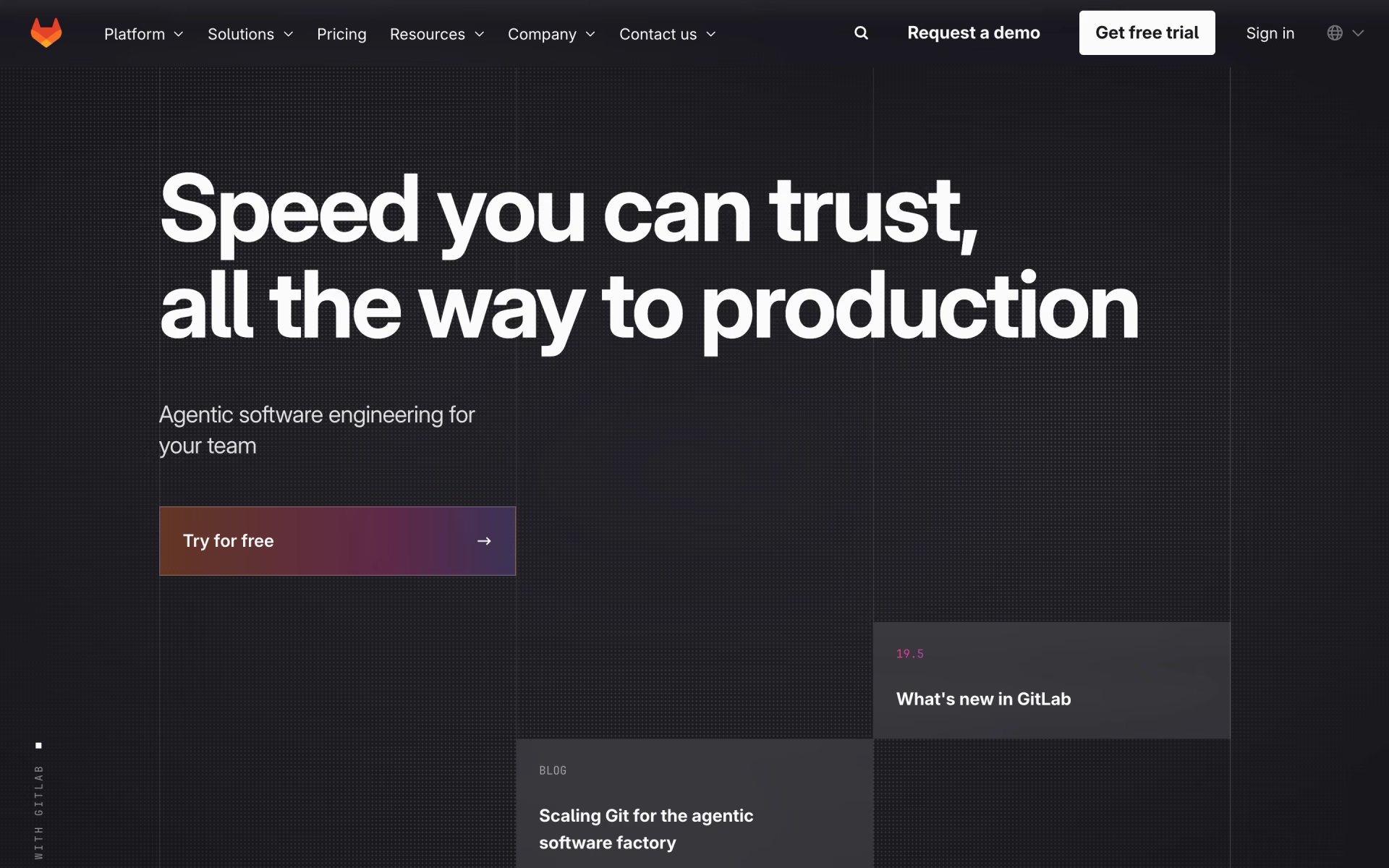
What is GitLab?
GitLab covers the delivery chain in one app: Git repos and merge requests, built-in CI/CD with its own runners, issue boards, security scanning and release management. Teams that would otherwise stitch together a code host, a CI service and a scanner use it to keep one set of permissions and one audit trail.
The core is MIT-licensed and free to self-host; paid tiers add team, security and compliance features. Its AI layer, GitLab Duo Agent Platform, runs agents that review merge requests, fix failing pipelines and turn issues into code, paid in GitLab Credits at $1 each.
Who is GitLab best for?
GitLab is best for engineering teams that want Git hosting, CI/CD and security scanning in one tool, on GitLab.com or self-hosted.
One tool for code and CI
Repos, merge requests and pipelines share one permission model, with 400 free compute minutes a month and 10,000 on Premium.
Self-hosted and air-gapped setups
The MIT-licensed core runs on your own servers, and GitLab supports air-gapped installs for regulated work.
Security-heavy companies
Ultimate adds application security testing, supply chain security and vulnerability management inside the pipeline.
Open-source projects, schools and startups
Qualifying projects get free Ultimate licences with 50,000 compute minutes a month.
What's included with GitLab?
Git repos and merge requests, built-in CI/CD, security scanning, planning boards and AI agents for review and pipeline fixes.
- Repos and merge requests
- Git hosting with code review, push rules and merge request guardrails.
- Built-in CI/CD
- Pipelines run on GitLab-hosted runners using monthly compute minutes, or on runners you host yourself.
- Security scanning
- Static application security testing on every plan; Ultimate adds full security testing, supply chain checks and vulnerability management.
- Planning
- Issues, boards and team project management, with portfolio and value stream management on Ultimate.
- GitLab Duo Agent Platform
- Agents for planning, code review, security analysis and fixing CI/CD pipelines, paid in GitLab Credits.
- Two-way MCP
- Outside agents such as Claude Code and Codex can work in GitLab, and GitLab's agents can call your other tools.
How much does GitLab cost?
GitLab is free to self-host and free on GitLab.com for up to five users per private group; Premium costs $29 per user a month billed yearly, and Ultimate is priced by sales.
- Your own servers, storage and runners
- 8 vCPU and 16 GB RAM baseline for one server
- Paid tiers can be switched on later
- 5 users per private top-level group
- 400 compute minutes a month
- 10 GiB of storage
- 10,000 compute minutes a month
- 500 GiB of storage
- Advanced CI/CD and priority support
- 50,000 compute minutes a month
- Security testing and vulnerability management
- Compliance and portfolio management
AI features use GitLab Credits at $1 each on any plan. Extra compute minutes cost $10 per 1,000 and extra storage $5 a month per 10 GiB, billed yearly. Premium is sold on yearly billing. GitLab Dedicated (single-tenant) is priced by sales, and qualifying open-source projects, schools and startups get Ultimate free. Full pricing on about.gitlab.com. We checked these prices on .
How do readers rate GitLab?
No one has rated GitLab yet. Be the first.
Sign in to rate. One rating per account.
GitLab pros and cons
Its built-in CI/CD and free self-hosted edition are the main draws, but per-seat prices are high and the free cloud plan is tight.
Pros
- Built-in CI/CD is what users praise most: pipelines, code and reviews live in one place without bolting on another service.
- The self-managed Free edition has no five-user cap and keeps CI/CD unlocked, which teams use to avoid per-seat fees.
- Users who compare it with GitHub call it more complete for whole-organization work: planning, CI and security in one tool.
- Open-source projects, schools and startups can get Ultimate free.
Cons
- Premium at $29 per user a month, billed yearly, adds up fast, and past price rises are a long-running complaint on Reddit and Hacker News.
- GitLab.com Free caps private groups at five users and 400 compute minutes, which pushes small teams to pay or self-host.
- Some DevOps users call newer features half-finished and slow to mature, and others find GitHub's interface cleaner.
- Self-managed Free holds back the organization features bigger teams want, and the server needs about 16 GB of RAM.
Is GitLab open source?
Yes. GitLab's code is public under the MIT licence, so you can read it, change it and run it yourself.
How do I connect GitLab to my AI agent?
GitLab MCP is GitLab's official MCP server. Add it to your agent once, then ask it to find GitLab projects, issues and merge requests for the task at hand.
Gives your agent context from your GitLab instance, so it can look up projects and issues while it codes. You connect it through your own instance's endpoint.
GitLab gives each account its own server address. Open the setup guide, copy your address, then add it to Claude Code like any other server.
Use the address from GitLab's setup guide.
Run /mcp and sign in to GitLab in the browser.
Then ask your agent
- Runs
- On the web
- Sign-in
- OAuth
- Maker
- GitLab
- Guide
- docs.gitlab.com
What are the best GitLab alternatives?
GitHub Copilot if your code is on GitHub, and CodeRabbit or Kodus for AI merge request review without GitLab Duo.
 GitHub CopilotFree
Choose it when your code lives on GitHub and you mainly want AI completions, chat and coding agents; it has a free plan and Pro costs $10 a month.
 CodeRabbitFree
Choose it when you want AI review on every GitLab merge request without buying into GitLab Duo; it works with GitLab.com and self-managed GitLab.
 KodusFree
Choose it when you want open-source AI code review that you can self-host next to your own GitLab and run on your own model keys.
Questions about GitLab
What is GitLab?
GitLab is an open-core DevSecOps platform from GitLab Inc. that puts Git hosting, CI/CD pipelines, security scanning, planning and AI agents in one app, on GitLab.com or on your own servers.
Who is GitLab for?
GitLab is best for engineering teams that want Git hosting, CI/CD and security scanning in one tool, on GitLab.com or self-hosted.
What are the limits of GitLab's free plan?
On GitLab.com, a private top-level group on Free can have up to five users, 400 compute minutes a month and 10 GiB of storage. The five-user cap applies on GitLab.com only, and public groups are not counted.
How much does GitLab Ultimate cost?
GitLab does not publish an Ultimate price; sales quotes it. Ultimate adds 50,000 compute minutes a month, application security testing, vulnerability management and compliance features, and qualifying open-source projects, schools and startups get it free.
Is GitLab open source?
Partly. The core of GitLab, which ships as the Community Edition, is under the MIT licence and can be self-hosted for free. Code in the ee/ folder, which powers Premium and Ultimate, is under GitLab's proprietary Enterprise licence.
Does GitLab have an MCP server?
Yes. GitLab MCP is GitLab's official MCP server, so agents such as Claude Code, Cursor, Codex and GitHub Copilot can find GitLab projects, issues and merge requests for the task at hand. GitLab runs it on the web and you sign in with your GitLab account.
What are the best GitLab alternatives?
The closest alternatives on Recaply are GitHub Copilot, CodeRabbit and Kodus.
Where can I try GitLab?
On its official website, gitlab.com.
Does GitLab have AI features?
Yes. GitLab Duo Agent Platform runs agents for planning, code review, security analysis and fixing CI/CD pipelines, and it works with outside agents such as Claude Code and Codex. Usage is paid in GitLab Credits at $1 each.
Our verdict
GitLab is the strongest pick when you want code, CI/CD and security in one tool, especially if you will self-host.
Its built-in pipelines and MIT-licensed core let a team run everything on its own servers for free, and paid tiers add the security and compliance layers regulated teams need.
- Skip it for
- Small teams that only need Git hosting and light CI, where $29 per user a month billed yearly is hard to justify.
- Check first
- Count your users and CI minutes against the Free limits, and get an Ultimate quote before you plan around it.

 ZaneOps

 Temps
 OpenObserve

 Notion Developer Platform
 Netdata
 Appwrite