

What is Temps?
Self-hosted platform that deploys your apps and adds analytics, error tracking and uptime checks.
Who is Temps best for?
Temps is best for small software teams who want Vercel-style deploys and error tracking on their own VPS.
Leaving Vercel or Netlify
Temps detects Next.js, Vite, Python, Go, Rust and Java projects and ships each git push with automatic HTTPS and preview URLs.
Cutting the monitoring bill
Web analytics, session replay, Sentry-compatible error tracking and uptime checks run in the same binary, with no per-seat or per-event fees.
Moving off another self-hosted tool
An importer brings apps, environment variables, domains and databases over from Coolify, Dokploy, CapRover, Portainer, Kamal or Kubernetes.
Apps with their databases
PostgreSQL, MariaDB, MongoDB, Redis and S3-compatible storage start from the dashboard, with backups.
How much does Temps cost?
Temps is free to self-host with no limits on projects, deployments or users; Temps Cloud costs $29 a month in an invite-only beta, and Premium, the Enterprise Edition, costs $399 per organisation a month.
- The full platform under MIT or Apache 2.0
- No limits on projects, deployments or users
- Analytics, error tracking and uptime checks included
- Hosted control plane for servers you join
- 10 GB of telemetry a month, kept 30 days
- 50 GB of backups with verified restores
- Enterprise Edition binary on your own servers
- SAML SSO, SCIM and custom roles
- Per-project firewall and deploy approval gates
Temps Cloud is an invite-only beta with no usage charges; your apps still run on servers you pay your own provider for. Premium covers unlimited users and servers. SLAs, invoicing and annual contracts are arranged with sales. Full pricing on temps.sh. We checked these prices on .
How do readers rate Temps?
No one has rated Temps yet. Be the first.
Sign in to rate. One rating per account.
Is Temps open source?
Yes. Temps's code is public under the MIT licence, so you can run it on your own server.
On GitHub
911stars
+70 (+8.3%) in the last 30 days
- Last commit
- 13 Nov
- Repository age
- 13 months
- Latest release
- 31 Mar
- Licence
- MIT
- Self-hosted
- Yes
- Repository
- gotempsh/temps
What are the best Temps alternatives?
Temps is an open source alternative to Defang. Coolify, devpush, ZaneOps and Stormkit do the same job and are open source too.
 DefangFree
AI apps deployed to any cloud from one Compose file.
 CoolifyOpen Source
Push-to-deploy for apps, databases and 360+ one-click services on any machine reached over SSH.
 devpushOpen Source
Deploys Docker Compose apps from GitHub to your own Linux servers on every git push.
 ZaneOpsOpen Source
Self-hosted platform for deploying apps, databases and static sites, with preview environments.
 StormkitOpen Source
Git-push deploys with preview URLs, plus Postgres, user sign-in, a mailer and cron jobs for web apps.
Questions about Temps
What is Temps?
Self-hosted platform that deploys your apps and adds analytics, error tracking and uptime checks.
Who is Temps for?
Temps is best for small software teams who want Vercel-style deploys and error tracking on their own VPS.
Is Temps free?
Yes. Temps has a free Self-hosted plan: the full platform under MIT or Apache 2.0.
How much does Temps cost?
Temps's paid plans are Temps Cloud at $29 per month and Premium at $399 per organisation per month.
Is Temps open source?
Yes. Temps's code is public under the MIT licence, so you can run it on your own server.
What are the best Temps alternatives?
The closest alternatives on Recaply are Defang, Coolify, devpush, ZaneOps and Stormkit.
Where can I try Temps?
On its official website, temps.sh.
Can Temps replace Sentry?
Temps includes Sentry-compatible error tracking, so you keep your Sentry SDK and point its DSN at your Temps server. It groups errors, reads source maps, flags regressions and sends alerts, with no per-event pricing when you self-host.
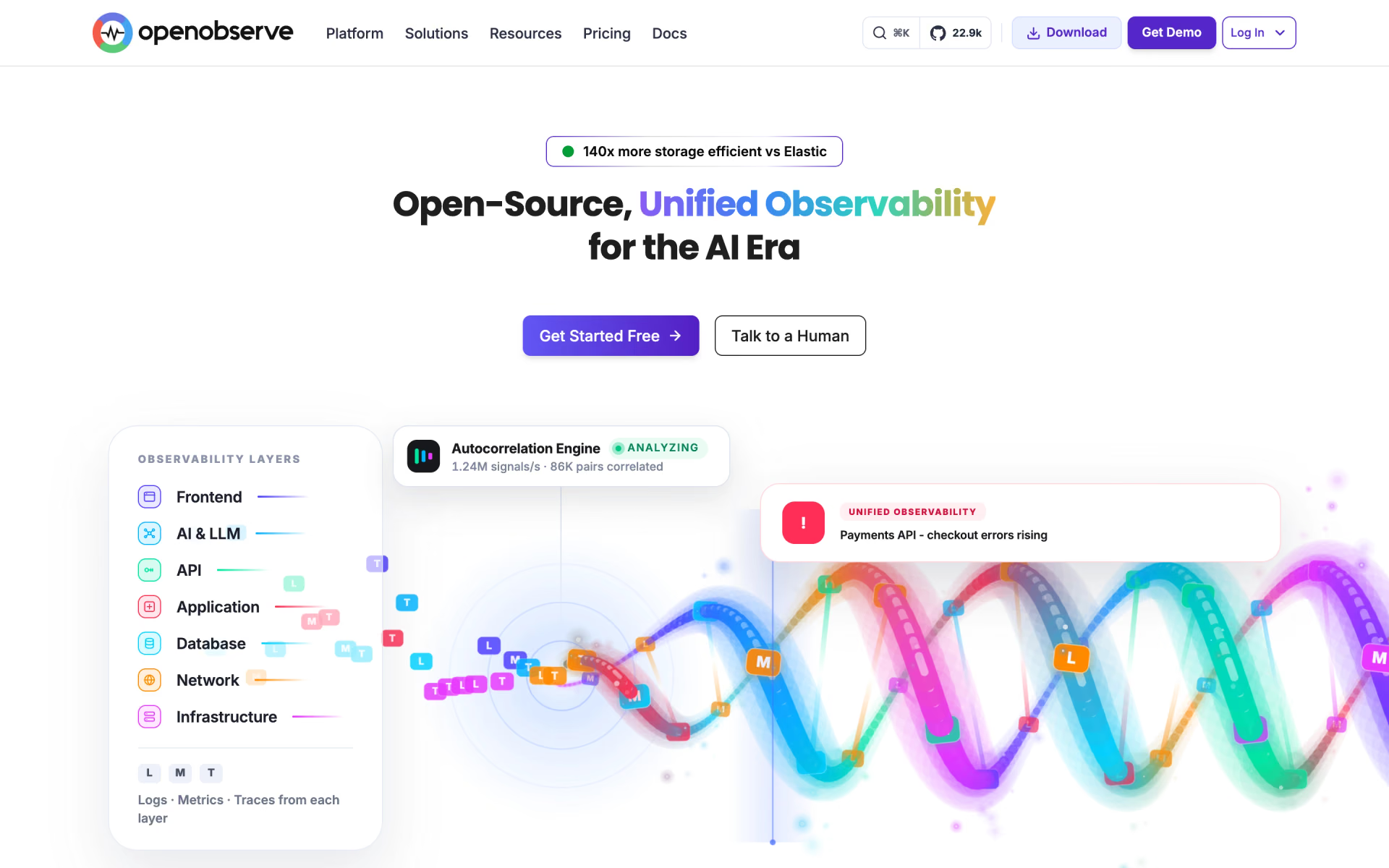
 OpenObserve
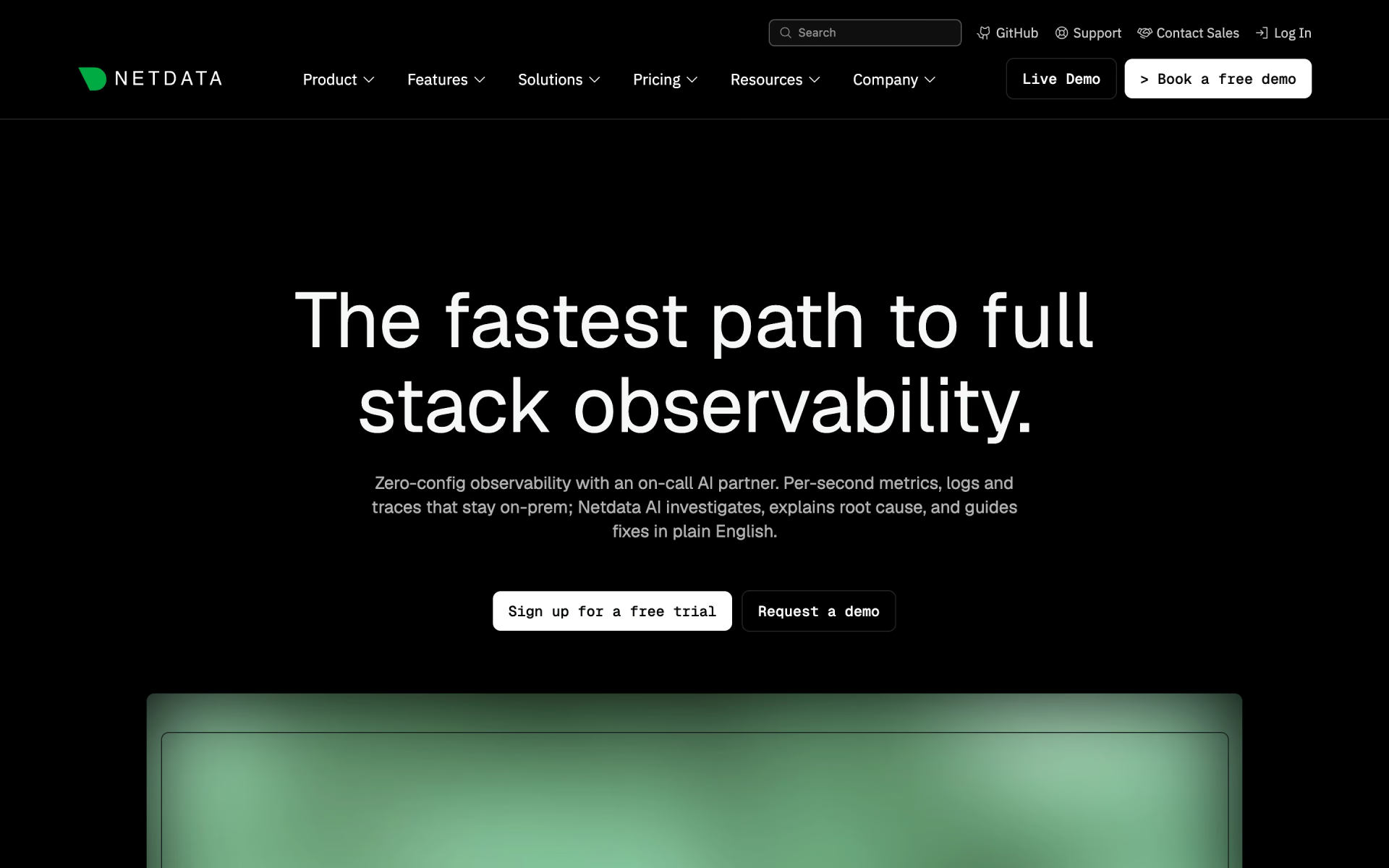
 Netdata
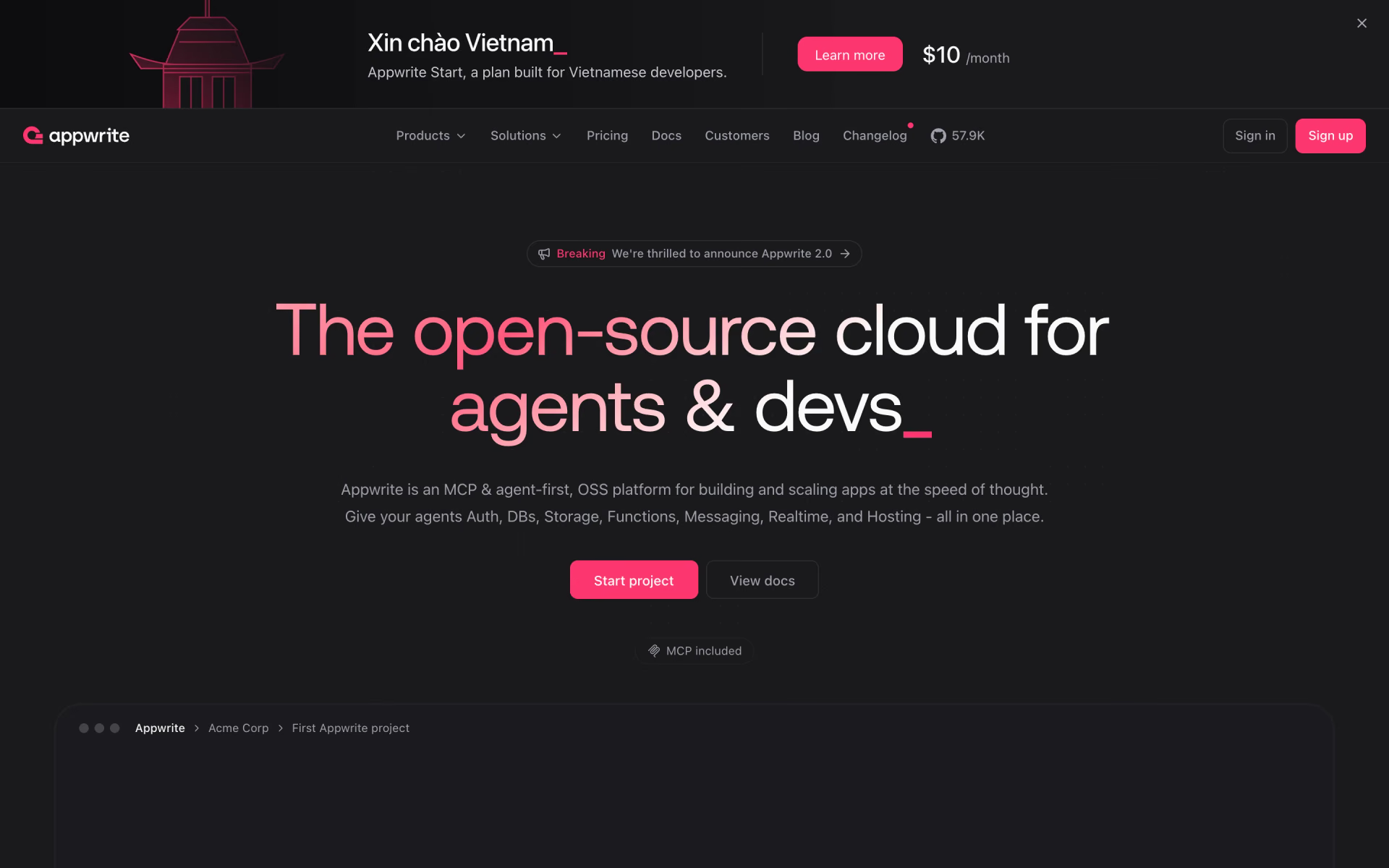
 Appwrite

 Zabbix

 Sevalla

 Notion Developer Platform