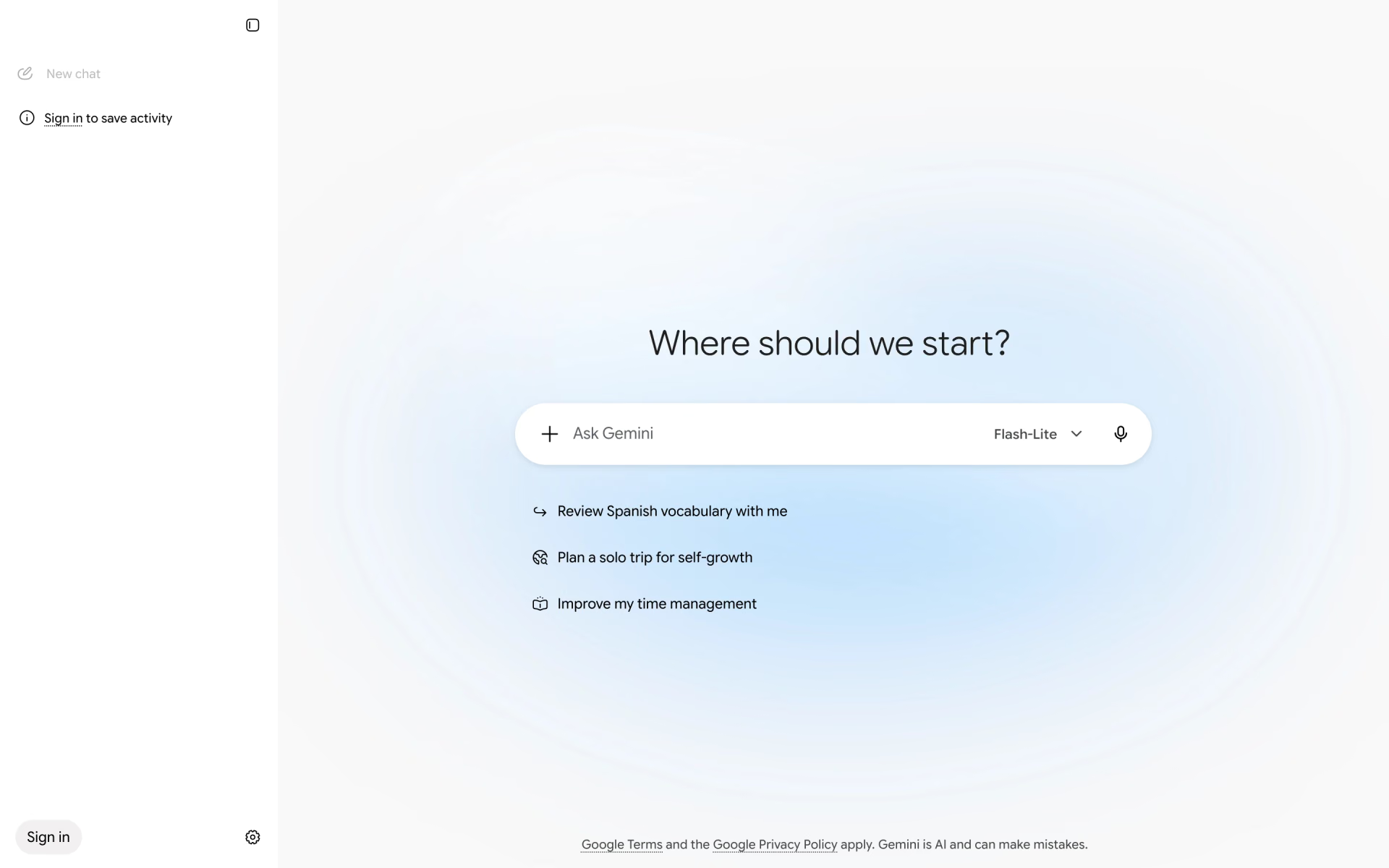
What is Gemini Canvas?
Slide decks, docs, apps and code created and edited inside Gemini.
Who is Gemini Canvas best for?
Gemini Canvas is best for students and makers who want notes or a prompt turned into a working app or quiz.
Quick app and game prototypes
Describe an idea and Canvas writes the code and runs it as a shareable app or game, and it tries to fix errors in the app by itself.
Students revising for exams
Upload study guides or notes and it builds a quiz you can take yourself or send to friends as a link.
Turning research into something visual
A Deep Research report opens in Canvas, and the Create button turns it into a web page, infographic, quiz or audio overview.
Drafting and polishing documents
Quick edit tools change the tone, length or formatting of a draft, and Gemini gives feedback on the sections you pick.
How much does Gemini Canvas cost?
Gemini Canvas comes free with every Gemini account, and the Google AI plans that raise its usage limits cost $4.99 a month for Plus, $19.99 for Pro and from $99.99 for Ultra.
- Canvas, Deep Research and Gems included
- Gemini 3.6 Flash, with varying access to 3.1 Pro
- Needs only a Google Account
- Twice the Free plan's Gemini usage limits
- Video generation and Daily Brief
- 200 Google Flow credits and 400 GB of storage
- Four times the Free plan's Gemini usage limits
- Canvas with a 1M-token context window for bigger projects
- 1,000 Google Flow credits and 5 TB of storage
- 5x the Pro plan's usage limits, or 20x at $199.99 a month
- Canvas with a 1M-token context window
- First access to Deep Think and Gemini Spark
Canvas is part of the Gemini app on every plan; paying raises how much you can use Gemini overall. Usage limits refresh every 5 hours up to a weekly cap, and you can buy extra AI credits to go past them. Google AI plans are for people aged 18 and over, can be cancelled at any time, and are not refunded for part of a billing period. The page lists monthly prices only. For companies, Gemini Enterprise starts at $21 per seat per month for the Business edition and $30 per seat per month for Standard and Plus. These are US prices; Google shows local prices in other countries. Full pricing on gemini.google. We checked these prices on .
How do readers rate Gemini Canvas?
No one has rated Gemini Canvas yet. Be the first.
Sign in to rate. One rating per account.
Questions about Gemini Canvas
What is Gemini Canvas?
Slide decks, docs, apps and code created and edited inside Gemini.
Who is Gemini Canvas for?
Gemini Canvas is best for students and makers who want notes or a prompt turned into a working app or quiz.
Is Gemini Canvas free?
Yes. Gemini Canvas has a free plan: canvas, Deep Research and Gems included.
How much does Gemini Canvas cost?
Gemini Canvas's paid plans are Google AI Plus at $4.99 per month, Google AI Pro at $19.99 per month and Google AI Ultra at From $99.99 per month.
Where can I try Gemini Canvas?
On its official website, gemini.google.com.
Does Gemini Canvas work in the mobile app?
Partly. Gemini Canvas projects open in the Gemini mobile app, but changing text style and formatting only works in the Gemini web app on a computer. Canvas is offered in every language and country where the Gemini app is available.
Can Gemini Canvas turn a Deep Research report into a web page or quiz?
Yes. Pick Deep Research below the prompt bar and the report opens in Canvas; when it finishes, the Create button turns it into a web page, infographic, quiz or audio overview. You can also add your own files as sources for the report.
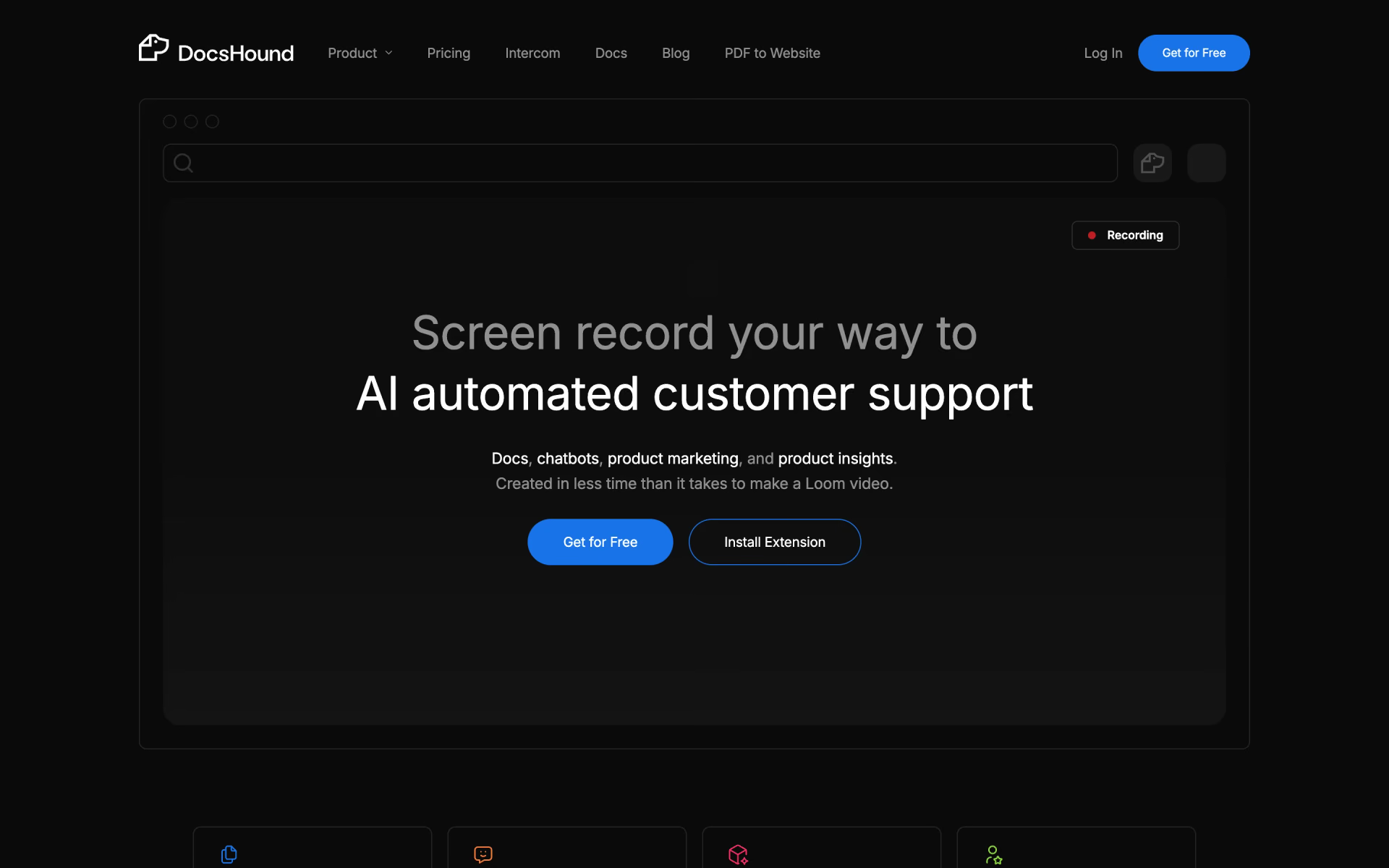
 DocsHound
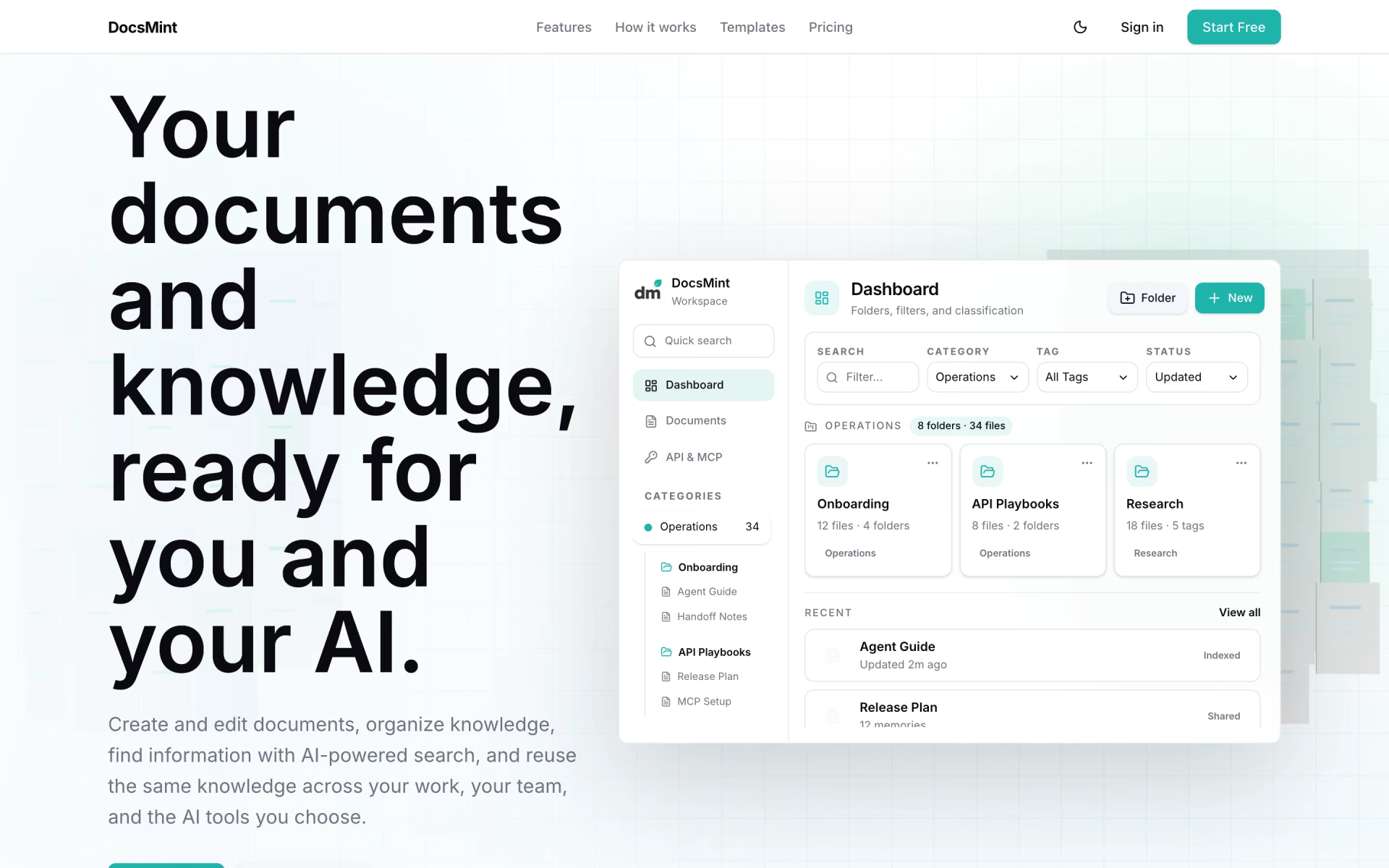
 DocsMint

 Genspark AI Docs
 La Suite Docs

 Coda

 InclusiveDocs