

What is InclusiveDocs?
Accessible documents created with AI.
Who is InclusiveDocs best for?
InclusiveDocs is best for publishers, public bodies and schools that need large numbers of PDFs made accessible to WCAG 2.1 AA.
Digital publishers
It turns PDF titles and issues into accessible web versions with three reading modes, plus downloadable PDF and EPUB files, managed from a publisher portal.
Government and public bodies
Public institutions are one of the sectors it serves, and its remediation targets Section 508 and WCAG 2.1 AA.
Schools and healthcare providers
Its solutions cover educational and healthcare institutions whose forms and documents must work with screen readers.
Recurring document types
The AI clones and retrains a model for each document layout, so similar documents need less manual correction over time.
How much does InclusiveDocs cost?
InclusiveDocs does not publish plan prices: it is sold through a demo request, with per-page pricing that depends on order size and document complexity, and the maker states no free plan or trial.
The only figure on the site is a comparison-table range of 0.35 cents to $15 per page, set by order quantity and complexity. The FAQ says it offers software-as-a-service and enterprise licensing, fixing a document after processing usually costs extra, and the demo form lets you send your own PDF. Plans and current prices are on inclusivedocs.com.
How do readers rate InclusiveDocs?
No one has rated InclusiveDocs yet. Be the first.
Sign in to rate. One rating per account.
Questions about InclusiveDocs
What is InclusiveDocs?
Accessible documents created with AI.
Who is InclusiveDocs for?
InclusiveDocs is best for publishers, public bodies and schools that need large numbers of PDFs made accessible to WCAG 2.1 AA.
Is InclusiveDocs free?
No. InclusiveDocs is a paid tool.
Where can I try InclusiveDocs?
On its official website, inclusivedocs.com.
How long does InclusiveDocs take to make a document accessible?
Usually 24 to 72 hours. InclusiveDocs says the turnaround depends on how complex the document is and how many pages it has. It works in English, French and Spanish, and it does not write image alt text itself, though it keeps any alt text already in the PDF.
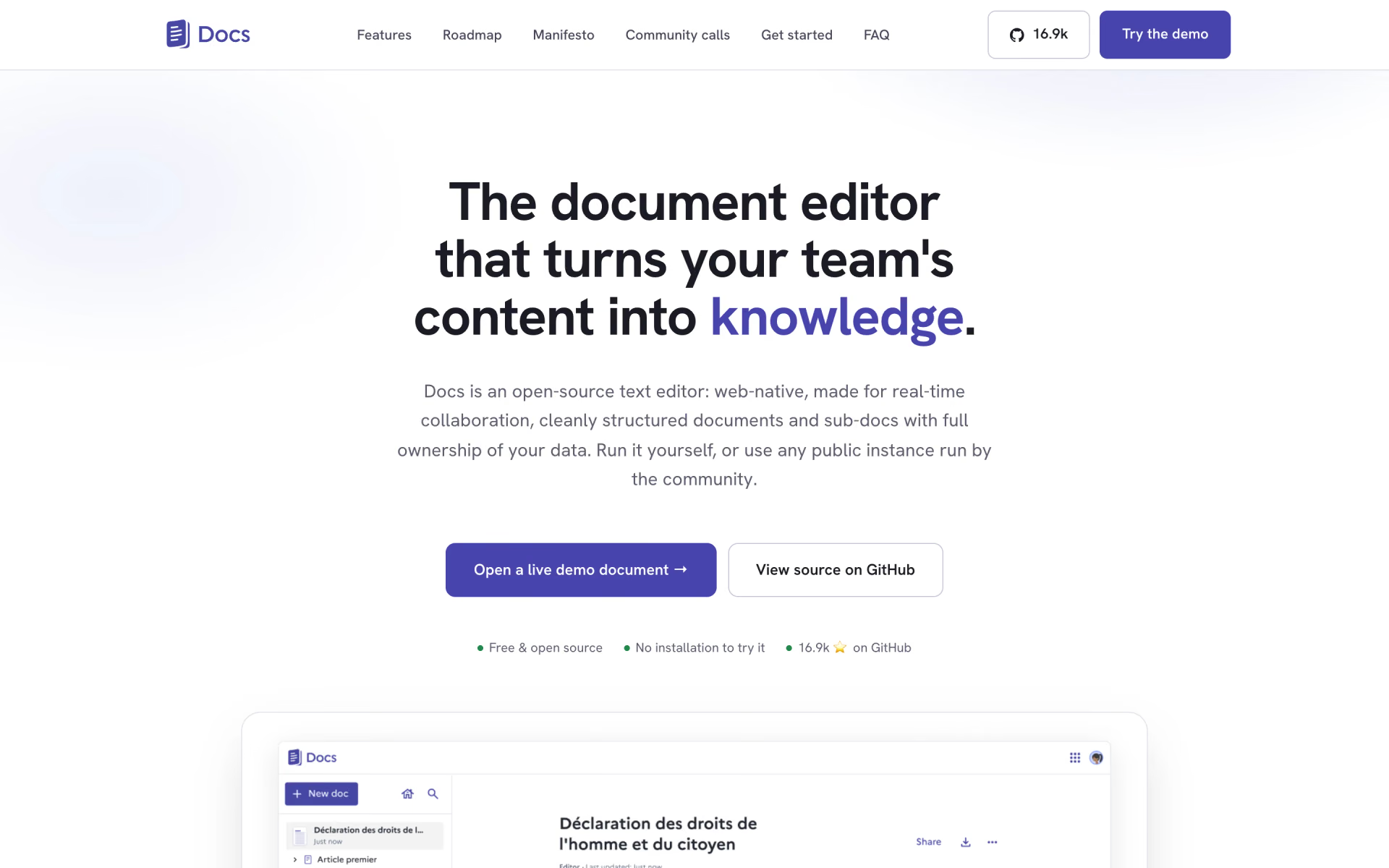
 La Suite Docs
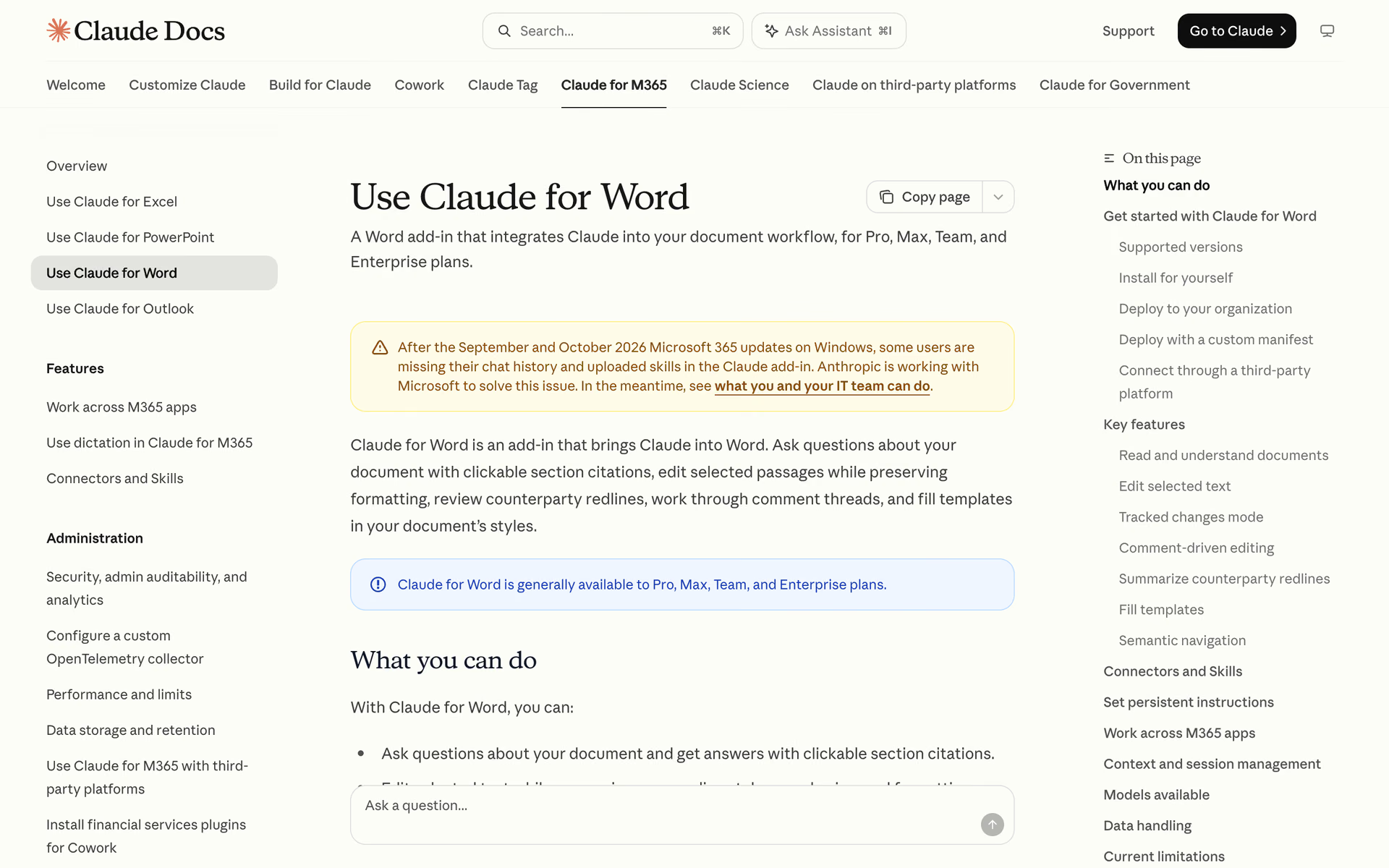
 Claude for Word

 The Drive AI
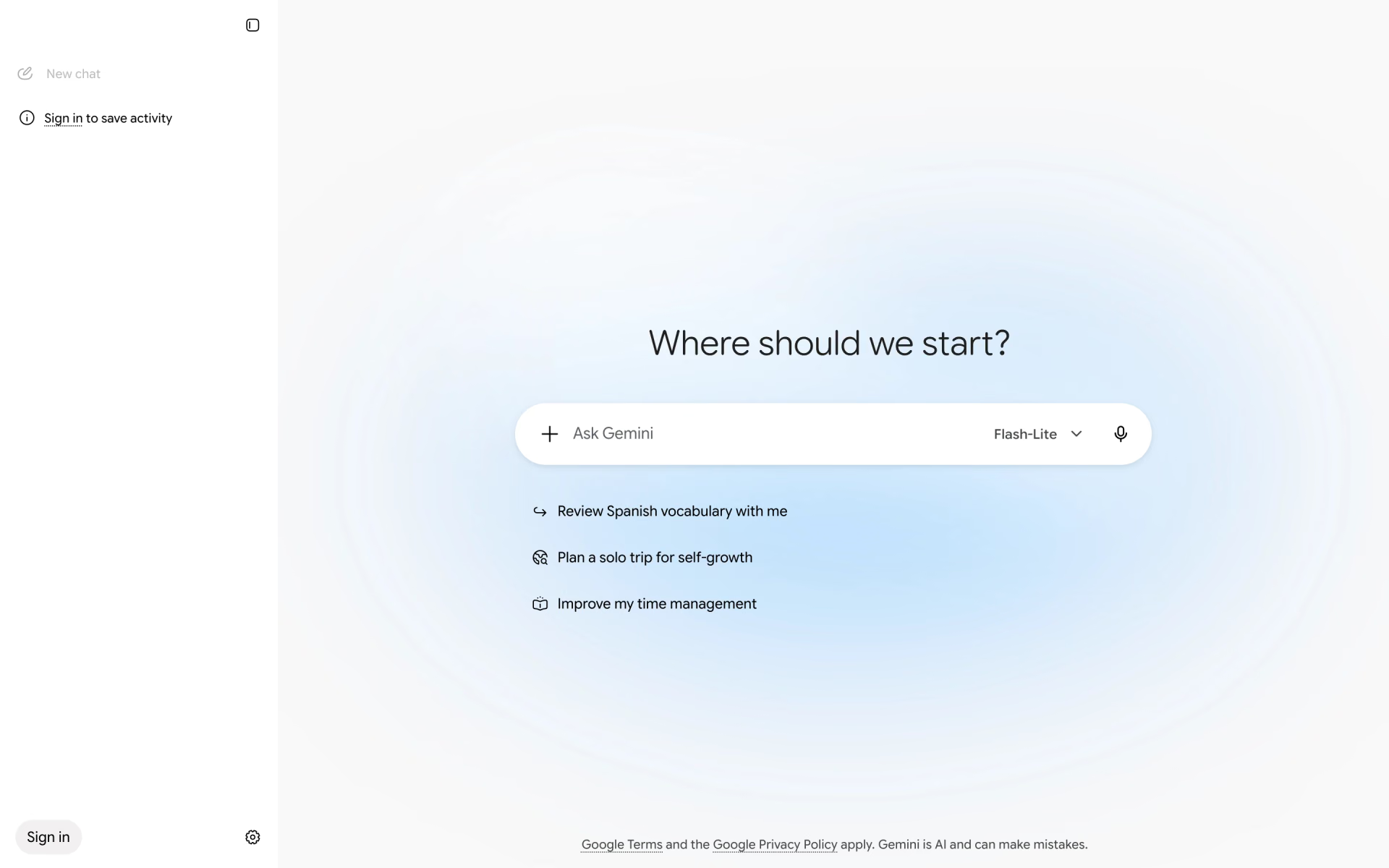
 Gemini Canvas
 Nuggetize
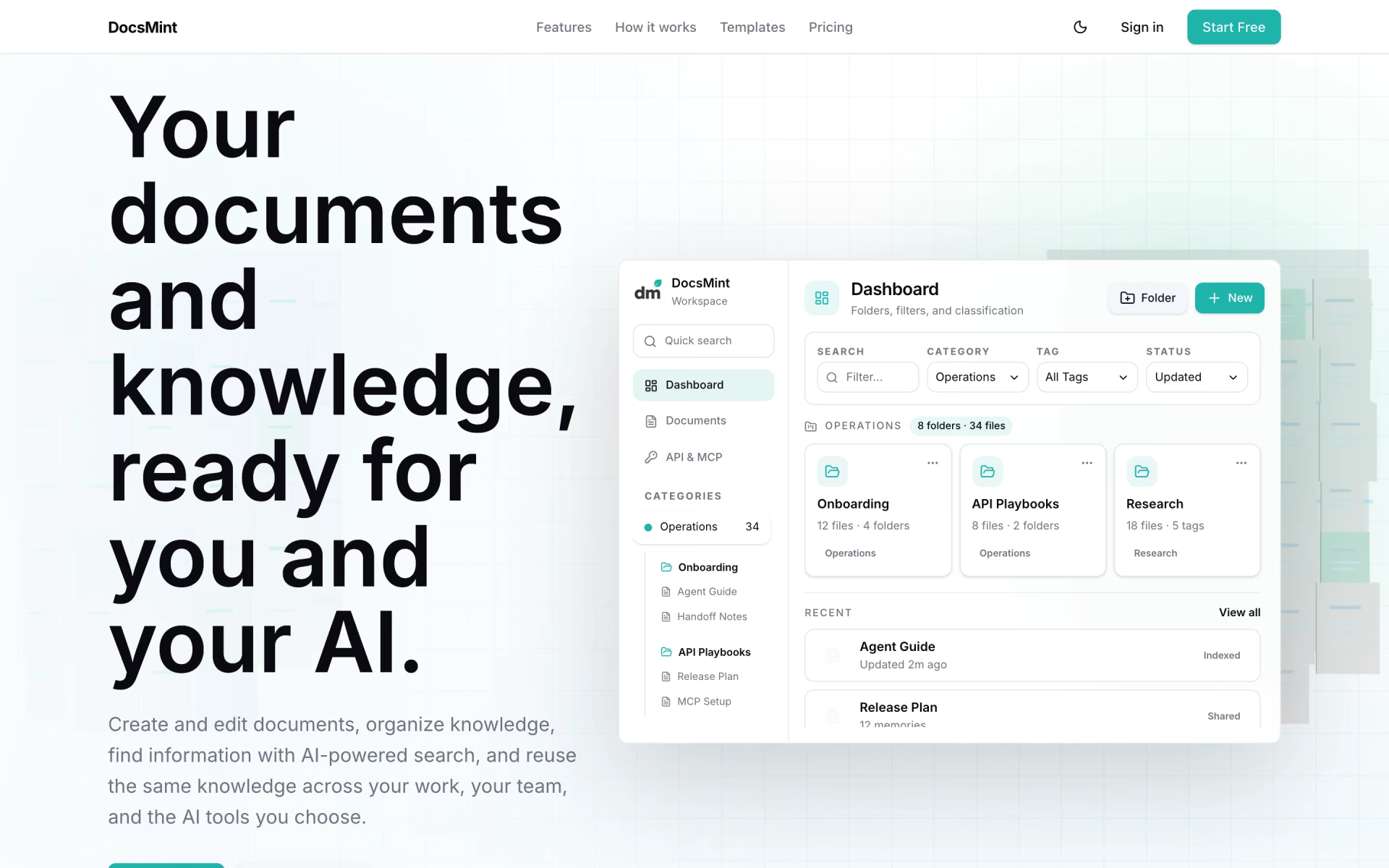
 DocsMint