
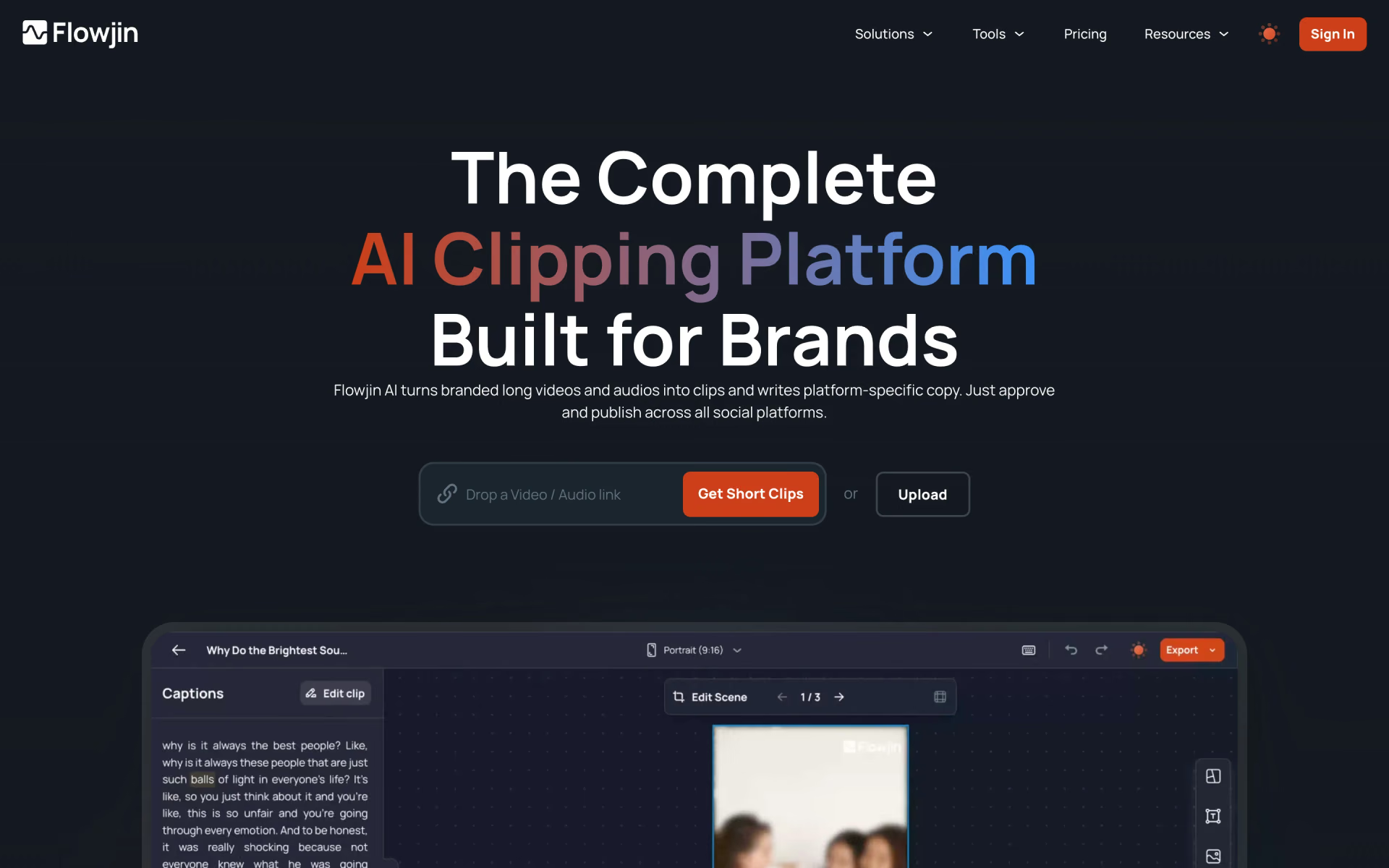
What is Flowjin?
Long videos into short clips with captions and copy.
Who is Flowjin best for?
Flowjin is best for founders and podcasters who want long videos cut into captioned clips with ready posts.
Founders posting on LinkedIn
One long talk or interview becomes a batch of captioned clips, enough to keep a founder's feed going for weeks.
Marketing teams running webinars
It picks the strongest moments of a webinar and writes a separate post for LinkedIn, YouTube and X to go with each clip.
Podcasters and X Spaces hosts
Audio turns into audiograms and quote graphics, and X Spaces can be imported by link instead of downloaded first.
Agencies and social media managers
Clipping, copywriting and scheduling happen in one calendar, so there is no hand-off between an editor, a writer and a scheduling tool.
How much does Flowjin cost?
Flowjin gives you 60 free minutes of processing once, then costs $19 a month for Starter (150 minutes a month) or $29 a month per Creator pack (300 minutes a month), with half off when you pay yearly.
- 60 minutes of video or audio, once; it does not refill
- Watermarked 720p clips, up to 5 exports
- Clips, quote graphics and social copy tools
- 150 minutes of video or audio a month
- 720p, no watermark, unlimited clip exports
- Saved custom templates and a social media scheduler
- 300 minutes a month per pack, up to 5 packs monthly or 15 yearly
- Full HD 1080p export and AI B-roll
- Publishes up to 30 posts a month to X
Paying yearly halves the price: Starter is $114 a year ($9.50 a month) and Creator $174 a year per pack ($14.50 a month). Minutes reset each month from your subscription date, and unused minutes on paid plans carry over for one more month only. Projects expire after 5 days on Free and 60 days on Starter, and never on Creator; exported clips stay downloadable. Flowjin does not give refunds. Full pricing on flowjin.com. We checked these prices on .
How do readers rate Flowjin?
No one has rated Flowjin yet. Be the first.
Sign in to rate. One rating per account.
What are the best Flowjin alternatives?
Three tools on Recaply do Flowjin's job.



Questions about Flowjin
What is Flowjin?
Long videos into short clips with captions and copy.
Who is Flowjin for?
Flowjin is best for founders and podcasters who want long videos cut into captioned clips with ready posts.
Is Flowjin free?
Only to try. Flowjin's Free plan gives you 60 minutes of video or audio processing once, and those minutes do not refill. Clips are watermarked, 720p and capped at 5 exports. Regular use needs Starter at $19 a month or Creator at $29 a month per pack.
How much does Flowjin cost?
Flowjin's paid plans are Starter at $19 per month and Creator at $29 per pack per month.
What are the best Flowjin alternatives?
The closest alternatives on Recaply are OpusClip, Vizard AI and Klap.
Where can I try Flowjin?
On its official website, flowjin.com.
Does Flowjin offer refunds?
No. Flowjin says all sales are final and it does not refund any subscription. You can cancel from your Flowjin account at any time, and on paid plans unused minutes carry over for one extra month before they lapse.

 Short AI

 Choppity
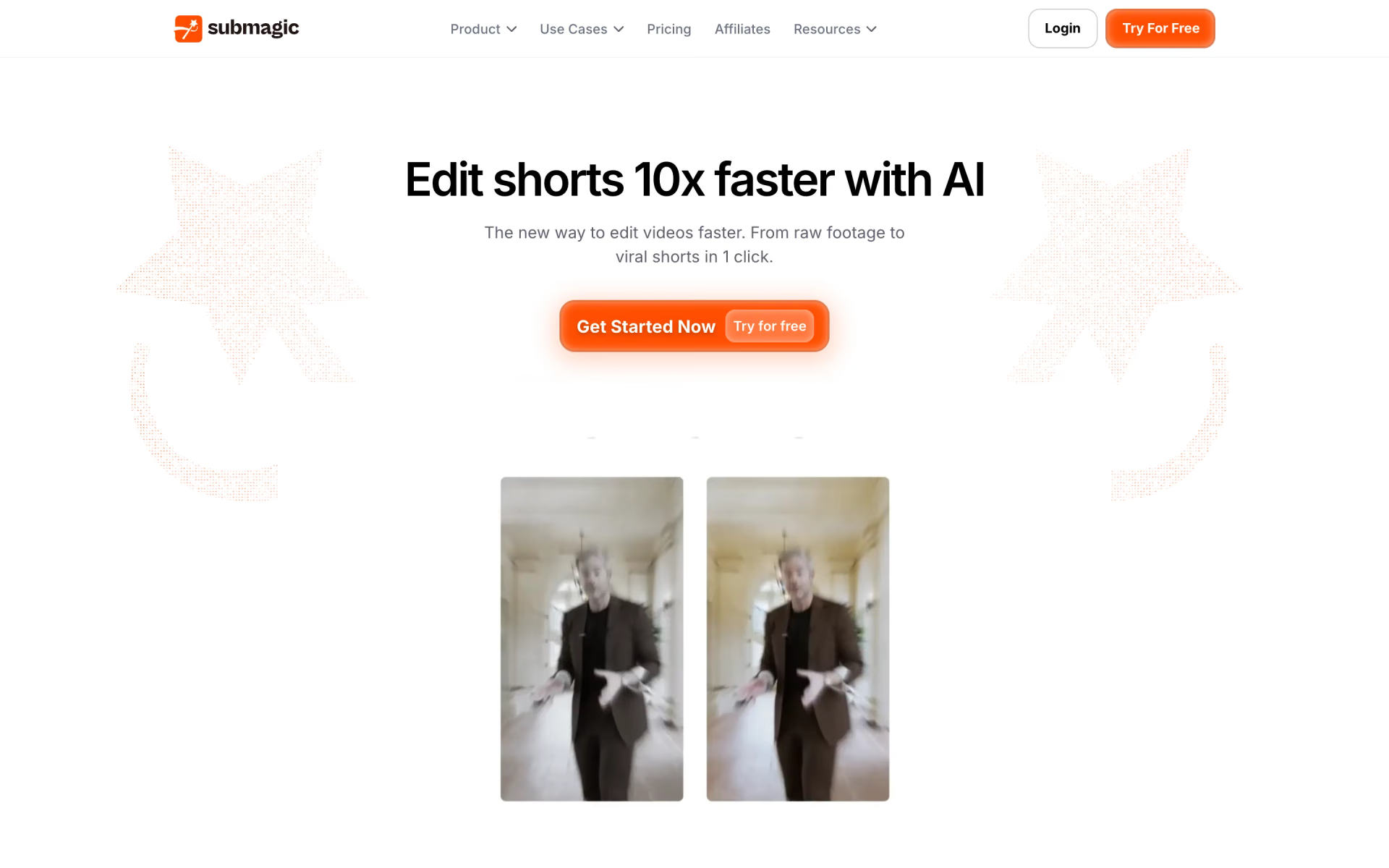
 Submagic

 Exemplary
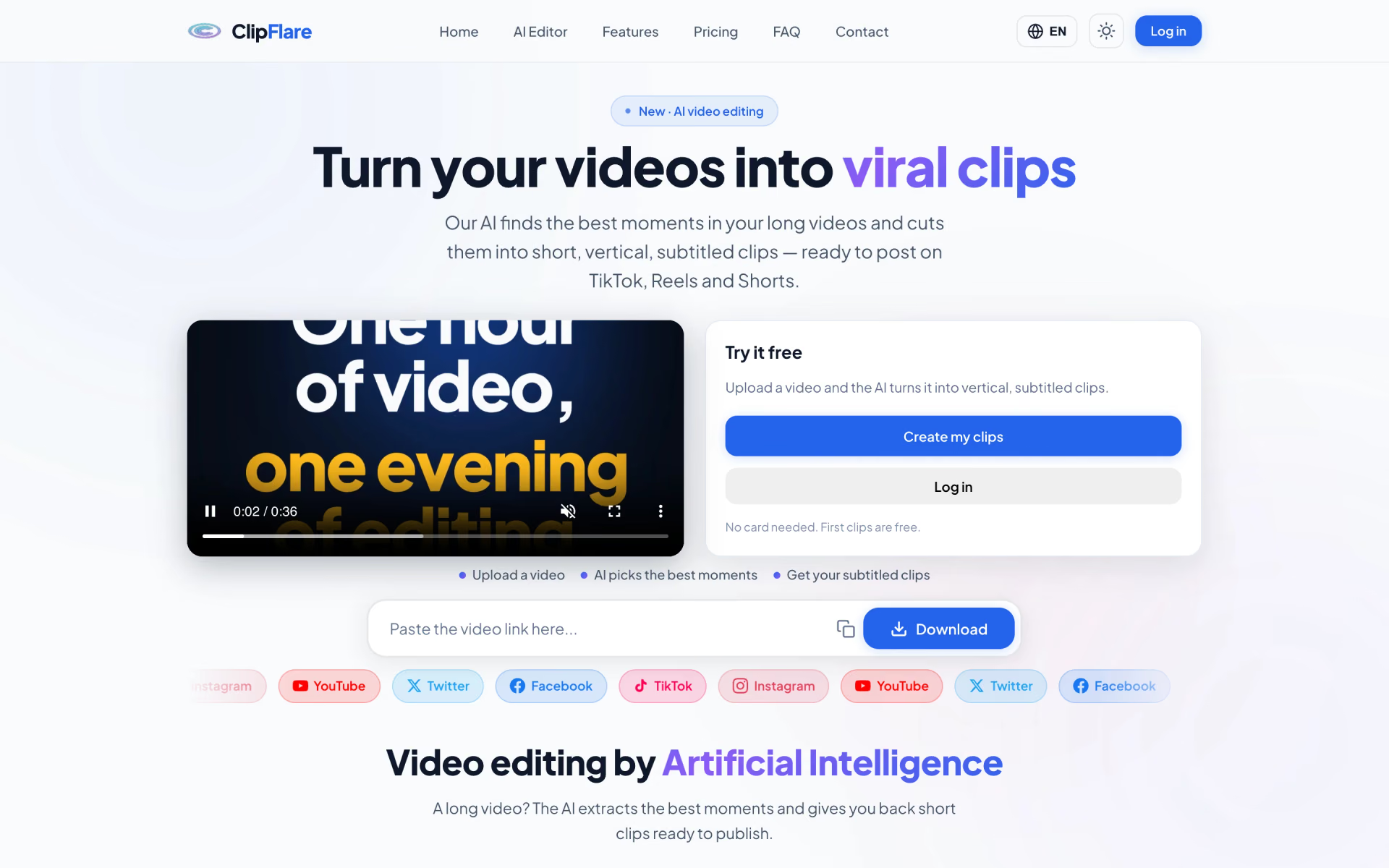
 ClipFlare
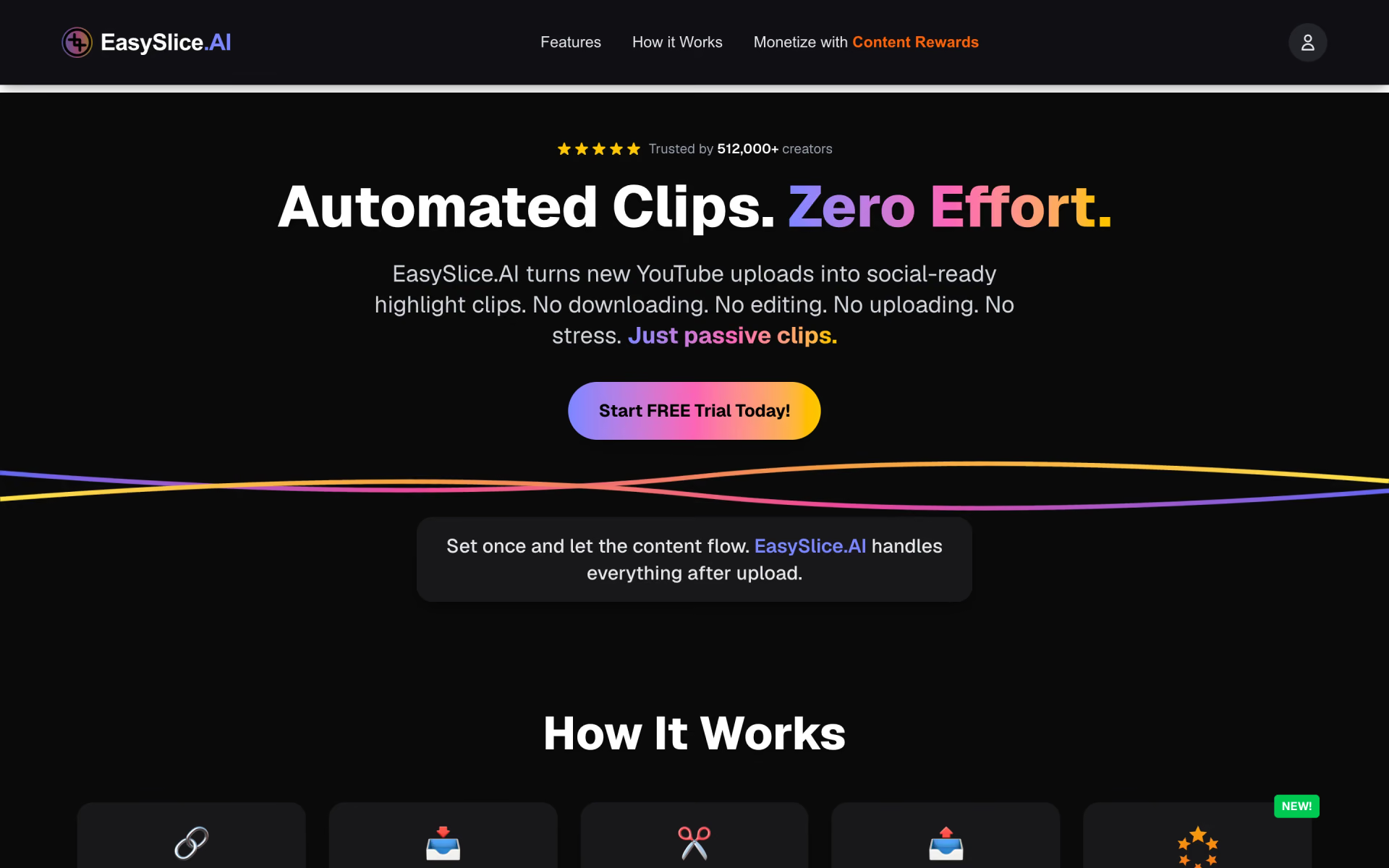
 EasySlice.AI