
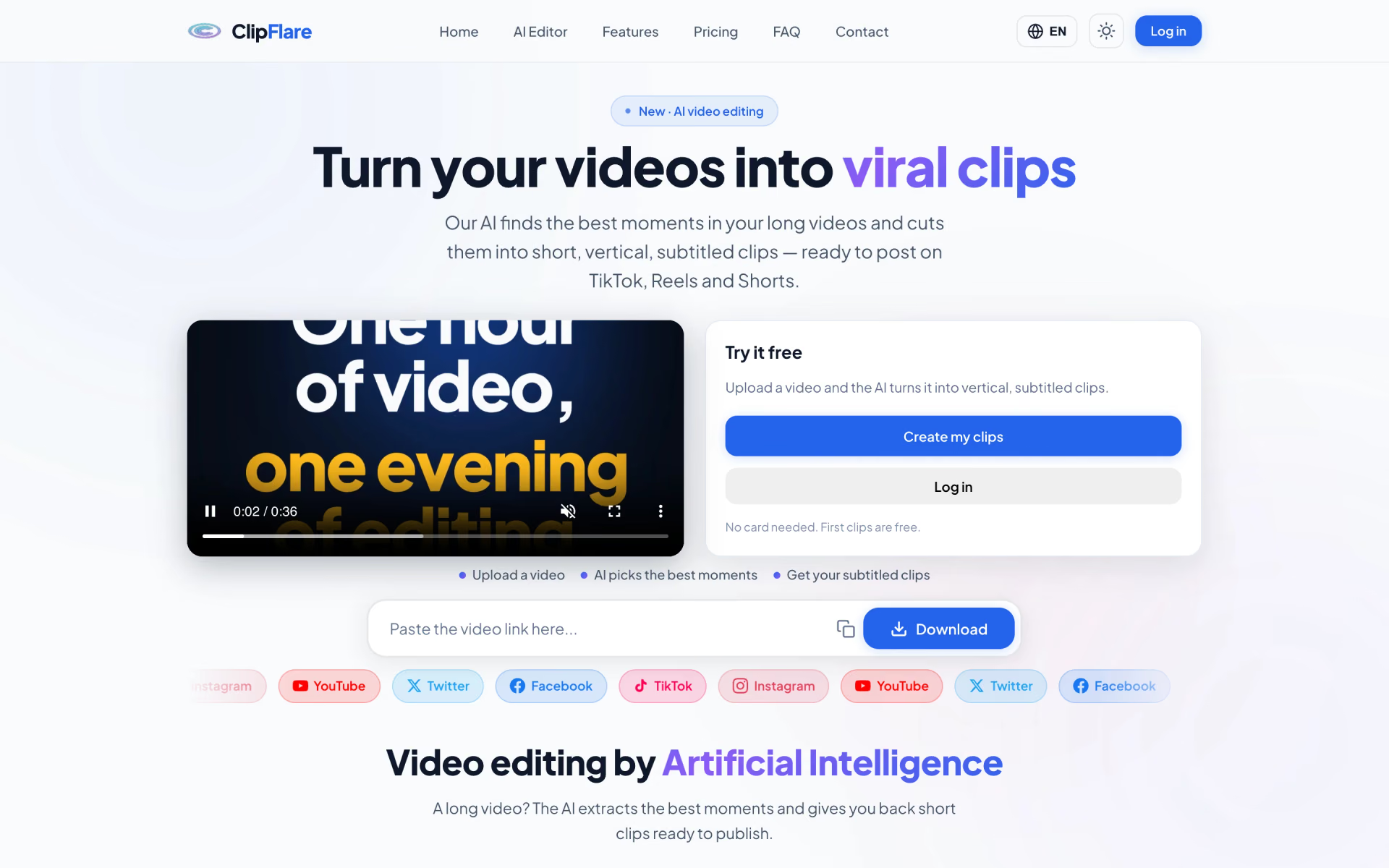
What is ClipFlare?
Long videos into subtitled vertical clips for TikTok and Reels.
Who is ClipFlare best for?
ClipFlare is best for podcasters and streamers who turn long recordings into subtitled shorts they post every day.
Podcasts and interviews
Upload a long episode or paste a YouTube link, and it picks the strongest moments and cuts them into 9:16 clips.
Creators posting shorts every day
Each clip comes with animated subtitles, a title and a caption, and can be posted at once or scheduled to connected accounts.
Occasional clipping
One coin makes one clip, so a $5.99 pack of 50 coins covers light use without a monthly plan.
Channels in more than one language
Creator adds multilingual subtitles and Pro adds AI dubbing, so one video can reach viewers in other languages.
How much does ClipFlare cost?
ClipFlare's Free plan gives 5 one-time coins for 5 watermarked clips, and its paid plans cost $11.99, $22.99 or $32.99 a month for 150, 500 or 1,500 clips (Starter, Creator and Pro).
- 5 coins once at sign-up, 1 coin makes 1 clip
- Standard quality with a watermark
- Basic platforms only
- 150 clips a month in HD, no watermark
- All platforms
- 1 brand kit and basic virality scores
- 500 clips a month, up to 4K
- Advanced and multilingual subtitles, reframing
- Direct publishing, full virality scores, 5 brand kits
- 1,500 clips a month with priority processing
- AI dubbing in several languages and AI B-roll
- Scheduler with analytics, 15 brand kits, API access
Paying yearly costs $119 for Starter, $229 for Creator and $329 for Pro, about two months free. Coin packs need no subscription: $5.99 for 50, $14.99 for 150 or $29.99 for 500 coins, at 1 coin per clip. ClipFlare also offers a 7-day free trial of its $22.99 plan; it needs a card and charges nothing before day 8. Full pricing on clipflare.ai. We checked these prices on .
How do readers rate ClipFlare?
No one has rated ClipFlare yet. Be the first.
Sign in to rate. One rating per account.
What are the best ClipFlare alternatives?
Three tools on Recaply do ClipFlare's job.



Questions about ClipFlare
What is ClipFlare?
Long videos into subtitled vertical clips for TikTok and Reels.
Who is ClipFlare for?
ClipFlare is best for podcasters and streamers who turn long recordings into subtitled shorts they post every day.
Is ClipFlare free?
Only for a first try. ClipFlare's Free plan gives 5 coins once at sign-up, enough for 5 standard-quality clips with a light watermark. After that you buy coins, from $5.99 for 50, or take a plan from $11.99 a month; a 7-day trial of the $22.99 plan needs a card.
How much does ClipFlare cost?
ClipFlare's paid plans are Starter at $11.99 per month, Creator at $22.99 per month and Pro at $32.99 per month.
What are the best ClipFlare alternatives?
The closest alternatives on Recaply are OpusClip, Vizard AI and Klap.
Where can I try ClipFlare?
On its official website, clipflare.ai.
What videos can ClipFlare work with?
ClipFlare accepts MP4, MOV, MKV and WEBM uploads, or a YouTube, TikTok, Instagram or Vimeo link, and it can also build a montage from photos. Every clip comes out in vertical 9:16 format with burned-in subtitles.
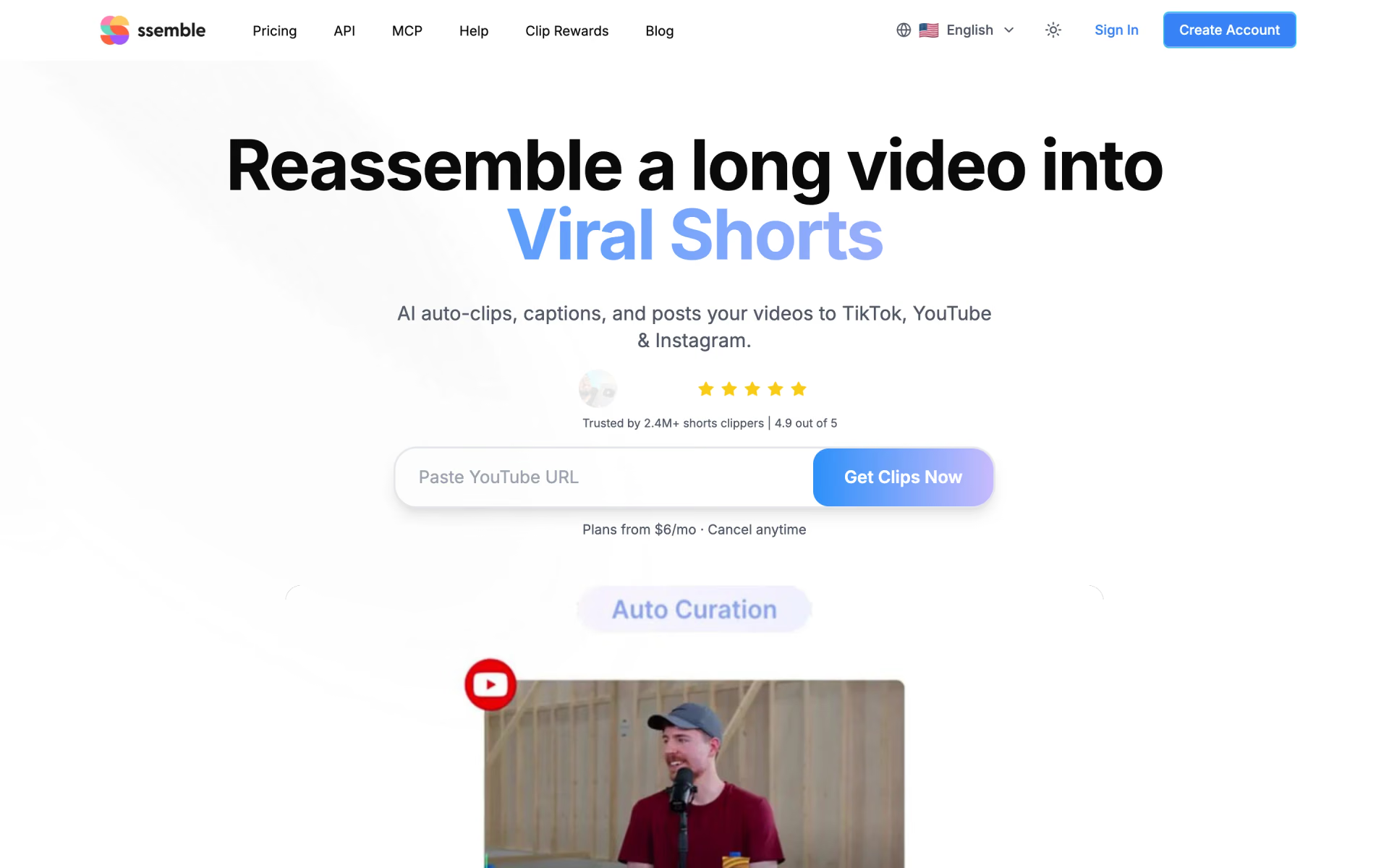
 Ssemble
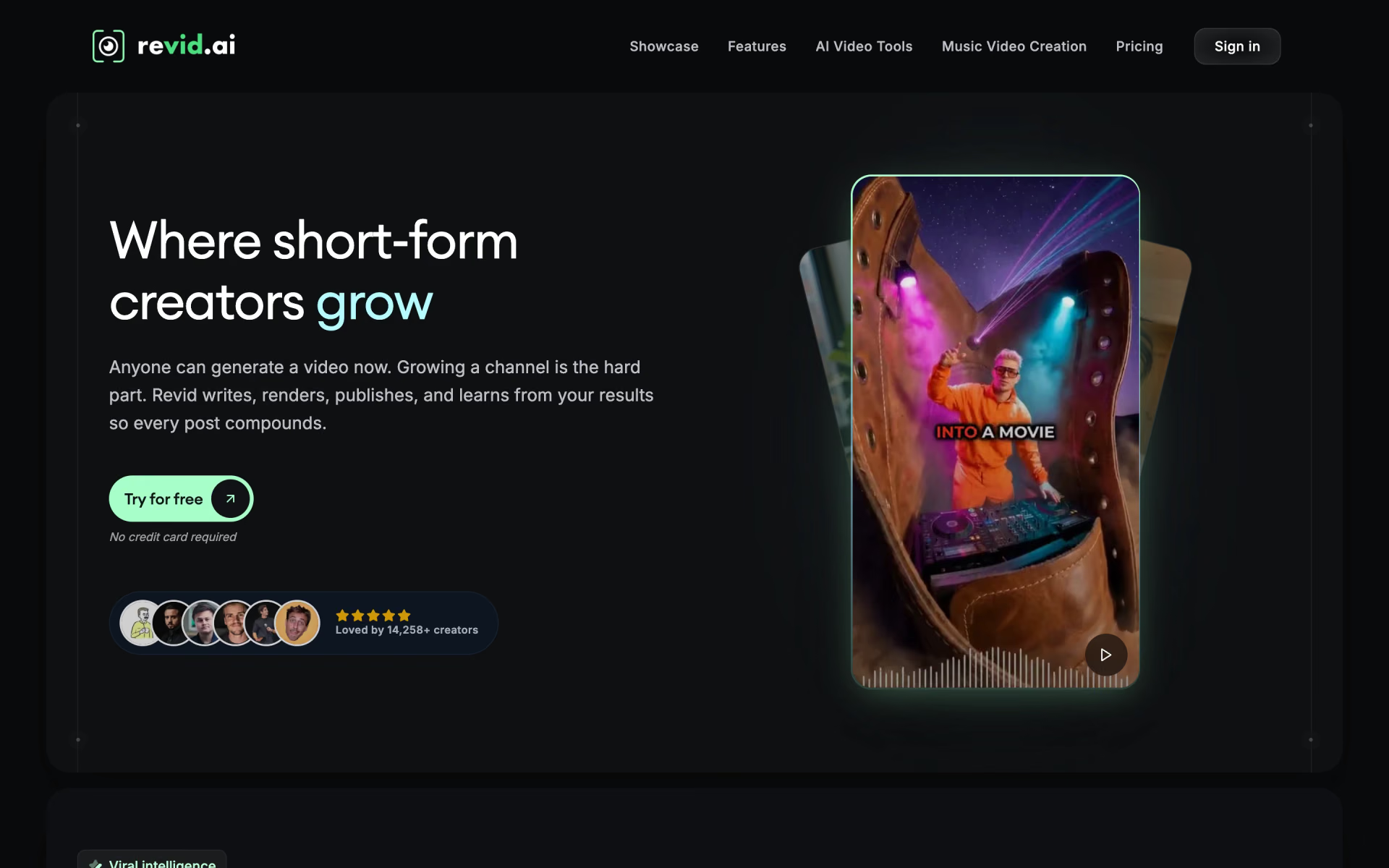
 revid.ai
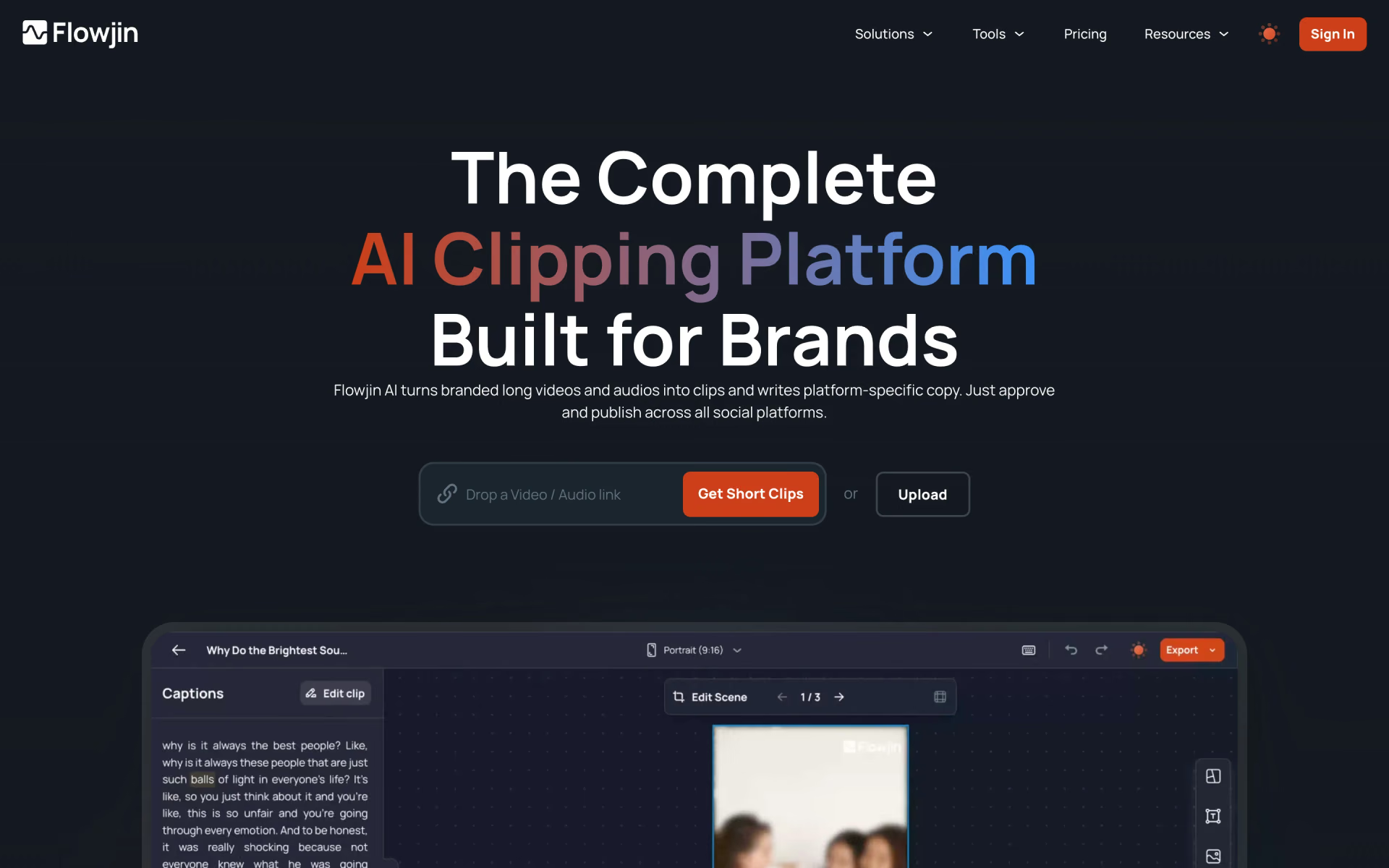
 Flowjin

 Short AI

 Exemplary

 Choppity