
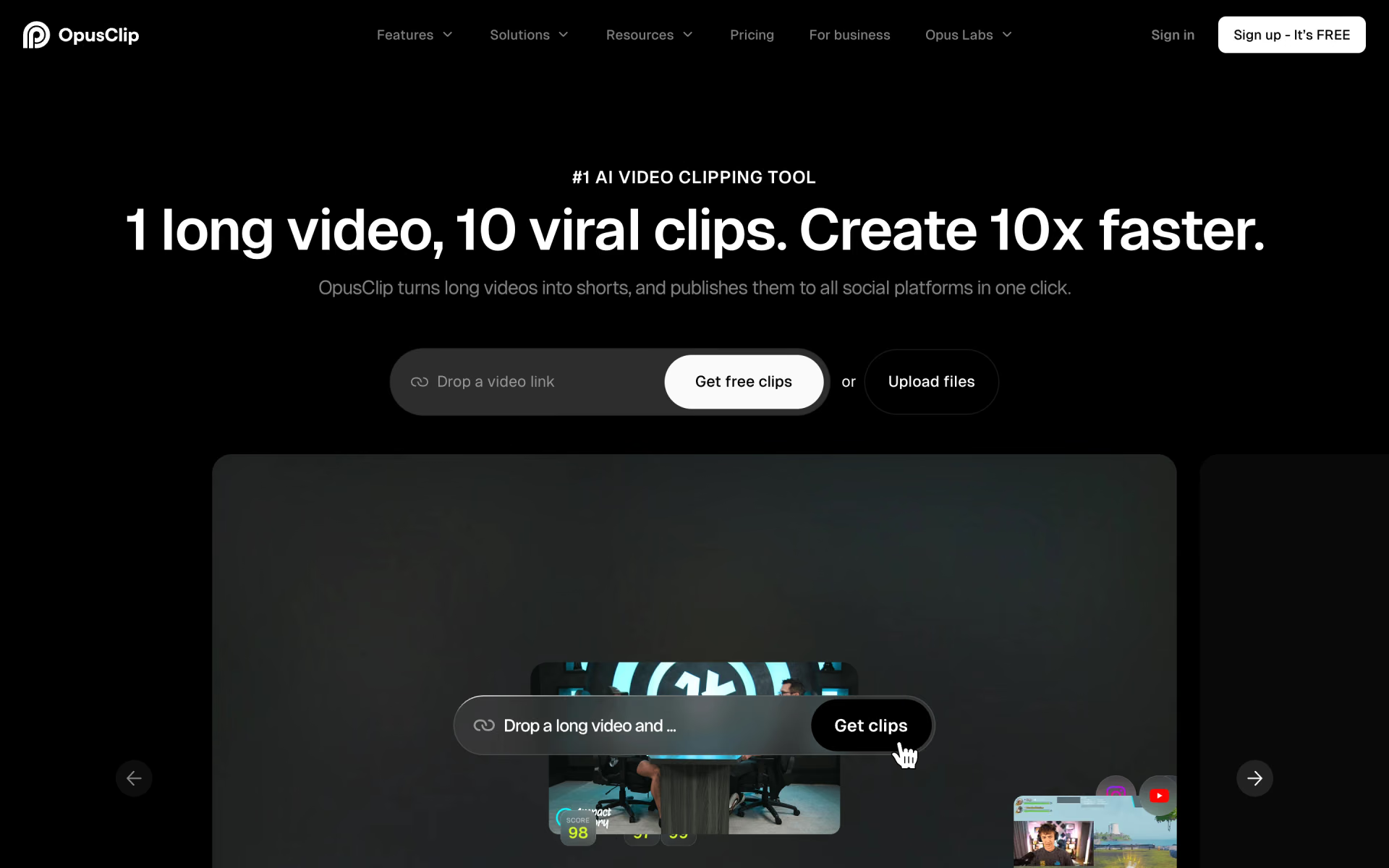
What is OpusClip?
Cuts long videos into captioned shorts and schedules them.
Who is OpusClip best for?
OpusClip is best for podcasters and creators who want long episodes cut into captioned clips for TikTok and Reels.
Podcasts and interviews
It cuts long episodes into short captioned clips and gives each one a virality score to help you pick what to post.
Creators posting shorts daily
Clips post straight to YouTube Shorts, TikTok and Instagram Reels, and Pro adds a scheduler for a month of posts.
Small marketing teams
Pro includes a shared workspace with 2 seats, brand templates and 6 connected social accounts.
Editors who finish elsewhere
Pro exports projects to Adobe Premiere Pro and DaVinci Resolve when a clip needs a final pass.
How much does OpusClip cost?
OpusClip has a free plan with 60 credits (minutes of video) a month, and paid plans cost $15 a month for Starter or $29 a month for Pro, with Pro at $14.50 a month when billed yearly.
- 60 credits a month
- Watermark and no editing
- Clips can be exported for 3 days, up to 1080p
- 150 credits a month, no watermark
- Editor, filler and silence removal, 1 brand template
- Auto-post to YouTube Shorts, TikTok and Instagram Reels
- 300 credits a month; unused credits roll over for 1 month
- Team workspace with 2 seats and 6 social accounts
- AI B-roll, scheduler, export to Premiere Pro and DaVinci Resolve
One credit is one minute of video processing. Pro billed yearly is $174 a year ($14.50 a month) and rolls credits over for 2 months; Starter is sold monthly only. Pro can buy extra credits on demand. Business, with custom credits and seats, API access and a dedicated Slack support channel, is priced on request. Starter and Pro start with a free trial that needs no credit card. Full pricing on opus.pro. We checked these prices on .
How do readers rate OpusClip?
No one has rated OpusClip yet. Be the first.
Sign in to rate. One rating per account.
How do I connect Opus to my AI agent?
Opus MCP is Opus's official MCP server. Add it to your agent once, then ask it to turn long videos into captioned clips with OpusClip.
Lets your agent send videos to OpusClip to find clips, add captions, make edits and put the results on your posting schedule, with sign-in and no setup code.
Opus gives each account its own server address. Open the setup guide, copy your address, then add it to Claude Code like any other server.
Use the address from Opus's setup guide.
Opus's setup guide covers the sign-in.
Then ask your agent
- Runs
- On the web
- Sign-in
- See guide
- Maker
- Opus
- Guide
- opus.pro
What are the best OpusClip alternatives?
Three tools on Recaply do OpusClip's job.



Questions about OpusClip
What does an OpusClip credit buy?
One OpusClip credit covers one minute of video processing. The free plan's 60 credits handle about an hour of footage a month, Starter's 150 about two and a half hours, and Pro's 300 about five hours.
Who is OpusClip for?
OpusClip is best for podcasters and creators who want long episodes cut into captioned clips for TikTok and Reels.
Is OpusClip free?
Yes, OpusClip has a free plan with 60 credits a month, where one credit is one minute of video. Free clips carry a watermark, cannot be edited and can only be exported for 3 days. Paid plans start at $15 a month for Starter.
How much does OpusClip cost?
OpusClip's paid plans are Starter at $15 per month and Pro at $29 per month.
Does Opus have an MCP server?
Yes. Opus MCP is Opus's official MCP server, so agents such as Claude Code, Cursor, Codex and GitHub Copilot can turn long videos into captioned clips with OpusClip. Opus runs it on the web.
What are the best OpusClip alternatives?
The closest alternatives on Recaply are Vizard AI, Klap and Choppity.
Where can I try OpusClip?
On its official website, opus.pro.
 Submagic
 EasySlice.AI

 Parmonic

 Flowjin

 Short AI

 Exemplary