
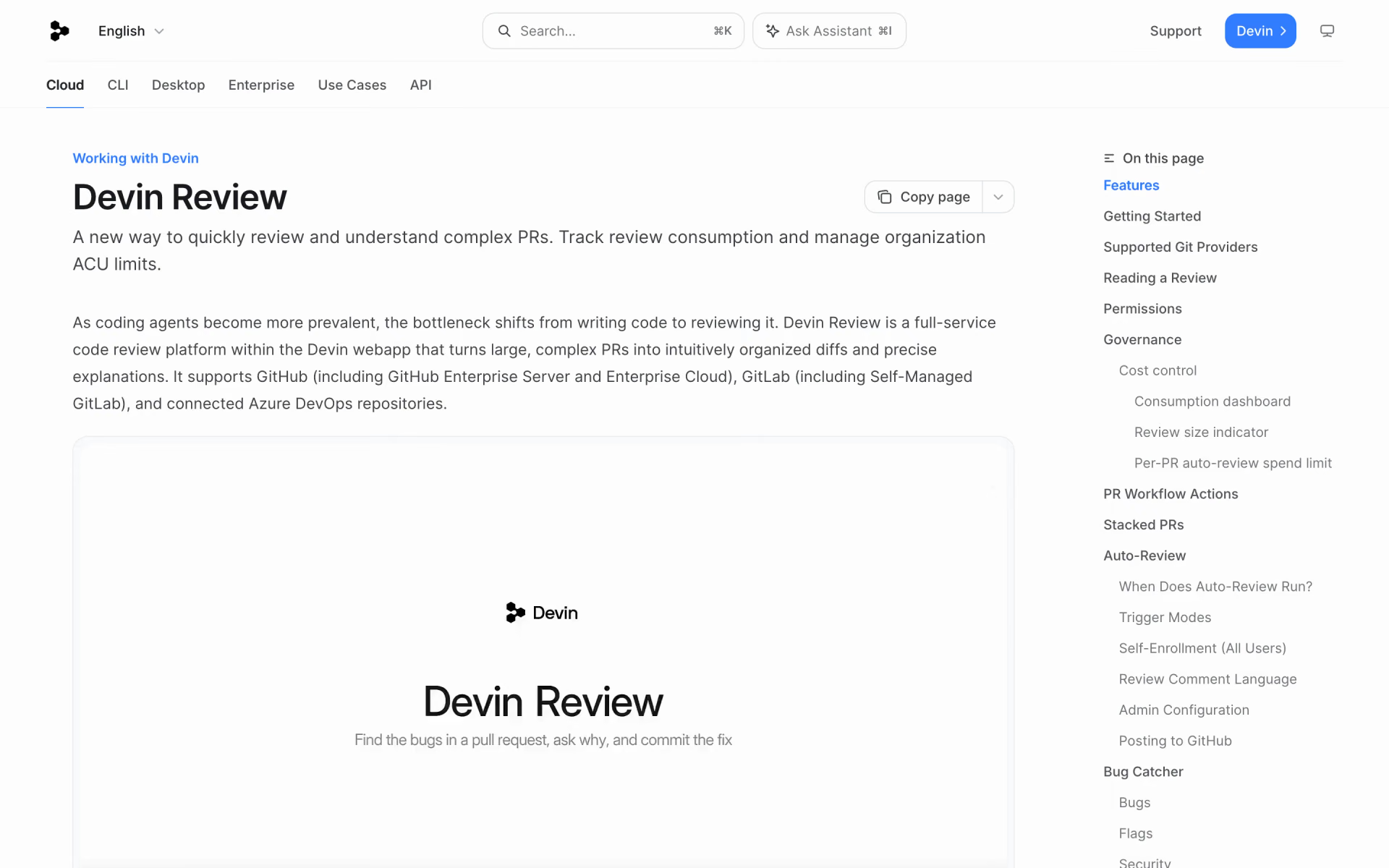
What is Devin Review?
Cognition's AI code review that groups PR diffs, explains each change and flags likely bugs.
Who is Devin Review best for?
Devin Review is best for teams whose pull requests are too large to read line by line and need them explained.
Large or agent-written PRs
It groups related edits, orders them so you can read top to bottom, explains each part and shows moved or copied code cleanly instead of as full rewrites.
Catching bugs and security issues
A bug catcher labels likely problems by confidence and severity, and security scanning flags vulnerabilities with CWE classes.
Open source maintainers
Public GitHub PRs can be reviewed free and without an account by swapping github.com for devinreview.com in the PR link.
Teams on GitHub, GitLab or Azure DevOps
Auto-review runs when a PR opens or gets new commits, and comments, approvals and merges sync back to the repository.
How much does Devin Review cost?
Devin Review is free for public GitHub PRs without an account and comes with Devin's Free plan; AI reviews of private PRs use Devin credits, and paid plans start at $20 a month for Pro.
- Any public GitHub PR at devinreview.com
- No credits used
- Access to Devin Review
- Limited Devin usage
- Daily and weekly usage quota
- Pay-as-you-go credits past the quota
- Single user
- Plus $40 per full seat
- Devin Review draws on the team's shared on-demand credits
- Up to 200 users
Max costs $200 a month for a single user. When credits run out, Devin Review drops back to its smart diff viewer without AI review until you top up. Enterprise accounts pay for reviews in ACUs from a shared pool and can cap auto-review spend per PR. Full pricing on docs.devin.ai. We checked these prices on .
How do readers rate Devin Review?
No one has rated Devin Review yet. Be the first.
Sign in to rate. One rating per account.
What are the best Devin Review alternatives?
Three tools on Recaply do Devin Review's job.



Questions about Devin Review
What is Devin Review?
Cognition's AI code review that groups PR diffs, explains each change and flags likely bugs.
Who is Devin Review for?
Devin Review is best for teams whose pull requests are too large to read line by line and need them explained.
Is Devin Review free?
Yes. Devin Review has a free Public PRs plan: any public GitHub PR at devinreview.com.
How much does Devin Review cost?
Devin Review's paid plans are Pro at $20 per month and Teams at $80 per month minimum.
What are the best Devin Review alternatives?
The closest alternatives on Recaply are CodeRabbit, Claude Code Review and Sourcery.
Where can I try Devin Review?
On its official website, docs.devin.ai.
How do I open a GitHub PR in Devin Review?
Replace github.com with devinreview.com in the PR link, comment /devin review on a PR in a connected repository, or paste the PR link at app.devin.ai/review. Public PRs need no account; private PRs need you to sign in to Devin.
 Devin Auto-Triage
 Cursor for iOS
 Mesa

 Instalog

 Typo AI
 Squire AI