
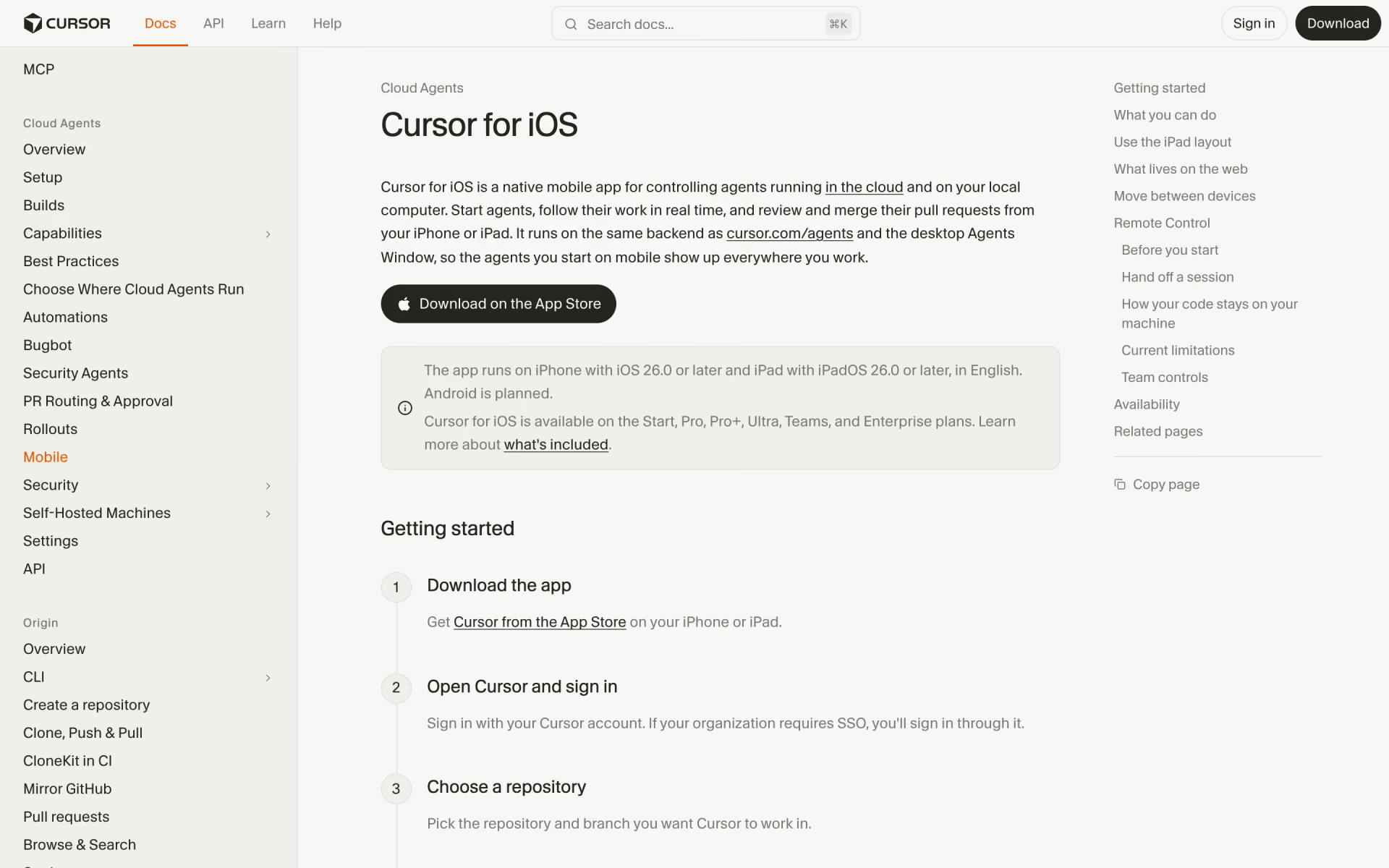
What is Cursor for iOS?
Cursor's iPhone and iPad app for launching coding agents, reviewing their diffs and merging pull requests.
Who is Cursor for iOS best for?
Cursor for iOS is best for developers on a paid Cursor plan who want to start coding agents and review pull requests on the go.
On-call engineers
You can start an agent to investigate an incident from your phone and come back to a pull request ready for review.
Reviewing agent work on the go
Diffs, checks, comments, screenshots and logs are all in the app, and you can merge with squash or turn on auto-merge.
Steering an agent on your own computer
Remote Control hands a desktop session to your phone while its commands keep running on your machine.
Running several agents at once
Live Activities track up to eight agents on the lock screen, with a push notification when one needs input.
How much does Cursor for iOS cost?
Cursor for iOS is free to download but works only with a paid Cursor plan: Pro costs $20 a month, Pro+ $60, Ultra $200 and Teams $40 per user a month, while the free Hobby plan is not included.
- Cursor for iOS and cloud agents
- Extended Agent limits and frontier models
- MCPs, skills and hooks
- Central billing and admin
- Shared cloud agents and automations
- SAML or OIDC single sign-on
- Everything in Pro
- Cursor's pick for daily agent users
- Everything in Pro
- Cursor's pick for agent power users
Teams Premium costs $120 per user a month and Enterprise is priced through sales; both include the app. In India, the Start plan at ₹649 a month also includes it. The free Hobby plan does not. Usage past each plan's included amount is billed on demand. The app needs iOS or iPadOS 26 or later; Android is planned. Full pricing on cursor.com. We checked these prices on .
How do readers rate Cursor for iOS?
No one has rated Cursor for iOS yet. Be the first.
Sign in to rate. One rating per account.
What are the best Cursor for iOS alternatives?
Two tools on Recaply do Cursor for iOS's job. Both are open source, so you can run them on your own server.


Questions about Cursor for iOS
What is Cursor for iOS?
Cursor's iPhone and iPad app for launching coding agents, reviewing their diffs and merging pull requests.
Who is Cursor for iOS for?
Cursor for iOS is best for developers on a paid Cursor plan who want to start coding agents and review pull requests on the go.
Is Cursor for iOS free?
No. Cursor for iOS is a paid tool, from $20 per month.
How much does Cursor for iOS cost?
Cursor for iOS's paid plans are Pro at $20 per month, Teams Standard at $40 per user per month, Pro+ at $60 per month and Ultra at $200 per month.
Is there an open source alternative to Cursor for iOS?
Yes. Paseo and T3 Code are open source tools that do the same job, so you can run your own.
What are the best Cursor for iOS alternatives?
The closest alternatives on Recaply are Paseo and T3 Code.
Where can I try Cursor for iOS?
On its official website, cursor.com.
Is Cursor for iOS available on Android?
Not yet. Cursor for iOS runs on iPhone with iOS 26 or later and on iPad with iPadOS 26 or later, in English, and Cursor says an Android version is planned.
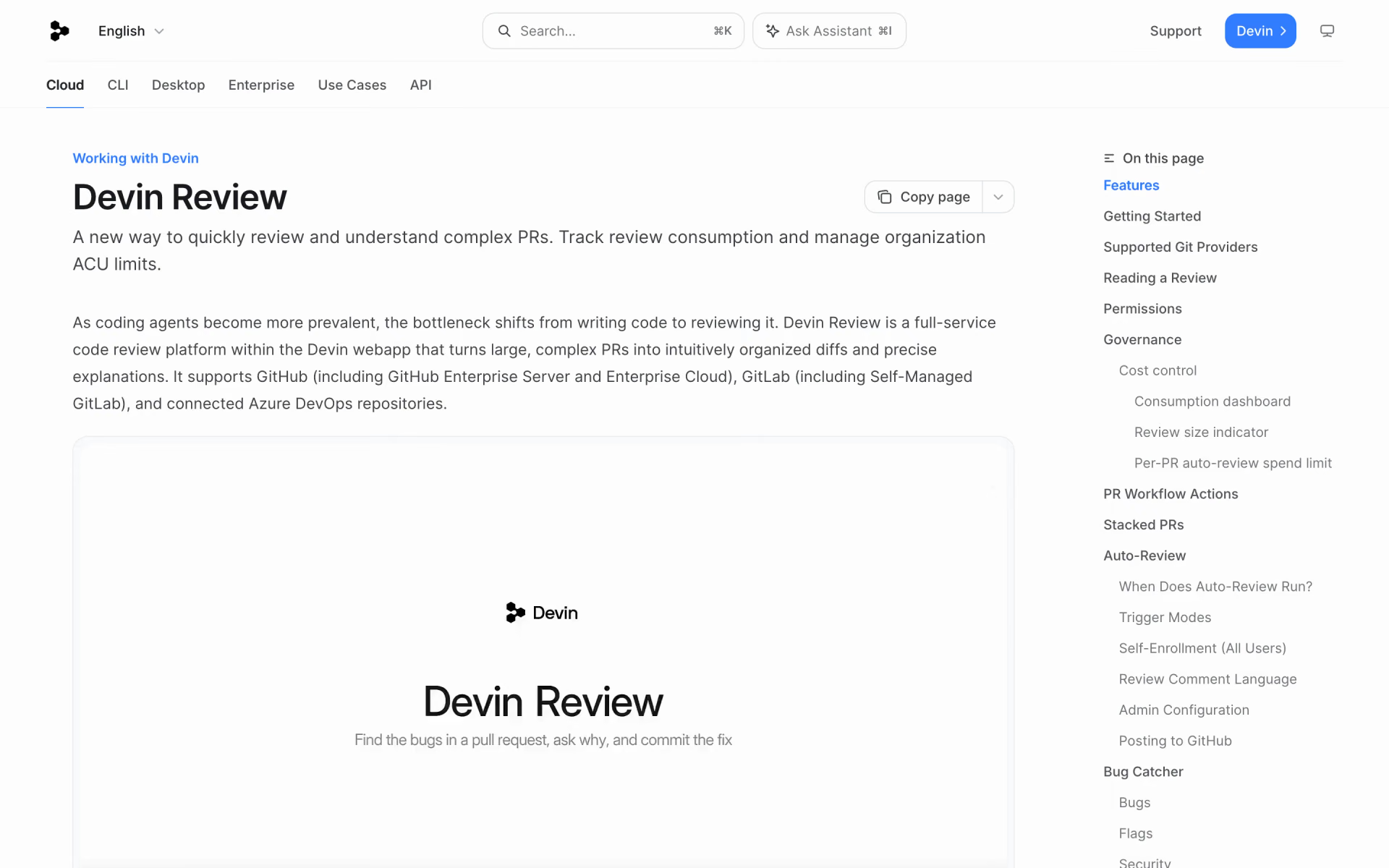
 Devin Review
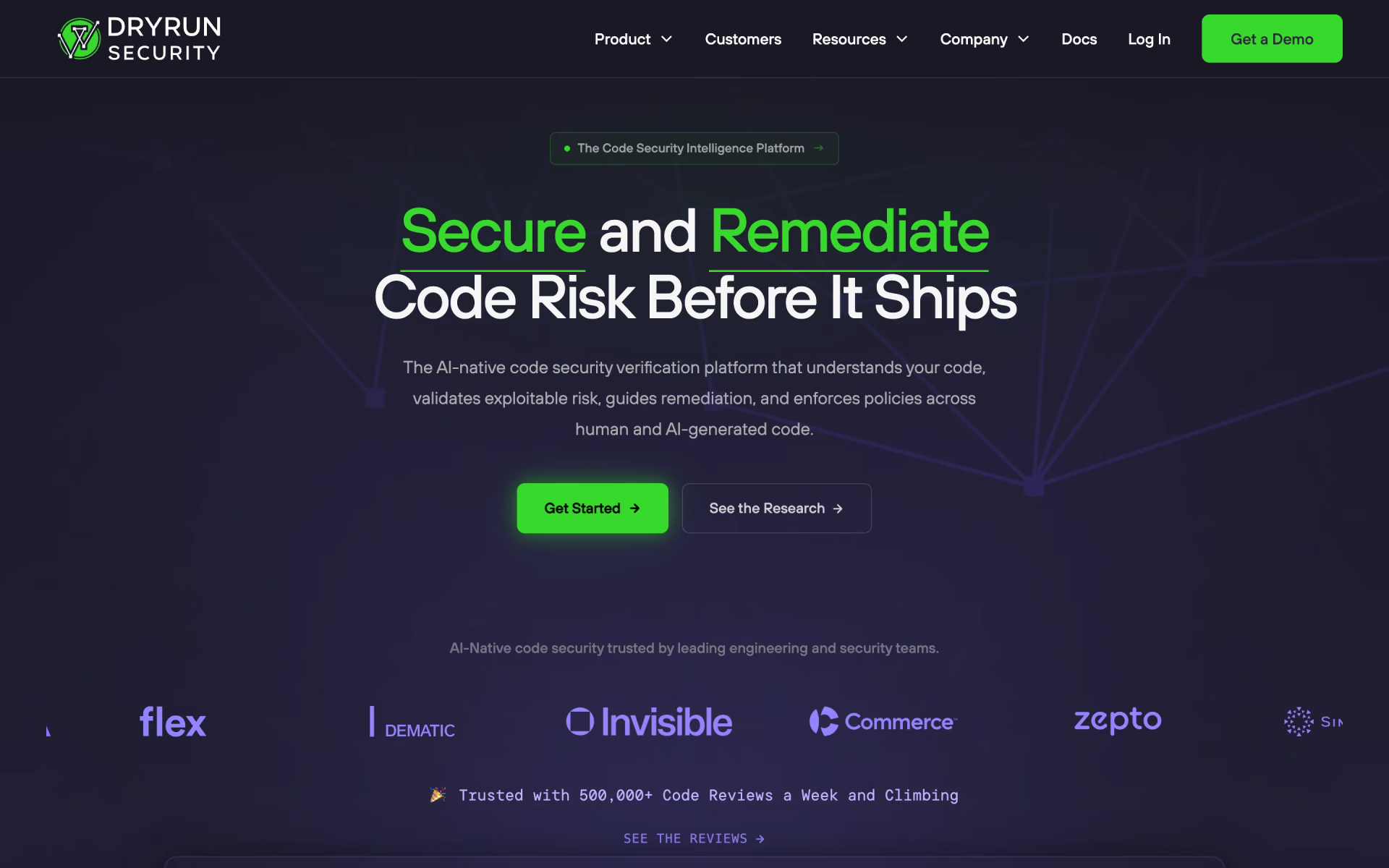
 DryRun Security

 Safari MCP server

 Multiplayer
 Mesa

 JSSE