
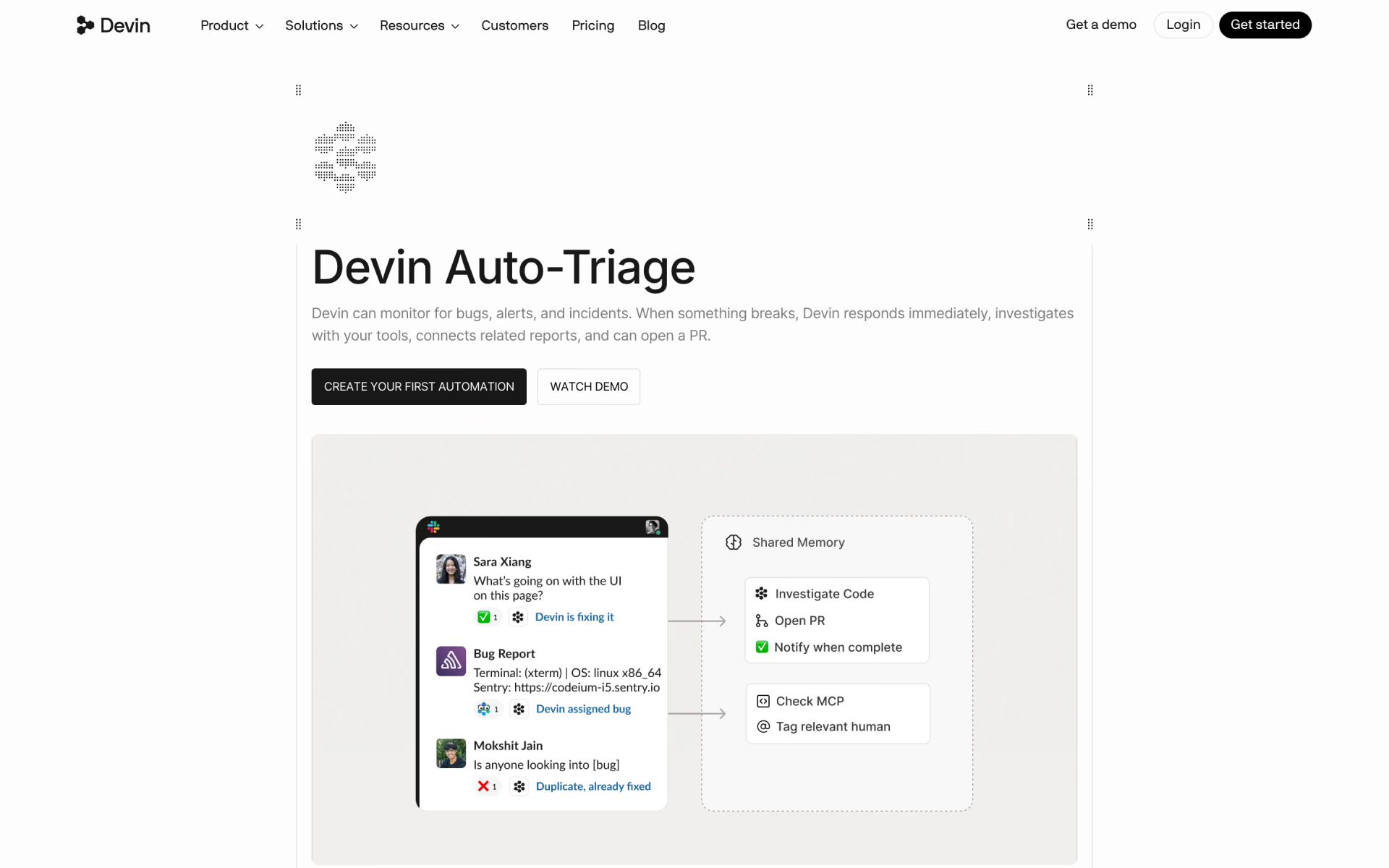
What is Devin Auto-Triage?
Cognition's Devin agent for engineering teams that watches bug channels, investigates reports and opens fixes.
Who is Devin Auto-Triage best for?
Devin Auto-Triage is best for engineering teams that collect bug reports in Slack and want each one investigated and routed.
Bug and incident channels
A long-running Devin watches the channel around the clock, ignores noise and sends a sub-Devin to diagnose each real report in its thread.
Routing issues to owners
It keeps a routing table in shared memory, tags the code owner, and learns when someone replies that a bug is not their area.
Teams on Datadog or Sentry
Connected through MCP, it pulls logs, metrics, traces and stack traces into each investigation.
Repeat alerts and failed CI runs
It links repeated reports to earlier threads, and Devin Automations can also start from GitHub, Linear, PagerDuty, webhooks or a schedule.
How much does Devin Auto-Triage cost?
Devin Auto-Triage comes with Devin's paid plans, which include the cloud agents it runs on: Pro at $20 a month, Teams at $80 a month plus $40 per developer seat, and Max at $200 a month.
- Cloud agents (Devin Cloud), which Auto-Triage runs on
- Usage allowance that refreshes daily and weekly
- Extra usage at API prices
- Up to 200 users
- Shared work, central billing and an admin dashboard
- Priority support
- Everything in Pro
- Much higher usage quotas
Devin's Free plan covers local coding in Devin Desktop but not cloud agents. Enterprise is priced through sales and adds SSO, central admin controls and a dedicated deployment option. Each sub-Devin that Auto-Triage starts counts as a session against your usage, and each automation can have its own usage and run limits. Full pricing on devin.ai. We checked these prices on .
How do readers rate Devin Auto-Triage?
No one has rated Devin Auto-Triage yet. Be the first.
Sign in to rate. One rating per account.
What are the best Devin Auto-Triage alternatives?
One tool on Recaply does Devin Auto-Triage's job. It is open source, so you can run it on your own server.

Questions about Devin Auto-Triage
What is Devin Auto-Triage?
Cognition's Devin agent for engineering teams that watches bug channels, investigates reports and opens fixes.
Who is Devin Auto-Triage for?
Devin Auto-Triage is best for engineering teams that collect bug reports in Slack and want each one investigated and routed.
Is Devin Auto-Triage free?
No. Devin Auto-Triage is a paid tool, from $20 per month.
How much does Devin Auto-Triage cost?
Devin Auto-Triage's paid plans are Pro at $20 per month, Teams at $80 per month plus $40 per full dev seat and Max at $200 per month.
Is there an open source alternative to Devin Auto-Triage?
Yes. Potpie is an open source tool that does the same job, so you can run your own.
What are the best Devin Auto-Triage alternatives?
The closest alternatives on Recaply are Potpie.
Where can I try Devin Auto-Triage?
On its official website, devin.ai.
How do I set up Devin Auto-Triage?
Invite Devin to the Slack channel you want watched, create an automation from the Triage Bug Reports template, pick the channel and save. Your own Slack account must be connected in Devin's settings, and connecting Datadog, Sentry or Linear gives it more to work with.
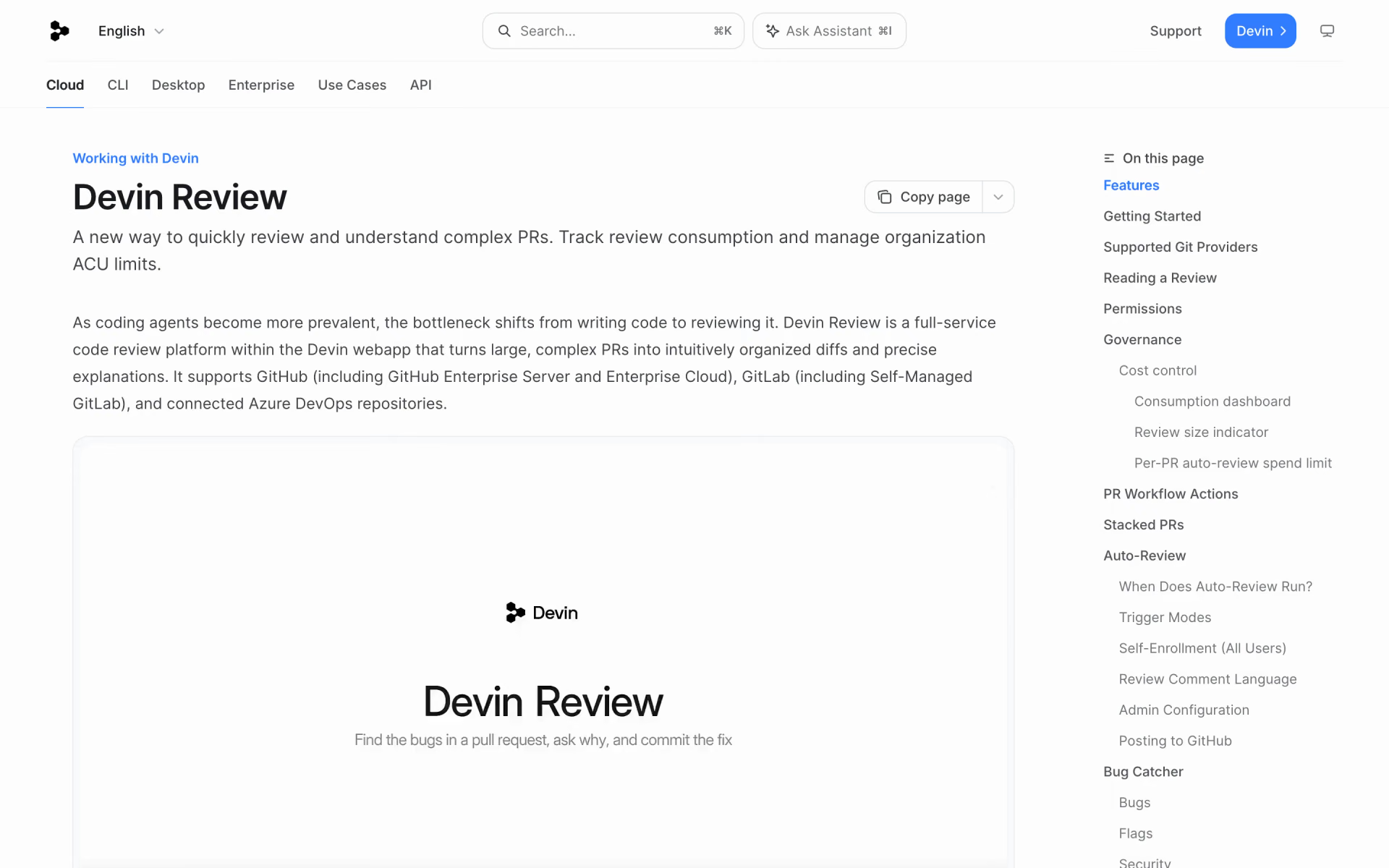
 Devin Review

 Pixee

 Typo AI

 Autonoma

 Autosana
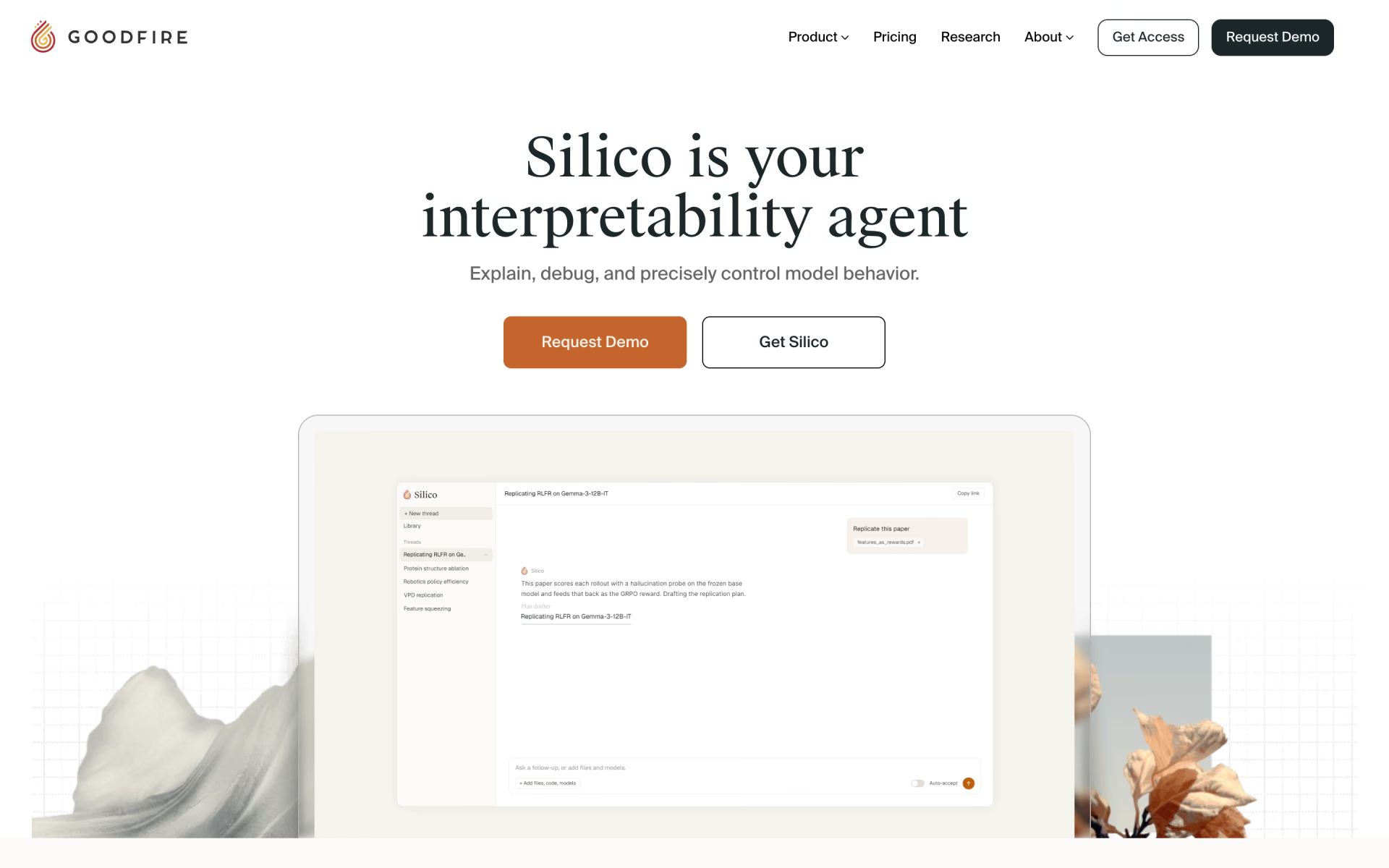
 Silico