

What is Autosana?
Write end-to-end test flows in plain English and let agents tap through iOS, Android and web builds.
Who is Autosana best for?
Autosana is best for mobile and web app teams that want AI agents to run end-to-end tests on every pull request.
Mobile regression testing
Agents tap through iOS and Android builds on cloud simulators and emulators, and on real phones from Pro up.
Pull request checks
A GitHub bot runs the flows a change touches on the PR's build and posts the results with videos.
Tests in plain English
Flows are short written instructions kept in your repo, with no selectors or scripts to maintain.
Coding agents that check their work
Through the CLI or MCP, a coding agent runs a flow locally and fixes what fails before it opens the PR.
How much does Autosana cost?
Autosana is free to start with 1,000 AI actions a month, then $0.10 per action; Startup is $999 a month and Pro $2,499 a month.
- 1,000 free AI actions, refilled every month
- Then $0.10 per AI action, $0.01 cached
- 1 cloud session for iOS, Android and web
- 15,000 AI actions, about 5,000 flow runs
- 8 parallel cloud sessions
- Dedicated Slack channel and onboarding
- 50,000 AI actions, about 17,000 flow runs
- 25 cloud sessions plus 5 on real phones
- Weekly test strategy call with engineers
An AI action is one step the agent takes in your app; cached steps from passing flows cost a tenth as much. Overage is $0.075 per action on Startup and $0.05 on Pro. Seats, apps and local runs are unlimited. Enterprise, with unlimited actions and sessions, SSO, a SOC 2 report and a forward-deployed engineer, is priced by sales. Full pricing on autosana.ai. We checked these prices on .
How do readers rate Autosana?
No one has rated Autosana yet. Be the first.
Sign in to rate. One rating per account.
How do I connect Autosana to my AI agent?
Autosana MCP is Autosana's official MCP server. Add it to your agent once, then ask it to manage Autosana test flows and suites, and search its docs.
Gives your agent access to your Autosana app tests and documentation, so you can organise flows and suites, check what failed and look up how a feature works.
$ claude mcp add --transport http autosana https://mcp.autosana.ai/mcp
Claude Code connects to Autosana over the web.
Run /mcp and sign in to Autosana in the browser.
Then ask your agent
- Runs
- On the web
- Sign-in
- OAuth
- Checked
- Answered 13 Nov
- Guide
- docs.autosana.ai
What are the best Autosana alternatives?
Three tools on Recaply do Autosana's job.



Questions about Autosana
What is Autosana?
Write end-to-end test flows in plain English and let agents tap through iOS, Android and web builds.
Who is Autosana for?
Autosana is best for mobile and web app teams that want AI agents to run end-to-end tests on every pull request.
Is Autosana free?
Yes. Autosana has a free Pay as you go plan: 1,000 free AI actions, refilled every month.
How much does Autosana cost?
Autosana's paid plans are Startup at $999 per month and Pro at $2,499 per month.
Does Autosana have an MCP server?
Yes. Autosana MCP is Autosana's official MCP server, so agents such as Claude Code, Cursor, Codex and GitHub Copilot can manage Autosana test flows and suites, and search its docs. Autosana runs it on the web and you sign in with your Autosana account.
What are the best Autosana alternatives?
The closest alternatives on Recaply are Panto AI, testRigor and Testsigma.
Where can I try Autosana?
On its official website, autosana.ai.
Does Autosana test on real devices?
Yes, from the Pro plan: it includes 5 parallel sessions on real iPhones and Android phones in Autosana's cloud. The free plan and Startup run on cloud simulators and emulators, and every plan can test against your own simulators locally.

 KaneAI
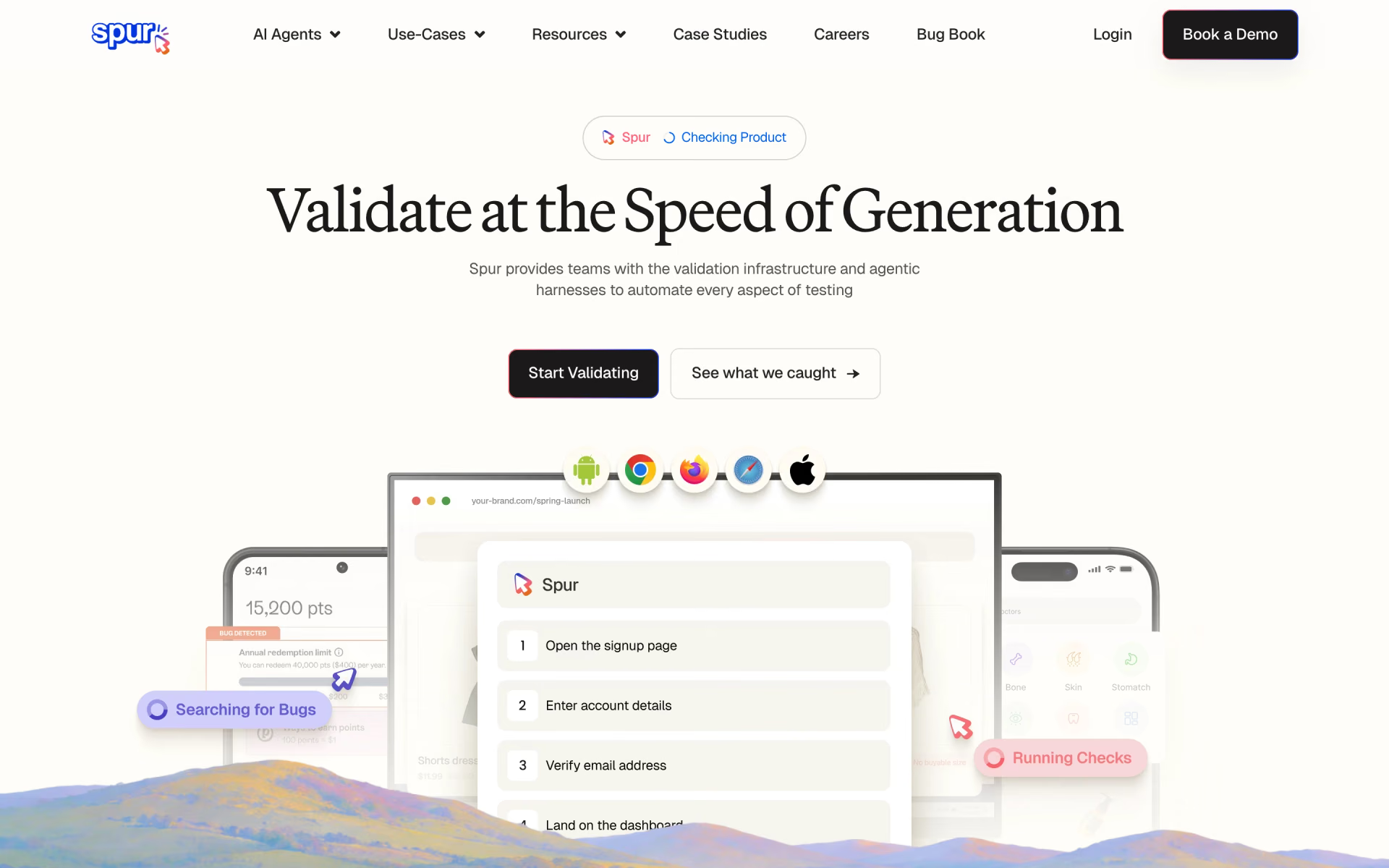
 Spur
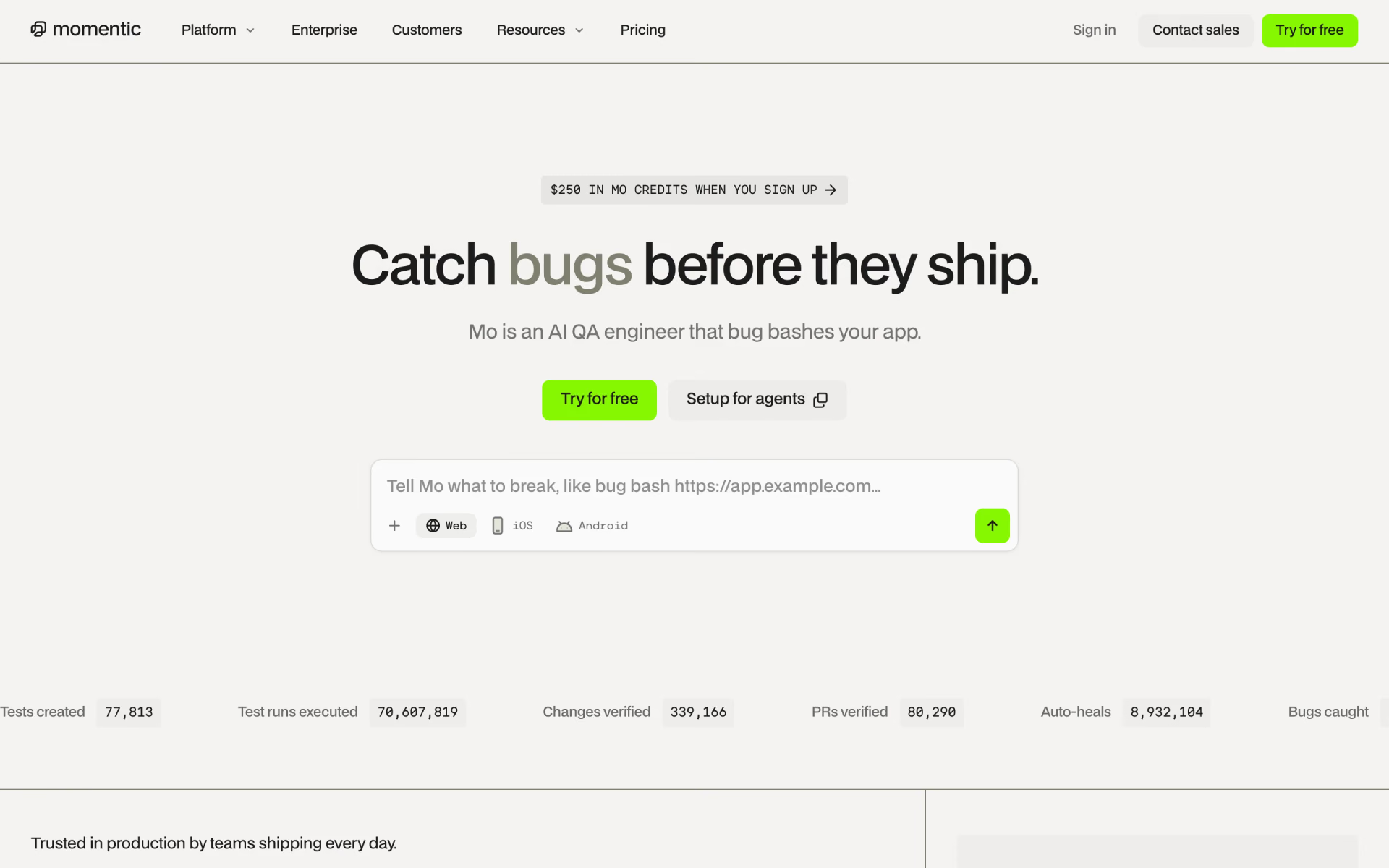
 Momentic

 Prometheus by Firecrawl
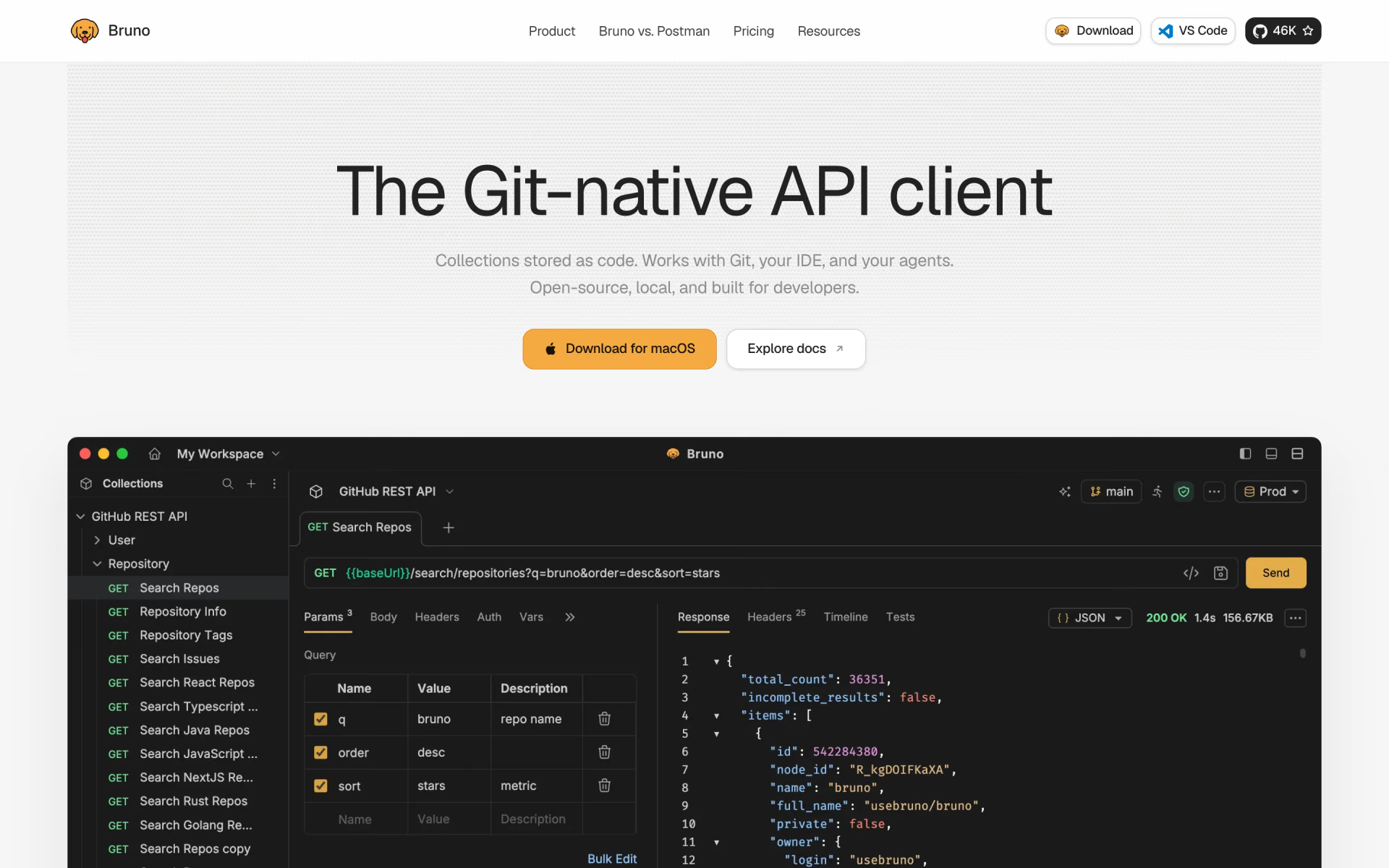
 Bruno
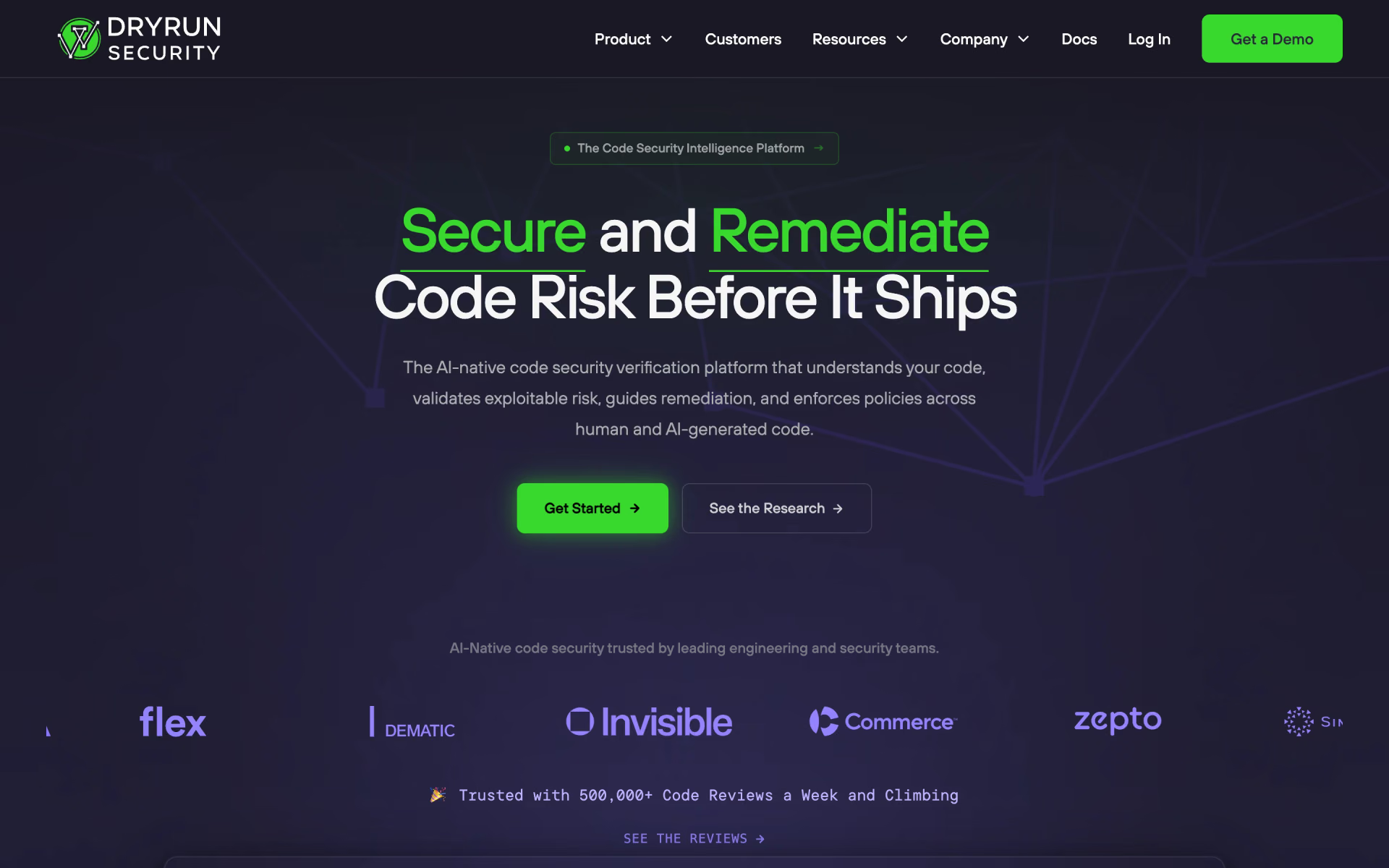
 DryRun Security