
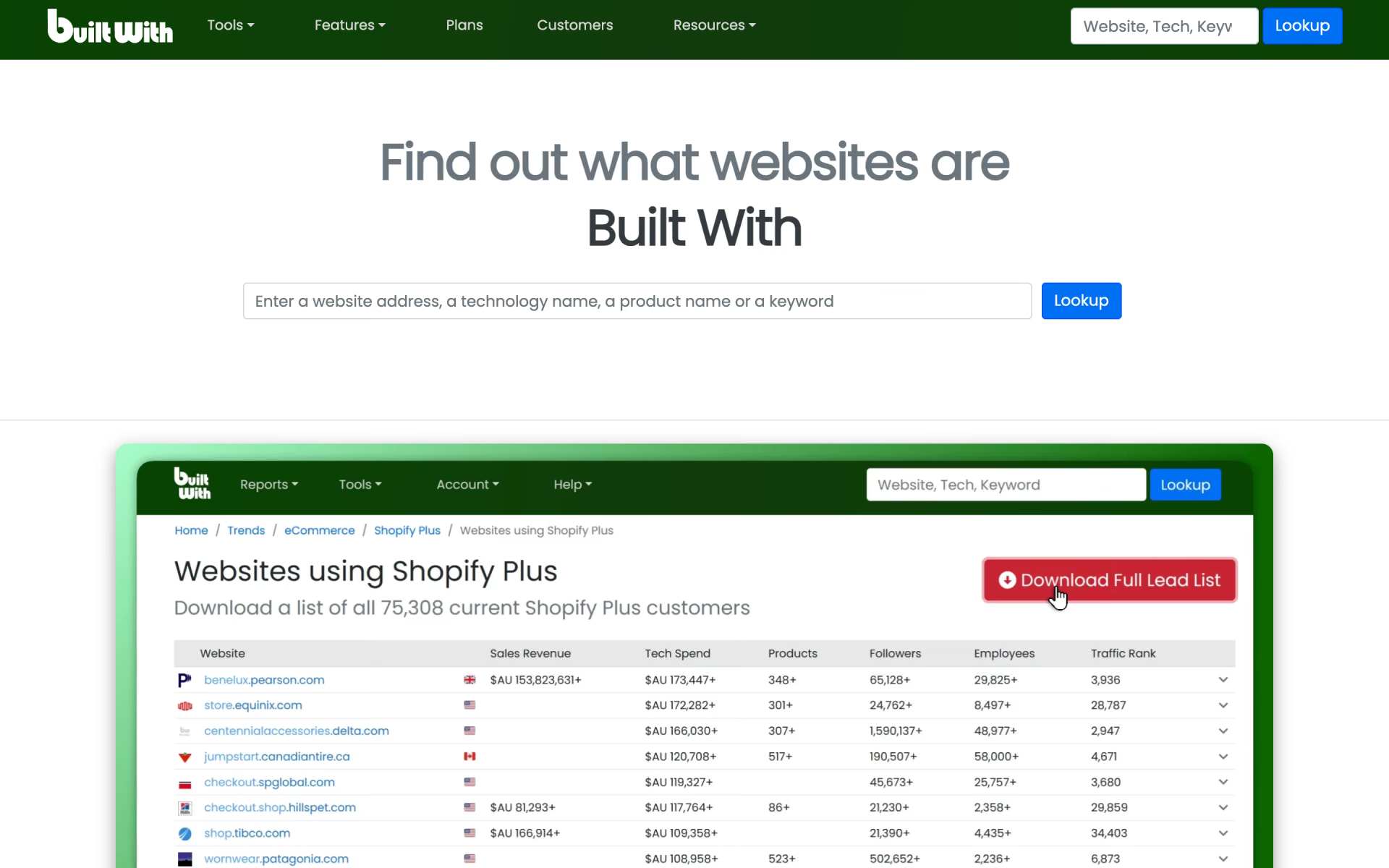
What is BuiltWith?
Look up the software behind any website and build lead lists of companies that use a given tool.
Who is BuiltWith best for?
BuiltWith is best for sales and market research teams who need lists of companies that run a given web technology.
Technographic lead lists
Build lists of websites that run a given tool, such as Shopify or HubSpot, with contact names, spend and location for outreach.
Competitor tracking
Compare technologies, see which sites move from one tool to another, and get alerts when a list of sites starts or stops using one.
Market and investor research
Trend data on 128,243 tracked technologies shows whether a product is gaining or losing websites.
CRM enrichment
Technology data flows into Salesforce, HubSpot, Dynamics 365, Zoho, Pardot and Close records.
How much does BuiltWith cost?
BuiltWith is free for looking up one website at a time; lead list plans cost $295 a month for Basic, $495 for Pro and $995 for Team.
- Individual website lookups
- Technology profile of any site
- Lead lists for 2 technologies
- 2 keyword and 2 retail reports
- 1 login and CRM integration
- Unlimited technology, keyword and retail reports
- 1 login
- CRM integration
- Unlimited reports
- Unlimited Pro logins
- CRM integration
Billed yearly, the plans cost $2,950, $4,950 and $9,950 a year. Every paid plan includes contact names and emails, Excel and CSV export, spend and revenue estimates, usage alerts and trend history. Team Ultra is sold separately. The minimum term is one month on monthly billing and one year on yearly billing. Full pricing on builtwith.com. We checked these prices on .
How do readers rate BuiltWith?
No one has rated BuiltWith yet. Be the first.
Sign in to rate. One rating per account.
How do I connect BuiltWith to my AI agent?
BuiltWith MCP is BuiltWith's official MCP server. Add it to your agent once, then ask it to see which technologies any website runs on with BuiltWith.
Gives your agent BuiltWith's lookup data, so you can find the frameworks, analytics, hosting and other tools a site uses while researching a market or a lead.
$ claude mcp add --transport http builtwith https://api.builtwith.com/mcp
Claude Code connects to BuiltWith over the web.
Make an API key in your BuiltWith account and add it where the guide says.
Then ask your agent
- Runs
- On the web
- Sign-in
- API key
- Checked
- Answered 13 Nov
- Guide
- api.builtwith.com
What are the best BuiltWith alternatives?
One tool on Recaply does BuiltWith's job.

Questions about BuiltWith
What is BuiltWith?
Look up the software behind any website and build lead lists of companies that use a given tool.
Who is BuiltWith for?
BuiltWith is best for sales and market research teams who need lists of companies that run a given web technology.
Is BuiltWith free?
Yes. BuiltWith has a free plan: individual website lookups.
How much does BuiltWith cost?
BuiltWith's paid plans are Basic at $295 per month, Pro at $495 per month and Team at $995 per month.
Does BuiltWith have an MCP server?
Yes. BuiltWith MCP is BuiltWith's official MCP server, so agents such as Claude Code, Cursor, Codex and GitHub Copilot can see which technologies any website runs on with BuiltWith. BuiltWith runs it on the web and it signs in with an API key from your BuiltWith account.
What are the best BuiltWith alternatives?
The closest alternatives on Recaply are Wappalyzer.
Where can I try BuiltWith?
On its official website, builtwith.com.
How does BuiltWith get its data?
BuiltWith says it indexes the web itself, much as a search engine crawls pages, and does not buy data from third parties. Its reports cover 491.9 million domains and are updated weekly.
Can I buy a single BuiltWith report?
BuiltWith has no one-off report. Its own advice is to sign up for Basic, download the report and cancel, but the minimum term is one month, so a single report costs $295.

 SDRx

 LeadHunt AI
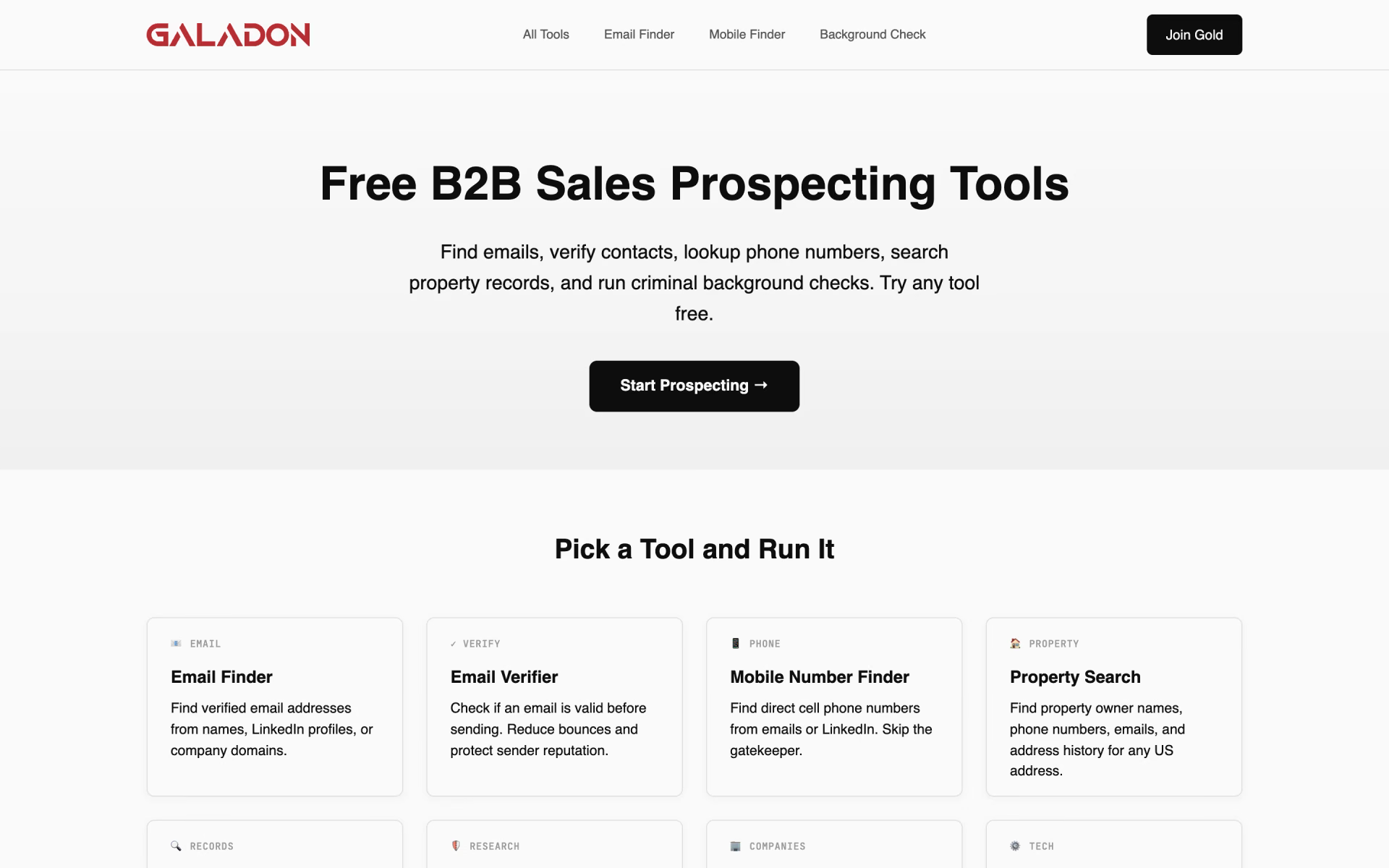
 Galadon

 Topo

 SocialSense
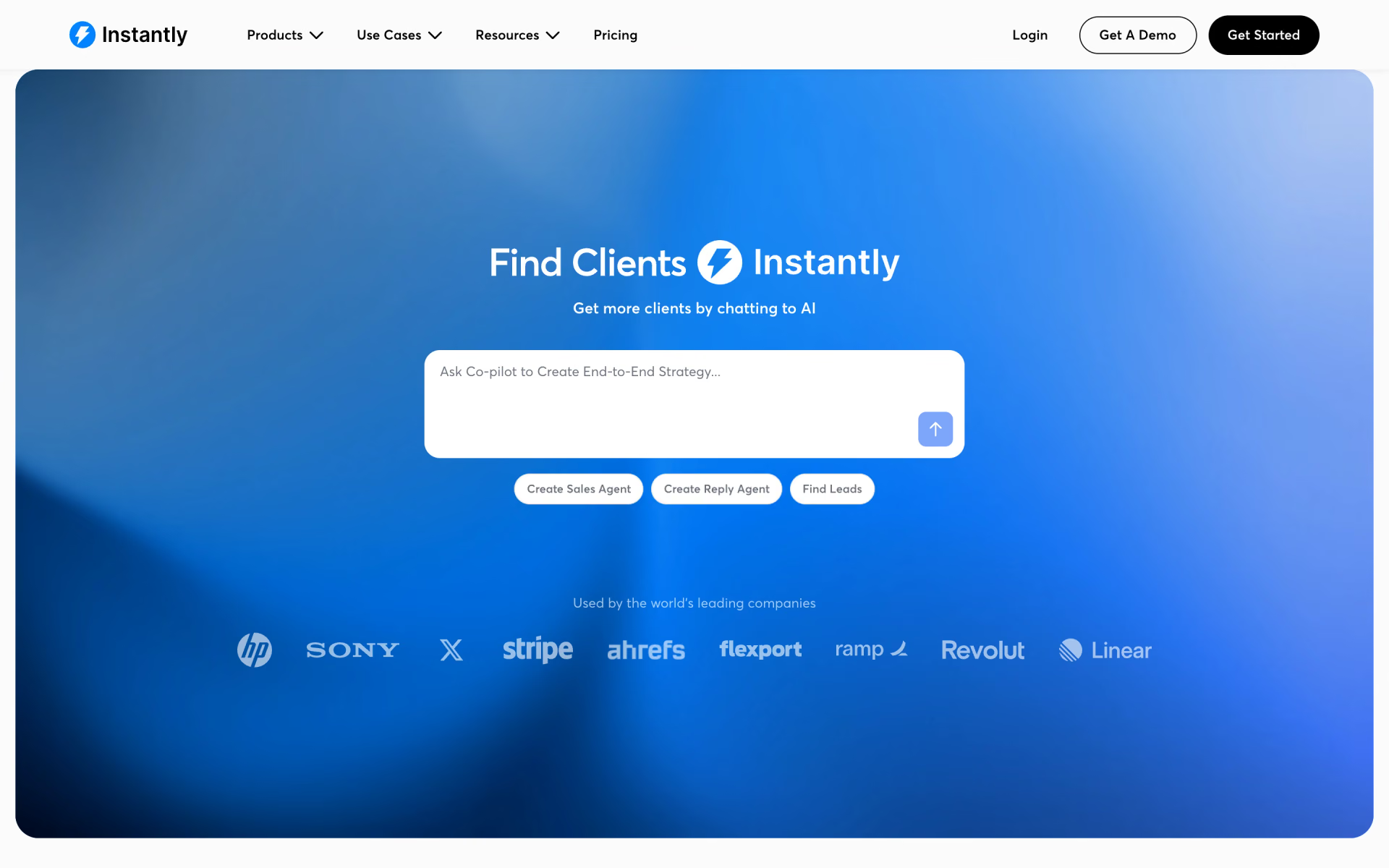
 Instantly